
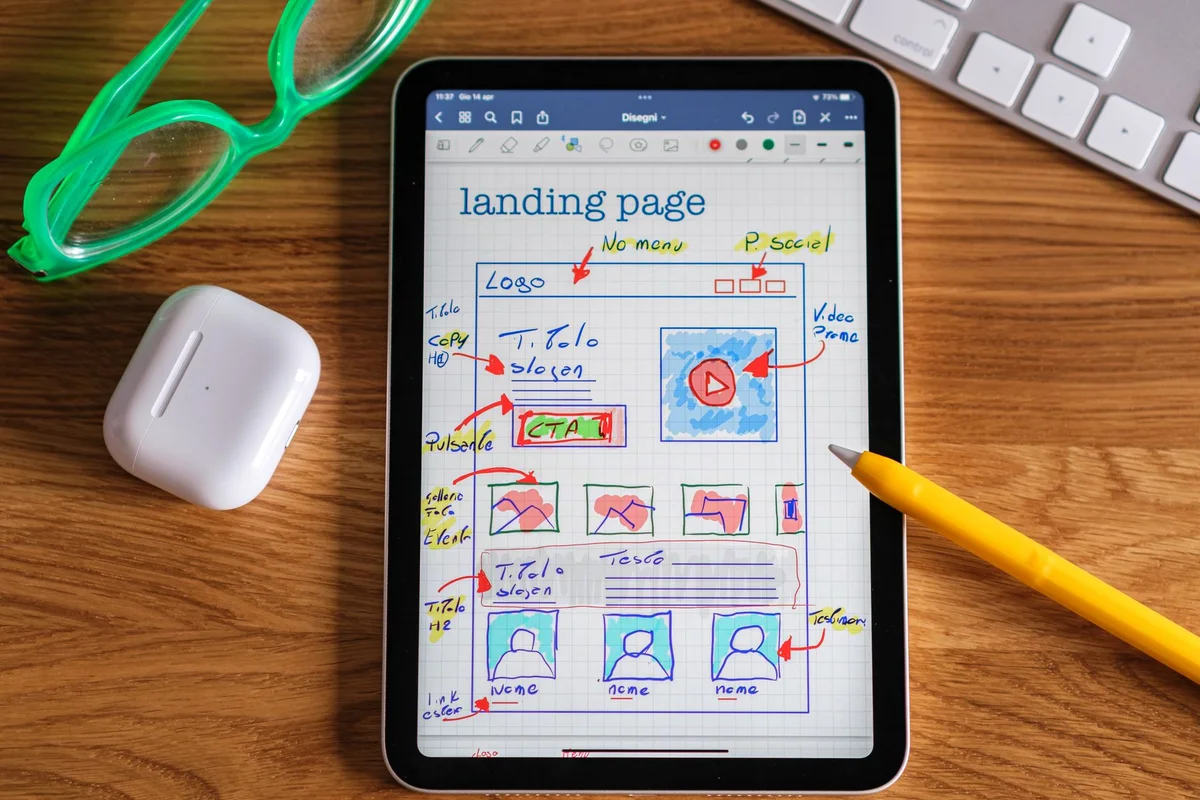
An application prototype gives people something concrete to review before the full build. Its job is to reveal whether the proposed workflow makes sense: where users begin, what they enter, what happens next, and how they recover when something goes wrong. A convincing screen is useful only if the task behind it is clear.
Prototype a task rather than isolated screens
Choose a core journey from the first-release scope. Show the starting information, the decision, and the completed result. Use realistic sample content so reviewers can judge labels, lengths, and missing details rather than admiring an empty layout.
For a request application, a prototype might show submission, assignment, a request for more information, and completion. Keep simulated behavior explicit. A clickable prototype does not prove that a connection, permission rule, or data save has been implemented.
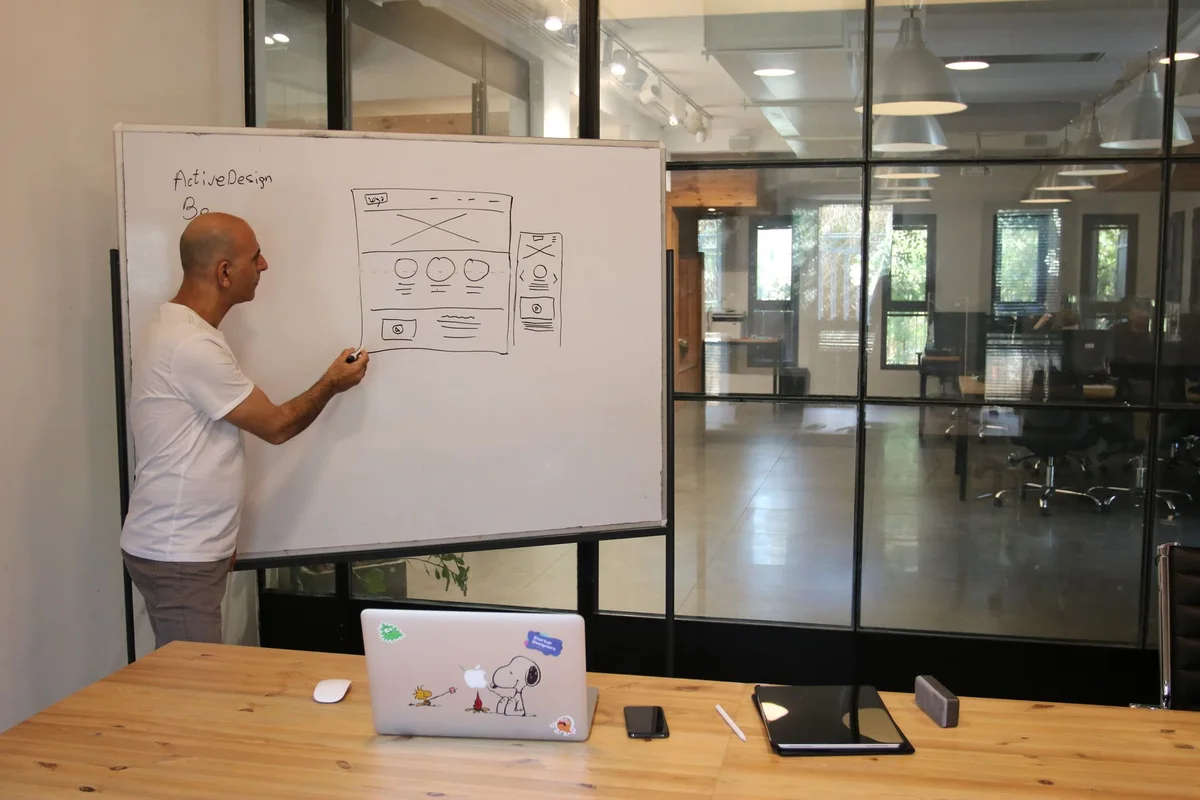
Include the states users actually encounter
Designing only the successful path leaves important questions unanswered. Show what appears before any records exist, while an action is processing, when required information is missing, and after the task finishes.
| State | Review question |
|---|---|
| Empty | Can the user understand how to begin? |
| In progress | Is it clear that an action is being processed? |
| Error | Can the user identify and correct the problem? |
| Completed | Is the result and next step understandable? |
Also consider narrow screens and longer content. The goal is to identify design requirements, not to treat every sketch as a finished accessibility check.

Involve users and plan accessibility
Invite people who represent the intended users and give them a task without coaching every step. Record observations separately from suggested solutions. A repeated difficulty finding an action is evidence of a problem; the first proposed new button may not be the best answer.
W3C recommends involving people with disabilities during projects and combining that involvement with standards-based accessibility evaluation. Plan both user feedback and accessibility checks; neither a successful demonstration nor one participant covers every need. See W3C guidance on involving users.
Turn feedback into decisions
Keep a finding log with the task, observed difficulty, decision, and person responsible. Distinguish changes required for the essential workflow from preferences that can wait. Review revised flows before approving them for development.
The handover should include the agreed screens, states, business rules, and open questions. Link each important behavior to an acceptance task. When the application is built, repeat those tasks in the working system; prototype approval does not replace production testing. Bring the findings into the deployment readiness review.
Discuss your workflow with Your Expert Tech’s application design and deployment service. Bring the task, users, existing tools, and the outcome you want to improve.