Business browser workflows
Business Browser Readiness: Test the Work, Not Just the Homepage
Build an office browser acceptance plan covering account context, link routing, downloads, permissions and update restarts.
Practical guides to technology, support, and business growth.
Build an office browser acceptance plan covering account context, link routing, downloads, permissions and update restarts.
Distinguish the operating-system user, browser profile and signed-in website account before handling business records.
Check bookmarks, email links, shortcuts and downloaded documents before changing an office browser default.
Trace a dummy download from the browser to its approved destination and distinguish preview, history and the actual saved file.
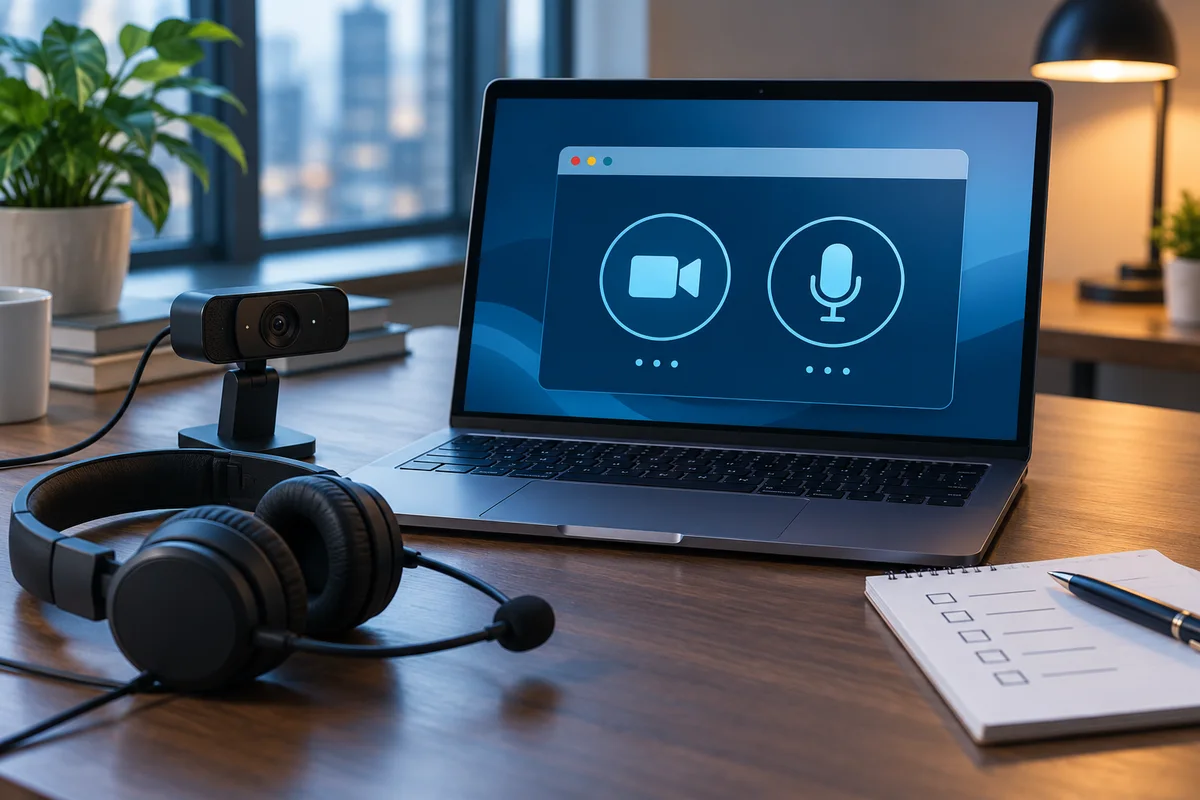
Record the exact site, requested feature and approved scope when camera, microphone or other browser permissions affect office work.
Prepare a controlled browser restart, verify the installed version and repeat critical office tasks without assuming tabs preserve unsaved work.
Plan user-chosen workstation adjustments with practical tests for keyboard navigation, display settings, captions, pointer controls and shared desks.
Test keyboard navigation through real office forms, menus and dialogs. Distinguish operating-system settings from application barriers.
Compare text size, display scaling and application zoom, then check readability and reachable controls on the monitors your staff actually use.
Check caption sources, readable placement, headset output and notifications before relying on a workstation setup in everyday meetings.
Separate pointer visibility, mouse behavior and keyboard pointer emulation. Run a reversible trial using real office tasks before choosing equipment.
Verify sign-in, personal settings, applications and peripherals on the destination computer instead of assuming preferences will transfer.
Build a repeatable PDF handoff with checks for complete pages, searchable text, readable file size, accessible structure and the correct revision.
Compare scanned PDFs with their source batches to catch missing sides, duplicate pages, clipped content and unresolved attachments before release.
Test exact searches and copied text in scanned PDFs, with deliberate checks for identifiers, dates and table relationships before operational reuse.
Choose a delivery-size target and compare compressed PDF copies for readable detail, working links and required document behavior before sending.
Review headings, meaningful links, image descriptions and reading order before and after PDF export, without treating an automated check as certification.
Connect the approved source, final PDF, reviewer and delivery location so teams do not mistake a working export for the released document.
Define which laptops, displays, power supplies and peripherals an office desk supports before ordering docks for the whole team.
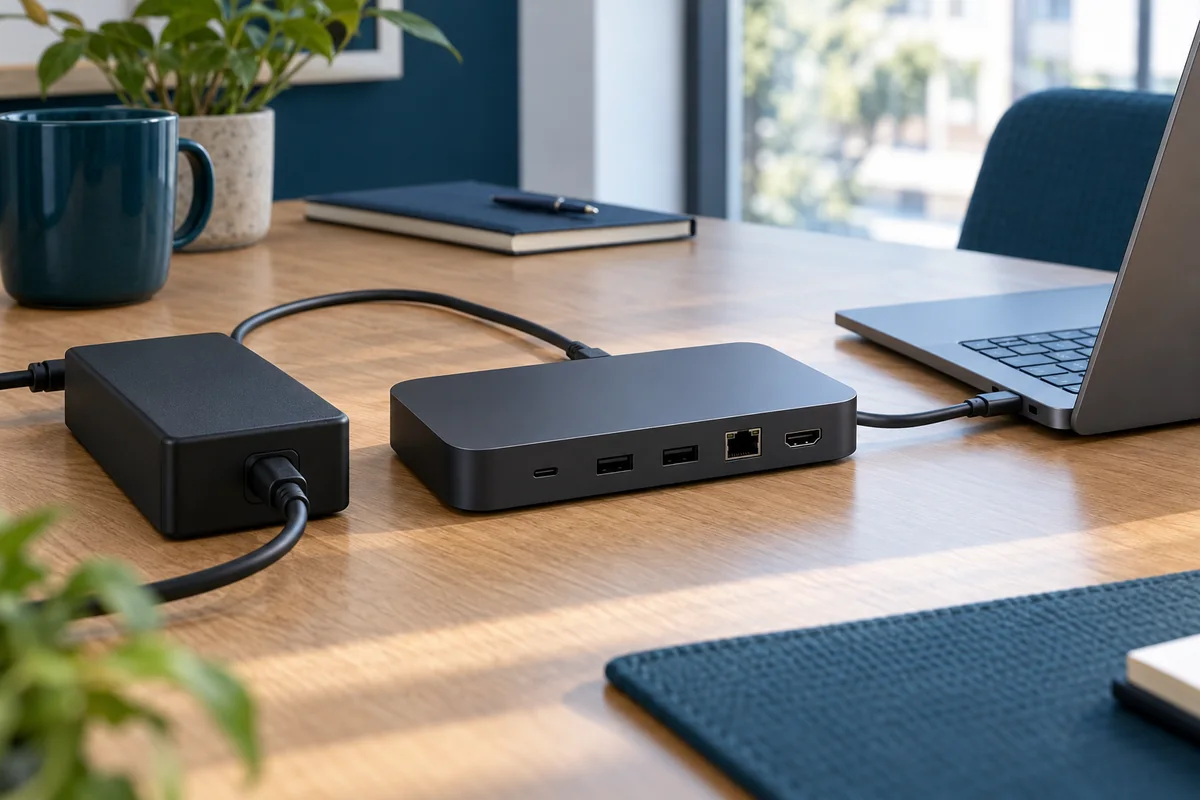
Separate adapter rating, power delivered to the laptop and observed charging behavior when approving an office docking station.
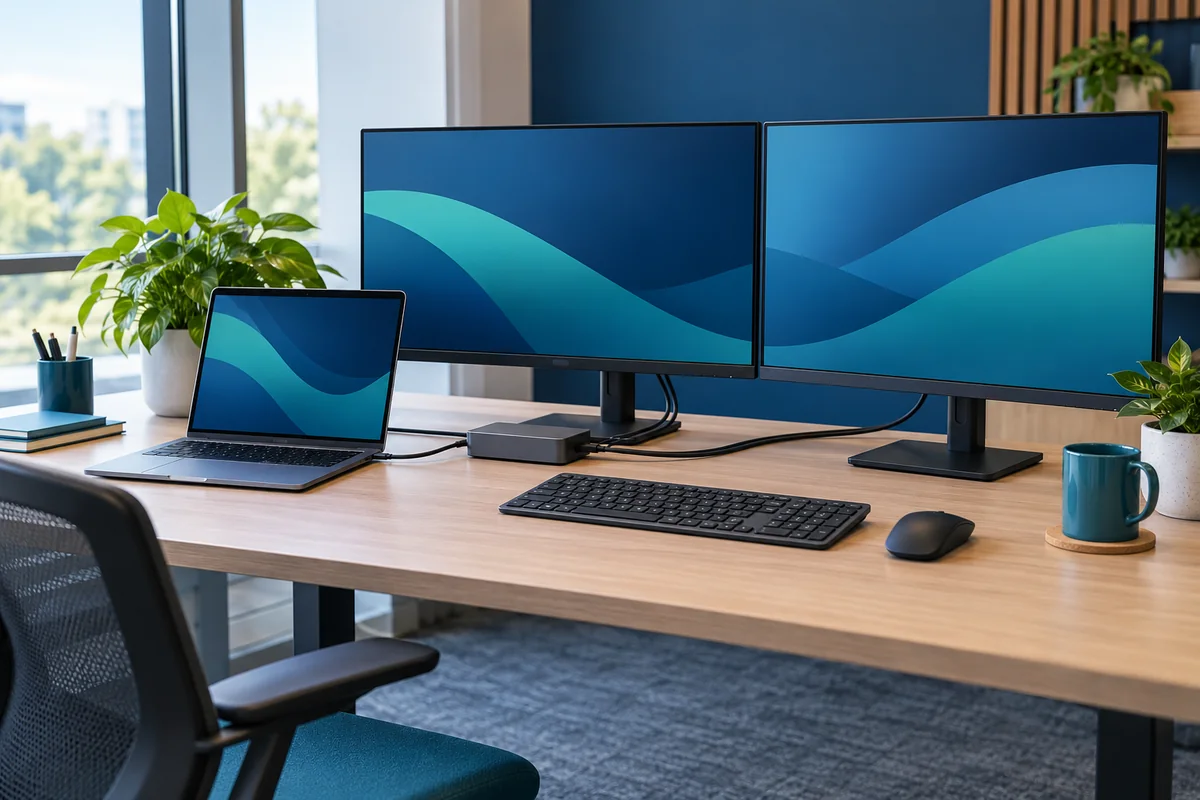
Check laptop limits, dock output combinations, monitor settings and readable working layouts before approving a dual-monitor desk.
Build a practical peripheral test that follows real desk tasks and distinguishes detection from a usable business workflow.
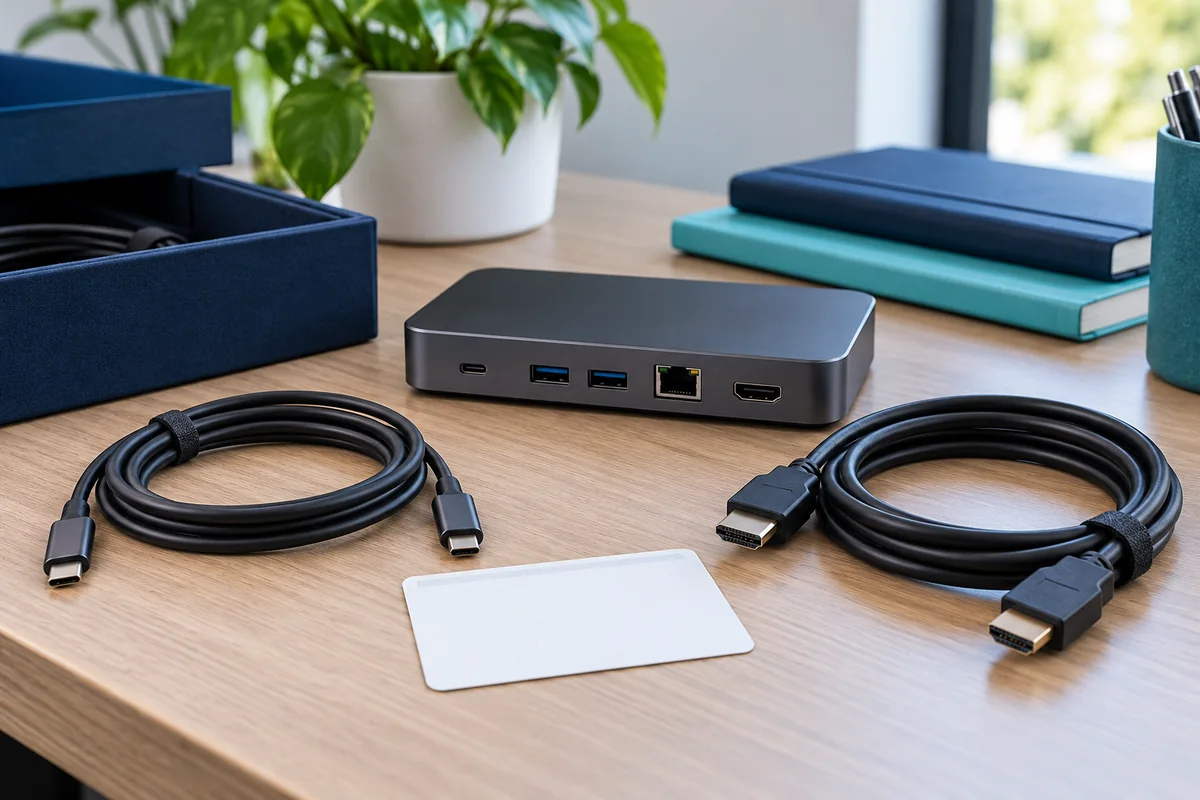
Specify and label replacement host cables, adapters and power supplies so routine swaps preserve the tested docking configuration.
Use a small representative desk pilot with clear pass criteria, exceptions and staged release decisions before expanding deployment.
Plan an office computer retirement batch with clear ownership, data decisions, technical review, pickup controls and final records.
Build a device-level retirement inventory that exposes uncertain ownership, missing media, data holds and unapproved destinations.
Review sanitization scope, device identity, results and exceptions without mistaking a reset screen or generic certificate for proof.
Coordinate Windows device-management release with data protection and a verified recipient handoff, without deleting records out of order.
Define the devices, provider checks, pickup manifest, exceptions and reporting deliverables for an office electronics collection.
Reconcile collected devices, sanitization results, transfers and unresolved items before marking a retirement project complete.
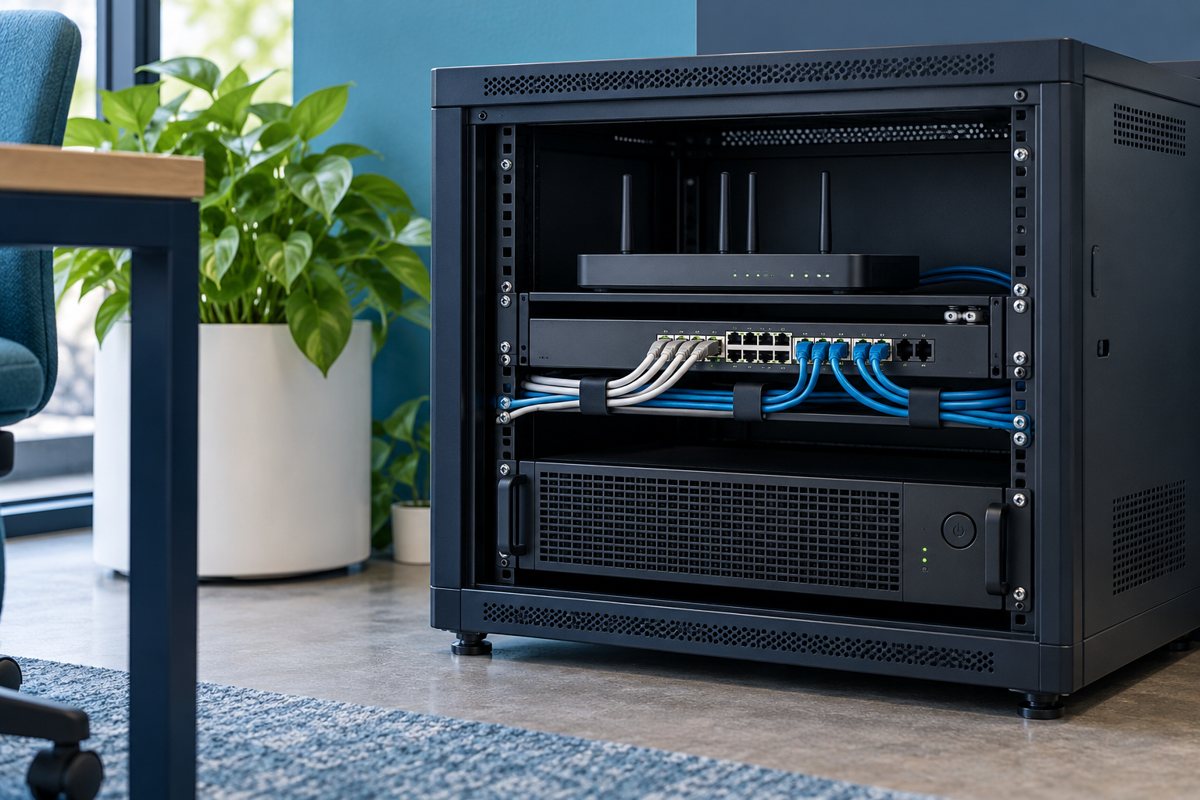
Build a usable record of office network outlets, patch-panel ports, cable labels, changes and test evidence before the next desk move.
Map office outlets to patch panels and current switch connections using stable identifiers, evidence dates and explicit unknowns.
Create readable office cable and outlet identifiers, reconcile old labels, and keep physical labels aligned with support records.
Record network patching changes for desk moves with a baseline, approval, test result and clear rollback decision.
Match cable-test reports to the right outlets, test scope and acceptance criteria before filing the project as complete.
Check that network labels, port records, change history and cable-test files agree before closing an office IT documentation project.
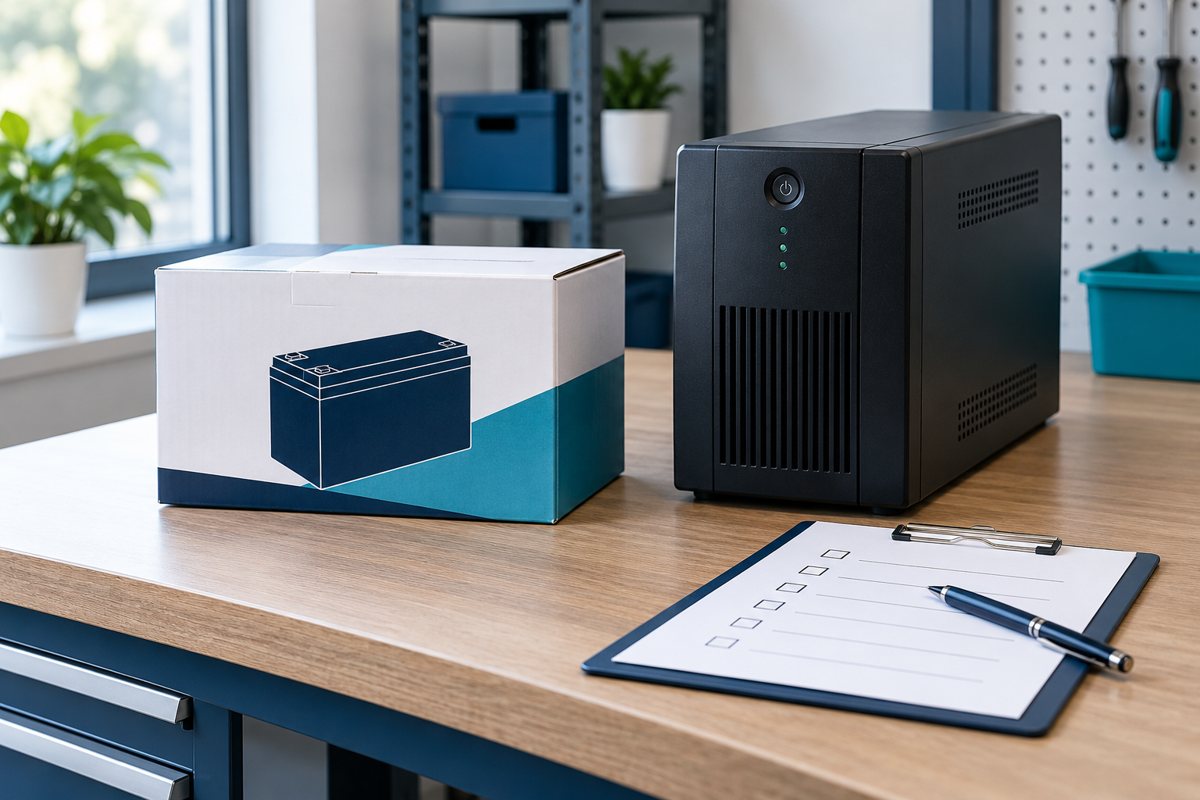
Decide which office tasks need battery backup, document dependencies, and turn UPS selection into a tested shutdown and recovery plan.
Build a device-by-device load record for office UPS selection, separating measured demand, equipment ratings, and missing information.
Choose which office functions should continue during a short outage and identify every powered dependency needed to support them.
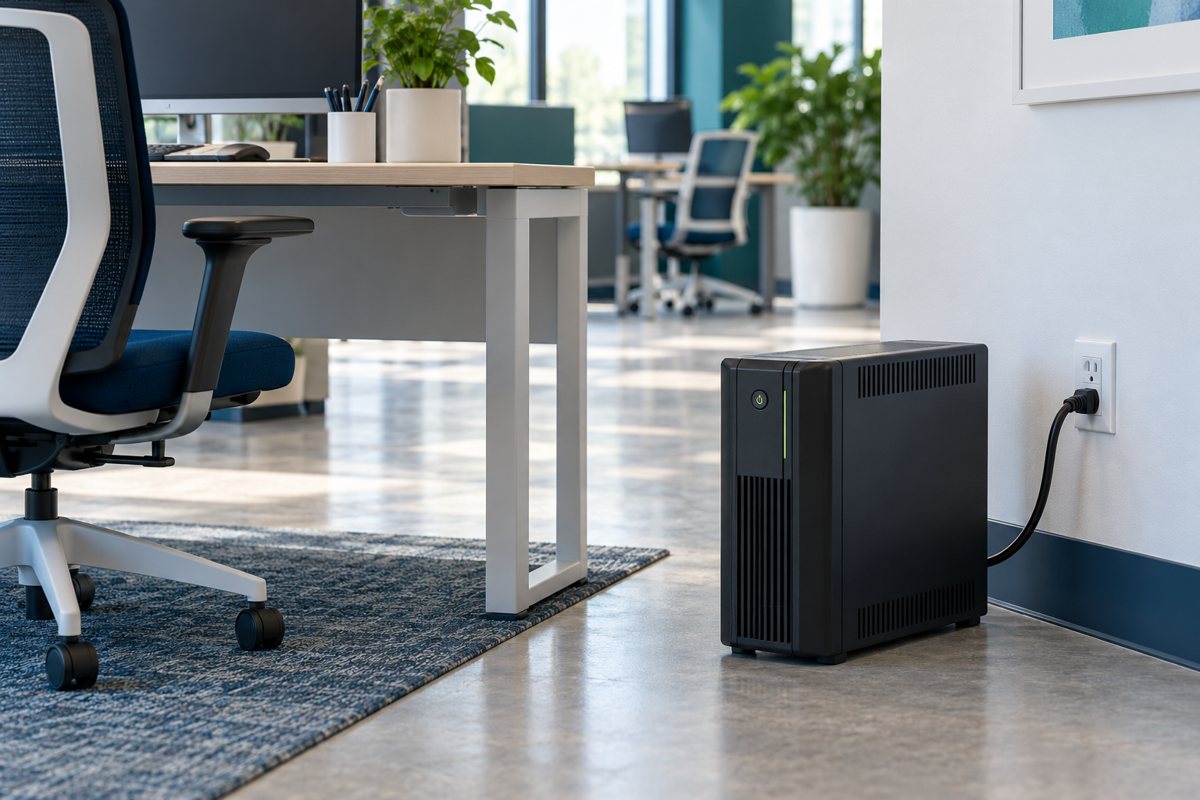
Prepare a small-office UPS location and handoff without improvising electrical work or overlooking ventilation and access.
Plan a controlled test of UPS alerts, supported shutdown software, application closure, and recovery with clear acceptance evidence.
Track UPS battery identity, condition, service decisions, replacement compatibility, and the documented recycling handoff.
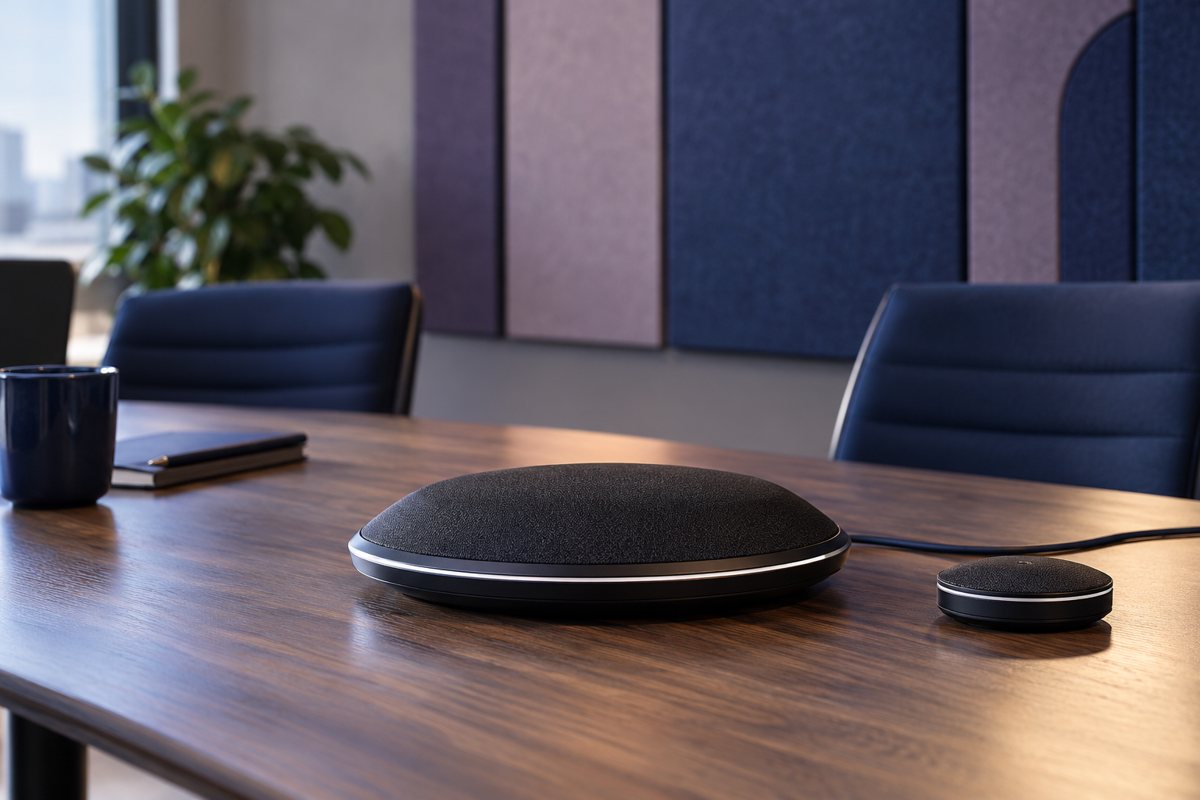
Plan a small-office meeting room around supported devices, remote participant experience, host instructions, and recorded acceptance tests.
Test meeting-room speech, seat coverage, echo, and shared media with a remote colleague before declaring the room ready.
Check charging, display, camera, and audio separately across the exact laptop, cable, dock, and peripheral combination used in your room.
Evaluate camera framing, daylight, display readability, and supported seating positions from the remote participant perspective.
Create a short room-specific host card covering joining, device selection, sharing, recovery, and end-of-meeting handover.
Accept a meeting room against real tasks, document limitations, test host instructions, and assign support and retest responsibilities.
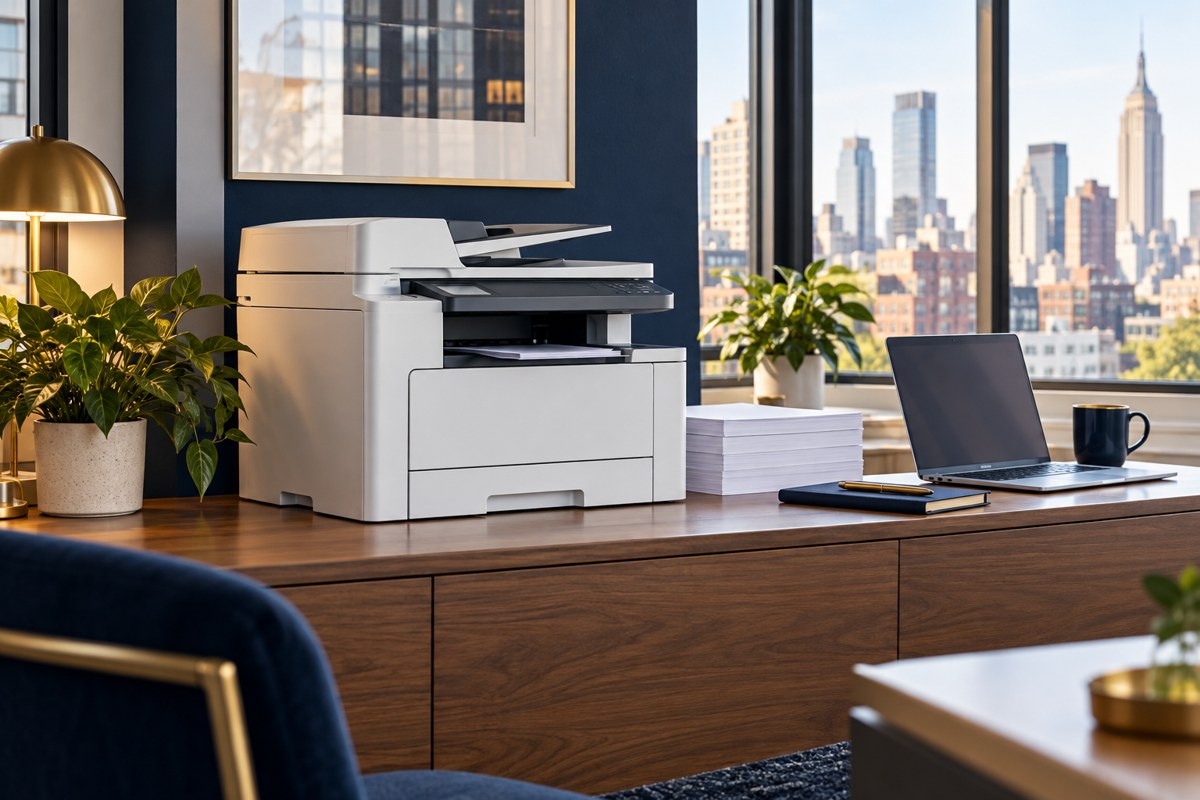
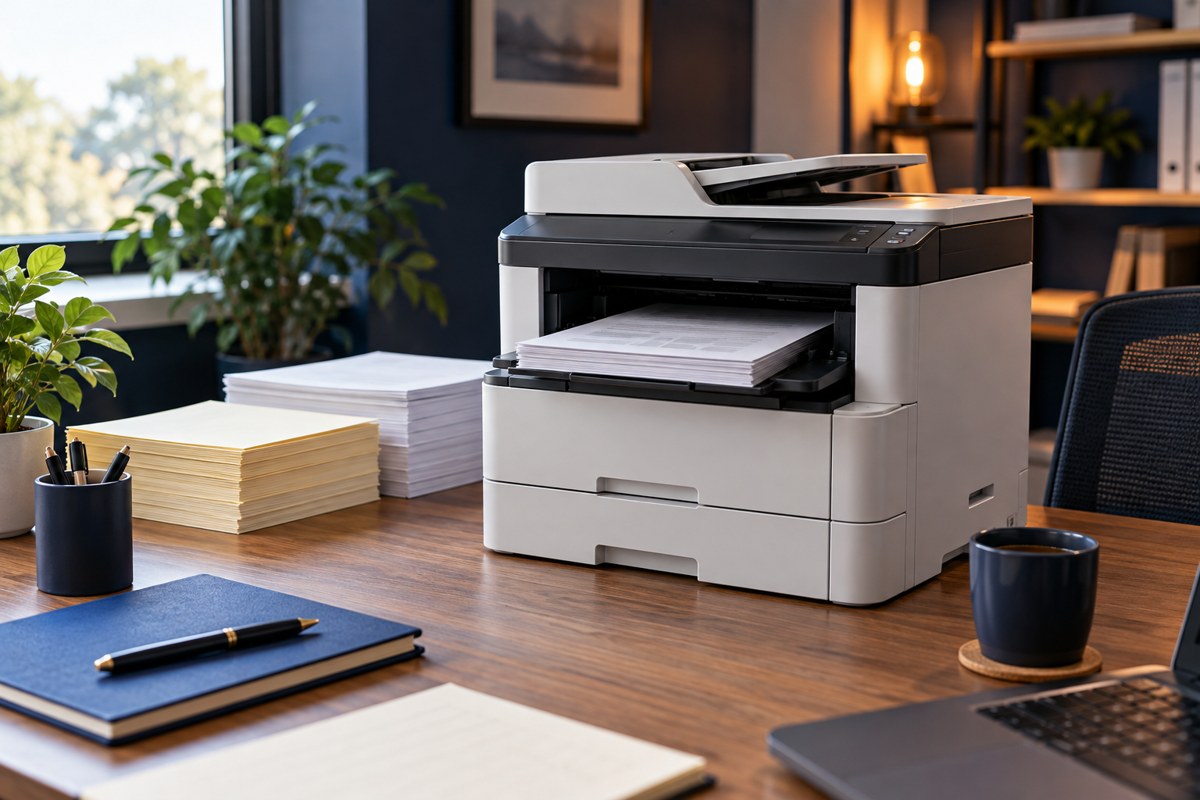
Choose an office printer with a practical requirements brief covering workload, compatibility, security, total cost, supplier evidence, and acceptance tests.
Compare office-printer costs using consistent volume assumptions, supply yields, service exclusions, cloud charges, and a transparent three-year example.
Turn monthly printer volume and peak jobs into practical capacity, tray, duplex, scanning, media, and turnaround requirements for your office.
Ask printer suppliers for evidence on administration, stored documents, firmware support, secure release, network access, and retirement before purchase.
Build a printer compatibility test for real applications, Windows Ready Print, Mac and mobile output, scanning, secure release, and cloud dependencies.
Verify a new office printer against the quote and real workflows, then test security, peak jobs, recovery, support ownership, and handover evidence.
Plan small-business guest Wi-Fi with clear access boundaries, a suitable joining method, safe acceptance tests, and a practical staff handoff.
Understand guest SSIDs, VLAN placement, routed access rules, and client isolation so your network handover explains the actual boundary.
Use controlled devices, known endpoints, permitted-and-blocked path checks, and scoped evidence to test guest Wi-Fi isolation safely.
Compare shared passwords, guest vouchers, and captive portals by visitor turnover, expiration, device compatibility, privacy, and support.
Plan guest screen sharing around the receiver, discovery path, media session, limited exceptions, and a tested meeting-room fallback.
Define guest access lifetimes, issuing responsibilities, current visitor instructions, safe support limits, and a tested closure process.
Plan Microsoft 365 scan-to-email with a device inventory, route decision, safe test plan, delivery evidence, and copier retirement checklist.
Inventory copier models, firmware, owners, recipient scope, and shared email dependencies before changing Microsoft 365 scan-to-email settings.
Compare Direct Send, SMTP relay, and authenticated submission using recipient scope, verified device support, ownership, and acceptance evidence.
Troubleshoot a missing scan with a bounded evidence record: device result, timestamps, message trace, recipient checks, and a clear support handoff.
Test scanner email using synthetic documents, approved recipients, a repeatable matrix, recipient verification, and controlled failure handling.
Plan a leased copier return with shared-dependency checks, approved data sanitization, access removal, replacement testing, and handoff evidence.
Compare workflow fit, ownership, implementation effort, and ongoing responsibilities before choosing custom or existing software.
Define information ownership, connection behavior, validation, and cutover responsibilities when applications exchange or move data.
Define who can view, change, approve, export, and administer application information—and verify those boundaries.
Understand the work, dependencies, recurring costs, and scope decisions behind an application project estimate.
Plan business-led acceptance tests with realistic tasks, expected outcomes, clear findings, and a release decision.
Define application ownership, operating instructions, maintenance, support, and future changes before the project handover.
Prepare a useful technology case study with a clear starting situation, documented work, supported results, and publication approval.
Explain who a demonstration is for, what it will show, what information to request, and how the inquiry reaches the right person.
Preserve the inquiry context, define qualification and ownership, and use sales feedback to improve technology marketing.
Turn subject-matter interviews into accurate buyer guidance with a focused brief, clear examples, and a traceable review process.
Define an assessment scope, gather reliable information, and separate confirmed findings from questions that need investigation.
Turn assessment findings and business goals into an ordered technology plan with owners, dependencies, and review points.
Compare deliverables, assumptions, responsibilities, recurring costs, and acceptance criteria before choosing an IT proposal.
Give decision makers a clear problem, options, assumptions, responsibilities, and acceptance criteria for a proposed IT project.
Define hotel workflows, account responsibilities, integration needs, and acceptance checks before comparing security software.
Plan software roles, approval steps, staff changes, and access reviews for hotel security systems.
Map hotel systems, define data exchanges, verify compatibility, and assign ownership for integration testing and support.
Organize a limited pilot, practical staff training, acceptance checks, and support handover for a hotel security software launch.
Compare hotel security software proposals using consistent questions about workflows, integrations, licensing, and ongoing support.
Design clear software steps for recording hotel incidents, assigning owners, handing over open work, and reviewing completion.
Plan hotel security record categories, access, retention decisions, exports, and deletion responsibilities before changing software settings.
Create a practical hotel software handover covering supplier contacts, system ownership, updates, account administration, and support escalation.
Review hotel security software after launch using staff feedback, task samples, access checks, integration evidence, and assigned improvements.
Turn a business problem into a useful application brief with users, data, decisions, and acceptance criteria.
Choose a complete, useful first workflow and separate essential features from later improvements.
Use realistic tasks, clear screen states, and user feedback to review an application before committing to the build.
Organize release approval, production settings, recovery decisions, and operational ownership before launching an application.
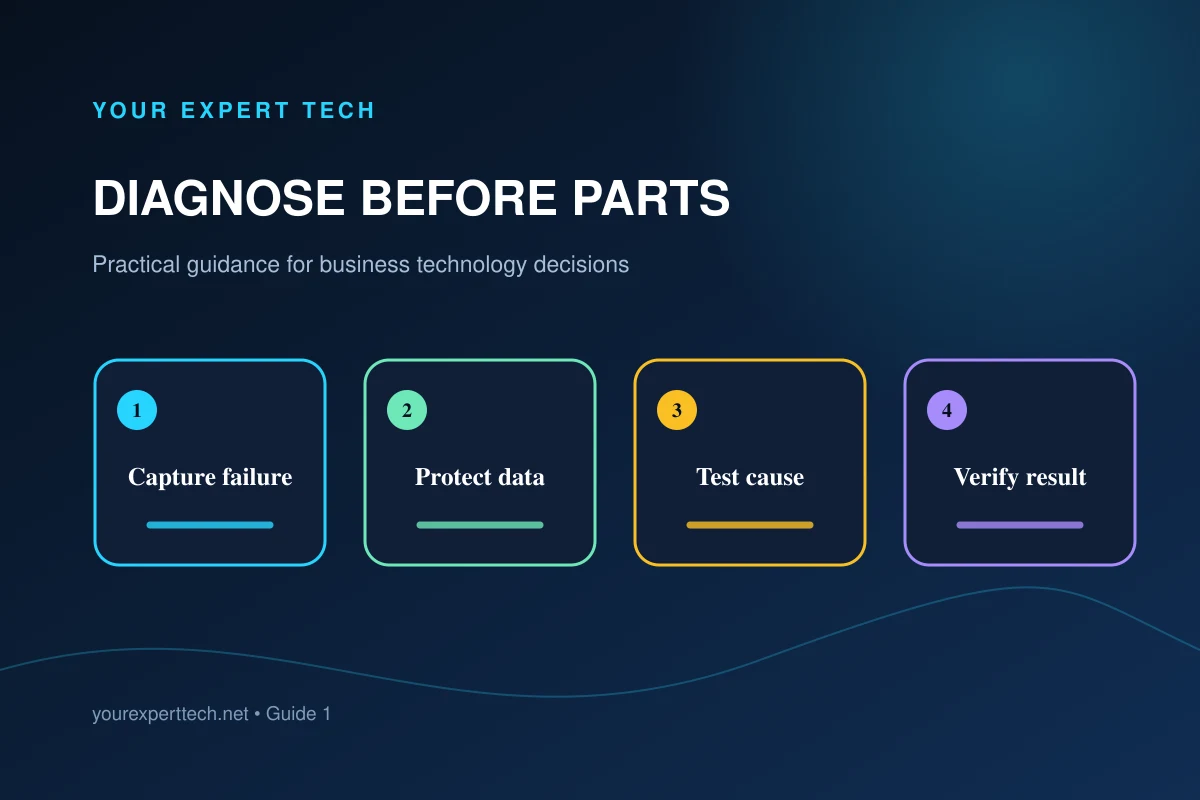
Map equipment ownership, describe the fault, authorize changes, and verify that your team can work again.
Define your business problem, compare consulting responsibilities, and agree on a useful handover before choosing a provider.
Prepare a business overview, useful evidence, and decision owners so your first IT consultation ends with a clear next step.
Plan your Midtown office IT project around building access, vendor dependencies, work windows, and a usable handover.
Check scope, building access, dependencies, rollback, and real-world acceptance before your Midtown office IT project begins.
Compare Midtown IT consultants on defined scope, evidence of relevant work, project ownership, and support after handover.
Separate office, property, tenant, and specialist-vendor responsibilities, then build a practical support and handover process.
Define support coverage, request handling, account ownership, recovery responsibilities, and service reviews before outsourcing IT.
Identify who owns essential accounts, devices, support requests, and recovery tasks, then turn missing responsibilities into clear actions.
Review the repair, reconnect the normal workstation, confirm files and protection, and verify the employee can resume real work.
Build a useful laptop record, describe faults clearly, plan continuity, and close the support handoff with evidence.
Organize laptop support from assignment through maintenance and replacement, with clear requests, ownership, and transition checks.
Compare laptop support providers by their diagnosis process, access handling, written service terms, and evidence at handover.
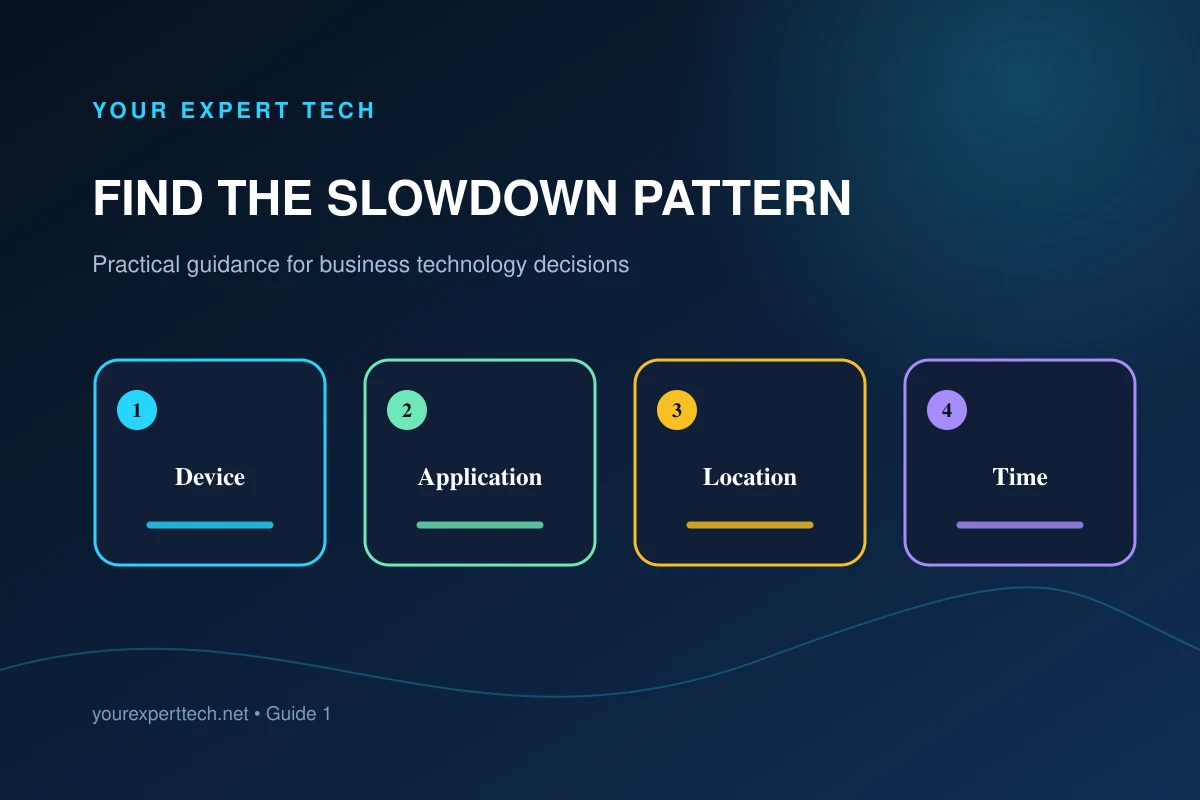
Use timing, affected devices, locations, and business tasks to distinguish one slow computer from a shared office problem.
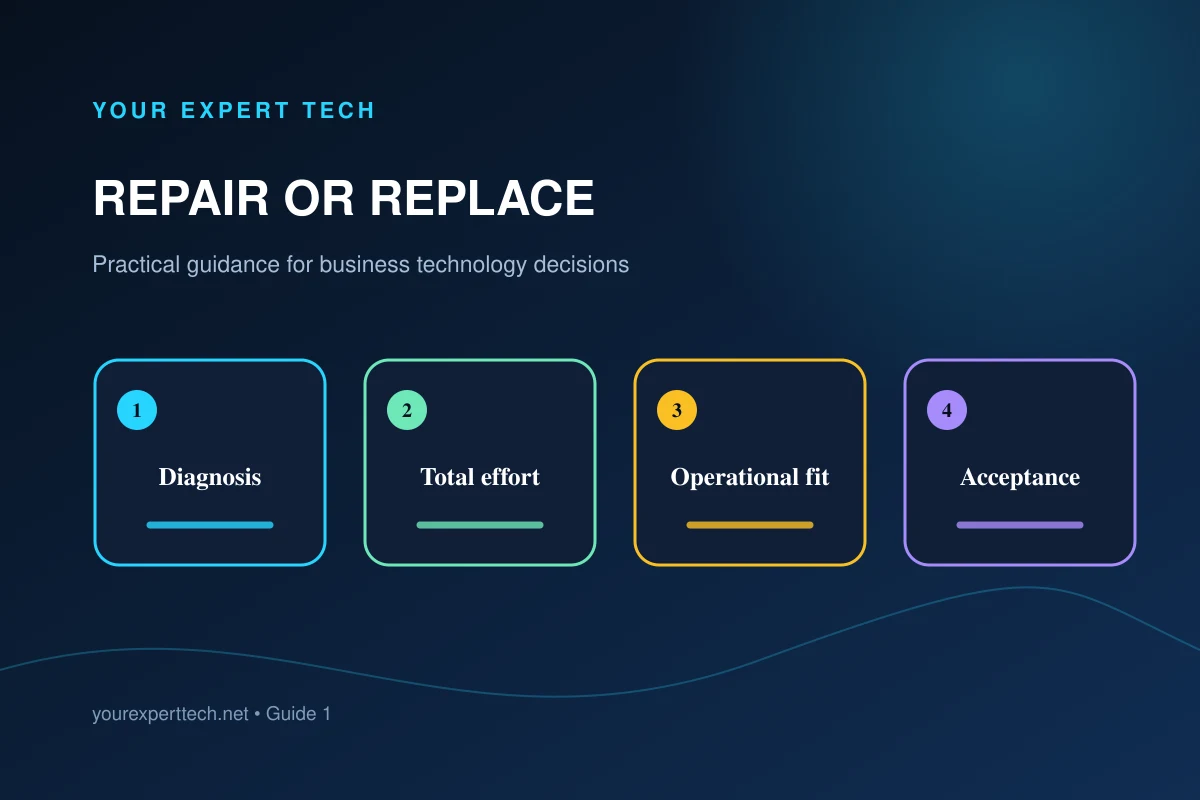
Compare repair, replacement setup, downtime, migration, testing, and remaining usefulness before approving a business-computer decision.
Turn a vague computer fault into an evidence-based diagnosis and a repair decision the business can approve.
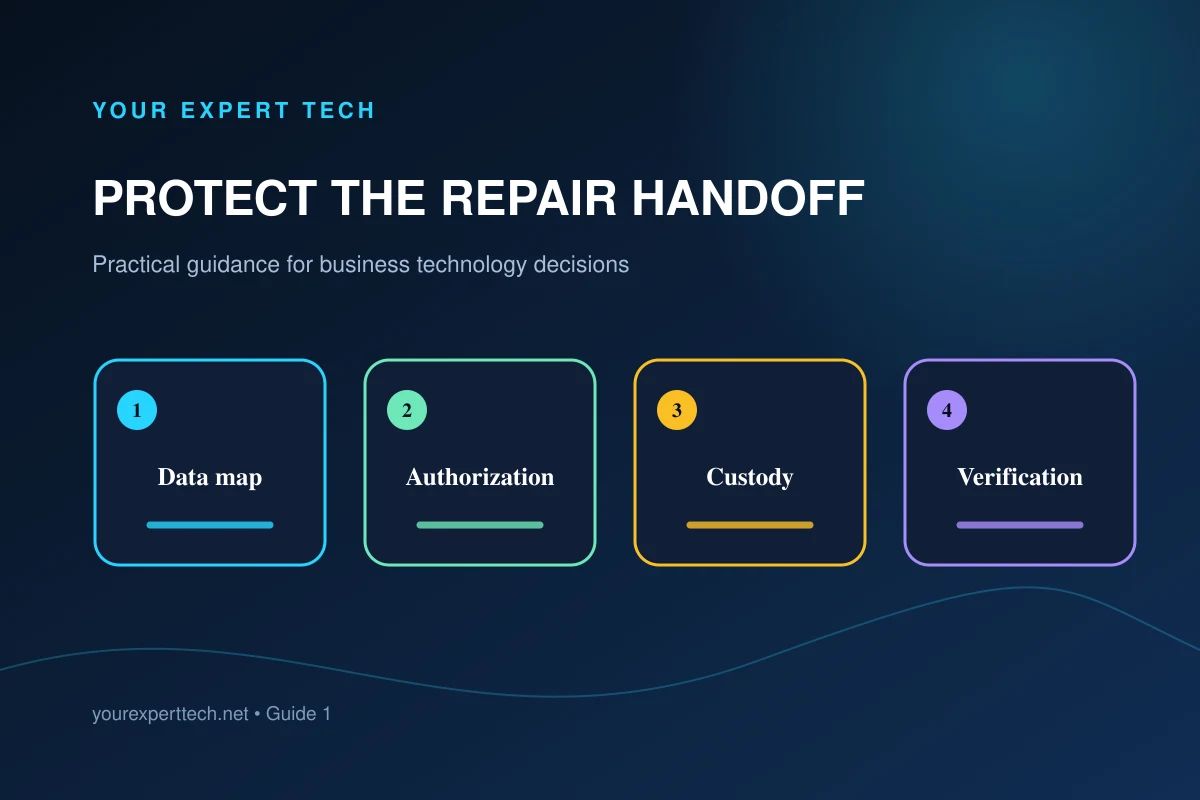
Clarify data ownership, backup evidence, authorized access, device custody, and verification before repair changes storage or the operating system.
Build a practical temporary-work plan while the failed computer is diagnosed and repaired.
Check scope, parts, data implications, and follow-up so a repair quote answers the business's real questions.
Use the repair record to identify recurring causes and improve the office's support process.
Ask about diagnosis, data handling, parts, and follow-up before handing over a computer.
Separate startup, display, application, and connection problems to make your repair request more useful.
Identify the equipment, fault, and support boundary before booking a general technology repair.
Evaluate whether a marketing provider understands service scope, local demand, and technical buying decisions.
Use a proposal review to uncover unclear deliverables, account ownership, and unsupported performance claims.
Select a provider that can diagnose your customer journey before prescribing channels.
Use a limited project to test communication, delivery quality, and measurement without vague success criteria.
Assess technical discovery, demonstrations, product accuracy, and the path from interest to evaluation.
Prevent outdated specifications, unsupported claims, and unclear ownership in outsourced technology content.
Use recurring customer questions to build a coherent library that supports real buying decisions.
Position an IT service business around clear responsibilities, credible examples, and a manageable offer.
Check the prerequisites, evidence, documentation, and evaluation path behind a technology campaign.
Explain implementation, vendor boundaries, and operational handover when promoting property technology.
Organize your explanation around the problem, prerequisites, proof, and implementation decision.
Keep the promise made in marketing aligned with what the product and service teams can deliver.
Choose a useful audience, repeatable content themes, and a realistic response process.
Build a practical marketing program around a specific buyer problem, a credible offer, and a sales handoff.
Help business sponsors, technical reviewers, and purchasing teams evaluate the same technology offer.
Explain support across buildings, vendors, office staff, and resident-facing systems without confusing the audiences.
Audit your audience, offer, website, and follow-up before selecting the next marketing channel.
Test the details that can turn a finished campaign into a confusing customer experience.
Decide whether your next dollar belongs in visibility, website improvements, content, or lead follow-up.
Diagnose changes in visibility, visitor intent, and lead handling before replacing your entire strategy.
Choose an approach based on how customers buy, what you can deliver, and the stage that needs improvement.
Evaluate the quality of diagnosis, authorization, testing, and communication throughout a repair.
Organize information, ownership, and a temporary work plan before an urgent repair begins.
Choose the next support step based on access, connectivity, and the type of failure.
Plan approval, compatibility, and temporary work when diagnosis identifies a hardware requirement.
Validate the original task, temporary work, and remaining risks before declaring an urgent incident closed.
Understand how useful pages, accessible content, and clear site structure support search visibility.
Evaluate a local SEO provider's diagnosis, content plan, ownership, and reporting before committing.
Identify the device, battery symptoms, and service requirements before replacing a laptop battery.
Check the exact product, account ownership, alert handling, and wider security needs.
Connect devices, networks, applications, data, and automation to the work they support.
Pair AirPods, select the right audio devices, and test a call before your next meeting.
Use the normal shutdown controls and distinguish shutting down from locking the screen.
Arrange access, evidence, and acceptance tests so an office repair visit can address the actual problem.
Identify the exact Lenovo model, warranty route, symptoms, and accessories before repair.
Use the service tag, warranty information, and business symptoms to arrange appropriate Dell repair help.
Evaluate the exact generation and configuration rather than treating every X1 Carbon as the same laptop.
Review software support and plan a controlled move before keeping an older Pixel in business service.
Evaluate an older rugged phone against the actual applications, connectivity, and support your team needs.
Identify the exact camera and recorder requirements before replacing equipment in a surveillance system.
A practical workflow for sizing, cropping, and checking a business Page cover on desktop and mobile.
Build a B2B technology marketing budget, compare proposal scope, account for internal work, and agree ownership and handover terms.
Build a practical marketing plan around a clear buyer, a specific problem, useful evidence, and measurable follow-up.
Check your offer, website, account ownership, inquiry delivery, responder briefing, and launch review before promoting technology services.
Evaluate technical understanding, deliverables, account ownership, and reporting before choosing a provider.
Organize your website and campaigns around the different people who contact a property-management business.
Build a referral process through useful relationships, clear positioning, and respectful follow-up.
Match channels to your offer, customer questions, and ability to follow up.
Turn real customer questions and technical processes into understandable, useful posts.
Plan the audience, message, follow-up, and delivery checks before sending a campaign.
Use articles to answer real customer questions and support clear service decisions.
A practical review for a WordPress page before publishing or moving it.
Evaluate backup scope, recovery expectations, access, and restore testing before choosing a service.
Record the systems, owners, recovery steps, and test evidence needed before an outage.
Plan support across offices and properties without losing track of responsibility or access.
Understand the work, access requirements, deliverables, and support boundaries behind a consulting estimate.
Evaluate diagnosis, scope, documentation, access practices, and ongoing support before hiring.
Define support coverage, maintenance, ownership, and recovery before comparing managed-IT proposals.
Compare staffing, coverage, knowledge, and accountability without assuming one model fits every business.
Prepare a laptop for diagnosis while protecting files, access, and the employee’s ability to work.
Triage a failed work computer, protect data, and give support useful evidence.
Compare repair cost, remaining usefulness, downtime, and migration work before replacing equipment.
Distinguish device performance, network delays, and application problems before choosing a fix.
Build an equipment plan around applications, accessories, support, and replacement needs.
Separate coverage, congestion, device, and internet problems with a repeatable office test.
Give support the evidence needed to distinguish local, wireless, internet, and application failures.
Prioritize recurring failures, usable recovery plans, and clear support ownership.
Turn account, device, backup, and incident concerns into work with clear owners.
Protect account access and verify sensitive requests before acting on a message.
Understand containment, investigation, recovery, and verification before returning a computer to work.
Plan domains, mailboxes, DNS changes, and acceptance tests before moving business email.
Separate nonprofit eligibility, licensing, staff access, and data migration into a clear setup plan.
Manage cameras, sensors, and connected equipment as supported business systems.
Turn a workflow problem into requirements, acceptance tests, and a maintainable application.
Turn unstructured Teams chats and emails into approved IT changes with required rollback notes, evidence capture, and a real audit trail—built with Microsoft 365, Power Automate, SharePoint/Lists, and Copilot/Azure OpenAI. Designed for SMBs and co-managed IT teams that need lightweight control without enterprise ITSM overhead.
Stop losing leads to silent tracking failures. Build a layered monitoring system for lead‑gen sites: define a canary conversion, run a weekly synthetic journey test, reconcile GA4 with call/CRM counts, and tie alerts to a website change log so you can roll back the exact edit that broke measurement.
A minimal, SMB-friendly Power Platform governance blueprint: rename and restrict the default environment for personal productivity, stand up one ‘approved automation’ environment with a connector allowlist, add a lightweight exception workflow, and run quarterly connector drift reviews—without building a full Center of Excellence.
Enable Safe Links and Safe Attachments with fewer surprises: build a business-critical “known-good” link/attachment matrix from your real vendors, pilot by ring, validate across Outlook/Teams/mobile, handle third‑party gateway rewrite conflicts, and roll back safely without turning protection off for everyone.
Before you declare your MSP go-live “done,” run a time-boxed, end-to-end fire drill that proves alerts route correctly, on-call contacts respond, escalations work, and silent monitoring failures get caught—under real NYC after-hours constraints.
If you advertise “24/7 emergency” but your calls roll to voicemail after hours, you’re not just losing leads—you’re risking reviews, trust, and local SEO consistency. This guide shows how to align Google Business Profile hours, on-site messaging, call routing, after-hours coverage, and schema into one enforceable “availability policy,” then keep it honest with a weekly missed-call + voicemail latency audit.
Build an AI-assisted accounts-receivable follow-up workflow inside Microsoft 365 that drafts collections emails, routes them for Teams-based approval, enforces tone/templates, stops automatically when conditions change, and captures evidence for every send—without buying a new AR platform.
Most MSP offboarding guides treat documentation as a one-time checklist when you’re already leaving. An “exit-ready” approach makes handoff readiness a monthly operating control: export, store, and verify a documentation packet that proves you can take over admin access, vendor accounts, and day-to-day IT without waiting on the outgoing provider.
Most incident responses stop at password resets. This 60‑minute drill is a practical containment runbook for Microsoft 365 token/session theft: revoke sessions, kill persistence, isolate risky devices, validate the attacker is out, and produce a lightweight evidence pack for insurance and client questionnaires.
A practical, repeatable restore acceptance test for Microsoft 365 Backup (or third-party backup). Simulate safe deletions, restore, and validate the real-world edge cases that matter: permissions, sharing links, Teams/SharePoint behaviors, user impact, and documentation you can attach to risk and compliance files.
IndexNow isn’t just a one-time install. For NYC service businesses updating pages constantly, it works best as a change-controlled pipeline: decide which URL changes qualify, submit only what matters, gate submissions behind QA, monitor results in Bing Webmaster Tools, and protect against bad URLs, parameters, and staging mishaps.
A Microsoft-centric, practical workflow to detect and redact sensitive data in logs, screenshots, and PDFs—then require human approval, package sanitized files with traceability, and share with vendors fast (without turning it into a heavy compliance project).
A practical Galaxy S26 review for Manhattan and NYC business owners—focused on security, manageability, eSIM, battery realities, and how to roll it out with managed IT without disrupting your team.
Stop Core Web Vitals regressions from “one small snippet.” Use a simple governance model where every third‑party script must justify measurable revenue impact and fit inside a defined performance budget—with an intake form, approval workflow, quarterly inventory, and rollback plan that works across agencies and vendors.
A practical, evidence‑linked workflow to generate client‑safe incident summaries and internal RCAs from messy tickets and limited logs—without letting AI invent timelines, causes, or fixes.
A lightweight change-management protocol for SMBs implementing Conditional Access: a safe rollout sequence, monitoring expectations, a credential custody model, and a documented monthly break-glass login test so you can prove you won’t brick the tenant.
A practical, timed playbook for NYC SMBs to contain identity/session risk, choose the right Intune action (wipe/retire/delete), confirm BitLocker encryption posture, and produce an evidence pack that stands up to cyber insurance and client security questionnaires.
Having a backup circuit isn’t the same as proving your business can operate on it. Use this 60‑minute, quarterly acceptance test runbook—complete with an app-by-app minimum‑viable connectivity matrix, pass/fail criteria, and named verification owners—to turn “we have failover” into measurable continuity for Manhattan SMBs.
A practical, MSP-operable monthly close process for 20–200 seat NYC SMBs to inventory SaaS, reconcile licenses against HR changes, tier risk for newly discovered apps, assign app owners, and decide when a dedicated SaaS-management platform is actually worth it—using Entra ID/SSO plus a finance export.
Quishing isn’t just a training issue—it’s a physical-to-digital attack surface in NYC lobbies, elevators, job sites, and front desks. This guide gives SMBs an operational system: a Trusted QR Registry, tamper-evident deployment standards, Conditional Access containment, and a 15-minute triage drill that produces evidence for management and insurers.
Most SMBs don’t fail at Communication Compliance because of the setup wizard—they fail on governance: who reviews alerts, how to scope monitoring to the smallest useful area, how to reduce noise, and how to document decisions without turning HR into Big Brother. Here’s a practical operating model for a defensible, low-drama rollout in Teams.
A proof-driven operations guide for NYC service businesses: decide whether to allow AI crawlers, implement consistent controls across robots/WAF/CDN, and verify in production with logs and simple before/after checks so you don’t accidentally block (or expose) what matters.
Stop last‑minute screenshot scrambles. This Microsoft 365–native pattern creates a monthly evidence pipeline for MFA coverage, admin roles, device compliance, and backup proof—automatically collected, routed for human sign‑off, and stored immutably with a simple index.
NYC professional service teams can stop accepting sensitive documents by email without buying a portal. This Microsoft 365-native pattern creates an upload-only intake link, enforces short-lived access, captures an audit trail, and applies retention/cleanup so intake doesn’t become a permanent data lake.
A decision-first runbook for Microsoft 365 offboarding that forces clarity on what you’re preserving (and why), then maps that to mailbox conversion, OneDrive’s unlicensed/archiving lifecycle, retention vs holds, and an ownership/cost model that prevents data loss and unexpected storage charges.
Stop WordPress form spam without adding CAPTCHA friction or silently losing real inquiries. This layered, server‑side intake pipeline blocks obvious junk at the edge, preserves UTMs/GCLID for reporting, improves notification deliverability, and routes borderline submissions into a false‑positive review queue—backed by acceptance tests you can verify after launch.
A deployment-grade pattern for Microsoft 365 joiner/mover/leaver automation—packaged as managed solutions with environment variables, DLP guardrails, least-privilege accounts, audit-ready evidence, defined failure modes, and rollback plans so SMBs can scale safely across departments or tenants.
If your POS goes down on a Friday night, “call your vendor” isn’t a plan. Use this incident-tested responsibility matrix (POS vendor vs MSP vs ISP vs onsite staff) with pre-approved emergency actions, escalation triggers, and acceptance tests that prove you can still take payments.
If you still have Windows 10 PCs after Oct 14, 2025, you need an operational plan—not a reminder to “upgrade.” This runbook gives Manhattan SMBs three viable paths (hardware replace, ESU bridge, or Windows 365) plus a cadence for exceptions, compensating controls, and an evidence packet you can hand to insurers, auditors, or clients.
Most OAuth risk in Microsoft 365 isn’t a “hack”—it’s an app quietly gaining access and staying there. This monthly drill gives NYC SMBs a repeatable, low-effort operating rhythm: inventory connected apps, rank risk, freeze or de-activate safely, and re-approve with accountable owners—producing a living allowed-apps register and executive-friendly evidence of what changed.
Most Entra ID P1 vs P2 comparisons stop at feature tables. This guide uses a “who benefits from the control” lens—executives, finance, assistants, admins, shared devices, and contractors—then turns it into a licensing-accurate, phased rollout plan and an auditor-ready documentation package.
An NYC estimate calculator should do more than spit out a number. This guide shows how to build an estimate page that encodes real dispatch constraints (minimum job size, borough limits, lead times, emergency fees, access rules), protects you from “binding quote” risk, and passes a measurement QA checklist so calls and forms attribute correctly.
A practical Microsoft 365 blueprint for SMBs to intake vendor PDFs, extract decision-critical fields (renewals, termination windows, liability, security, SLAs), generate a human checklist summary, and route approvals with an audit trail—using AI as structured intake, not legal authority.
You already added LocalBusiness schema—yet updates, plugins, and vendor handoffs keep reintroducing NAP drift, entity duplication, and service-area address mistakes. Here’s a lightweight QA + change-control workflow that keeps your schema aligned with Google Business Profile and on-site citations over time.
A practical, tool-agnostic blueprint to convert repeat ticket fixes into living SOPs—using AI for drafting and clustering, humans for approval, and drift detection to keep runbooks accurate over time.
NYC SMBs often assume they can “get the passwords if needed.” A quarterly Keys, Control, and Continuity audit turns that assumption into evidence: an inventory of your control surface, dual-control rules, offline escrow, and a 30-minute rotating drill that proves access and recovery—without depending on your MSP.
Getting spoofed or failing vendor questionnaires? You can enforce DMARC safely as a low-volume NYC SMB by inventorying every sender, designing readable reporting, and moving from p=none to p=reject on a gated calendar—backed by a vendor remediation playbook that protects billing, CRM, and law-firm client communications.
If your NYC team hires fast and laptops arrive straight from the vendor, Windows Autopilot plus Intune can deliver a predictable first login, consistent naming, and Day‑0 security—without onsite imaging. Here’s a practical “drop‑ship to employee” blueprint, plus a phased path for existing PCs.
If calls and forms look “missing” in GA4 or Google Ads after a cookie banner/CMP update or a new site, don’t guess. Use a Measurement Acceptance Test (MAT) to reconcile real leads (calls/forms/chat) against GA4/Ads events with evidence—so you can separate consent sequencing problems from attribution quirks and spam.
Build a Microsoft 365–native “renewal control center” that captures vendor contracts from email/PDFs, uses AI to draft renewal terms, forces human verification, routes approvals in Teams, and creates an auditable decision log—without buying a full CLM platform.
Many New York City small and midsize businesses assume OneDrive, SharePoint, or Google Drive means their data is “backed up.” It’s usually just synchronized. Here’s a practical decision framework—and a simple rollout plan—to reduce ransomware, accidental deletion, and account takeover risk without overengineering.
Tenant-to-tenant migrations are where “it works on my machine” turns into broken Teams chats, missing OneDrive links, and messy security. Here’s a practical, business-friendly approach to consolidating or separating Microsoft 365 tenants with minimal disruption.
If your navigation, service pages, and internal links are messy, Google (and customers) may misunderstand your business—leading to wrong rankings, weak leads, and wasted content. Here’s a practical way to audit and fix your site structure without a redesign.
A practical, realistic workflow to turn tickets, project notes, and spreadsheets into clear monthly client updates—using AI to draft summaries while your team stays in control of accuracy and tone.
Offboarding is where small gaps turn into real risk: lingering logins, shared passwords, lost laptops, and former employees still in Microsoft 365. Here’s the practical question to ask a managed IT provider—and what a solid, repeatable offboarding process should look like for Manhattan SMBs.
Before you choose a managed IT provider in Manhattan, ask who will own your IT roadmap and act as the “quarterback” across internet, VoIP, Microsoft 365, cybersecurity, and line-of-business vendors. Here’s how to evaluate accountability, process, and proof—without getting lost in buzzwords.
Invoice hijacking (a form of business email compromise) is a practical, high-impact risk for NYC small and midsize businesses. Here’s a decision framework and step-by-step process to verify payment changes, harden Microsoft 365, and reduce fraud without slowing operations.
Teams chat is fast—but it’s a terrible system of record. Here’s a practical Microsoft 365 setup that captures decisions, converts messages into assigned tasks, and keeps projects moving without adding heavy process.
A website redesign can absolutely improve conversions—but it can also quietly break SEO and local visibility if URLs, redirects, internal links, and tracking aren’t handled with a plan. Here’s a practical, business-friendly framework to redesign safely and protect your rankings and lead flow.
If your team wastes time writing status updates, “what changed” notes, and proof-of-work emails, you can automate the first draft using AI—safely and realistically—by summarizing tickets, photos, and timestamps into a consistent client-ready update that a human approves.
Before you choose a managed IT provider in Manhattan, ask a question that reveals how they really operate: what happens after you submit a ticket, who owns it, how updates are delivered, and what “resolved” actually means. Here’s a practical way to evaluate service desk speed, communication, and consistency—without needing to be technical.
Before you choose a managed IT provider in Manhattan, ask one high-intent question that reveals the truth about risk: how fast you can recover from downtime, ransomware, or accidental deletion—and how the provider will prove your backups and recovery plan actually work.
Personal Gmail, iCloud Drive, WhatsApp, and consumer file-sharing tools are a quiet data-loss and ransomware risk for NYC small and midsize businesses. Here’s a practical, business-friendly way to decide what to block, what to allow, and how to roll it out without breaking day-to-day work.
Manhattan teams move fast—and Microsoft Teams can turn into a maze. Here’s a practical, business-friendly way to structure Teams and SharePoint for search, security, and day-to-day productivity without overbuilding your environment.
Creating dozens of near-duplicate “Service in [City]” pages can waste time and dilute quality. Here’s a practical way to decide when area pages help, when they hurt, and what to build instead.
A realistic AI + automation use case for small businesses: turn messy client intake (emails, web forms, PDFs) into clean quote drafts and assigned tasks—saving time without rewriting your entire tech stack.
Manhattan businesses don’t just need “24/7 support”—they need clear definitions, escalation paths, and proof of how after-hours incidents are detected, triaged, communicated, and resolved. Here’s how to evaluate a managed IT provider’s real emergency readiness before you sign.
Passwords keep failing NYC small and midsize businesses—through phishing, reuse, and help-desk resets. Here’s a practical, business-friendly guide to decide whether to adopt passkeys or security keys, where to start, and how to handle legacy apps without breaking daily operations.
Slow, jumpy, and unresponsive pages don’t just annoy visitors—they can quietly reduce conversions and weaken search visibility. Here’s a practical, business-friendly way to evaluate Core Web Vitals and fix the highest-impact issues without rebuilding your site.
Shared mailboxes can reduce inbox chaos, protect customer conversations, and simplify staffing changes—but only when they’re configured with the right permissions, security, and workflows. Here’s a practical Microsoft 365 guide for Manhattan SMBs deciding when to use shared mailboxes vs. group mailboxes, Teams, or a ticketing tool.
A realistic AI automation workflow for small businesses: capture invoices from email and PDFs, extract key fields with human review, and push clean bills into your accounting system—reducing back-and-forth and end-of-month crunch without overpromising.
City-by-city service pages can help local SEO—or quietly hurt it. Here’s a practical framework to decide when to create location pages, how to structure them, and what to avoid so your site earns qualified leads instead of thin traffic.
If your team spends too much time turning meetings into follow-ups, AI can help—without replacing judgment. Here’s a realistic, low-risk workflow to capture decisions, assign action items, and update your tools with minimal admin work.
Considering the Samsung Galaxy Fold 8 for your team? Here’s a practical, managed-IT-focused guide for small and midsize businesses on productivity benefits, risks, policies, and rollout steps—without the hype.
AI can speed up website planning and copy—but “fast” doesn’t have to mean “amateur.” Here’s a practical, managed-IT-minded approach NYC business owners can use to build a polished site with ChatGPT site tools while keeping brand, security, and trust intact.
Many modern business laptops can charge from the same USB‑C power adapters used for phones—when the laptop supports USB‑C Power Delivery and the charger provides enough wattage. Here’s how it works, what to buy, and why it matters for reliability and standardization in NYC SMB environments.
For Manhattan and NYC tech businesses, local visibility starts with accurate citations and a location-aware marketing system. Here’s how to build trust signals, rank for “near me” searches, and turn local intent into qualified leads—without gimmicks.
React-powered websites use component-based code to deliver faster user experiences, easier updates, and scalable features—often with better long-term maintainability than traditional HTML-only builds. Here’s what small and midsize businesses should know before choosing React.
AI is changing technology marketing consulting by making it faster and more practical to design, build, and improve custom business applications. Learn how AI-enabled apps streamline operations, connect data, and help small and midsize businesses execute marketing and sales strategies more efficiently.
A practical guide for Manhattan and NYC business owners on setting up the Poly Edge E450 with RingCentral for affordable, reliable desk-phone calling—plus tips for networks, provisioning, and common pitfalls.
A practical, business-focused review of the Logitech MX Keys keyboard for Manhattan and NYC teams—comfort, reliability, security considerations, and how to deploy it cleanly in a managed IT environment.
Weekly restarts reduce slowdowns, apply updates cleanly, clear hung processes, and improve security stability—simple discipline that keeps Manhattan teams productive and support tickets down.
Small and midsize tech businesses don’t need to post everywhere every day—but they do need a consistent cadence tied to capacity, pipeline goals, and content quality. Here’s a practical framework to choose the right posting frequency by platform and team size.
A strong service desk is more than ticket routing—it’s how your business protects uptime, builds trust, and turns IT issues into predictable operations through fast response and consistent client communication.
Refresh rate affects how smooth motion looks on a screen—and for SMBs it can impact comfort, productivity, and hardware spending. Learn what refresh rate means, when it matters, and how to choose monitors that fit real business roles.
Endpoints are where most business attacks start—and where Manhattan and NYC companies feel the pain first. Learn a practical, managed IT approach to endpoint security that fits real-world New York workflows, hybrid teams, and compliance expectations.
Arrange diagnosis, data handling, and employee continuity when a work laptop needs repair.
Plan diagnosis and access for a computer problem near 82nd Street without assuming a walk-in location.
Prepare a repair request that includes the accessories, connection, and tasks involved in the fault.
Compare remote assessment and physical inspection while planning for downtime and data preservation.
Organize a repair visit around office responsibilities so technical work can proceed without avoidable delays.
Help the support team assess your device, location, and repair needs before scheduling.
Make an onsite assessment useful by arranging access, equipment, and an authorized decision maker.
Clarify the location, technical need, and onsite requirements when arranging support outside your main office.
Get a clear diagnosis, understand your options, and confirm the repaired computer can do the work you need.
Organize the device, accessories, data requirements, and approval before a laptop repair appointment.
Match the technician's scope to the equipment, access, and result your task requires.
Make a support appointment productive by preparing the people and information the technician needs.
Plan a computer around applications, compatibility, serviceability, and a clear acceptance test.
Coordinate device support and website work while keeping each project's scope and ownership clear.
Understand what an ongoing computer maintenance arrangement should cover and how to verify useful work.
Arrange authorized access, describe the fault, and test the result during a remote support appointment.
Understand the practical limits of remote troubleshooting before scheduling a session.
Know what information to provide and what to confirm before and after an authorized support session.
Build a practical security scope around accounts, devices, backups, reporting, and response ownership.
Connect account protection, device management, user reporting, and incident escalation into a working process.
Compare covered users, devices, tools, response responsibilities, and exclusions before choosing a security service.
Explain the failure and business impact so an urgent request can be assessed realistically.
Prepare a useful urgent request and distinguish appointment availability from a completed repair.
Plan content, technical corrections, and measurement around the services your business actually provides.
Prepare a clear brief and agree on practical files, variations, and handover before design begins.
Compare website providers on content, ownership, functionality, migration, and ongoing support.
Plan banners, service graphics, and image updates around readability, reuse, and the existing website.
Meet the business behind the guidance and learn how we approach service, recommendations, and trust.
Find the right starting point for New York technology support and understand the relationship between our websites.
Contact and support requests · Privacy policy · Terms and conditions