

Use this checklist in a working meeting with the person responsible for marketing and the person responsible for sales. For each item, record an owner and the evidence that it is complete. A checkbox without an owner can hide work that everyone assumes somebody else has done.
Offer and audience
- Name the service being promoted and the company type it suits.
- Write the problem the buyer is trying to solve in the buyer’s language.
- Confirm the geographic coverage and any restrictions on on-site work.
- List what the offer includes, excludes, and requires from the customer.
- Decide what makes an inquiry qualified before launching the campaign.
For example, “businesses needing help with computers” is broad. “An office manager arranging support for an organization’s workstations and Microsoft 365 accounts” provides more direction for the page, form, and follow-up conversation.

Website and content
- Check the service page on a phone and a desktop.
- Confirm its title and main heading identify the service accurately.
- Test its contact links, form, acknowledgment, and error handling.
- Make sure guides and checklists link to a relevant service page.
- Remove expired offers and unsupported promises.
- Verify ownership or permission for images, testimonials, and customer examples.
The W3C Forms Tutorial gives the website reviewer specific guidance on field labels, instructions, validation, and submission feedback.
If an existing website has been replaced, include old URLs in the review. Each should still provide relevant content or redirect to the closest appropriate replacement. A successful homepage test does not confirm that the older pages customers bookmarked still work.
Accounts and measurement
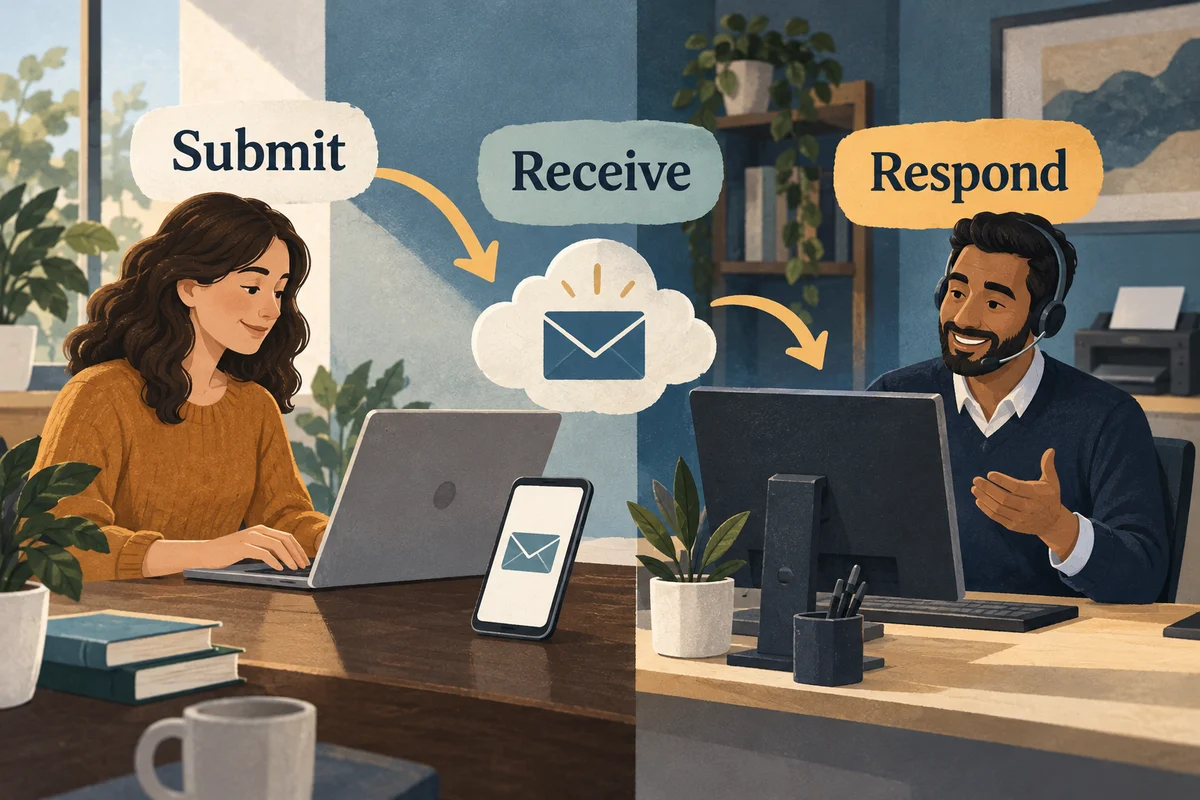
The business should know who owns the domain, website, advertising accounts, analytics property, and customer relationship system. Use named user access where available rather than sharing one password. Record the recovery contacts and who can remove a departing contractor’s access.
Define the conversions that matter. A submitted inquiry, booked meeting, and completed sale are different events. Check that refreshing a thank-you page does not repeatedly count a new inquiry. Exclude internal tests from performance review where the tools support it, and keep a record of test submissions.
Sales follow-up
Assign a primary recipient and a backup for new leads. Agree on a response target the team can realistically meet. Prepare questions about the customer’s situation rather than a generic sales script. Record why inquiries are rejected: wrong location, consumer request, unsupported product, unsuitable budget, or another reason.
HubSpot’s lifecycle-stage documentation shows one way a CRM separates progress through marketing and sales. Use definitions that match your own qualification and handoff process.
This feedback is often more actionable than a total lead count. A campaign producing many irrelevant requests may need a clearer offer or tighter targeting rather than a larger budget.
Launch and review
Before launch, capture the starting metrics and the date of each material change. Set the first review meeting and choose a small number of decisions it should resolve. After launch, confirm that reporting and lead delivery continue to work before interpreting poor results as a demand problem.
For planning context, read the B2B marketing guide. For a scoped engagement, see digital marketing services.
Separate launch blockers from later refinements
A broken inquiry route, misleading service claim, or unresolved account access problem can prevent the intended journey. A minor wording preference may be suitable for a later revision.
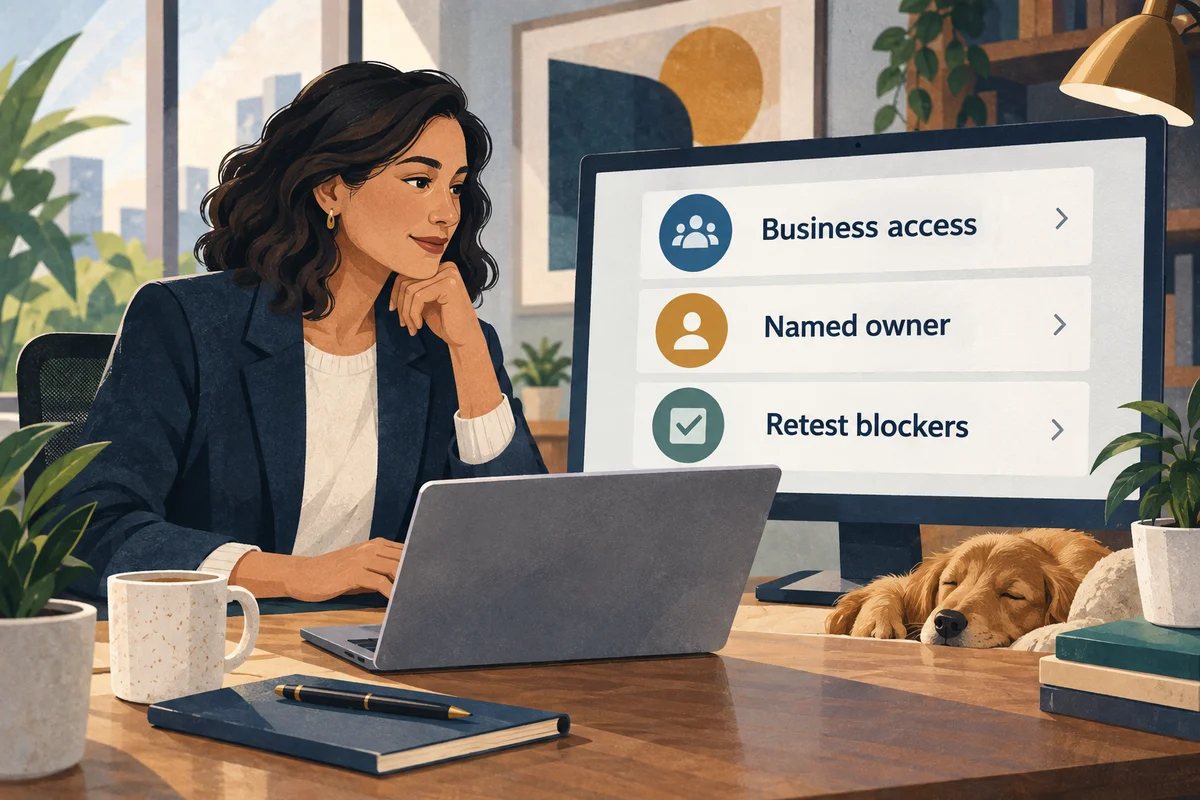
For each blocker, record the problem, owner, corrective action, and retest result. Avoid marking an item complete simply because someone says the change was made.
Keep a short record of what was reviewed and what remains open. That makes the next campaign discussion more useful than another round of unstructured opinions about the website.
Use the launch checks below after resolving readiness blockers.
Follow the actual campaign journey
Open the exact link that the campaign will use. Check it on desktop and mobile, confirm that the offer is available, and make sure the page matches the message that brought the visitor there.
Use the W3C Forms Tutorial to review whether the submission step provides understandable instructions and feedback.
| Journey step | What to confirm |
|---|---|
| Campaign link | It reaches the intended page |
| Offer | Headline and scope match the promotion |
| Next step | The requested action is clear |
| Submission | The form or booking route works |
| Acknowledgment | The visitor understands what happens next |
Use a clearly labeled internal test to check the entire route. Where the measurement setup supports campaign labels, confirm that the relevant context reaches the reporting or intake system.

Brief the person answering new inquiries
Give the responder the exact offer, included work, exclusions, qualification questions, and escalation contact. Explain how to handle an inquiry that belongs to support or falls outside the service scope.
Prepare a sample response that acknowledges the visitor's stated problem and proposes an appropriate next step. Treat it as a guide, not a reason to ignore what the person wrote.
Agree on absence coverage and how unassigned or unresolved requests will be noticed. The handoff should still work when the usual responder is unavailable.

Reconcile the first received inquiries
Compare recorded submissions with requests actually received. Look for internal tests, duplicates, spam, and missing messages before interpreting the result.
For teams using Google Analytics, Google’s attribution guide explains how credit is assigned to interactions. Keep that reporting question separate from whether a distinct inquiry was received.
Review whether the inquiry matches the offer and whether a next action was recorded. Repeated out-of-scope requests may indicate confusing wording, but investigate the examples before deciding on a cause.
Keep the categories consistent with the readiness review. A count of submitted forms, a count of distinct requests, and a count of qualified conversations answer different questions.

Save the launch record and explain later changes
Record the launch date, page version, audience, approved claims, and any agreed spending limits. Keep the decision owners and unresolved issues with that record.
When changing the audience, offer, page, or response process, note what changed and why. Where practical, make bounded changes so later observations are easier to interpret. If several changes are necessary together, record that limitation.
Assign a review point and a person responsible for collecting the inquiry feedback. The aim is a useful next decision, not simply a longer campaign report.
Use the cost planning guide when deciding what resources the campaign needs.
For help putting this plan into practice, see our marketing services for technology companies.