

Campaign quality includes the full journey from the first message to the reply. A finished graphic does not establish that the offer is accurate, the form works, or someone will answer. Review the actual links and handoffs before treating a campaign as ready.
1. Compare the promise across the journey
Read the promotion, destination page, and acknowledgment together. They should describe the same service and next step.
The FTC’s advertising substantiation policy provides background for checking the support behind objective statements in the promotion and destination page.
| Detail | What to confirm |
|---|---|
| Offer | The promotion and page describe the same work |
| Availability | Dates and stated availability are accurate |
| Location | The intended service area is clear |
| Limitations | Conditions affecting the decision are visible |
| Next step | The visitor knows what follows contact |
Ask the delivery owner to verify claims and commitments. If the offer has changed, update each place where the old version appears before continuing promotion.

2. Test reading, submission, and confirmation
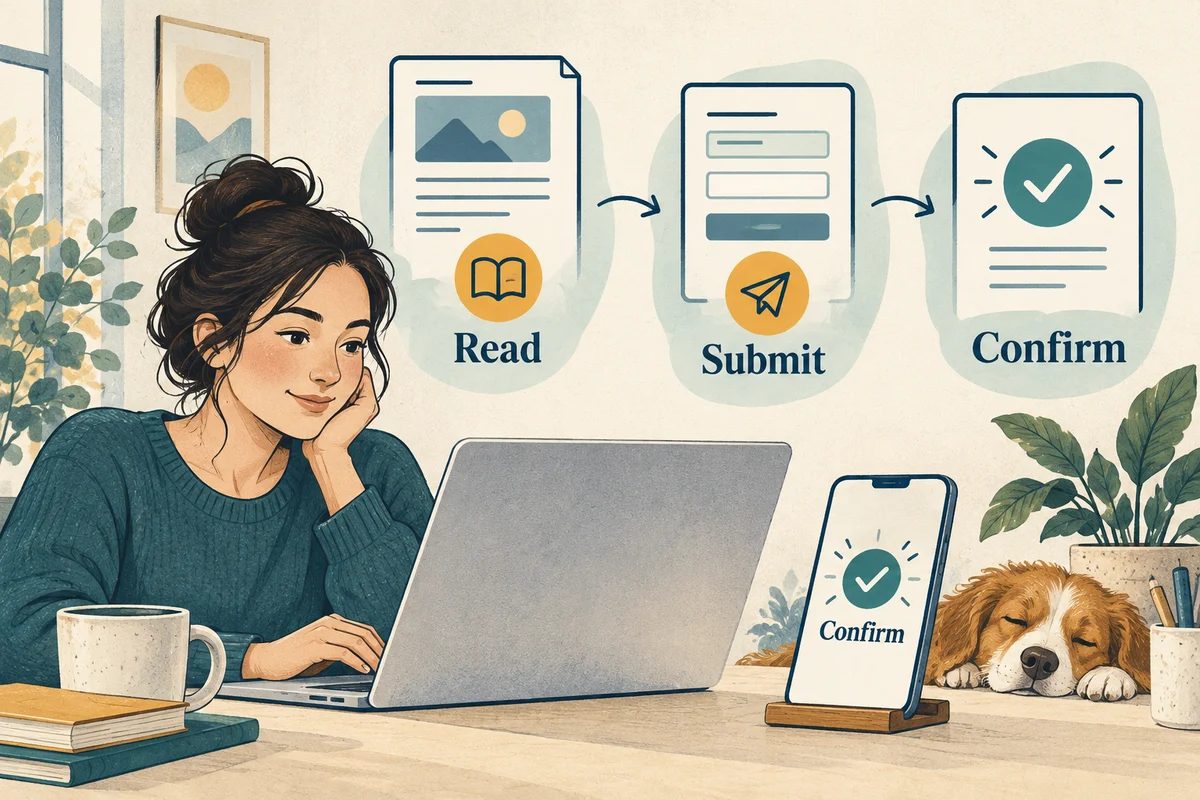
Open the destination on a phone and desktop. Check that the main text, labels, and action are readable, then follow the primary route with an agreed internal test.
Use the W3C Forms Tutorial to check labels and submission feedback alongside the phone and desktop test.
Try the relevant required-field behavior and confirm that errors explain what to correct. Check that the acknowledgment corresponds to successful submission rather than simply pressing a button.
Verify the intended phone and email destinations. Record the exact link and step for any failure so the person fixing it can reproduce the problem. Retest that step after the change.
3. Confirm the response process and backup owner
Identify where the request arrives, how it is assigned, and who covers an absence. Give the responder the campaign context, service boundaries, and escalation contact.
Check whether the selected service and relevant inquiry details reach that person. Missing context creates extra follow-up and can lead to a reply that ignores the visitor's question.
Use a brief sample response to establish the intended next conversation. The responder should adapt it to the actual inquiry rather than sending an unrelated general pitch.

4. Review early activity before expanding
Compare received requests with the campaign's recorded activity. Separate internal tests, duplicates, and irrelevant messages before interpreting the result.
Investigate mismatches rather than assuming that either the page or the reporting is correct. Review whether the visitor understood the offer and whether an appropriate next step was recorded.
Save the launch wording and date, then note later changes. A concise change record helps the next review distinguish observations from guesses about what caused them.
Use the strategy checklist for broader planning. If the website or intake journey fails, request help with the exact link and the step that did not work.