

The SMB Problem: Meetings Create Work After the Meeting
Where the time goes
Most small businesses don’t lose time in the meeting itself—they lose time after it. Someone has to remember what was decided, translate notes into tasks, send a recap, and then chase updates across email, chat, and spreadsheets.
Why “better note-taking” usually fails
Even disciplined teams struggle because the job is repetitive and interrupts real work. The meeting ends, the day gets busy, and the recap becomes a “later today” task that turns into tomorrow.
A Realistic Use Case: From Call → Clean Summary → Tasks → Follow-Up
What you’re automating (and what you aren’t)
This is not “AI runs your operations.” It’s a simple automation chain: capture the discussion, produce a structured draft, and push the output where work already happens.
Where it’s most valuable
This workflow pays off when meetings generate commitments—client calls, sales handoffs, project check-ins, vendor coordination, and internal leadership updates. The more recurring the meeting, the more consistent the time savings.
What You Need Before You Start (So It Doesn’t Become Another Tool)
Pick one meeting type to pilot
Choose a meeting that happens at least weekly and has clear follow-ups. Avoid starting with sensitive HR conversations or anything where recording would create discomfort.
Decide where action items should live
If your team uses Microsoft Planner, Asana, Trello, Jira, ClickUp, or even a shared Excel/Google Sheet, that’s fine. The goal is to land tasks in one place—no “AI notes” silo.
Set a minimum quality bar
Define what “good enough” means: a summary that captures the decisions, who owns what, and when it’s due. You’re not publishing these notes; you’re using them to reduce rework.

The 3-Step Workflow (Practical and Repeatable)
If your team uses Microsoft 365, the Power Automate approvals guide provides a reference for routing draft outputs to a reviewer. Confirm decisions, owners, and deadlines before distributing the final summary.
Step 1: Capture the meeting with consent and clear expectations
Use your conferencing platform’s recording/transcription feature or an approved meeting assistant. Let attendees know the purpose: to create accurate notes and action items.
Keep it simple: record only the meeting types you’ve approved, store files in a controlled location, and set a retention period that matches your business needs.
Step 2: Generate a structured summary and action list
Have the AI produce a draft in a consistent template. A reliable structure looks like:
- Meeting purpose (one sentence)
- Decisions made
- Action items (Owner + Due date + Next step)
- Open questions / parking lot
- Risks or blockers
Ask for “verbatim transcript” only when needed; most teams benefit more from an accurate, readable summary.
Step 3: Route outputs into the tools your team already checks
This is where automation becomes real. Send the summary to a shared channel or email list, and create tasks in the system of record.
If your tools support it, you can auto-create tasks from a formatted list (or via a simple workflow tool). If not, a fast copy/paste after review still beats writing everything from scratch.
A Simple Template You Can Use Today
Copy/paste meeting summary format
Standardization is what makes this scalable. Here’s a template that works across industries:
- Summary (3–5 bullets):
- Decisions:
- Action Items:
- [Owner] — [Task] — [Due date]
- Risks/Blockers:
- Next Meeting / Next Checkpoint:
A practical prompt (keep it boring)
Use plain instructions like: “Summarize this meeting using the template. Do not add facts not stated. If owners or due dates are missing, mark as TBD.”
Where This Saves Time (Without Overpromising)
Less “blank page” admin work
The biggest win is removing the starting friction. Reviewing and editing a decent draft is faster than composing a recap from memory.
Fewer dropped commitments
When action items are written down in a predictable format and routed to the same place every time, fewer tasks vanish into chat history.
Better continuity when someone is out
If a key person misses a meeting or takes PTO, structured notes help the team pick up the thread without a separate “catch-up meeting.”
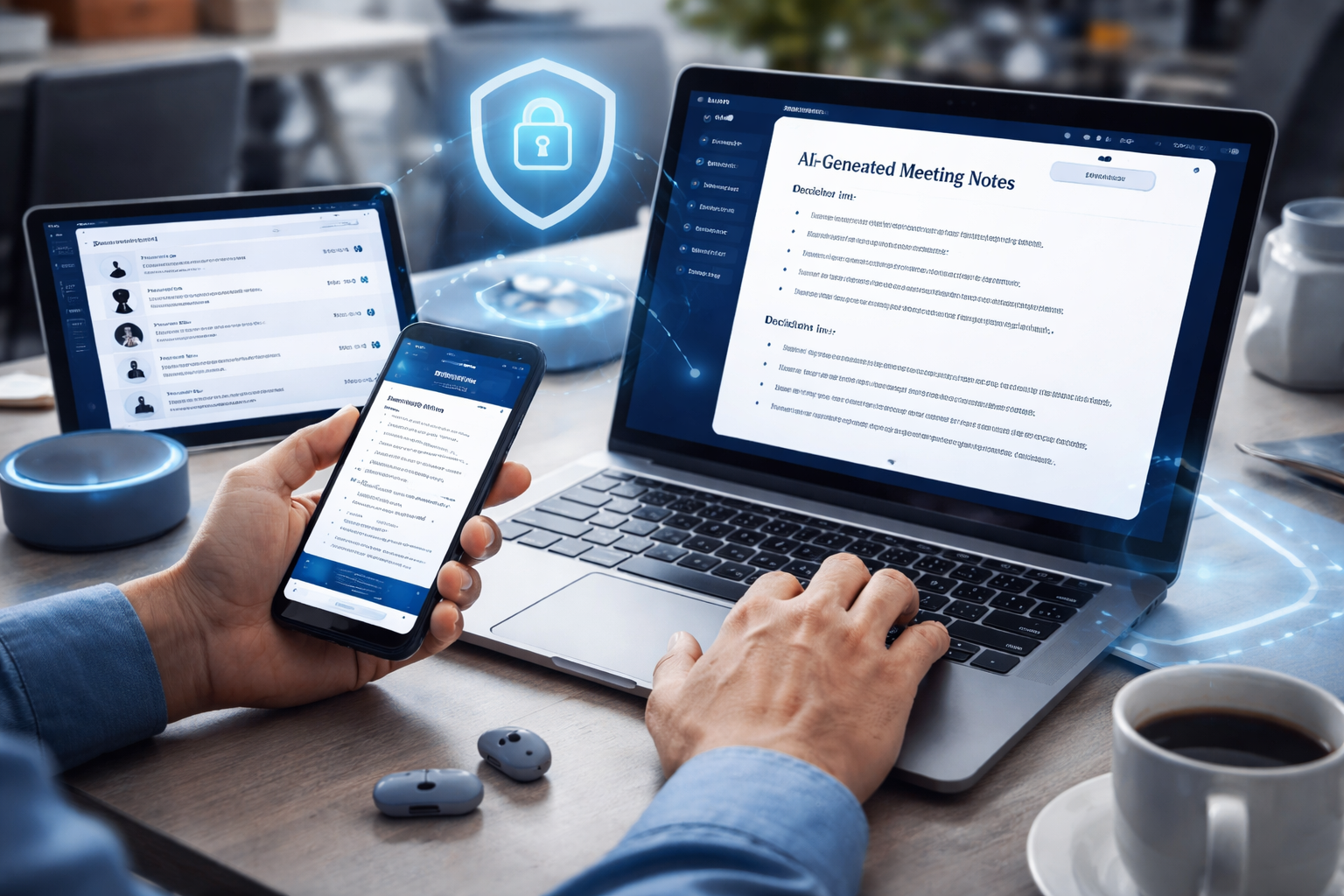
How to Keep It Safe: Privacy, Access, and Retention
The FTC’s personal-information protection guide provides background for limiting collected information, controlling access, and setting retention rules. Apply those principles to recordings, transcripts, and exported meeting summaries.
Recordings and transcripts are business data
Treat meeting artifacts like any other internal document. Store them in your approved cloud (e.g., Microsoft 365 or Google Workspace) with role-based access.
Create a short retention rule
Not every transcript needs to live forever. Consider keeping transcripts for a short window (for accuracy checks) while keeping the final summary longer if it’s part of project documentation.
Know when not to record
Some conversations should stay unrecorded: performance discussions, sensitive personnel issues, legal strategy, or highly confidential negotiations—unless your counsel and policies say otherwise.
Common Failure Points (and How to Avoid Them)
Failure point: Notes that don’t match how your team works
If your team lives in a CRM, but the recap lands in email only, follow-ups won’t happen. Route outputs to the system that drives action.
Failure point: Everyone “assumes someone else” reviewed the summary
Assign one role: the meeting owner approves the draft and triggers distribution. Keep accountability simple.
Failure point: Too many tools too fast
Adding a new app, a new bot, and a new task board in the same week creates resistance. Start with one meeting type and one destination for tasks.
Pilot this in one week with a low-risk meeting type
Key Takeaways
- AI is most useful for meeting admin work: drafting summaries and extracting action items for quick human approval.
- Standard output formats beat “perfect transcripts” for day-to-day operations.
- The workflow succeeds when tasks land in the same system your team already uses.
- Protect your business by controlling access, setting retention, and avoiding recording sensitive conversations.
Frequently Asked Questions
Do we need to record meetings for this to work?
Not always. Some tools can work from live captions or manual notes, but recordings/transcripts usually produce better drafts. If recording feels sensitive, pilot with internal project meetings first.
Will AI meeting notes replace a project manager or coordinator?
No. It reduces repetitive write-up work, but someone still needs to confirm decisions, assign owners, and manage priorities. Think of it as administrative assistance, not operational leadership.
What’s the minimum setup for a small team?
A single template, one person responsible for review, and one destination for tasks. You can start with “AI draft → human edits → email + task board” before adding deeper automation.
How do we prevent inaccurate summaries?
Use a strict prompt (“do not add facts”), require a human reviewer, and keep the summary tied to decisions and action items. If something is unclear, mark it as “TBD” rather than guessing.
Is this safe for client calls?
It can be, but you need consent practices, a clear purpose, and appropriate storage/access controls. If you’re in a regulated industry, confirm policy requirements before rolling it out widely.
Take the Next Step
If you want help setting up an AI meeting-notes workflow that fits your tools and policies—without adding chaos—Your Expert Tech can help you choose the right approach, standardize templates, and implement lightweight automation with proper security controls.
Reach out for a consultation, and we’ll map a pilot that your team can adopt quickly and manage confidently.