

Galaxy S26 Review (NYC Business Lens)
What NYC owners actually need from a “flagship” phone
A Galaxy S26 review for consumers usually fixates on camera zoom, gaming benchmarks, and color options. Manhattan and New York City businesses care about different things: reliable connectivity on the move, security controls that reduce risk, and a rollout that doesn’t interrupt client work.
This review focuses on the parts that matter to professional teams—managed IT fit, device policy control, and day-to-day practicality across commutes, job sites, and client meetings.
Who this review is for
If you run a law office near Foley Square, a design studio in SoHo, a medical practice on the Upper East Side, or a field-heavy trades company covering the boroughs, the “best phone” is the one your team can use safely and consistently.
This article assumes you want fewer support tickets, fewer lost-device surprises, and predictable costs.
What’s new for business buyers (and what to ignore)
The headline features that actually matter
Most upgrades are incremental year to year, but several categories affect business operations:
- Security and OS support lifecycle (how long you can keep a device compliant)
- Manageability (Android Enterprise/Knox options, policy granularity)
- Connectivity (eSIM + physical SIM behavior; Wi‑Fi reliability; hotspot stability)
- Battery + charging durability (real workday performance)
If a feature doesn’t reduce risk, reduce friction, or improve uptime, it’s probably not worth paying a premium for across a fleet.
The features that rarely move the needle for NYC teams
Camera improvements are nice for documenting jobs, receipts, and site conditions, but they rarely justify a mid-cycle fleet refresh by themselves. The same goes for marginal CPU gains if your core apps are email, calendar, CRM, and line-of-business tools.
For most NYC businesses, the biggest “performance” win is consistent app behavior under managed policies, not raw speed.
Device management fit: Galaxy S26 with Android Enterprise and Knox
Google’s Android Enterprise overview explains work profiles and fully managed deployment models. Confirm the exact model, operating-system version, and management platform support before choosing a configuration.
Policy control and compliance
The Galaxy S26 is built to work well in an Android Enterprise environment (typical MDM tools include Microsoft Intune, VMware Workspace ONE, and others). For business owners, this matters because it’s how you enforce:
- Passcode/biometric requirements
- Work profile separation (company apps/data separated from personal)
- App allow/deny lists
- Encryption and OS update policies
- Remote wipe and lost-mode actions
In NYC, where phones get lost in rideshares, cafés, and crowded commutes, remote management isn’t optional—it’s the difference between “annoying” and “reportable incident.”
Work Profile vs. fully managed: choose based on your workforce
If your staff uses their own phone (BYOD), a Work Profile is often the cleanest approach: company apps live in a separate container. If you issue company-owned devices (COPE/fully managed), you’ll typically want tighter controls and more consistent setup.
A managed IT partner can help you choose the model that aligns with your HR realities and your risk tolerance.
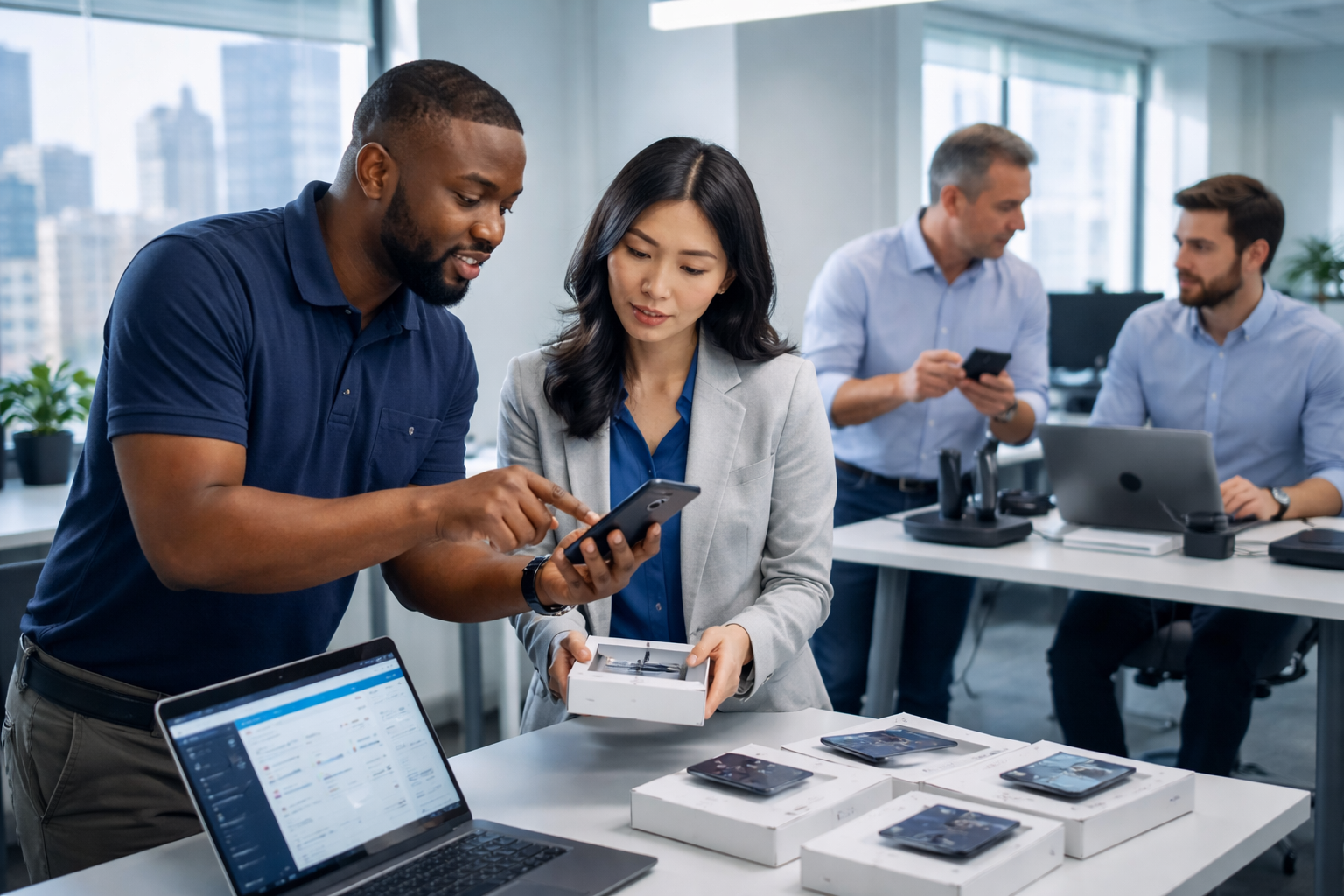
Security and privacy considerations for NYC businesses
Use NIST’s MFA guidance when reviewing protection for the business accounts accessed from the phone; device selection alone does not establish account security.
The baseline security stack you should require
A flagship phone doesn’t automatically make you secure. Your minimum standard should include:
- MFA for email and key apps
- Conditional access (block sign-ins from noncompliant devices)
- Device encryption enabled
- Automatic screen lock with short timeout
- Strong phishing protections (training + technical controls)
This matters especially for professional services firms handling confidential files, invoices, client PII, or any regulated data.
Local reality: your phone is your office when you’re in Manhattan
In New York, teams work from everywhere—lobbies, subway platforms, job sites, shared workspaces, and client offices. That increases shoulder-surfing risk and the chance a device is misplaced.
Treat mobile as a primary endpoint, not a secondary accessory.
Connectivity and eSIM: what to validate before you commit
eSIM makes life easier—if you test it first
eSIM can simplify provisioning, carrier changes, and dual-line setups (useful when you want a dedicated business line). For NYC businesses with frequent onboarding/offboarding, eSIM can reduce the “waiting on a SIM card” problem.
That said, real-world success depends on carrier processes and your MDM enrollment flow. Test with your carrier and your management tool before buying 10+ devices.
Hotspot and travel use cases
If your team regularly uses a phone as a hotspot—common for pop-ups, site visits, and temporary workspaces—stability matters more than peak speed. Verify:
- Hotspot stays connected during movement (walking between buildings, riding in a car)
- VPN behavior works as expected
- Battery drain is acceptable during hotspot sessions
Battery and durability: what business users feel day to day
“All-day battery” means different things in NYC
A sales rep hopping between Midtown meetings, a property manager coordinating vendors, or a restaurant operator juggling delivery apps will stress battery differently. Screen brightness, GPS, hotspot usage, and constant notifications can make any phone feel smaller than advertised.
Your best move is to standardize charging habits and provide the right accessories (fast charger at the office, spare cable, car charger for field staff).
Cases, screen protection, and downtime
A cracked screen is not just a repair bill—it’s downtime, lost MFA access, and missed calls. If you’re rolling out Galaxy S26 devices, budget for:
- A protective case that still supports wireless charging
- A quality screen protector
- At least one spare device (or rapid replacement plan)
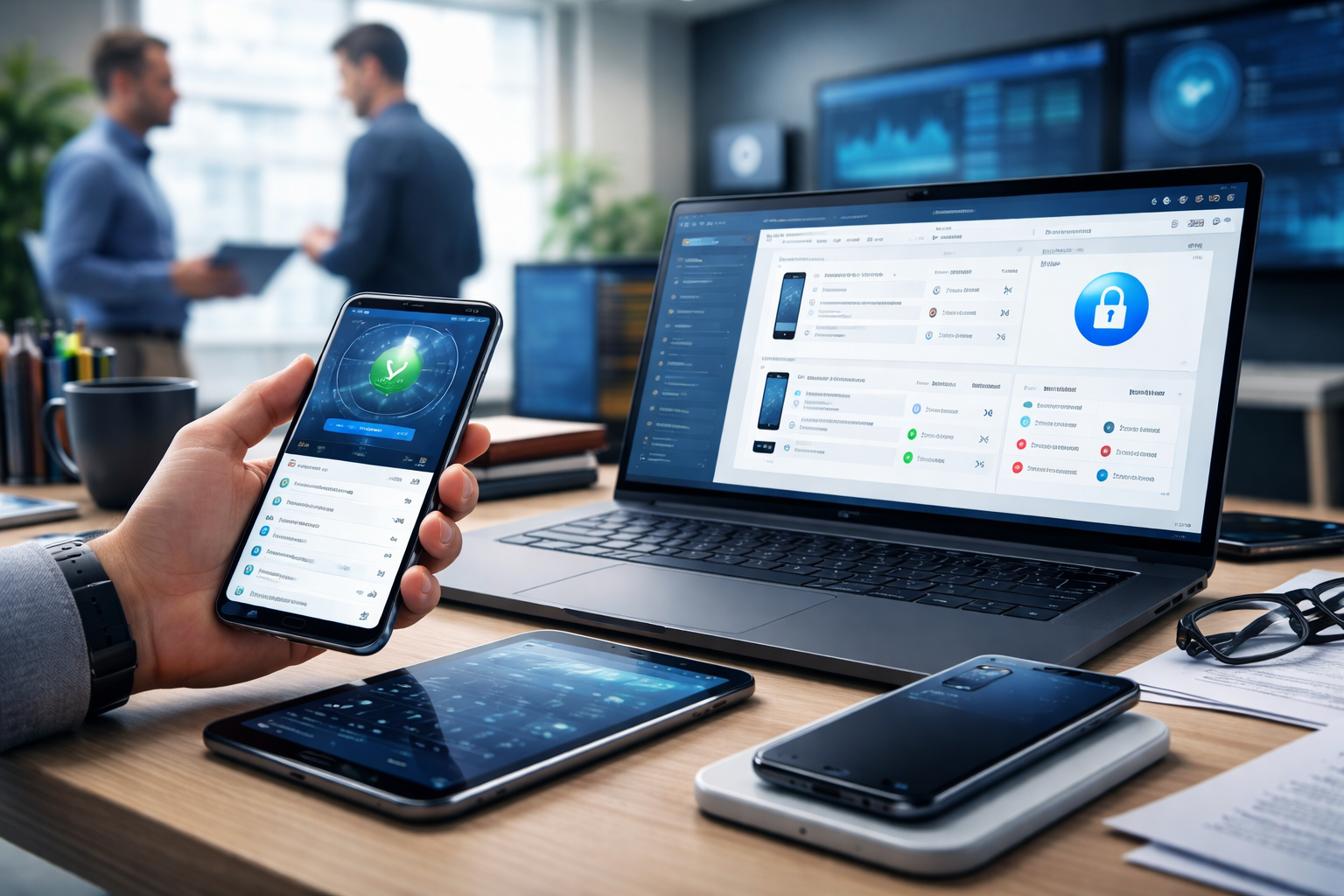
Galaxy S26 for core business workflows
Email, calendar, Teams/Slack, and document access
For most NYC companies, the phone is a communications hub first. The Galaxy S26 should handle the core stack smoothly, but your real performance lever is configuration:
- Enforce Outlook/Gmail app policies through MDM
- Disable risky app permissions by default
- Require approved storage locations (OneDrive/Google Drive)
This reduces shadow IT and keeps files from drifting into personal apps.
Field documentation: photos, scanning, and signatures
Even if you don’t care about “pro photography,” better cameras help with practical tasks: before/after photos, damages, serial numbers, receipts, and quick scans. Pair that with a standardized scanning app and consistent file naming rules so photos don’t get lost in personal galleries.
Deployment process: how NYC businesses should roll out Galaxy S26
Step 1: Define your mobile standard (before you buy)
Write down what “approved” means for your company. Include security requirements (MFA, encryption), required apps, and what data is allowed on the phone.
If you have a mixed workforce (office + field), define at least two profiles—one for fully managed devices and one for BYOD Work Profile.
Step 2: Set up MDM and conditional access
Pick your management platform and connect it to your identity provider (Microsoft Entra ID/Azure AD or Google). Then configure compliance policies so only managed, compliant Galaxy S26 devices can access company email and files.
This is where a managed IT provider earns their keep: the policy details determine whether users love the rollout or fight it.
Step 3: Pilot with a small group and document the setup
Pilot with a few employees across different roles (admin, field, management). Confirm:
- Enrollment is fast and repeatable
- eSIM/carrier activation is smooth
- VPN and line-of-business apps behave correctly
- Lost device actions (lock, locate, wipe) work as expected
Once confirmed, document the process so onboarding a new hire doesn’t become a custom project.
Cost and procurement: buying Galaxy S26 the business way
Avoid the “retail cart” approach
Buying phones ad hoc creates a support nightmare: different storage sizes, different carriers, inconsistent warranties, and incompatible accessories. Standardize model, storage tier, and accessory kit so replacements are painless.
If you’re in Manhattan, also think about logistics: where devices get delivered, who signs, and where you stage them for setup.
Plan for lifecycle and replacements
Don’t wait for batteries to fail or screens to crack across your whole team. Set a refresh window that matches your risk profile and budget, and keep at least one spare device for business continuity.
If you’re subject to audits or client security questionnaires, a predictable lifecycle also makes compliance easier.

Key Takeaways
- The Galaxy S26 is a strong business phone when paired with MDM, MFA, and conditional access—not as a standalone “secure device.”
- Standardizing models and configuration reduces support tickets more than chasing the newest specs.
- Test eSIM/carrier provisioning in a pilot before a full NYC rollout.
- Protect uptime with accessories, a spare device plan, and documented onboarding/offboarding.
Frequently Asked Questions
Should NYC small businesses choose Galaxy S26 over iPhone for company phones?
Choose based on manageability and your existing stack. If your team is already standardized on Android and you’ll enforce Android Enterprise policies consistently, Galaxy S26 can be an excellent fit. If your org is iOS-first and your app ecosystem is built around it, consistency may matter more than switching.
Is BYOD safe with Galaxy S26?
It can be, if you use a Work Profile and conditional access so company data only syncs to managed containers. Without MDM, BYOD usually turns into “uncontrolled email access,” which is risky.
Do we really need an MDM for a small NYC office?
If you use email, shared files, or any client data on phones, yes. Even a five-person firm benefits from remote wipe, compliance policies, and standardized app deployment.
How do we handle offboarding when someone leaves?
Have a written process: disable account access, revoke tokens, retire the device from MDM, and wipe the work profile (BYOD) or full device (company-owned). Done correctly, you reduce the chance of lingering access and data leakage.
What’s the best way to set up a new Galaxy S26 for an employee?
Use a repeatable enrollment path through your MDM so the phone auto-configures email, required apps, security settings, and Wi‑Fi/VPN profiles. Avoid manual setup that depends on one person “remembering the steps.”
Take the Next Step
If you’re considering the Galaxy S26 for your Manhattan or NYC team, NY Your Expert Tech can help you design a secure mobile standard, set up MDM/conditional access, and run a low-friction pilot before you commit to a full deployment.
Schedule a consultation to review your current device mix, onboarding/offboarding process, and the fastest path to a managed, secure Galaxy rollout.