

The question Manhattan business owners should ask before choosing an MSP
Why offboarding is the moment your risk spikes
Employee departures are normal; unmanaged departures are expensive. The biggest problems usually aren’t dramatic hacks—they’re simple oversights: an account that stays active, a mailbox that keeps receiving sensitive info, or a laptop that never gets wiped.
What you’re really buying from a managed IT provider
You’re not just buying “IT support.” You’re buying a repeatable, documented process that works on a hectic Friday afternoon when HR is moving fast, managers are stressed, and someone needs access removed now.
What “good offboarding” actually includes (and what it doesn’t)
Access removal is bigger than just “reset the password”
Modern businesses have dozens of doors: Microsoft 365, Google Workspace, QuickBooks, CRMs, marketing tools, banking portals, password managers, VPNs, Wi‑Fi, door access systems, and vendor extranets. If your provider only talks about “changing their password,” they’re missing the real attack surface.
Offboarding should cover identity, devices, data, and communication
A complete plan ties together four areas: who the person is (identity), what they used (devices), what they touched (data), and what the business needs next (mail forwarding, ownership of files, client communications). It’s operational, not theoretical.
The high-intent evaluation: ask for their offboarding “SLA + checklist + proof”
Ask this in plain language
When you interview a provider, don’t ask if they “handle offboarding.” Ask: “If we email or call to offboard someone, what happens next—step by step—and how do you prove it’s done?”
What a real answer sounds like
A serious provider will describe time-to-disable, who is authorized to request offboarding, how they confirm identity, and how they handle edge cases (lost device, shared mailbox, litigation hold, VIP accounts). They should also show you a template checklist and a sample of the evidence they retain (ticket notes, screenshots, audit events).
What a weak answer sounds like
If you hear “we’ll take care of it,” “we’ll reset passwords,” or “HR just emails us,” push harder. Offboarding is where vague providers create vague outcomes.
Step 1: Define the “who can request offboarding” rule (so urgent requests don’t become a security hole)
Build a simple authorization policy
Your MSP should require requests from a defined list (owner, HR lead, department head) and document exceptions. This prevents a social-engineering scenario where someone impersonates management to lock out a legitimate user—or where a rushed manager asks for actions that create legal trouble.
Clarify two tracks: standard vs. immediate lockout
Not every departure is the same. Your process should include at least:
- Standard offboarding (planned transition)
- Immediate containment (high-risk or abrupt termination)

Step 2: Contain first—disable access and revoke sessions
Microsoft’s user-access revocation guidance explains session behavior and additional access considerations. Use it to check the containment sequence instead of assuming that one account change immediately ends every session.
What “disable access” should include in Microsoft 365 environments
For many Manhattan SMBs, Microsoft 365 is the control plane. A solid MSP should be fluent in actions like disabling sign-in, forcing sign-out, resetting credentials, and revoking active sessions so the user can’t keep working from an already-authenticated phone or browser.
Don’t forget MFA, tokens, and “stay signed in”
The riskiest gap is assuming a password change ends access. If the user has an authenticated session or a third-party app token, they may still have reach.
Step 3: Clean up—devices, data ownership, and third-party apps
The Microsoft 365 employee offboarding guide covers the administrative steps around accounts and business data. Use it alongside the organisation’s ownership and retention decisions when handing over files and email.
Devices: retrieve, lock, and wipe with a documented chain of custody
Your MSP should coordinate device return instructions, remote lock/wipe where appropriate, and confirmation of encryption status. For managed devices, they should be able to show you the device record and compliance state, not just say “we wiped it.”
Data: transfer ownership without breaking the business
Offboarding often fails when nobody plans what happens to:
- Mailboxes and shared inboxes
- OneDrive/SharePoint files
- Password vault entries
- CRM ownership, marketing lists, and billing contacts
Third-party apps: the hidden leak
Most SMBs have a long tail of SaaS tools. Your MSP should maintain (or help you maintain) an application inventory so they can disable accounts, revoke API keys where relevant, and remove the user from shared workspaces.
What to require in the contract: measurable response times and clear roles
The minimum service-level expectations to ask for
You’re not being demanding—you’re being specific. Ask what they commit to for:
- Time to acknowledge an offboarding request
- Time to disable access for urgent cases
- Time to complete full deprovisioning (including apps)
- Time to deliver a completion summary
RACI matters: who does what when HR, management, and the MSP all touch the process
A good MSP will help you define responsibilities so nothing falls between cracks:
- HR: departure timing, approvals, device return logistics
- Manager: ownership transfer (clients, projects, shared files)
- MSP: identity actions, device management, documentation
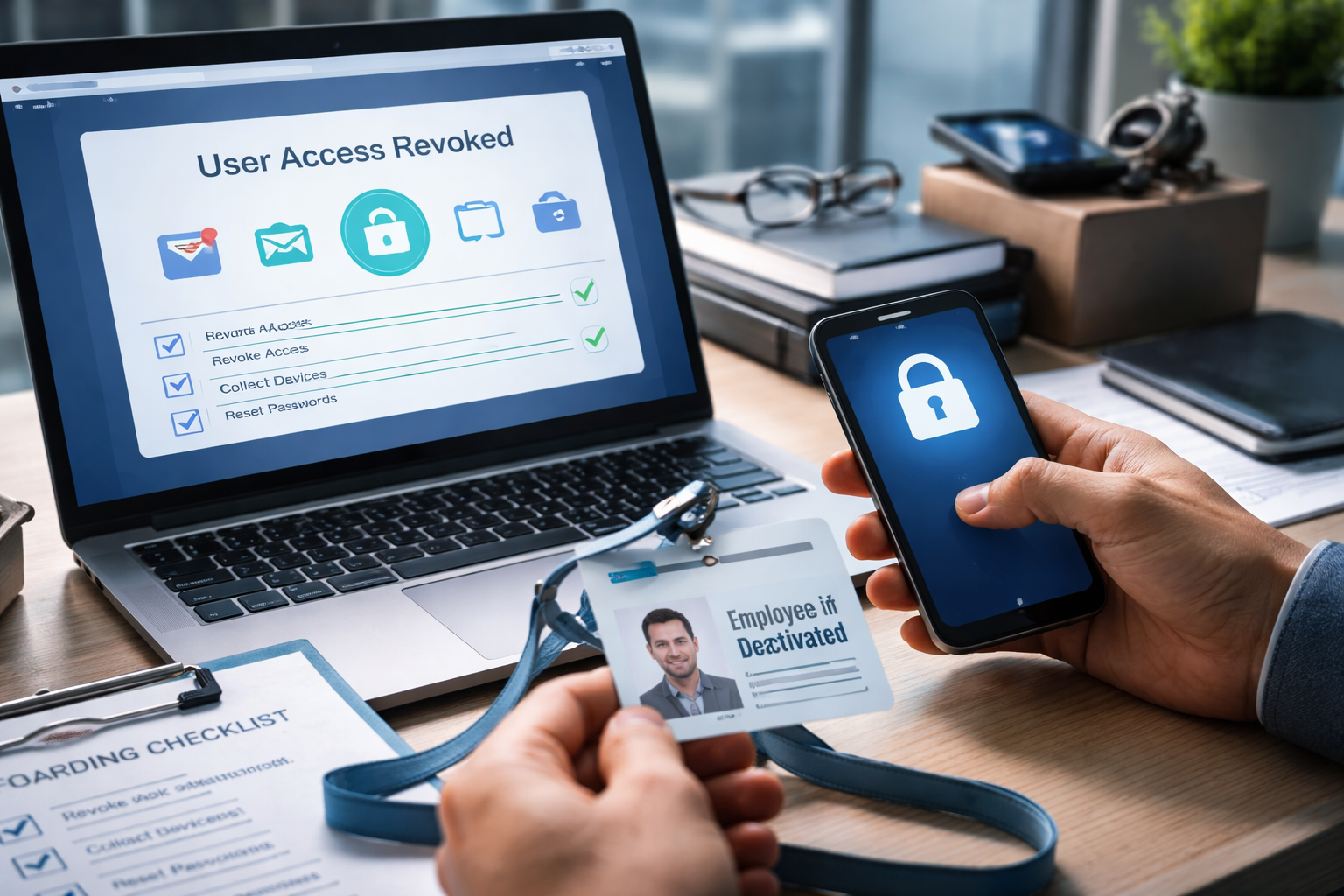
The proof problem: how will you know it’s actually done?
Ask for a completion report, not just a closed ticket
A meaningful closeout includes what was disabled, what was transferred, what remains pending (e.g., device not returned), and what business decisions are needed (keep mailbox for X days, convert to shared, litigation hold).
Logs and auditability should be part of the deliverable
You don’t need a binder of screenshots—but you do need the ability to answer basic questions later: When was access removed? Which admin did it? Were mail rules reviewed? Was forwarding added? A mature provider can point to audit trails for key actions.
Common offboarding scenarios Manhattan SMBs should plan for
Scenario: “We need access cut off immediately—right now”
Your MSP should have an emergency path that doesn’t depend on one specific technician being available. You want a defined after-hours procedure and a clear way to authenticate the request.
Scenario: “We still need the email address active for clients”
Often you’ll convert the mailbox to a shared mailbox, set controlled forwarding, and add an auto-reply. The important part is doing this without keeping the former employee’s login active.
Scenario: “The employee used personal devices or personal email”
If your business allows BYOD, your provider should have a method to remove corporate accounts, enforce app protection where possible, and reduce data residue. If there’s no BYOD policy, offboarding becomes guesswork.
Scenario: “We don’t know all the apps they had access to”
This is exactly why the provider should help you build and maintain an access inventory over time. Offboarding is not the moment you want to discover five billing accounts tied to one person’s personal email.
An offboarding checklist you can use to evaluate an MSP

Key Takeaways
- Offboarding is a security and operations process—not a single password change.
- Your MSP should commit to clear response times and show a standardized checklist.
- “Disable access” must include session/token revocation to prevent lingering access.
- Device retrieval and data ownership transfers should be planned, not improvised.
- Require proof: completion summaries and auditable logs, not vague assurances.
Frequently Asked Questions
How fast should a managed IT provider remove access when someone leaves?
For high-risk departures, you want minutes—not hours—once an authorized request is received. Full deprovisioning (apps, groups, device actions, documentation) is commonly a same-day expectation for SMB environments, assuming the business provides the needed details.
Should we keep a former employee’s mailbox active so clients can still email them?
You can keep the address functional without keeping the login active. A common approach is converting the mailbox to a shared mailbox, delegating access to a manager, and setting an approved auto-reply/forwarding plan.
What about shared passwords or “everyone knows the login” tools?
This is a major offboarding weakness. A good MSP will push you toward a password manager with shared vaults and will rotate any shared credentials immediately when someone with knowledge of them leaves.
How do we offboard someone if we don’t know every app they used?
Treat it as an inventory problem, not a heroics problem. Your MSP should help maintain an application/access inventory over time (including who owns billing/admin) so offboarding becomes predictable.
What should we ask for as proof that offboarding is complete?
Ask for a completion summary that lists actions taken and timestamps (access disabled, sessions revoked, mailbox handled, groups removed, device wipe initiated/confirmed) plus any remaining risks (device not returned, unknown apps to investigate).
Take the Next Step
Make offboarding a repeatable process before you switch providers
If you’re comparing managed IT providers, request their offboarding checklist, their urgent-lockout procedure, and a sample completion report. You’ll learn quickly whether they run a disciplined operation—or a best-effort help desk.
Consultation CTA
If you want a second set of eyes on your current offboarding process (or you’re selecting an MSP and want to pressure-test their answers), contact Your Expert Tech for a practical managed IT consult focused on access removal, Microsoft 365 controls, device handling, and audit-ready documentation.