

The NYC SMB problem nobody wants to learn about the hard way
Why “normal” invoices are now a cybersecurity risk
Invoices are a perfect target because they blend into everyday operations: AP teams expect them, managers approve them quickly, and vendors routinely “update” details. Attackers don’t need ransomware to cause damage—just one believable email and a bank account they control.
What invoice hijacking looks like in real life
A vendor email arrives with a polite note: “We’ve updated our ACH details—please use the new account for this month’s payment.” Sometimes the attacker actually replies inside a real email thread after taking over a mailbox, so it looks completely legitimate.
Why NYC small and midsize businesses are especially exposed
Fast-moving operations and lots of vendors
Many NYC SMBs move quickly—multiple locations, lots of subcontractors, building services, consultants, and recurring invoices. More vendors means more “normal” reasons for bank changes, which increases the chance that one slips through.
High-trust workflows and thin process layers
In smaller companies, a single person can receive the invoice, approve the payment, and send the ACH. That speed is great—until it becomes the attacker’s path to a clean payout.
The decision you actually need to make: process-first or tools-first
The practical reality: this is mostly a workflow problem
You can buy more security tools and still lose money if your team can change vendor payment details from a single email request. The strongest defense is a simple, consistent verification process that people can follow under pressure.
Tools still matter—but they should support the process
Email security, identity controls, and audit logs help you prevent, detect, and prove what happened. But they’re not a substitute for a payment-change policy that’s enforced every time.

Where invoice hijacking starts: three common entry points
Vendor mailbox compromise (the “reply inside the thread” attack)
Attackers get into a vendor’s email account and wait. When a legitimate invoice is sent, they reply from the real mailbox with “updated payment details,” making the request extremely convincing.
Your mailbox compromise (the “I’m the CEO—send it now” attack)
If an internal mailbox is compromised, attackers can impersonate an executive or controller and push the AP team to “make the change today.” The urgency is the weapon.
Lookalike domains and forwarding rules (the “almost identical” attack)
Attackers register a domain that’s one character off and use it to send “vendor updates.” In other cases, they create hidden forwarding rules so they can monitor email and time their request.
A simple, repeatable defense: make bank changes boring
The FBI’s business email compromise guidance recommends verifying changes to payment details or procedures. Build that verification into the accounting process using a trusted contact channel rather than the details supplied in the suspicious request.
Step 1: Define what counts as a “payment instruction change”
A payment instruction change includes new bank account/routing numbers, new payee name, new payment platform links, “send checks to this new address,” or “use this new portal.” Treat each one as high-risk, even if it sounds routine.
Step 2: Verify out-of-band using known-good contact info
Do not reply to the email. Use a known phone number from your vendor master file, contract, or past statements—not from the email signature—and confirm the change with a person who is authorized on the vendor side.
Step 3: Require dual control and create a paper trail
Make it impossible for one person to both approve and implement a payment change. Capture who verified it, when, what number they called, and what documentation was used.
Make it operational: what to change in your accounting workflow
Tighten your vendor master file process
Limit who can edit vendor payment details in your accounting system. If your platform supports it, separate roles so one person can request and another must approve.
Standardize the “vendor change form” (even if it’s simple)
Create one form—digital or PDF—that captures the old details, new details, reason, verifier name, date, and how verification happened. Consistency beats complexity here.
Add friction only where it matters
Don’t slow down routine invoice approvals; slow down payment instruction changes. If the team feels blocked every day, they’ll work around the process.
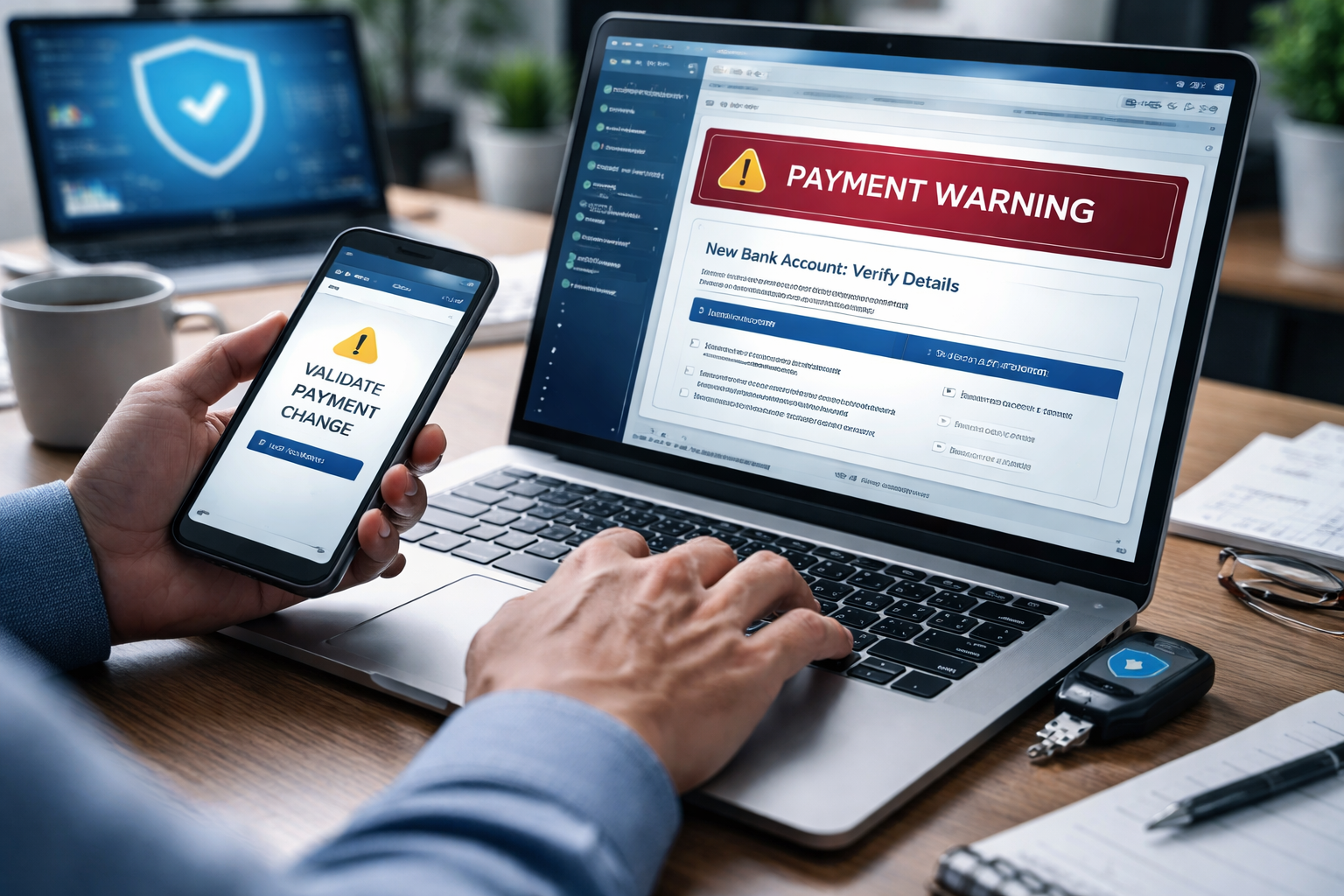
Email and identity controls that reduce the odds of a believable scam
Review NIST’s multifactor authentication guidance when strengthening finance and administrator accounts. Pair account protection with the payment-verification procedure, since a convincing request still needs an independent check.
Turn on strong sign-in protections
Use MFA everywhere, and prefer phishing-resistant methods where feasible (authenticator push with number matching, FIDO2 keys, or passkeys). Pair this with Conditional Access so risky sign-ins or unknown locations/devices trigger additional controls.
Harden Microsoft 365 against impersonation
Configure anti-phishing policies to protect executives and finance roles, and tune impersonation protection for common vendor names. Make sure mailbox auditing is enabled and retained so you can investigate quickly.
Add DMARC (and align SPF/DKIM) for your domain
DMARC won’t stop a compromised vendor account, but it reduces direct spoofing of your own domain—one of the easiest ways scammers impersonate leadership. It also improves email authenticity signals for recipients.
Detection: how to catch a scam before money leaves the building
Flag new bank details as a high-risk event
Set a trigger so any change to vendor payment instructions creates a task for verification and approval. If your accounting tool can’t do this natively, a simple internal ticket or form submission can.
Watch for subtle wording changes and urgency
“Kindly confirm,” “updated due to audit,” “new portal link,” and “payment needed today to avoid service disruption” are common pressure tactics. The right response is the same every time: verify out-of-band.
Monitor for suspicious mailbox rules
Forwarding rules and hidden inbox rules are a classic sign of compromise. Periodically review finance mailboxes for unexpected rules, delegates, and auto-forwarding settings.
Response: what to do if you suspect invoice hijacking
Stop, preserve, and escalate internally
Pause the payment, preserve the email headers, and notify whoever owns IT/security and finance leadership. Avoid “cleaning up” the mailbox before you capture what you’ll need to investigate.
Contact your bank immediately if funds may have moved
Time matters. Banks can sometimes recall or freeze transfers, but the window can be short, and the steps differ by payment type.
Reset access and validate vendor communications
If compromise is suspected, reset passwords, revoke sessions, review sign-in logs, and confirm with the vendor via known-good channels. Assume the email thread may still be monitored until proven otherwise.

Key Takeaways
- Invoice hijacking is best prevented with a strict, out-of-band verification process for any payment instruction change
- Dual control (two-person approval) reduces single-point-of-failure risk in small teams
- Microsoft 365 protections (MFA, Conditional Access, anti-phishing) reduce the chance of a believable request reaching AP
- DMARC/SPF/DKIM help prevent direct spoofing of your domain, but process controls are still essential
- Treat bank detail changes as a security event: log it, verify it, and make it auditable
Frequently Asked Questions
Does this only affect companies that send wires?
No. ACH, checks, and “pay via this portal” links can all be redirected. The common thread is changing payment instructions—not the payment method.
If we have MFA, are we safe?
MFA helps a lot, but it doesn’t prevent a compromised vendor mailbox, a lookalike domain, or a well-crafted social engineering attempt. You still need an out-of-band verification rule.
Won’t verification slow down our AP process?
It shouldn’t—because you only apply it to payment instruction changes, not every invoice. Most companies have far fewer bank-detail changes than invoices.
What’s the minimum policy we can adopt without buying new tools?
A written rule that bank changes require a call to a known-good number, plus two-person approval and a basic log. You can implement that with your current phone system and accounting access controls.
Should we block vendors from emailing invoices altogether?
Usually not necessary. The higher-impact move is to keep invoices flowing but prevent payment instruction changes from being accepted via email.
Take the Next Step
If you want help tightening your payment-change workflow and hardening Microsoft 365 against impersonation and mailbox compromise, schedule a consultation with Your Expert Tech. We’ll review your current AP process, identify the simplest control points, and outline a practical plan you can implement without disrupting day-to-day operations.