
Modern NYC Business Calling Without the Headaches
Why Manhattan offices still rely on desk phones
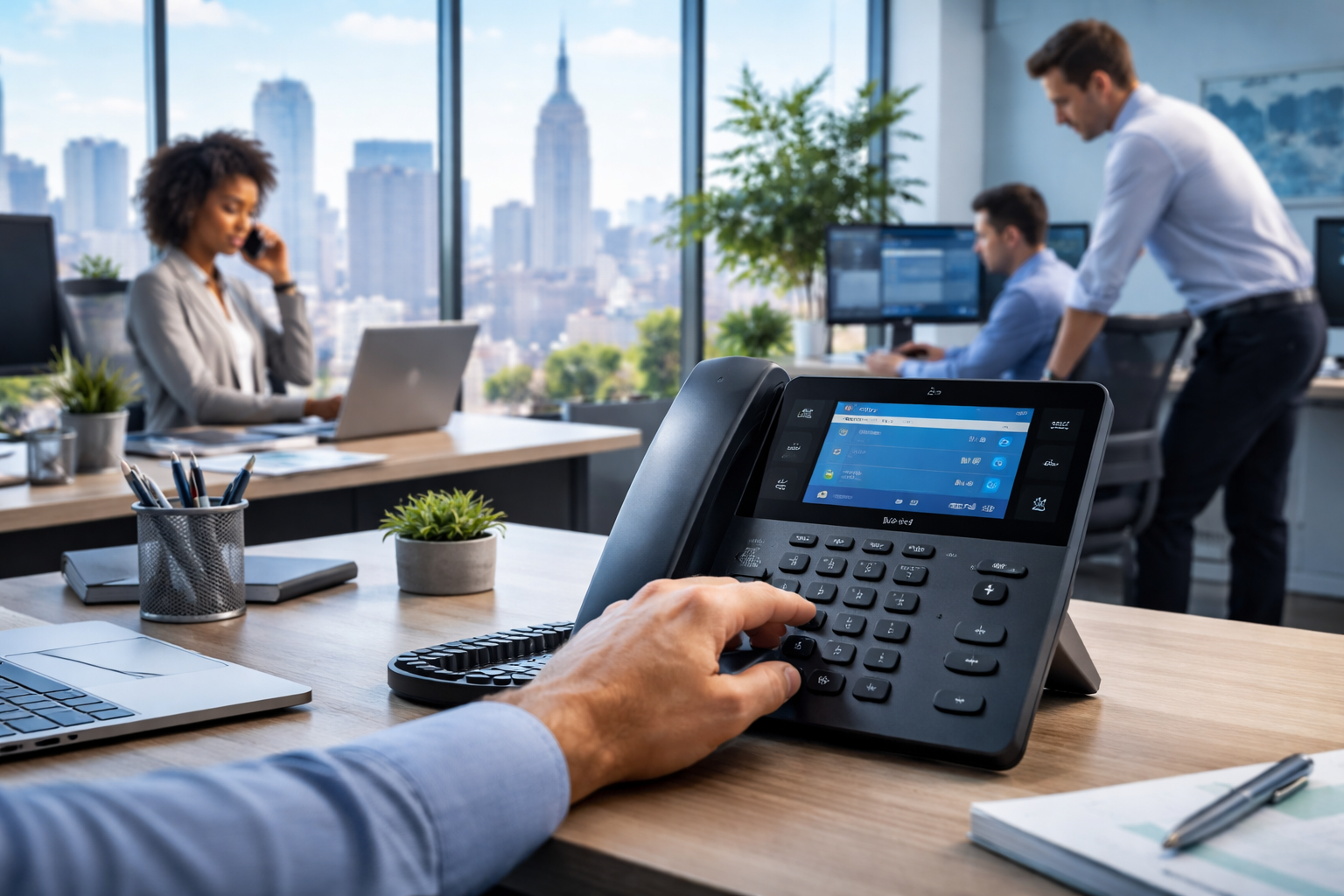
In New York City, many teams still want a real desk phone: crisp audio, a familiar workflow, and something dependable when the day gets loud. Whether you’re in a Midtown shared office, a SoHo studio, or running a front desk in Flatiron, a dedicated handset can keep calls moving when mobile signals, apps, and distractions don’t.
Where RingCentral and the Poly Edge E450 fit
RingCentral gives you a cloud phone system (VoIP) that works across desk phones, computers, and mobile devices. The Poly Edge E450 is a practical desk-phone choice that pairs well with RingCentral because it’s straightforward to deploy, easy for staff to learn, and typically more affordable than higher-end “executive” models—without feeling cheap.
Why NYC Businesses Choose the Poly Edge E450 + RingCentral Combo
Affordable without cutting corners
NYC operating costs are real, and phone hardware is one place you can control spend. The Poly Edge E450 generally hits a sweet spot: it’s a capable business phone with modern features, but not priced like premium touchscreen models.
User-friendly for fast onboarding
In a busy Manhattan office, you don’t want training sessions for basic calling. The Edge E450 is designed to be intuitive: common functions are easy to find, and day-to-day tasks like transferring calls, checking voicemail, and using line keys feel familiar to anyone who has used a business phone before.
A better front-desk experience
If your business has an office manager, receptionist, or rotating admin coverage, a reliable desk phone matters. RingCentral handles the routing and call flows, while the Edge E450 provides a consistent place to answer, park, transfer, and manage calls.
What You Need Before You Deploy
Check HP’s Poly Edge E450 specifications for hardware capabilities and accessory details. Confirm RingCentral provisioning support separately for your account and region before ordering the devices.
Confirm your RingCentral licensing and device support
Start by verifying you have the RingCentral plan/licenses that support desk phones and the features you use (auto attendants, call queues, etc.). Also confirm the Poly Edge E450 is supported in your RingCentral device catalog for your specific account type and region.
Check your internet and internal network basics
VoIP can be excellent in NYC, but performance still depends on your office network. You’ll want stable internet, business-grade routing, and predictable Wi‑Fi/Ethernet behavior (ideally phones on Ethernet).
Plan power and cabling in older buildings
A lot of Manhattan buildings have “creative” cabling realities: limited ports, old patch panels, and power where you don’t want it. Decide whether phones will use PoE (Power over Ethernet) from a PoE switch or separate power adapters.

Setup Process: Poly Edge E450 With RingCentral
Step 1: Prepare your RingCentral account and call routing
Map out how calls should flow before you plug in phones:
- Main number behavior (business hours, holidays, after-hours)
- Auto attendant menus (keep them short)
- Call queues/ring groups (sales, support, front desk)
- Extension assignments and voicemail rules
This prevents you from “fixing” call handling later while your team is already answering live calls.
Step 2: Provision the Poly Edge E450 the right way
Provisioning is where you save the most time. Instead of manually configuring each phone, you want centralized provisioning through RingCentral (or your approved provisioning method) so phones pull settings automatically.
If you’re deploying multiple phones—common in NYC offices with rapid hiring—this is the difference between an afternoon project and a multi-day slog.
Step 3: Validate call quality and train users on the basics
Before calling the project “done,” test what matters:
- Internal extension-to-extension calling
- Transfers (attended and blind)
- Voicemail and message waiting indicator
- Calls to/from mobile numbers and outside lines
- Ring groups/queues and after-hours routing
Then do a quick “five-minute training” for staff: answer, hold, transfer, voicemail, and how to reach the front desk or queue.
Network and Office Design Tips for NYC VoIP Reliability
RingCentral’s voice quality and QoS guidance explains network preparation and call-quality checks. Use it when reviewing bandwidth and router configuration, then test calls while the office network is busy.
Use VLANs and QoS if you have more than a couple phones
In a typical NYC office, your network carries video meetings, cloud apps, guest Wi‑Fi, and sometimes building systems. Putting phones on their own VLAN and prioritizing voice traffic (QoS) helps keep calls clean during peak usage.
Prefer wired connections for desk phones
Wi‑Fi is convenient, but for a desk phone that represents your business line, Ethernet is usually the more stable choice. In dense Manhattan environments, Wi‑Fi interference and congestion can show up at the worst time—like Monday morning.
Consider E911 location planning for multi-floor or shared spaces
If you’re in a coworking space, a multi-suite floor, or you move teams between rooms, make sure emergency calling location data is accurate. This is operationally important, and it’s easy to overlook when everyone is focused on features and pricing.
Making It Affordable: Where NYC Businesses Actually Save
Reduce hardware churn with a standard model
Buying a “good enough” phone and standardizing keeps replacements simple. If you use one model (like the Edge E450) across most desks, you can keep a spare on hand and swap it in immediately when needed.
Avoid overbuilding the phone tree
Complicated auto attendants and endless menus frustrate callers and increase abandoned calls. A clear RingCentral call flow—paired with a consistent desk-phone experience—often reduces the operational cost of missed calls and misroutes.
Keep support costs down with remote management
With the right provisioning and documentation, your IT provider can troubleshoot many issues remotely: registrations, firmware, user assignments, and routing changes. That matters in NYC, where scheduling on-site time can be expensive and slow.
Everyday Features Your Team Will Use
Transfers, paging, and shared lines
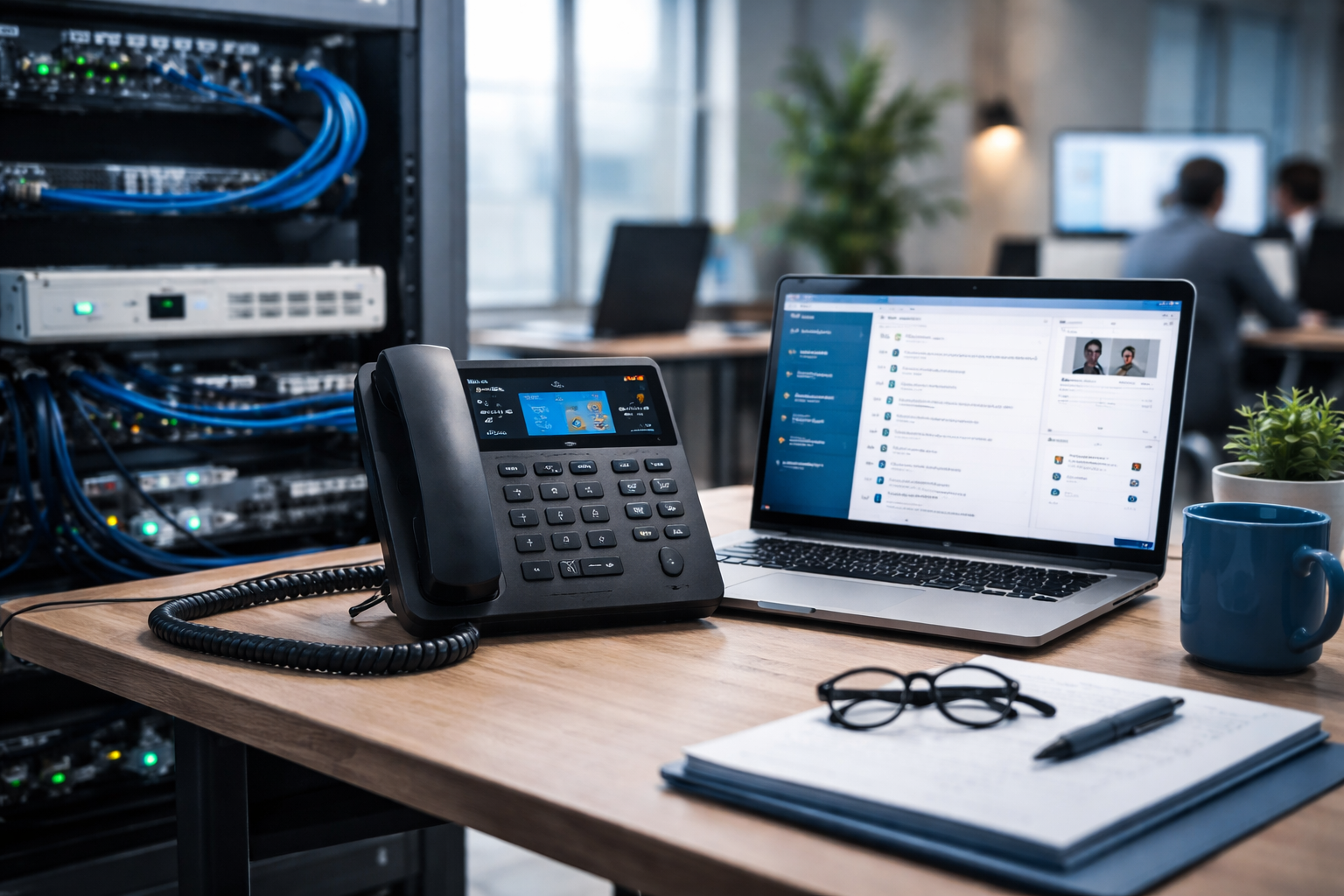
NYC businesses often run fast-paced internal coordination: “Can you grab this call?” or “Is the client here yet?” A desk phone like the Edge E450 supports the real-world basics—transfers and shared line handling—without forcing staff into app-only workflows.
Voicemail-to-email and mobile continuity
RingCentral can route voicemail and keep users connected through mobile and desktop apps, which is helpful when staff are moving between job sites, meetings, and commuting. The desk phone stays as the stable anchor, while the apps provide flexibility.
Before you roll out the Poly Edge E450 with RingCentral, do this
Key Takeaways
- The Poly Edge E450 is an affordable, user-friendly desk phone option that pairs well with RingCentral for NYC offices.
- Centralized provisioning is the fastest path to consistent deployments and easier support.
- Wired Ethernet plus VLAN/QoS planning helps protect call quality in busy Manhattan networks.
- Test call flows and user basics (transfer/voicemail) before you consider deployment complete.
Frequently Asked Questions
Can I use the Poly Edge E450 with RingCentral out of the box?
Often, yes—but you’ll still want to confirm device support in your RingCentral portal and provision it correctly. “Out of the box” usually still means assigning the device to a user/extension and letting it pull configuration from the service.
Is the Poly Edge E450 good for a receptionist or front desk?
It can be, depending on call volume and workflow. For many NYC offices, it’s a solid front-desk phone when paired with RingCentral call queues, ring groups, and clear line key programming—especially if you keep the call flow simple.
Will call quality be good in a Manhattan office?
It can be excellent, but it’s not automatic. Reliable call quality depends on your office network design (wired connections, VLAN/QoS), stable internet, and avoiding oversubscribed or poorly configured Wi‑Fi.
Do we still need the RingCentral app if we have desk phones?
Many teams use both. Desk phones are great for consistent answering and transfers, while the app is useful for remote work, texting, voicemail management, and taking calls on the go.
What’s the biggest mistake businesses make during deployment?
Trying to “wing it” without planning call routing and without standardizing provisioning. A little upfront structure—extensions, call flows, and a pilot phone—prevents messy rework later.
Take the Next Step
Get a clean, business-ready RingCentral + Poly deployment in your NYC office
NY Your Expert Tech helps Manhattan and NYC businesses design and manage VoIP setups that are reliable, supportable, and easy for staff to use. If you want help choosing the right RingCentral configuration, provisioning Poly Edge E450 phones, and tuning your network for call quality, we can guide the rollout end-to-end.
Schedule a consultation
Reach out to NY Your Expert Tech to schedule a consultation for a RingCentral + Poly Edge E450 deployment, network readiness review (VLAN/QoS), and a rollout plan that fits your office layout and hiring pace.