

Quishing in NYC Is a Physical-to-Digital Problem, Not Just “Phishing”
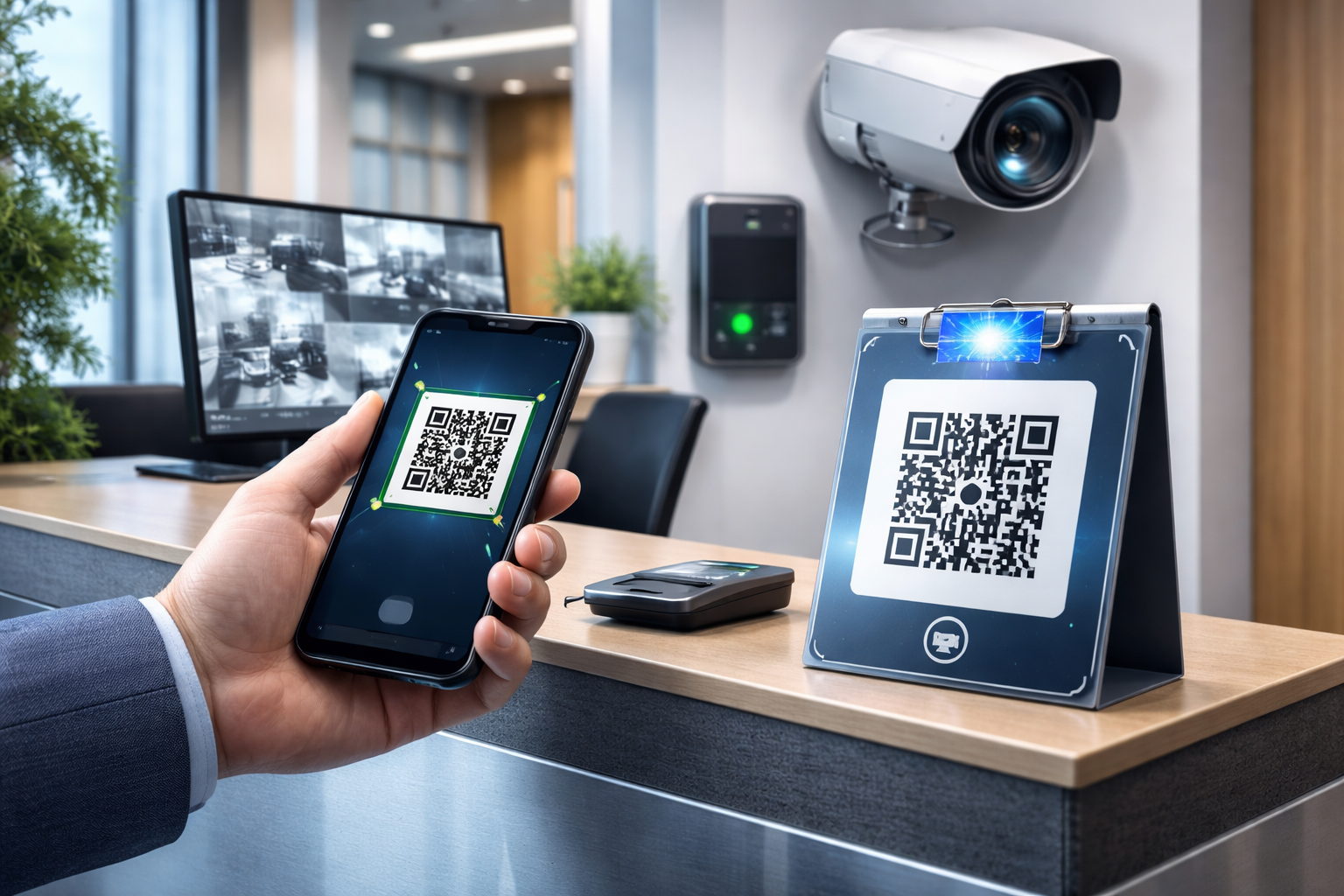
In Manhattan (and across NYC), QR codes live where people move fast: lobby stands, elevator placards, construction sites, countertop tents, and invoices handed over in the field. That makes quishing (QR phishing) uniquely dangerous because the attacker’s “delivery channel” can be a sticker placed over a legitimate code.
Why SMBs get hit differently
SMBs often rely on QR codes to reduce front-desk workload, speed up payments, collect service requests, and route visitors to forms. Those are real business wins—until a swapped sticker reroutes a tenant, patient, or customer to a fake login or payment page.
Where quishing shows up in real work
The common pattern is simple: a legitimate QR exists, it’s accessible to the public, and it can be altered without anyone noticing. NYC environments add density and turnover—more foot traffic, more contractors, more shared spaces—so “set it and forget it” signage doesn’t stay trustworthy for long.
The Attack Flow: QR Tampering to Mobile Sign‑In
The FTC’s QR-code scam guidance explains common tampering and spoofed-destination tactics and offers checks to use before opening an unfamiliar QR link.
What attackers want
Most quishing campaigns aim for one of two outcomes: credential capture (Microsoft 365/Google/work portals) or payment rerouting (ACH/wire/card or a “pay invoice” portal). Either way, the user is pushed from a physical artifact into a high-trust action on a mobile browser.
Why mobile makes it worse
Mobile browsers hide details that would raise suspicion on a desktop: long URLs, subtle misspellings, and certificate warnings are easier to miss. Users are also more likely to be “logged out,” so a fake sign-in prompt feels normal.
The physical layer is the weak link
Email security tools may never see the initial lure. If the QR is tampered with on a poster or invoice, the first “message” is the sticker itself, not an email.
Build a “Trusted QR Registry” (Your Operational Source of Truth)
A Trusted QR Registry is a simple system that answers one question fast: “Is this QR supposed to be here—and where does it go?” You can run it in a spreadsheet, ticketing system, or lightweight asset tool; the important part is consistency.
What to record for each QR code
Create one registry entry per code, even if multiple signs share it. Include:
- QR ID (unique label you assign)
- Purpose (payments, check-in, service request, menu, Wi‑Fi, etc.)
- Destination URL (exact)
- Owner (person/team accountable)
- Physical location(s): building, floor/area, fixture (lobby stand, elevator panel, front desk)
- Deployment date and next inspection date
- Creation method (generator used, short link vs direct URL)
- Verification method (how staff confirm legitimacy on-site)
Make destinations stable and auditable
Prefer a controlled redirect you own (e.g., a company domain short path) over a random QR generator URL. That lets you change the destination safely later without changing the printed code—while still logging and governing changes.
Add change control (lightweight, not enterprise)
Require that any new QR or destination change creates a ticket or approval note. The point isn’t bureaucracy—it’s preventing “mystery codes” from appearing without an owner.

Tamper‑Evident Deployment Patterns for Posters, Lobbies, and Field Invoices
Physical controls don’t need to be expensive; they need to be repeatable.
Use “hard-to-swap” placement design
Print QR codes as part of the sign artwork (not a standalone sticker) whenever possible. If you must use a sticker, place it in a way that makes overlays obvious—e.g., spanning a seam, edge, or a patterned background.
Add human-verifiable cues that don’t help attackers
Include a short “verify line” near the code such as a plain-language destination hint: “Goes to: yourcompany.com/pay” (not the full URL). Pair it with a small QR ID from your registry (e.g., “QR‑PM‑014”).
Make inspection fast with a consistent physical standard
Use consistent size, placement height, and backing style so staff can recognize “what normal looks like.” A mismatched code stands out when everything else is uniform.
Mobile Sign‑In Containment: Assume Someone Will Scan
Even with good physical controls, you plan for the moment a staff member or customer scans a malicious code. Your goal is to limit blast radius: prevent credential reuse, block suspicious sign-ins, and capture enough evidence to respond.
Set expectations for “safe scanning” on staff devices
Define a simple rule: scanning is allowed, but sign-ins and payments must happen only on known domains and approved apps when possible. Train staff to pause at the moment of highest risk: the login/payment prompt.
Add Conditional Access guardrails (Microsoft 365 or similar)
For businesses using Microsoft 365, Conditional Access can reduce damage when credentials are phished:
- Require MFA for all users, especially for cloud apps
- Block legacy authentication (it bypasses modern protections)
- Require compliant devices for admin actions
- Use risk-based sign-in policies where available
- Restrict high-risk sign-ins (new location, unfamiliar device) with step-up verification
Prefer app-based flows over browser logins for critical actions
When feasible, steer staff to use official apps (e.g., payment apps, work apps) instead of entering credentials in a mobile browser. Browsers are where lookalike domains and fake login pages thrive.
A 15‑Minute Quishing Triage Drill (Creates Evidence for Leadership and Insurers)
When someone reports “I scanned a QR and it looked weird,” speed and documentation matter. Run a short drill quarterly or after any signage refresh.
Step 1: Contain (Minutes 0–5)
- Remove or cover the suspect QR immediately (photo first if safe)
- Ask the scanner to stop interacting with the page (don’t enter passwords)
- If credentials were entered, force a password reset and revoke sessions
- If a payment was initiated, contact the payment provider/bank immediately
Step 2: Capture (Minutes 5–10)
- Photograph the QR in place and any overlay/sticker edges
- Record the exact location and time (lobby stand, elevator bank, job site folder)
- On the phone, capture the URL shown after scanning (screenshot)
- Check your Trusted QR Registry: is there a QR ID on the sign and does it match?
Step 3: Correct & Prevent (Minutes 10–15)
- Replace with a verified QR from the registry (or temporarily remove the QR)
- Search the same area for duplicates (attackers often hit multiple signs)
- Create a short incident note: what was found, who acted, what changed
- Schedule an extra inspection sweep for the next 7–10 days
Inspection Cadence That Fits NYC Operations
Set a realistic sweep schedule
High-traffic public locations (lobbies, elevators, storefront windows) deserve more frequent checks than back-office signage. A simple rule: inspect public-facing QR codes at least weekly, and after any vendor work or building-wide posting.
Make inspections “two clicks” easy
Give inspectors a short mobile form: select location → select QR ID → “matches / doesn’t match” → upload photo. You’re building a defensible record without slowing the day.
Assign ownership by space, not by department
In NYC SMBs, spaces change hands: property staff, contractors, retail managers, office admins. Assign a primary inspector per location and a backup, and keep it in the registry.
What to Do If Someone Already Scanned a Malicious QR Code
For affected Microsoft 365 accounts, follow Microsoft’s access-revocation guidance. Review the application-session limitations rather than assuming every session ends immediately.
If they only opened the page
Close it, report it, and document the URL and location. Monitor sign-in logs for unusual activity but avoid panic—opening a page is not the same as granting access.
If they entered credentials
Reset the password, revoke active sessions, and confirm MFA is enabled. Review recent sign-ins for anomalies (new devices, unusual geography, impossible travel patterns).
If they installed a profile/app or allowed permissions
Treat it as higher risk. Remove the app/profile, run mobile security checks (MDM if you have it), and consider temporarily blocking sign-in from that device until it’s validated.

Key Takeaways
- Quishing in NYC is a physical-to-digital risk: posters and invoices can be tampered with faster than email filters can react.
- A Trusted QR Registry turns “random codes” into managed assets with owners, destinations, and verification steps.
- Tamper-evident placement and consistent signage standards make swaps visible during quick inspections.
- Conditional Access and mobile-safe sign-in habits limit damage when a scan goes wrong.
- A 15-minute triage drill creates repeatable response and documentation for management and insurers.
Frequently Asked Questions
How do we prevent QR sticker scams on lobby signage without removing QR codes entirely?
Use a registry-backed approach: print QR codes into the sign artwork where possible, add a QR ID and destination hint, and inspect on a set cadence. You keep the convenience while reducing silent swaps.
Can Microsoft Defender stop quishing automatically?
Defender can help detect malicious links and risky sign-ins in some flows, especially when the link arrives via email. But a tampered physical QR can bypass email controls, so you still need inventory, inspection, and mobile sign-in containment.
What’s the minimum “Trusted QR Registry” we can start with?
Start with a shared spreadsheet listing: QR ID, destination URL, owner, physical location, and last-inspected date—plus a photo of the legitimate sign. Expand into change control and mobile forms later.
What should we capture if someone scanned a suspicious QR?
Get photos of the QR in place (including edges), screenshots of the URL/page, exact location details, and the time. If credentials were entered, document which account and immediately reset and revoke sessions.
Do we need MDM to do this well?
MDM helps, especially for enforcing device compliance and app controls, but it’s not required to begin. Conditional Access, MFA, and a clear “pause before login/payment” rule still materially reduce risk.
Take the Next Step
If your business relies on QR codes in lobbies, elevators, front desks, or field invoices, you don’t need a heavy enterprise program—you need a repeatable system. Your Expert Tech can help you stand up a Trusted QR Registry, define tamper-evident deployment standards, and configure mobile sign-in controls with a 15-minute drill your team can actually run.
Contact Your Expert Tech to schedule a practical quishing readiness review and get a rollout plan sized for NYC operations.