
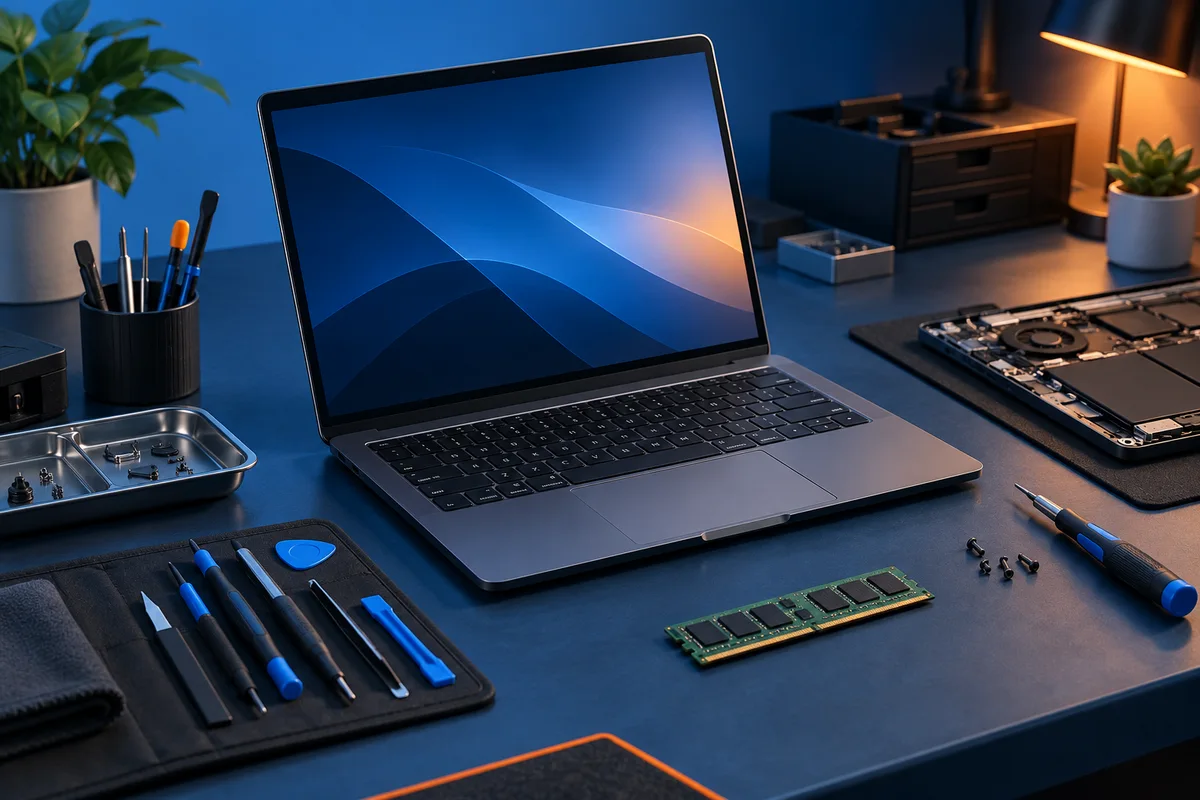
Create a practical device standard
Choose a small set of supported configurations where possible. Standard chargers, docks, and spare devices simplify support, but compatibility must be verified for the actual models. A connector that fits does not prove that charging, displays, and data work as expected.
For Windows 11 purchases, use Microsoft’s system requirements as one compatibility check alongside the application and peripheral requirements for the employee’s work.
Check the software vendor’s requirements and leave reasonable room for the expected workload. Avoid paying for specifications that do not improve the intended task. Confirm upgradeability and service options before assuming memory or storage can be changed later.
Include the surrounding equipment
Count monitors, adapters, webcams, headsets, network connections, and any required mounting or cabling. Test an example setup before ordering for the whole office. A laptop purchase can stall when an essential dock or adapter is missing.
For a custom workstation, identify the application benefit that justifies custom parts. Agree on component warranties, assembly testing, and who diagnoses a fault involving multiple vendors. A custom build needs a support plan as much as a parts list.
Plan ownership and replacement
Record the asset identifier, assigned user, purchase date, warranty information, and configuration. Keep this inventory current when devices change hands. Define how data is removed and equipment is retired after the replacement has been tested.
The FTC’s personal-information guide provides background on protecting stored records and disposing of information securely when equipment is retired.
Maintain a realistic spare-device strategy for critical roles. The right number depends on the business’s tolerance for downtime and procurement lead time, not a universal percentage.
Use the repair-or-replace guide for existing equipment and contact Your Expert Tech with the workload and current setup for planning help.