

A dropped video call and an office-wide outage can look similar from one desk. This checklist helps an office manager collect enough context for an authorized technician to investigate. Work through the four stages below; record what you know and mark unknowns clearly.
1. Record the environment
Start with the route between your staff and the services they need. List the internet connection, router or firewall, switches, wireless access points, and important wired devices. In a small office, one box may perform several of these roles.
For the security side of this inventory, NIST’s network-connections resources offer further guidance for the authorized administrator. Use the inventory to identify which connections and providers need review.
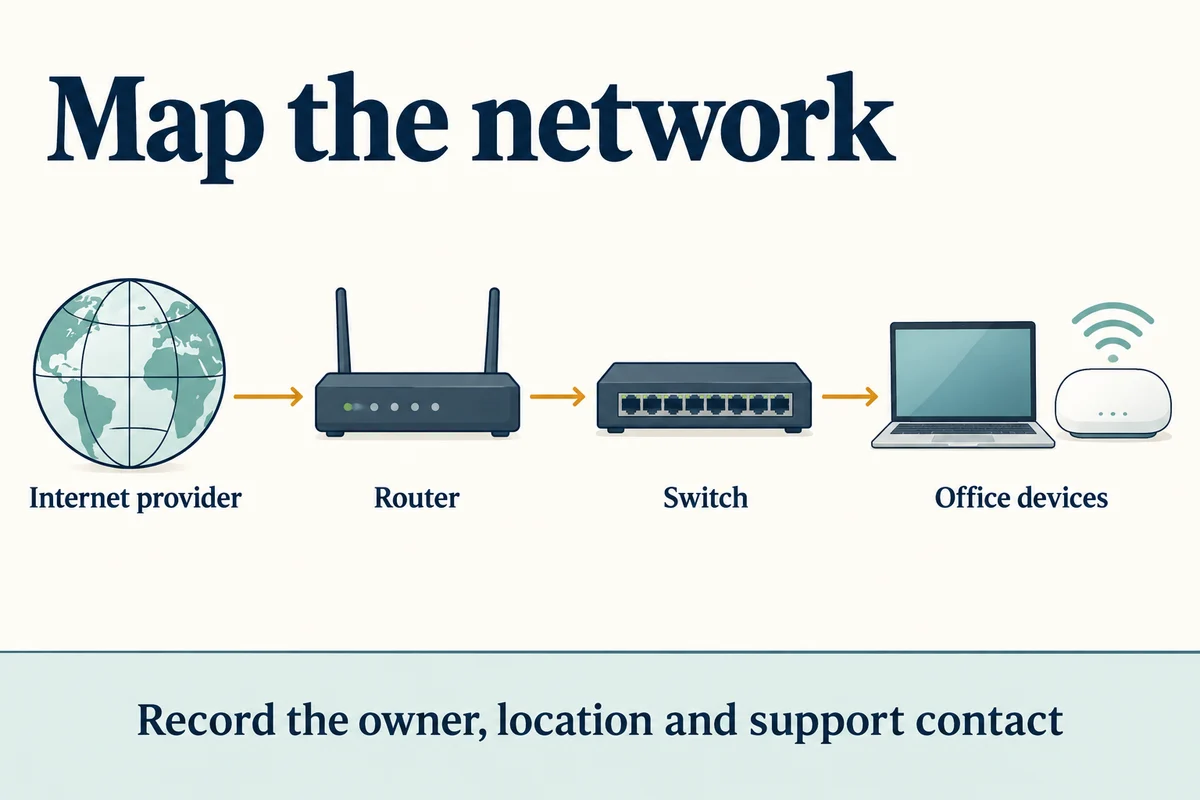
Use a short inventory that the support team can update. An equipment list becomes much more useful when it also says who is responsible.
| Item | What to record | Who to identify |
|---|---|---|
| Internet connection | Provider, service address, circuit reference | Person authorized to contact the provider |
| Router or firewall | Model, location, management responsibility | Internal IT team or support provider |
| Switches and Wi-Fi | Locations, labels, affected rooms | Network administrator |
| Phones, printers, payment systems | Vendor and connection type | Specialist vendor or system owner |
Keep account references and configuration backups in your approved internal system. Share only the information needed for the support request; do not put passwords or recovery codes in a public document.
2. Describe the problem's reach
Replace “the internet is down” with a description someone else can verify. Record the first observed time, the affected task, the location, and the exact error. Note whether the fault is continuous or intermittent.
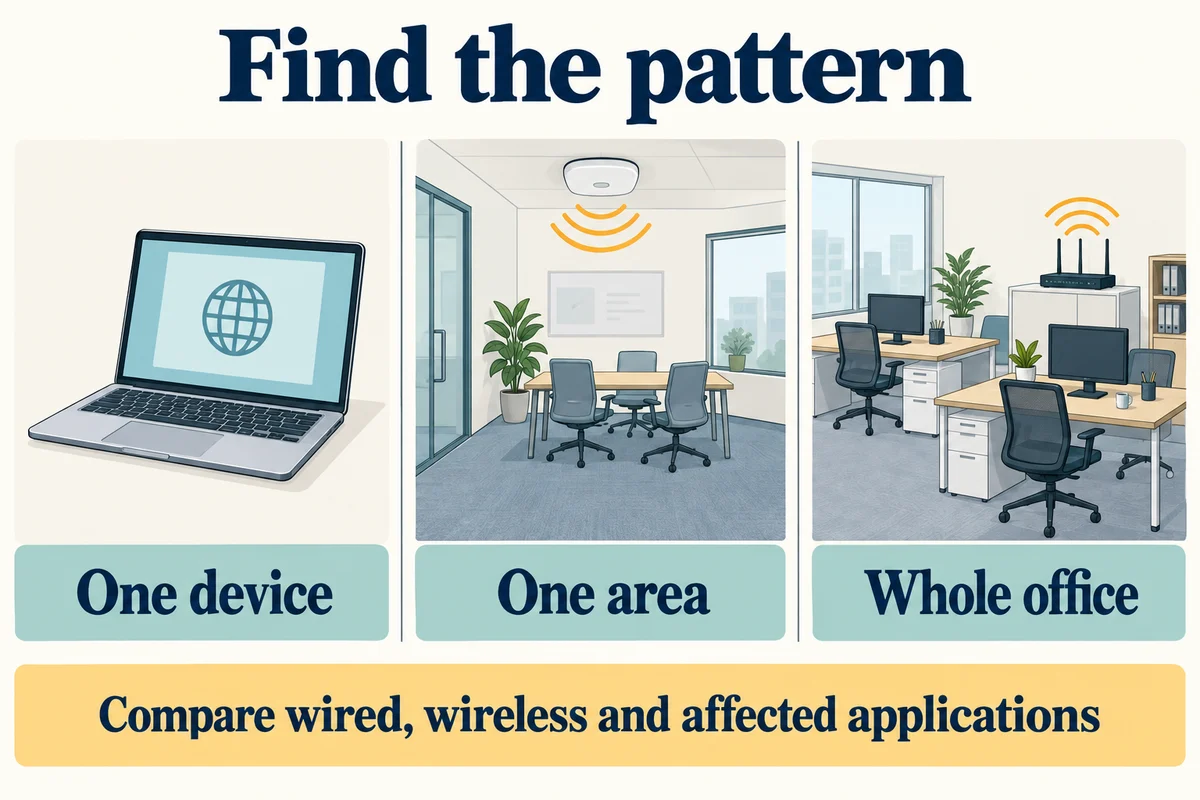
- One device: Compare the same task on another authorized device. Record whether the problem follows the device or its location.
- One area: Identify the affected rooms or desks. Compare wired and wireless access where existing equipment allows it.
- Whole office: Check whether several people and applications are affected. Distinguish the office's internet connection from a single unavailable website.
- One application: Record which other services still work. An application error does not automatically mean the network has failed.
Example of a useful report
Attach an error screenshot if useful, with sensitive customer or account information removed. Tell support what has already been tried so the next person does not repeat the same steps.
3. Agree on changes before making them
Name the person who can approve an interruption and the technician responsible for the work. Check whether phones, payment equipment, cameras, or other specialist systems depend on the component being changed.
NIST’s small-business Cybersecurity Framework resources provide broader context for assigning security responsibilities and managing risk alongside planned network work.
Before a planned change, agree on:
- Scope: Which device or setting is changing, and why?
- Impact: Which users and services may be interrupted?
- Timing: When can the work happen, and who will be available?
- Recovery: Where is the approved configuration backup, and how will the technician reverse the change?
- Acceptance: Which real work tasks must pass afterward?
Keep a brief record of the person, time, and change. Making several undocumented changes at once makes it harder to understand what helped or what needs to be reversed.
4. Verify recovery with the people affected
A green status light is useful evidence, but it does not show that an employee can complete their work. Repeat the task that failed, from the places where the fault occurred.
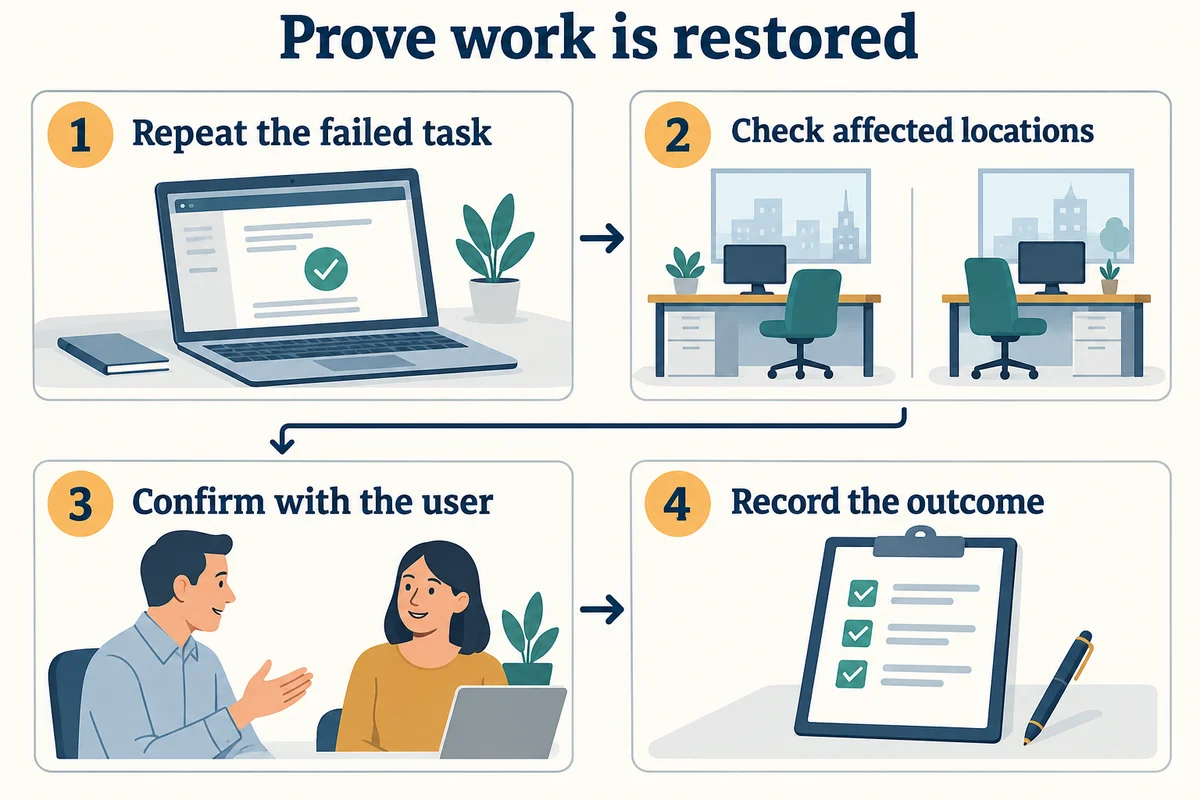
For intermittent problems, agree on an observation period that covers when the fault usually appears. Say “working during this test” if longer-term recovery has not yet been established.
Your support handoff
Send a concise report with the affected locations, business impact, equipment owner, evidence, and approved contact. Keep the inventory current when equipment or providers change.
Use the network troubleshooting guide for the broader investigation, or contact Your Expert Tech with your completed report.