
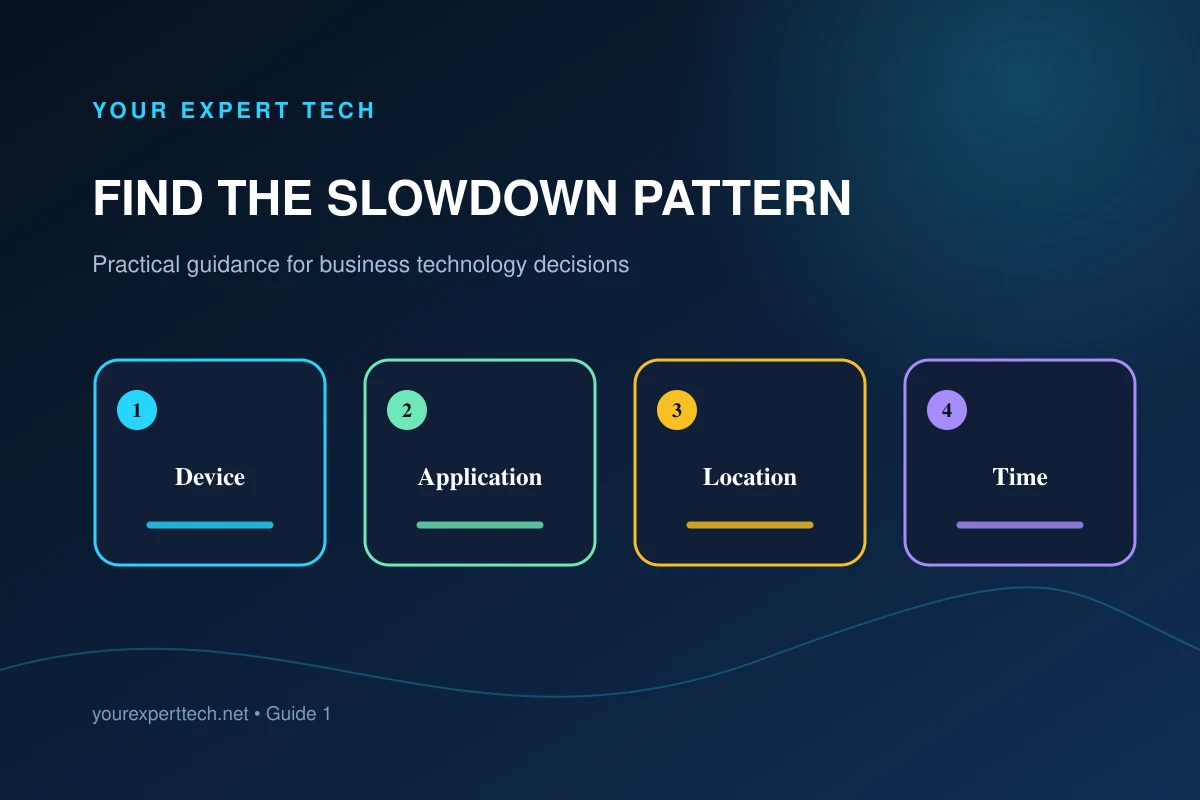
“The computers are slow” is an observation, not yet a diagnosis. A small incident table can reveal whether the real issue is one workstation, a shared service, a network area, an accessory, or scheduled demand.
1. Build a consistent incident table
Record the employee, device, time, duration, application, task, location, connection type, and whether anyone else was affected. Capture exact errors and measured wait times when possible.

2. Separate the scope before changing anything
One device struggling with every task suggests a different path from every device struggling with one application. A problem at one desk may involve a dock, cable, display, power, or wireless conditions. A slowdown at a predictable hour may align with updates, backup work, scans, synchronization, or peak demand.

3. Establish a baseline and test one hypothesis
Choose a repeatable business task and record its normal completion time on an unaffected device or during an unaffected period. Have the responsible technician test one hypothesis and record the result.
For Windows devices, Microsoft’s PC performance guide can help the technician choose a relevant diagnostic path. Apply approved changes one at a time so the result remains interpretable.
Avoid installing several cleanup utilities, disabling protections, changing network settings, and upgrading hardware at the same time. Multiple changes make it difficult to know what helped or what created a new issue.
4. Check shared systems before treating every laptop separately
If many devices slow down during the same task, involve the owner of the application, internet connection, server, cloud service, or shared storage. Compare provider status information and local evidence without assuming either one proves the root cause.
For the security aspects of shared connections, consult NIST’s network-connections resources. They supplement the network owner’s investigation rather than establish the cause of a particular slowdown.
Check recent changes such as application releases, security-policy updates, internet-equipment changes, new office devices, or altered synchronization behavior.
5. Verify improvement during normal work
Repeat the original task on affected devices, at the relevant location, and during the time window when the issue usually occurs.

Review common individual computer problems, use the network troubleshooting guide for shared connectivity symptoms, or contact Your Expert Tech with the incident pattern.