
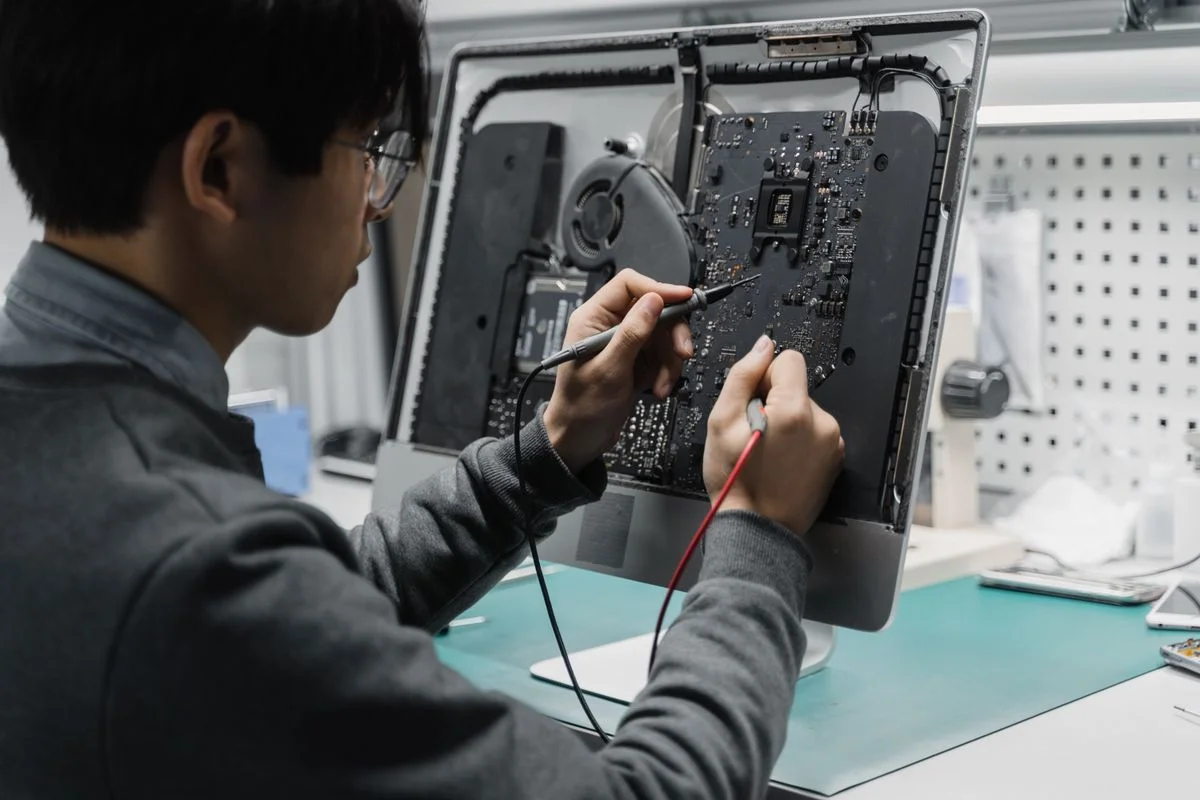
Your Expert Tech approaches computer repair by first understanding the problem and the work the device supports. The appropriate outcome may be a repair, configuration change, upgrade, data transfer, or replacement recommendation. The decision should follow diagnosis.
Start with a useful description
Tell us the device model, the exact symptom, when it started, and any recent changes. Explain whether the issue affects power, startup, applications, accessories, or connectivity. If important files exist only on the device, make that clear before work begins.
Separate observations from assumptions. “The screen goes blank when I connect the dock” gives a technician something to investigate. “The motherboard is broken” may send the conversation toward a part before the symptom is understood. Mention whether another device, cable, or location changes the behavior, without repeatedly forcing a failing machine to run.
Understand the recommendation
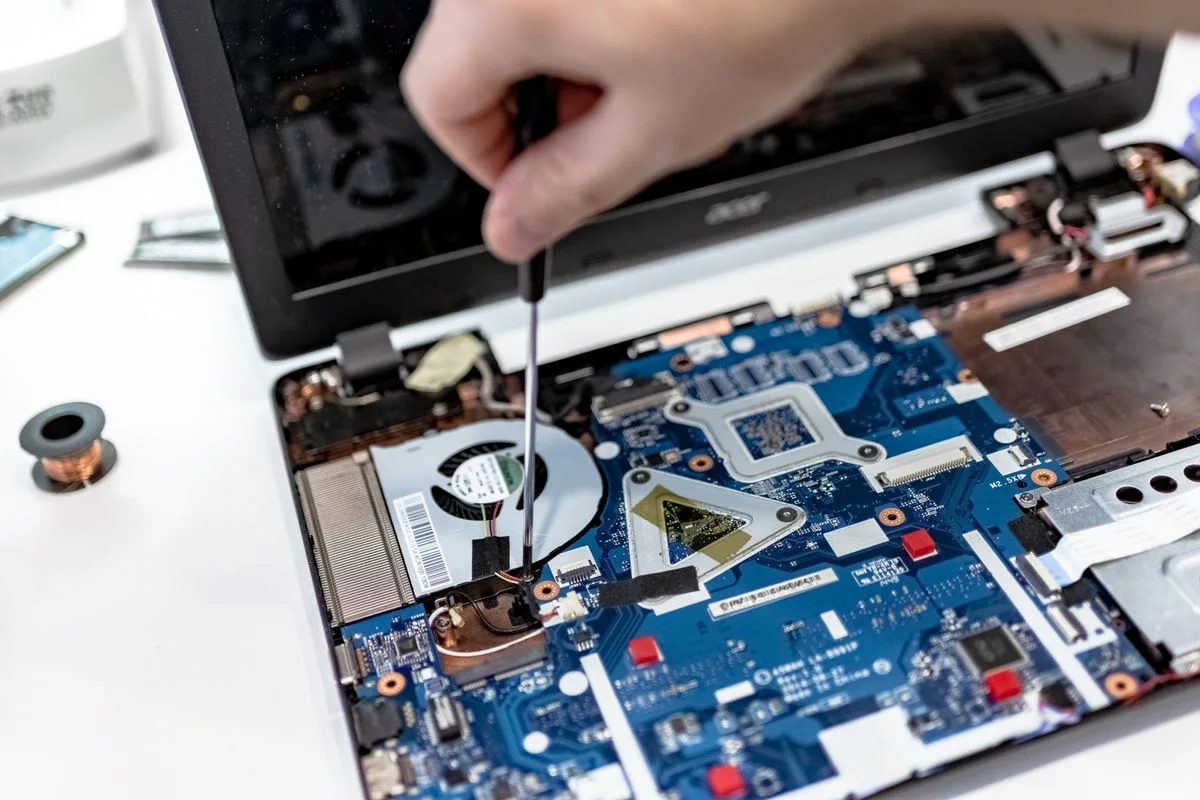
Ask what evidence supports the diagnosis, which actions are proposed, and what remains uncertain. Confirm cost, parts requirements, likely interruption, and approval for additional work. A repair should address the fault without concealing other limitations the computer may have.
| Before approval | What to clarify |
|---|---|
| Diagnosis | Observed fault and remaining uncertainty |
| Proposed work | Part or change and intended result |
| Price | Assessment, labor, parts, and additional approval |
| Interruption | Parts dependency and expected next update |

Protect the handoff
Agree on data handling and authorized access. Do not include credentials in a public request form. For business devices, involve the person responsible for accounts and management tools before disruptive changes.
For an employer-owned computer, identify who can approve account or management changes. Agree on a secure access method and the limits of the work. Include the charger or other agreed accessories in the handoff record. Make sure the repair contact can reach the person authorized to make decisions.

Test the result
Repeat the original task with the normal accessories and connection. Keep the repair record and follow-up instructions. If the device is still unsuitable for the workload, use a complete repair-versus-replacement comparison.
For example, a laptop that starts successfully on the bench may still have trouble with the office monitor or dock. If those accessories were part of the original symptom, include them in the completion plan. Ask what was tested and what still needs checking in the normal working environment.
Request an assessment with the symptoms and location. Read repair or replace if you are deciding whether further investment in the device makes sense.