

A property management team may use office computers, shared business applications, and contacts across several buildings. Those connections do not mean every system belongs to the same organization or can be managed under the same authorization.
Use the consulting project to make boundaries visible. Record who can report an issue, who approves access, and which provider is responsible for the affected equipment.
1. Separate the environments
Begin with the management office, then identify each property's systems and external vendors. Keep tenant-owned technology distinct from equipment your team is authorized to manage.
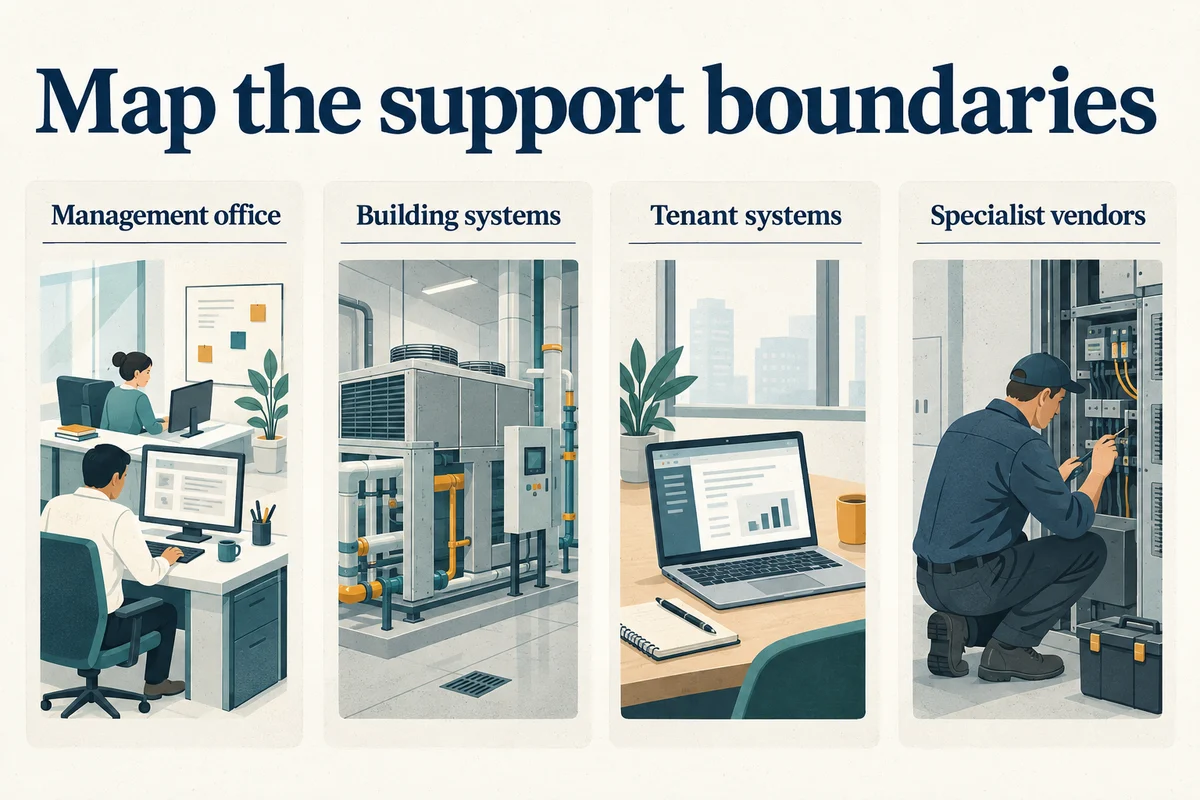
| Environment | Clarify the scope | Identify the authority |
|---|---|---|
| Management office | Staff devices, business accounts, and applications | Business owner or delegated administrator |
| Building systems | Specific equipment included in the engagement | Authorized property representative |
| Tenant systems | Whether any coordination is authorized | Tenant's approved contact |
| Specialist systems | Vendor-maintained equipment and escalation process | System owner and specialist provider |
A responsibility table should describe actual agreements. Mark uncertain ownership as a question to resolve; do not turn an assumption into a support commitment.
2. Keep a record for each property
Create a site record that helps an authorized person find the right equipment and contact. Use a consistent format across properties while preserving the differences between them.
The FTC’s personal-information guide offers background on managing records containing personal information. Use it when separating the general support register from restricted resident or staff records.
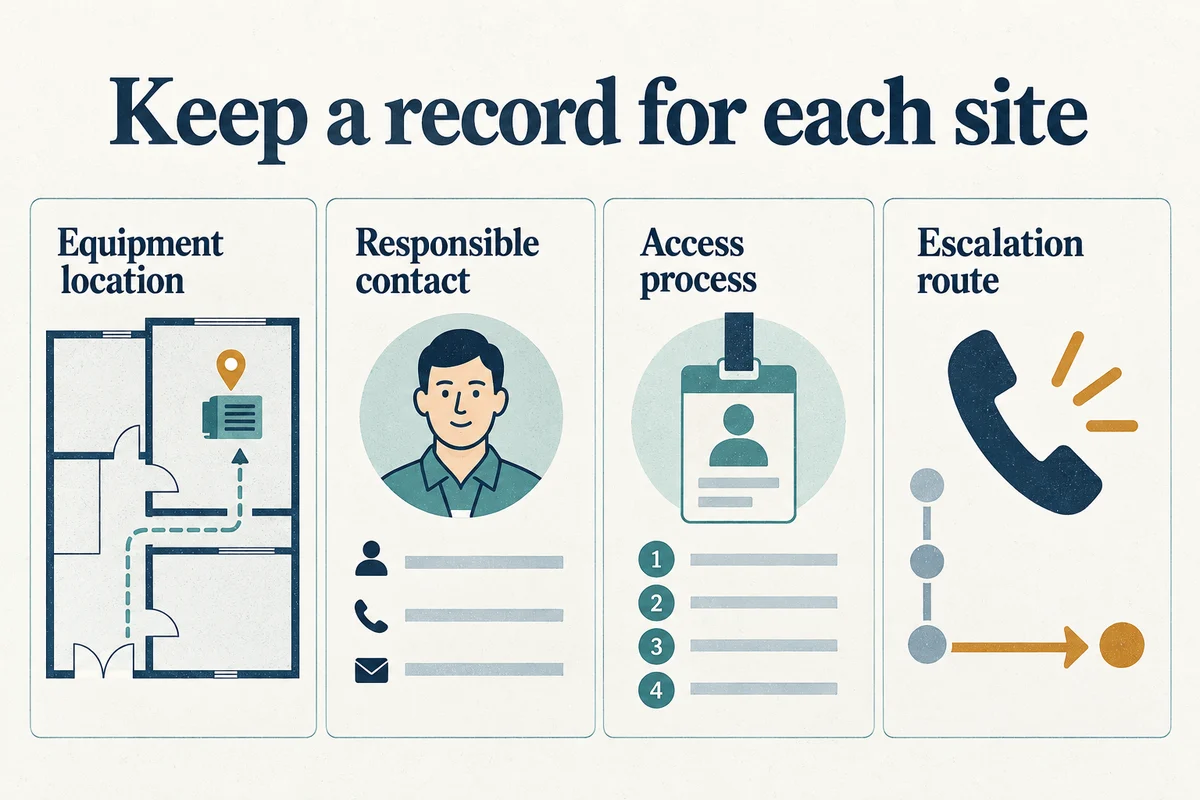
Include the site identifier, relevant equipment location, responsible vendor, access process, and escalation contact. Record when the information was last confirmed and who maintains it.
Keep resident information, security details, and administrative credentials in appropriate controlled systems. The general support register can point an authorized person to the right process without exposing the sensitive material itself.
The example gives a location, symptom, and contact. It does not include tenant records or passwords that are unnecessary for initial routing.
3. Prepare for property and staff transitions
A new property, departing employee, or provider change can reveal missing documentation. Build a handover list early and assign someone to verify the information rather than merely collect files.
NIST’s MFA and access guidance is a useful reference for the account review during staff or provider transitions, including access that is no longer needed.
- Inventory the scope: Identify the systems and locations being transferred.
- Confirm ownership: Check business account ownership and recovery contacts.
- Review access: Name who approves access changes and who performs them.
- Update vendor contacts: Replace informal personal contacts with a maintained record.
- Record gaps: Assign an owner and next action to missing information.
Where another organization controls a system, coordinate the handover through its authorized contact. Keep the scope of each provider's responsibility explicit.
4. Test the support process from report to closure
Choose a representative, non-disruptive support scenario and walk through the agreed process. Confirm where the request goes, who assigns it, and which people receive updates.
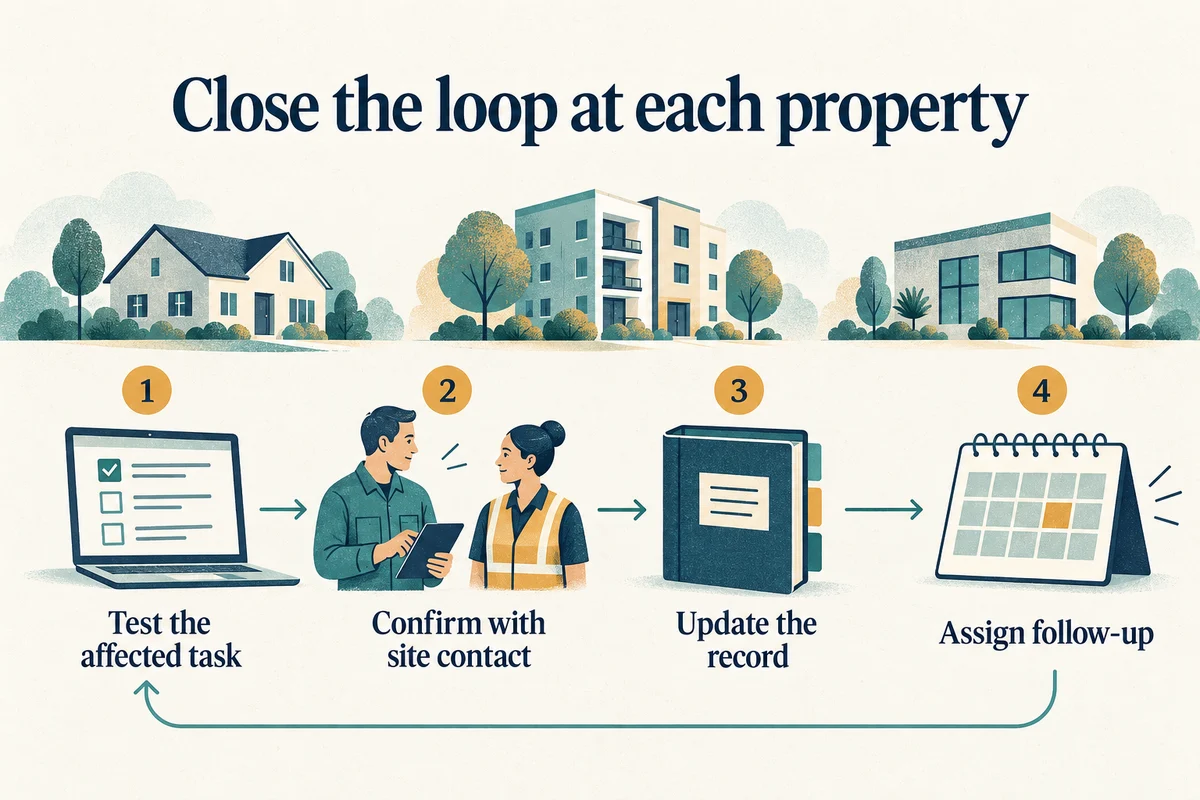
Ask what happens when the first provider identifies an issue outside its scope. The request should have a named coordinator during the handoff, rather than leaving office staff to restart the explanation with every vendor.
Use the property-manager support guide for ongoing operations. Contact Your Expert Tech with the locations, vendors, and responsibilities you want the engagement to cover.
For help organizing the assessment and project decisions, discuss our IT consulting service.