

Remote technology support depends on the affected system being reachable and the right person being available to authorize work. It can be useful for an application issue or configuration question, while some faults require someone at the equipment.
Describe what still works
Tell the provider whether the device starts, whether internet access works, and whether you can sign in. Explain whether the problem affects one application, one device, or the whole location. These details help determine whether a remote session is likely to be productive.
Separate the affected service from the connection used for support. A single application may fail while the rest of the computer remains reachable. A whole-office outage presents a different problem. Give the provider this distinction before the appointment so it can choose a useful starting point and explain any limitations.
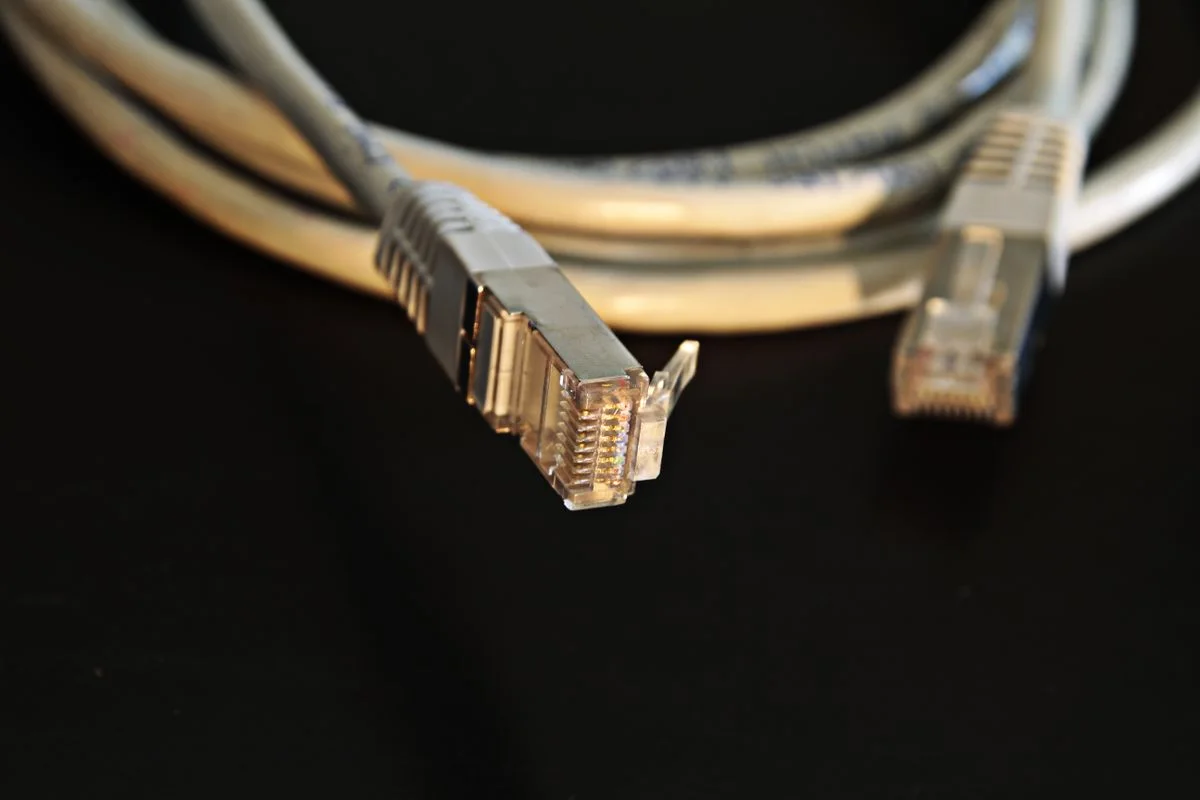
Identify physical dependencies
A failed power supply, damaged connector, disconnected cable, or inaccessible network device may need hands-on attention. A person onsite may be able to report indicator lights or check an agreed connection, but should not perform unfamiliar or unsafe repair steps.
| Situation | What to discuss first |
|---|---|
| One application fails | Error, recent changes, and reproducible task |
| Device will not start | Whether a physical assessment is needed |
| Whole location is offline | Local contact and equipment or provider dependencies |
| Intermittent fault | Conditions, timing, and evidence to collect |
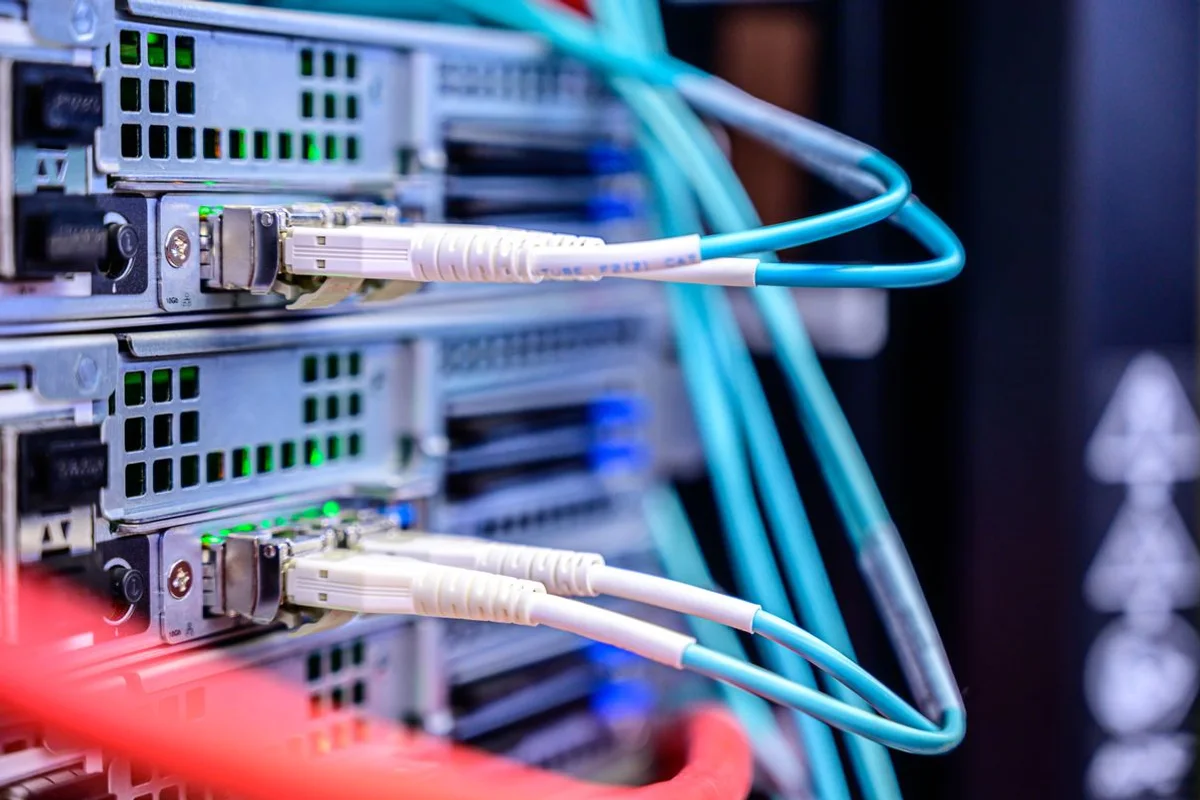
Establish access and ownership
Use the business's approved support process. The technician needs permission for the specific system and task, not unrestricted authority to change unrelated accounts. Involve the existing administrator when equipment is managed by another provider.
An existing support arrangement may already define how access is granted and recorded. Follow that process, especially where several vendors share responsibilities. Tell the technician which systems it may investigate and which require another administrator. If you cannot establish the right authorization, arrange the appropriate contact instead of sharing someone else’s credentials.
Define the fallback
If the connection fails or the problem cannot be resolved remotely, agree on the next assessment and any temporary workaround. Record what was attempted so the next technician does not repeat the same investigation.
For example, a hypothetical office could remain unable to use a shared printer after an application check succeeds. The next step may involve the printer, network, or existing vendor rather than more changes to the laptop. Record the evidence and who will take over. A useful session can narrow the problem even when the final repair requires a different arrangement.
Use the session preparation guide and contact Your Expert Tech with the symptoms, affected systems, and what remains accessible.