

Remote support can be useful for some urgent office problems, but it depends on a working connection and an appropriate level of access. Physical faults or equipment that cannot start may require hands-on inspection.
Check whether remote assessment is practical
Tell the provider whether the computer starts, can reach the internet, and can display the problem. Account, application, or configuration issues may be suitable for remote investigation. The technician still needs authorization and a clear understanding of what may be changed.
CISA’s Guide to Securing Remote Access Software (PDF) is a useful reference for the administrator approving remote-support tools and access.
Explain what remains usable as well as what failed. A single application problem is different from a device that cannot power on. Tell the provider whether the issue affects one employee or the whole location. These details help it assess whether a remote session can gather useful evidence and what must be prepared first.

Recognize physical dependencies
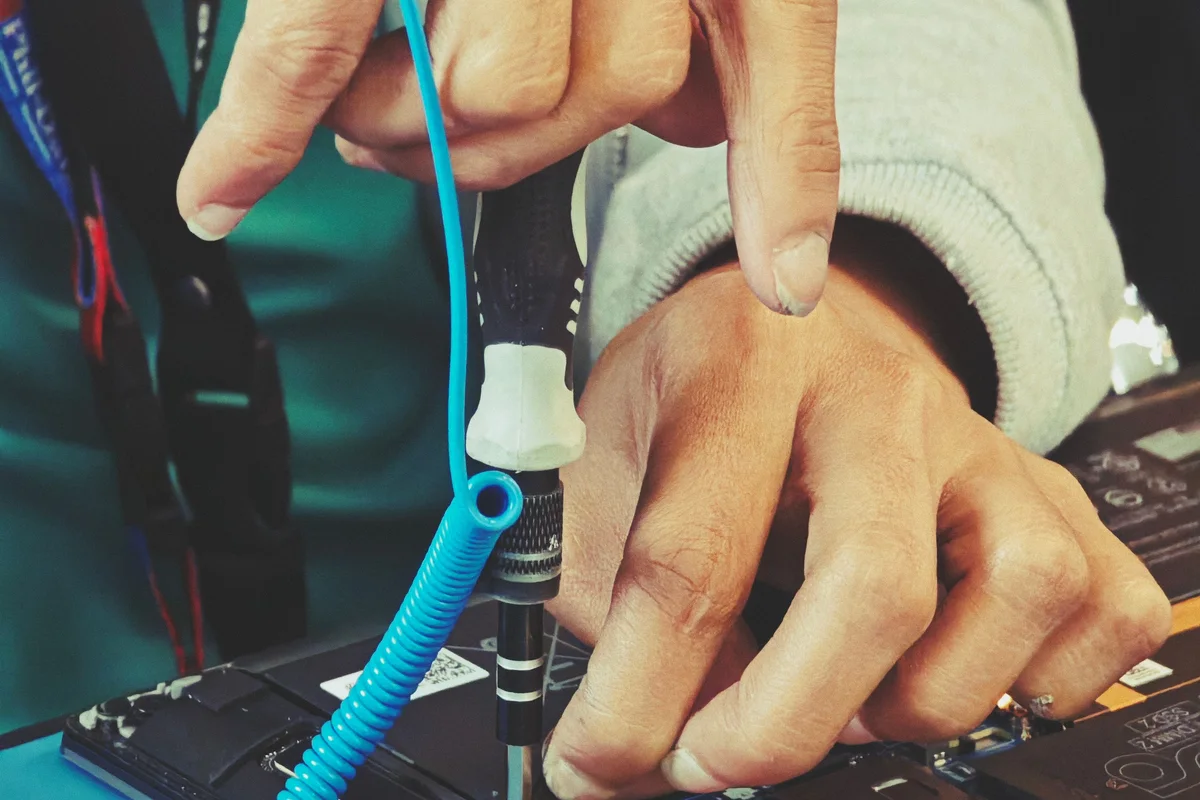
A damaged port, power issue, failed display, or suspected storage fault may require inspection or replacement parts. A network problem can also prevent a remote session from reaching the affected device. Describe these conditions rather than installing support software repeatedly.
| Observation | Planning implication |
|---|---|
| Application fails but device is reachable | Discuss remote assessment |
| Device cannot start | Ask about physical inspection |
| Fault depends on an accessory | Include that accessory in the assessment plan |
| Location is offline | Identify an onsite contact and provider dependencies |

Prepare either route
For remote work, close unrelated sensitive material and use the agreed support channel. For a visit, arrange building access, equipment availability, and a business contact. In both cases, confirm data preservation requirements and who approves additional work.
Use the FTC’s personal-information guide as background when deciding what information the technician needs and how to protect unrelated records.
For a visit, confirm equipment location, building procedures, and someone available to demonstrate the failure. For remote work, save current work and know how to contact support if the connection drops. In either case, identify changes requiring separate approval. The route should make the investigation practical without expanding its authority beyond the agreed task.
Keep continuity separate
If the repair cannot be completed immediately, identify approved alternate access to essential work. An onsite appointment does not automatically mean same-day completion, and a remote connection does not prove the fault is resolved.
Suppose the assessment points to a part that needs replacement. Moving from remote to onsite work does not remove the sourcing and testing steps. Keep the temporary-work plan alongside the repair plan and clarify when each will be reviewed. Record which tasks are usable now, which remain blocked, and who communicates the next update.
Read remote computer support for session preparation and urgent office repair for the broader service process.