

Website graphics should help visitors understand the business and complete a task. Before creating new artwork, identify where it will appear, what it needs to communicate, and how it will behave on smaller screens.
Define the placement
Provide the page, intended dimensions or layout, and the message the graphic supports. Distinguish a decorative image from information that must also appear as readable page text. Important instructions should not exist only inside an image.
Tell the designer what the visitor should understand after seeing the graphic. An article image, service banner, and instructional diagram have different jobs. Share the surrounding text so the visual does not introduce a conflicting claim or repeat information unnecessarily. Identify any content that must remain editable as page text.

Keep the brand consistent
Use the approved logo, colors, type choices, and image style. Confirm permission and licensing for supplied photographs and illustrations. Keep editable originals so later changes do not depend on screenshots or repeated compression.
| Asset to supply | Why it helps |
|---|---|
| Approved logo | Prevents inconsistent versions |
| Brand references | Guides color, typography, and image choices |
| Source photographs | Supports appropriate crops and exports |
| Placement example | Shows the available space and context |
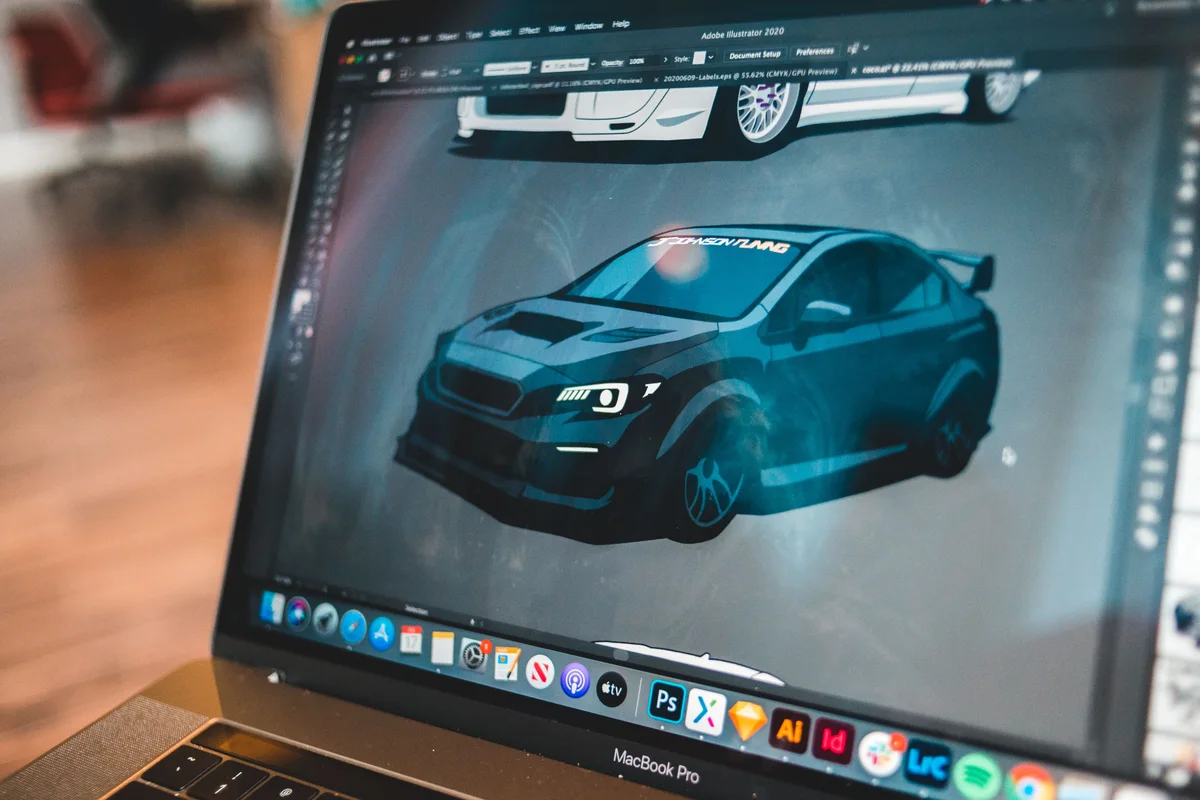
Test the actual page
Check cropping, contrast, file size, and readability on desktop and mobile. A wide banner may lose its edges in a narrow layout. Give informative images appropriate alternative text and avoid repeating the same long wording unnecessarily in both the image and nearby text.
Check both the subject and the surrounding page. A technically correct file can still compete with a heading or make the intended action harder to find. Informative images need an appropriate text alternative; decorative imagery has a different role. Review the final export rather than relying only on a large design preview.
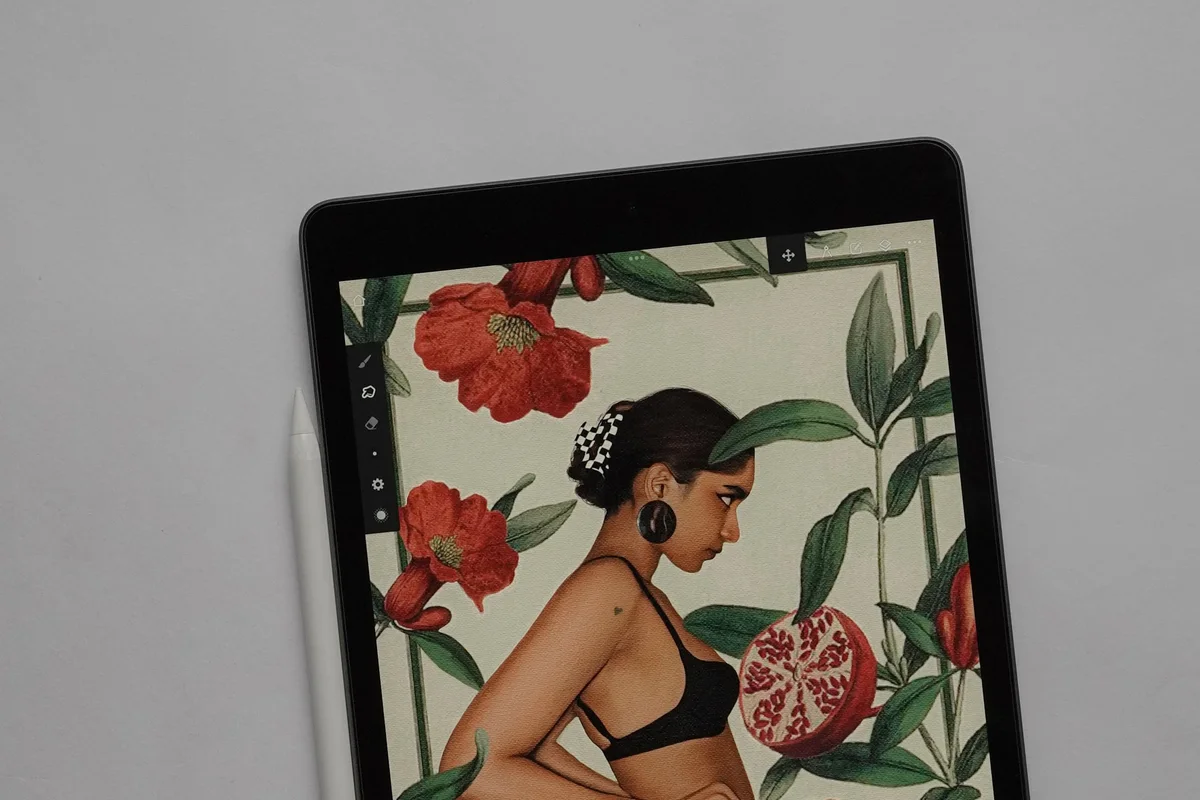
Organize the handover
Name final files clearly and record where they are used. Keep source artwork separate from optimized web exports. Remove outdated promotional graphics when the offer ends and verify related page text at the same time.
Keep source artwork separate from delivery files so later edits begin from the best available original. When replacing a graphic, check the matching caption, alternative text, links, and any time-sensitive offer. A small asset register makes future updates easier and helps avoid leaving outdated information on another page.
Request design support with the page and desired change. For a new identity, see logo design; for a larger rebuild, review website project planning.