
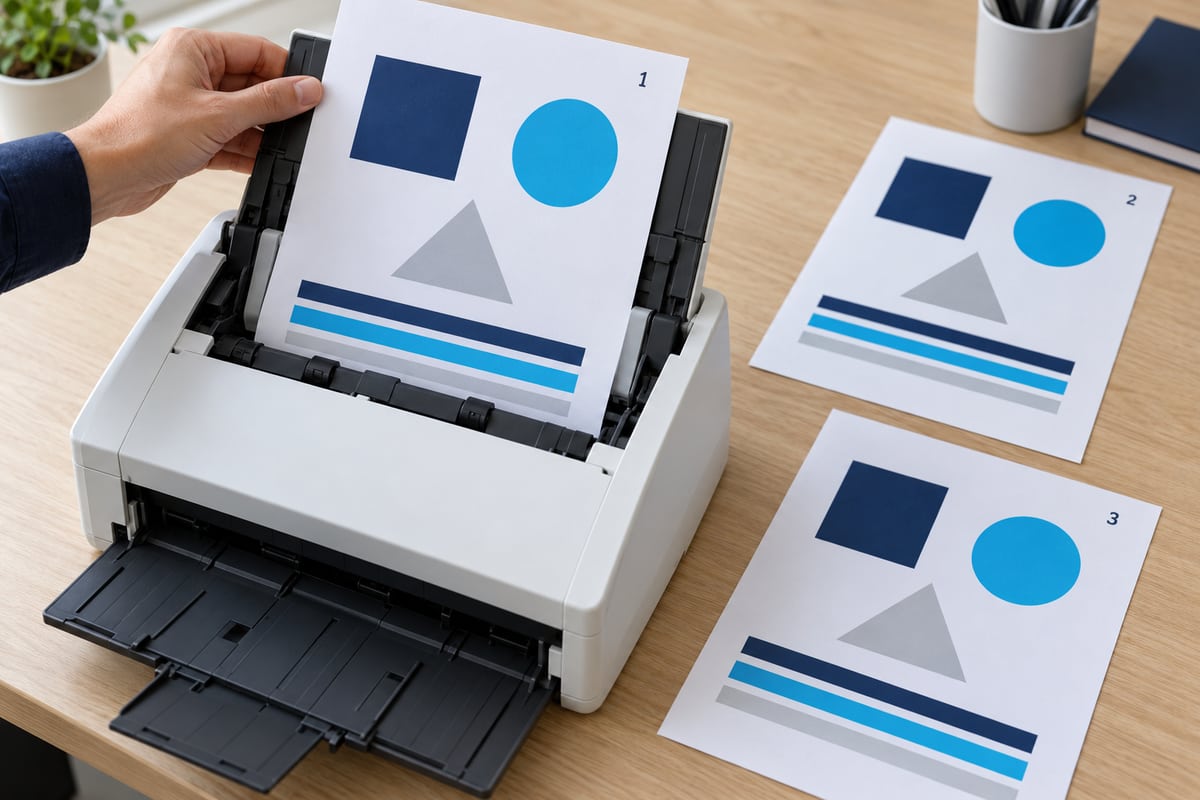
A safe scan-to-email test uses invented content, approved recipients, and a written definition of success. The goal is to demonstrate the everyday workflow without using a customer's invoice, a personnel file, or another sensitive document as diagnostic material.
This is the acceptance stage of the scan-to-email rollout guide. Complete the device inventory and approve the sending route before running the tests.
Make a small synthetic test pack
Create a one-page document containing a large test identifier, page number, date, and the words “Synthetic test document: no business records.” Add ordinary shapes and invented text. Create a multi-page version with a different identifier on each page so missing, repeated, or reordered pages are obvious.
Include a color sample if staff need color, and an ordinary text paragraph if readability matters. If searchable text is a requirement, record it explicitly and test the actual output; do not assume every PDF has an OCR text layer. Keep the test pack free of real names, account numbers, signatures, and copied customer data.

Agree on recipients and boundaries
Use recipients who know a test is coming and have agreed to confirm the result. Start with the approved internal mailbox. Test an external destination only if the route and business process authorize external sending, using a destination controlled by or specifically approved for the organization.
A test that crosses a known unsupported boundary should be marked not applicable, not hidden as a failure. For example, an internal-only design does not need to prove external delivery. If external delivery has become necessary, return to the route decision first.
Use a repeatable matrix
| Case | What to observe | Pass criterion |
|---|---|---|
| One-page PDF | Delivery and readable content | Recipient opens the correct test page |
| Multi-page PDF | Completeness and sequence | All numbered pages appear in order |
| Saved destination | Correct address-book choice | Approved mailbox receives the test |
| Typical staff settings | Duplex, color, orientation as required | Output matches documented need |
| Repeat after approved restart | Configuration persistence | Normal workflow still works |
| Controlled failure | Visible error and support path | User knows the job failed and what to do |
Choose representative page counts and settings from actual work. Do not invent a universal maximum attachment size. Record the produced file size and evaluate any relevant service or device limits with the administrator.

Observe the full user experience
Have a regular user run the test while support observes. Can they distinguish similar recipient names? Does the device make it clear when scanning is still in progress? Can they correct a mistaken destination before submitting? Record confusion as a usability issue even if the email eventually arrives.
The recipient should verify the identifier, page count, orientation, and readability. A notification preview is not enough. If the business expects a shared team to process incoming scans, verify that an authorized team member can find the test without relying on one person's private inbox.

Test failure handling without creating disruption
Agree on a safe failure scenario with the administrator and device owner. Do not disable a production connector, change tenant-wide protections, or unplug shared infrastructure merely to make a test fail. A vendor-approved local test or isolated test configuration may be more appropriate.
Record what the staff member sees, whether a job remains queued, and how support determines its state. Follow the delivery evidence guide to connect the device result with service and recipient observations. Microsoft's message trace guidance provides the service-side reference for authorized administrators.
Keep a result log that supports a decision
For each case, record the test identifier, device, date and time zone, settings used, expected outcome, observed outcome, and verifier. Use pass, fail, or not applicable with a reason. Attach sanitized evidence where useful, and keep any operational details in the approved support system.
A conditional approval should name the limitation and the person accepting it. For example, a workflow might be approved for internal one-page scans while a separate requirement remains unresolved. Do not describe that as unrestricted success.

Hand the workflow back to staff
Give staff a short instruction covering approved destinations, permitted document types, how to recognize a failure, and who to contact. Remove synthetic messages according to normal organizational retention rules rather than purging logs indiscriminately. Keep the reusable test pack and completed acceptance record for future changes.
Repeat relevant cases after firmware, network, email-policy, or recipient-workflow changes. A previous pass is evidence about a previous configuration, not a permanent guarantee.
Editorial review: October 14, 2026. Workflow examples are illustrative. Verify current service guidance and device-specific documentation before configuration changes.