
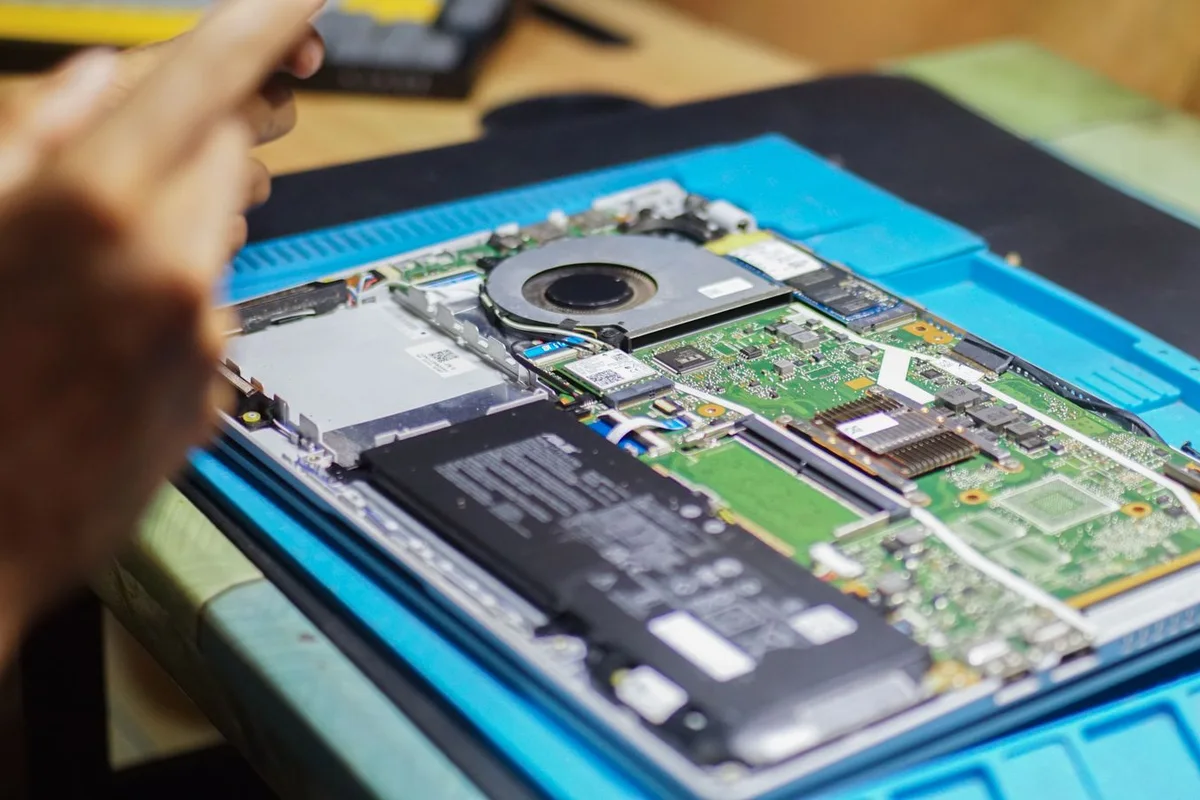
A broken business laptop interrupts more than one device. It can prevent an employee from accessing documents, meetings, and customer systems. Your Expert Tech helps assess the fault and discuss repair options with the business's work and data in mind.
Start with the symptoms
Tell us the make and model, what happens when you use it, when the problem began, and whether there was a drop, spill, update, or other change. Explain which work is blocked and whether a backup or spare device is available. Do not send passwords through the contact form.
Write down what you observe instead of guessing which component failed. A report such as ‘the display goes blank when connected to the dock’ gives the assessment a useful starting point. Note whether the same task works on another approved device, and keep the relevant accessory available for inspection.

Establish the repair boundary
Diagnosis should distinguish hardware failure from software, account, network, or accessory problems. Before authorizing work, confirm the proposed action, parts availability, data implications, expected interruption, and cost. Repair timing depends on the diagnosis and required parts; a request does not reserve an immediate completion slot.
| Decision | Confirm before proceeding |
|---|---|
| Diagnosis | What the assessment includes |
| Parts | Compatibility, availability, and approval |
| Data changes | Backup position and authorized action |
| Timing | Next update and dependencies |

Keep the employee working
Consider an approved loaner or another suitable device where available. Confirm access to essential applications and current files. Keep the damaged device's data handling separate from the temporary access arrangement so an urgent workaround does not become an uncontrolled transfer.
Choose the minimum access needed for the interrupted work. Ask the business administrator to arrange accounts and application access on the temporary device. Keep track of where new files are saved during the interruption so they can be reconciled afterward. Avoid using a personal account simply because it is convenient.

Check the result
Check the repaired laptop with its usual charger, dock, display, and network as applicable. Then review the temporary arrangement: return the loaner, remove access that is no longer needed through the administrator, and confirm where the employee's latest work is stored. Keep a short record of the symptom, action taken, and remaining follow-up.
Test the original symptom and the normal dock, network, and applications after repair. Ask for a clear handover and next steps for any unresolved issue. Use the return-to-work checklist and request service with the model and symptoms.