
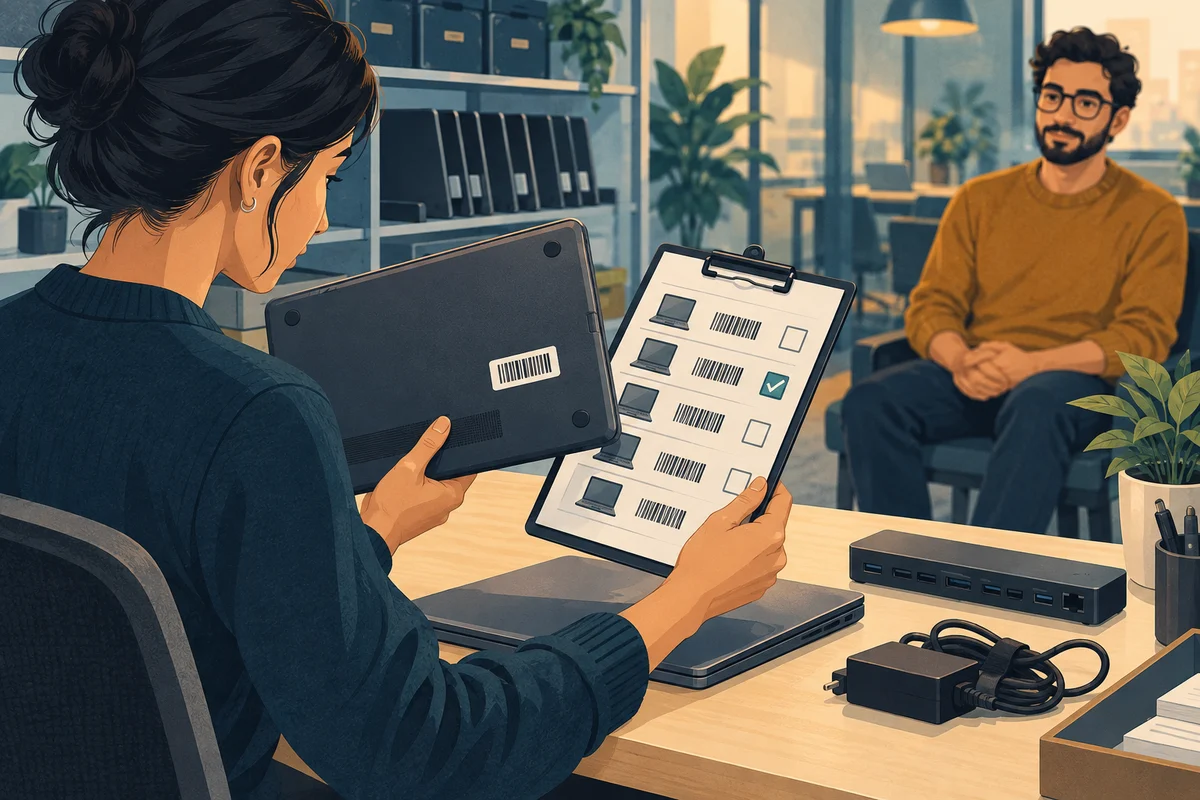
A laptop support request starts long before a technician opens the device. The office administrator often holds the missing pieces: who uses it, which accessories belong with it, what changed, and who can approve the work. A short, maintained record makes that information available when someone needs help.
1. Build a device record that someone else can use
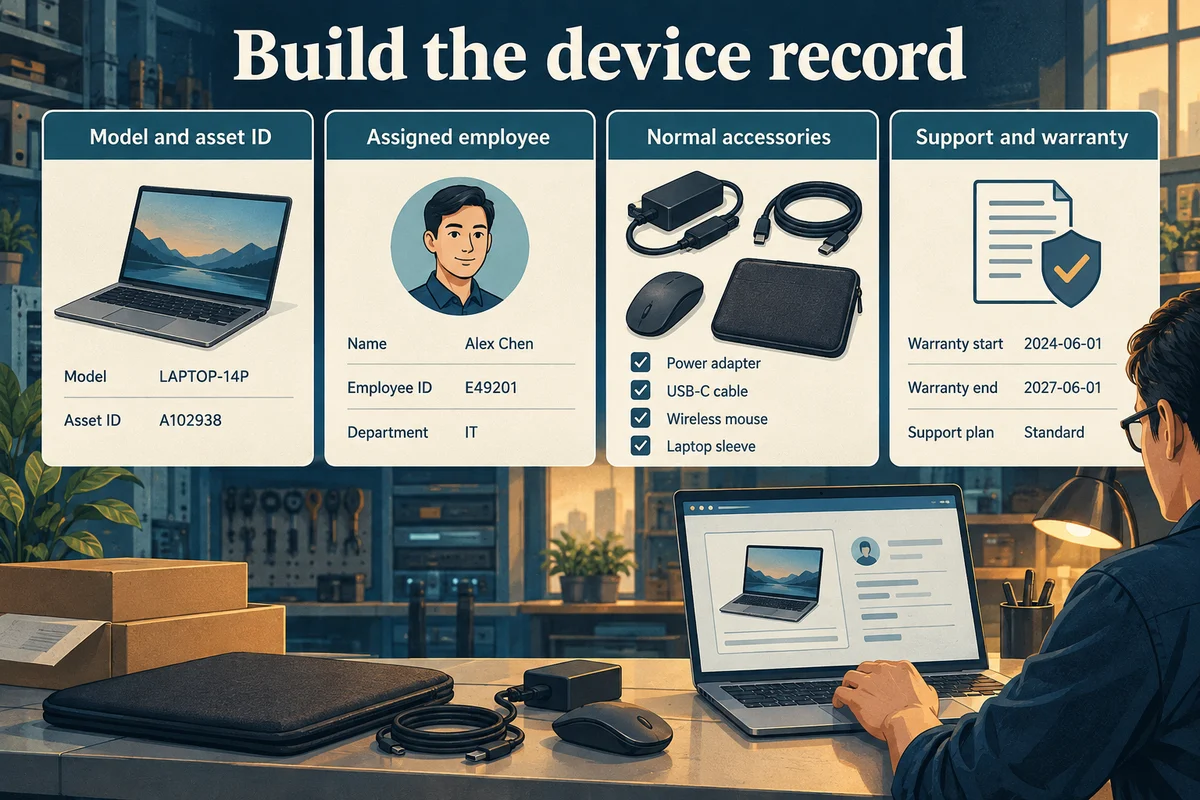
Use an asset label to connect the physical laptop to its record. Add the manufacturer, model, serial number, assigned employee, and support contact. Record purchase and warranty information where available; a missing receipt should become an action item rather than an invented date.
For a Mac being taken for service, Apple’s preparation guide also identifies information and accessories that may be needed. Confirm the applicable requirements with the repair provider.
Accessories matter too. A laptop that works alone may behave differently with a dock, display, charger, or headset. Record the normal setup and the applications essential to the employee's role.
| Record | Useful detail |
|---|---|
| Device identity | Asset label, model, and serial number |
| Assignment | Employee, team, and usual workplace |
| Work setup | Charger, dock, displays, and essential apps |
| Support ownership | Provider, internal contact, and approval owner |
2. Describe the symptom without guessing the cause
Write what the employee saw and when it happened. “External screen goes blank when the dock connects” gives support a starting point. “Laptop broken” does not explain the affected task or equipment.
Ask whether the problem happens every time, affects other users, or started after an update, office move, network change, or new accessory. Include any exact error text. A screenshot can help if private customer information, personal details, and credentials are removed first.
For example, a useful report might say: “Since Monday, the display disconnects after the laptop wakes. The built-in screen keeps working. The employee can continue on the laptop while the dock issue is investigated.” This is an illustrative report, not a diagnosis.

3. Plan how work continues during the repair
Identify the next essential task and its deadline. Then agree on an approved alternative: a managed spare laptop, a permitted remote session, or temporary reassignment of the task. Availability alone does not make a personal device suitable for business files.
Use NIST’s data and device security resources as background when reviewing the approved storage and protection arrangements for temporary equipment.
Confirm where current working files are stored and whether the person responsible for backups has checked their status. A sync icon or the presence of an old copy is not proof that every needed file can be recovered.

4. Close the request with a clear handoff
Agree on who receives updates and who approves extra cost, data transfer, or a change in scope. Before a reset or reinstall, support should explain the data implications and obtain the required authorization.
At return, ask the employee to test the original task with the normal accessories. Record the outcome, any remaining issue, and the next owner. Update the device record if parts, assignment, or support arrangements changed.
For the wider process, read our guide to ongoing business laptop support. If a device needs repair, use the office team's pre-repair checklist to prepare the handoff.