

Business laptop support works best as a continuing process. Purchasing a device is one step; assigning it, resolving faults, maintaining it, and moving it to its next user all need an owner. Without that continuity, small exceptions become a collection of machines that no one fully understands.
1. Start with the work each role needs to do
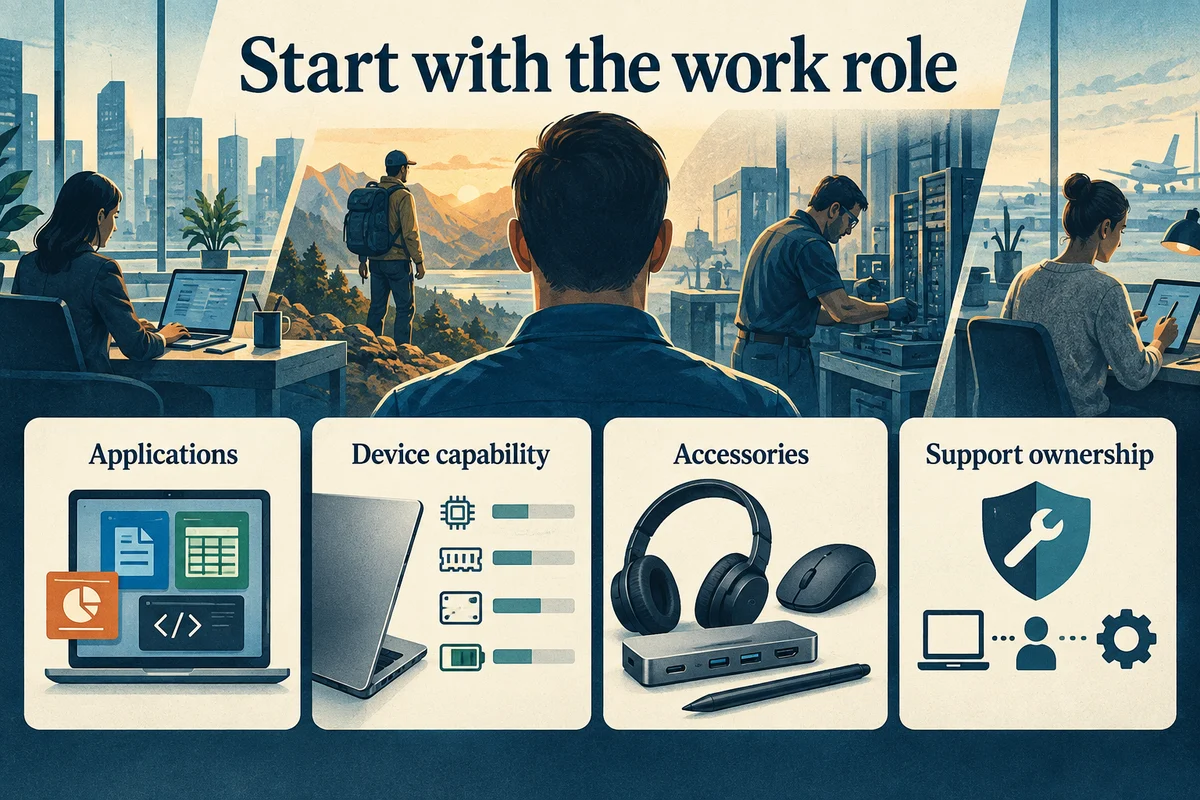
List the applications, account access, accessories, and working locations needed for a role before choosing a laptop. A desk-based employee using a dock has different practical needs from someone regularly working between locations.
Create a documented starting setup, then record any exceptions and their reasons. Standardization should make support easier without ignoring legitimate requirements. The goal is a setup that the employee can use and the support team can maintain.
| Stage | Question to answer | Useful record |
|---|---|---|
| Assignment | Can this person do their normal work? | Role and setup checklist |
| Support | Who responds and who approves? | Request and ownership record |
| Maintenance | What needs attention next? | Review actions and outcomes |
| Transition | Who controls files and access? | Approved handover record |
2. Give employees one dependable way to ask for help
Publish a primary support channel and explain what to include: device identity, symptom, start time, work impact, and contact availability. Provide an alternative if the primary channel itself is unavailable.
Separate ordinary faults from suspected security incidents. Employees should know how to report a suspicious sign-in or lost device promptly, without waiting for a routine maintenance review. Use the organization's established incident process rather than improvising instructions inside a general support ticket.
For routine work, make approval boundaries visible. Who can authorize a replacement accessory? Who must approve a paid repair, account change, or data transfer? Answering these questions in advance reduces stalled requests.
3. Review maintenance with evidence
Use the records you already have to identify repeated crashes, failed updates, unreliable accessories, backup issues, and devices approaching a planned replacement. Review unresolved items with the support owner instead of relying on a dashboard color alone.
For Windows performance concerns, Microsoft’s troubleshooting guide provides product-specific checks. Have the support owner select appropriate steps for the managed device and record any authorized changes.
Schedule changes around business needs and explain any expected interruption. After a meaningful change, test the affected work. For example, a dock update should be followed by checks of the connected displays and other relevant accessories.
Keep the review proportionate. A small team can use a simple action list with an owner and date. What matters is that an item moves from observation to a verified outcome.

4. Treat employee and device transitions as planned work
For a new employee, prepare the approved accounts, applications, and accessories before handover. For a departing employee, coordinate authorized access changes and decide who owns business files. Do not assume those responsibilities belong to whoever collects the laptop.
NIST’s MFA and access guidance provides further context for reviewing permissions when people join, change duties, or leave the business.
For a replacement, identify the required files and settings, move them through the approved process, and verify the new setup before retiring the old device. Keep disposal and data-handling decisions with the authorized business owner.

Use the laptop support checklist for office administrators to organize daily records. If you are reviewing outside help, compare providers with our business laptop support company selection guide.