

A small business may need both dependable computers and a website that accurately explains its services. Your Expert Tech supports conversations about these needs, but each should have its own objective and acceptance check.
Separate the immediate problem from the project
A failed computer may require diagnosis and a temporary work arrangement. A website project may involve content, design, hosting, forms, and search visibility. Explain which need is urgent and which can be planned so one does not delay the other.
Create two short briefs rather than one broad request to fix everything. The repair brief should describe the affected device and work interruption. The website brief should explain the audience, service information, and action visitors need to take. Mark dependencies between them so urgent support does not get lost inside a longer design discussion.
Keep ownership clear
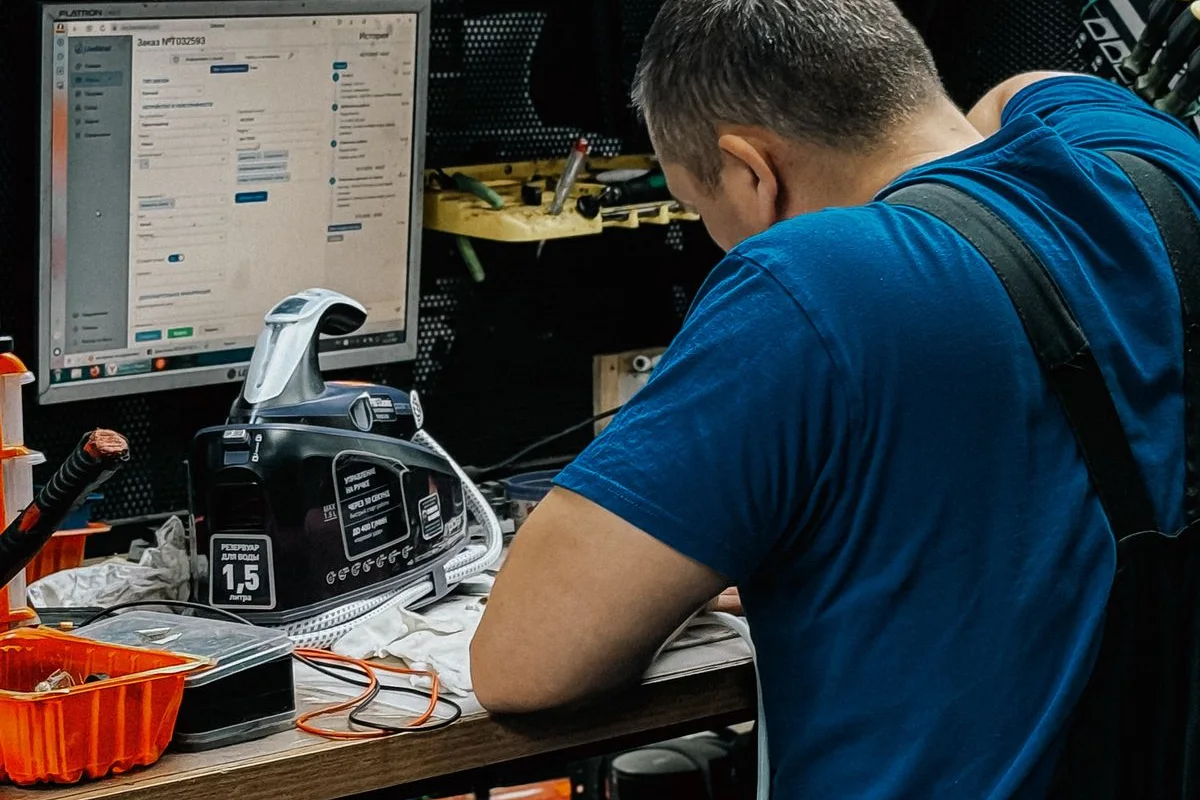
For repair, identify the device owner, data requirements, and authorized approver. For a website, identify the domain, hosting, source files, content, and business accounts. The business should retain appropriate access and know which provider handles each system.
| Area | Ownership to clarify |
|---|---|
| Computer | Device, files, account administration, and approval |
| Domain and hosting | Business account owner and technical contact |
| Website content | Person supplying facts and approving copy |
| Publication | Person authorizing launch and receiving the handover |
Define deliverables
A repair should be tested against the original fault. A website should be checked for readable content, working navigation and forms, mobile usability, and the agreed publication process. If an existing site is changing, include its important URLs and content in the plan.
For a website change, make an inventory of important existing pages before deciding what to replace. Include navigation, contact routes, and any forms the business relies on. For the repair, describe the exact workflow used to confirm success. A visual redesign and a successful device startup are each incomplete measures if the essential business task still fails.

Coordinate the handover
Ask for records of changes, outstanding actions, and ongoing support responsibilities. Avoid treating a completed project as an unspecified permanent support commitment; discuss maintenance separately.
Ask what support is included after completion and what requires a new request. Website updates, hosting administration, device maintenance, and future repairs may have different arrangements. Record the process for each instead of assuming one completed project covers everything indefinitely. The business should know where its records are and how to reach the appropriate contact.
Explore computer repair and website development, then contact us with the priorities for your business. We can start by clarifying which work needs attention first.