
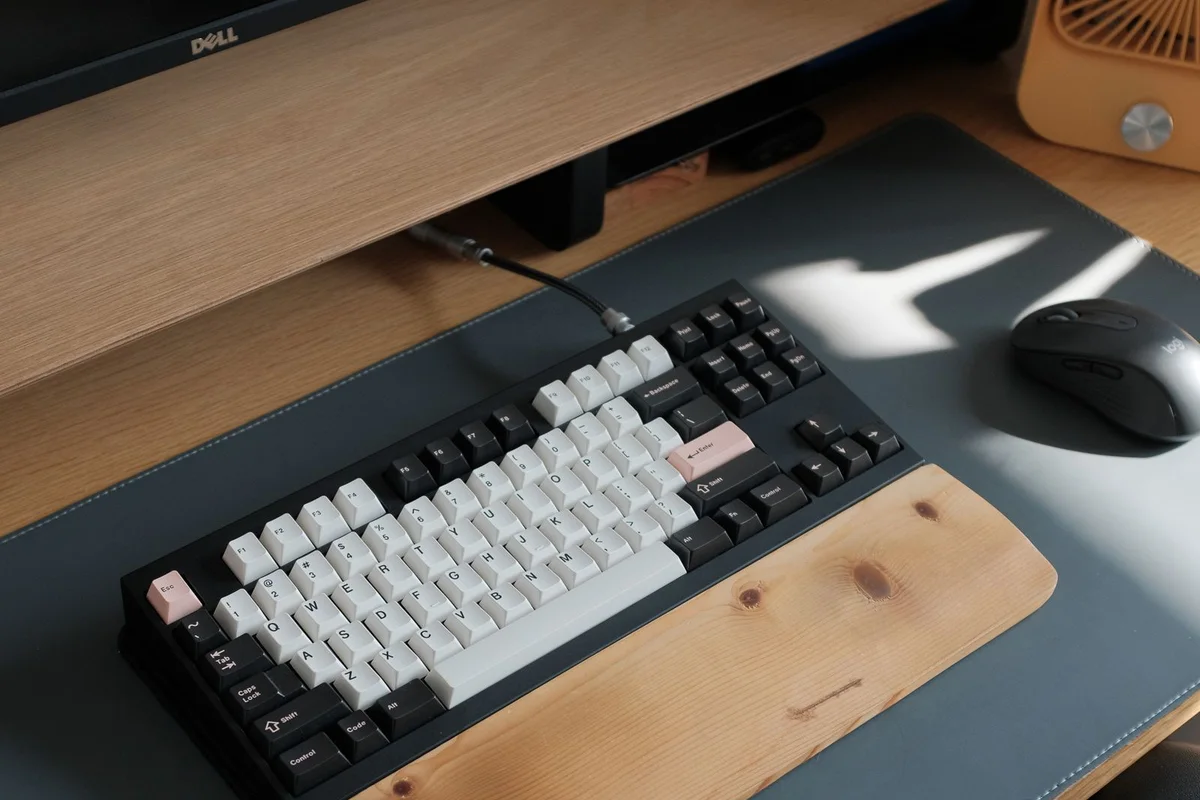
A computer problem can depend on the environment in which the device is used. For Harlem customers arranging help, the most useful starting point is a description of the failed task and the equipment involved. Confirm scheduling and service arrangements with Your Expert Tech before travelling or expecting a visit.
Describe the whole setup
Include the computer model, charger, display, dock, and network connection where relevant. Tell us whether the fault occurs everywhere or only at one desk. A laptop that works away from the office may need a different investigation from one that never starts.
Make a simple list of the equipment involved without disconnecting everything just to create a test. Describe any comparison you already observed during normal use. For example, distinguish a laptop's own display from an external monitor. This helps the service discussion focus on the actual failure rather than an assumed replacement part.

Decide how to assess it
Some account or application problems may be investigated remotely when the device can connect. Physical damage, power problems, or accessory-dependent faults may require inspection. Explain any building access requirements for an onsite appointment.
| Observation | Information to include |
|---|---|
| Only one desk is affected | Dock, display, and connection used |
| Several devices have the issue | Shared application or network involved |
| Computer does not start | What lights, sounds, or messages appear |
| One application fails | Exact task and error message |

Agree on the work
Ask what diagnosis includes and how additional work is approved. Discuss important data before disruptive changes. Repair and parts availability depend on the device and fault; ask for a realistic next step rather than assuming immediate completion.
Agree on a point at which findings will be discussed before additional work proceeds. Identify the person who can authorize costs and any changes to business-managed equipment. If another provider controls the relevant system, ask who will coordinate with them. Keep the diagnosis and the decision about further action clearly documented.

Check normal use afterward
Reconnect the usual accessories and repeat the failed task. Record the repair and any outstanding issue so a recurrence can be investigated efficiently.
Return to the real task rather than checking only that the desktop appears. Open the relevant application, use the normal display, and confirm the needed connection as appropriate. If the issue cannot be reproduced during the appointment, document that limitation and the observations needed for a follow-up instead of assuming it has disappeared.
Use the mobile repair preparation guide for an onsite request or contact us with the symptoms and location.