
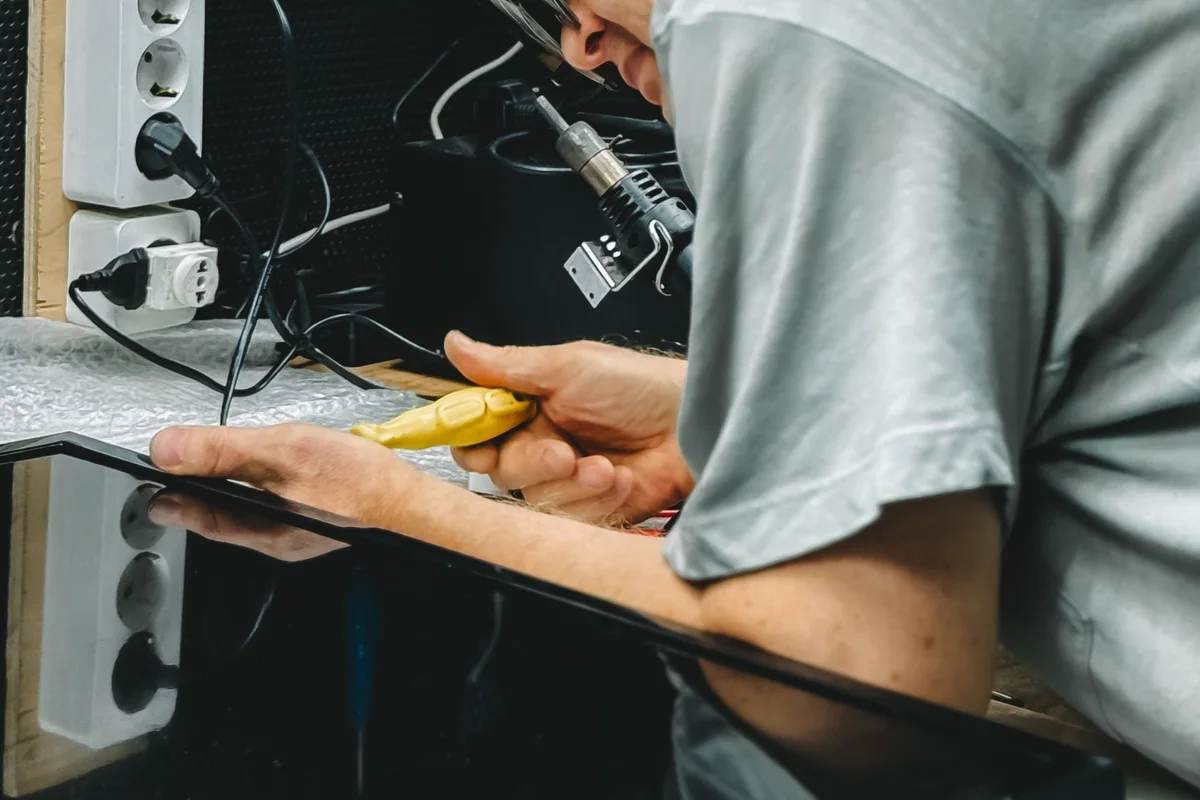
Onsite repair can be useful when a problem depends on office equipment or when moving the device is impractical. Contact Your Expert Tech to discuss whether a visit is appropriate and confirm availability; not every fault can be completed onsite.
Explain why the location matters
Describe the task that fails and whether it involves a dock, monitor, printer, network, or other nearby equipment. If the problem disappears elsewhere, that detail is important. Include the device model and any error messages without exposing confidential information.
Explain why inspecting the setup in place may help. Mention observations from normal use, such as a display working on the laptop but not through its usual dock. Avoid changing the entire setup before the appointment unless instructed; a clear description of the original conditions is valuable when the fault is difficult to reproduce.
Prepare the work area
Arrange building access and a suitable place to inspect the equipment. Make the normal power adapter and relevant accessories available. Identify the business contact who can approve work and reach other vendors if needed.
| Before the visit | What to arrange |
|---|---|
| Entry | Address, floor, visitor procedure, and meeting contact |
| Equipment | Device, normal charger, and relevant peripherals |
| Decisions | Person authorized to approve additional work |
| Testing | User available to demonstrate the task |
Discuss limits before the visit
Some repairs require parts, specialist equipment, or further diagnosis. Ask what can be assessed during the appointment and how additional work is handled. Confirm data preservation requirements and whether a backup has been verified.
Ask how findings will be communicated and what requires separate approval. Confirm who coordinates with a network administrator or other provider if the issue extends beyond the device. If equipment must leave the location, discuss the arrangement and data requirements first rather than assuming removal is part of the appointment.

Test in the real environment
Repeat the original task at the normal workstation after changes. If the fault remains intermittent, document the conditions and follow-up plan. Keep the service record so future support can build on what was learned.
Allow time to test the task that prompted the visit, not simply to turn the computer on. If the symptom does not appear during assessment, record that limitation and agree on useful observations for a recurrence. Keep the next contact and outstanding actions in the service notes so follow-up starts from what was learned.
Use the Harlem repair overview for initial preparation and request an onsite assessment with the location and reason a visit may be needed.