
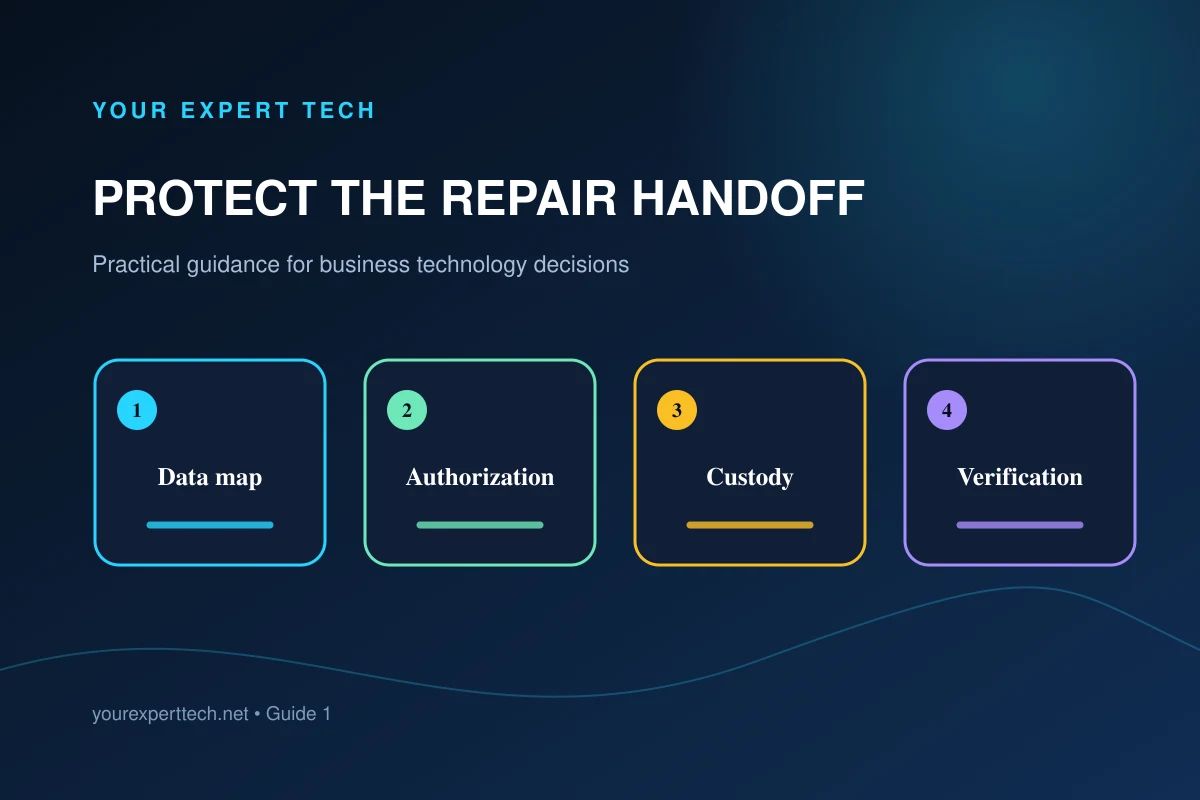
The employee using the computer, the business owner of the data, and the person arranging repair may be different people. A short handoff record keeps urgent service from creating uncertainty about access, files, or storage devices.
1. Map where current work is stored
Ask the employee which files and applications are essential and where current work is saved. It may exist on the desktop, in local application data, a synchronized folder, shared storage, email, or a cloud application.
For Macs, Apple’s service preparation guide explains why a backup matters before service that could affect storage. Coordinate the preparation with the business administrator and repair provider.
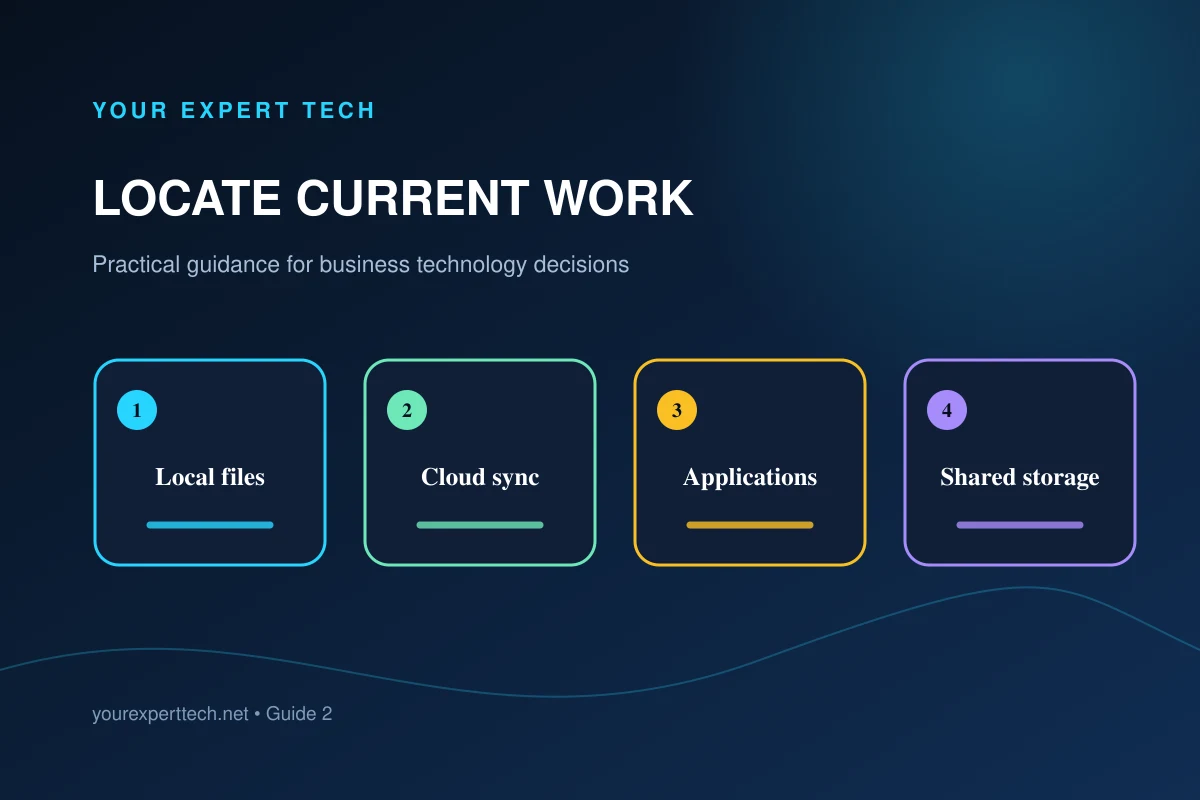
Have the responsible administrator verify the backup or storage arrangement. Check synchronization status and the latest recoverable point where applicable.
2. Define access and approval boundaries
Name the person authorized to approve device access, storage replacement, operating-system reset, data transfer, recovery work, and additional charges. Explain which steps require a pause and separate authorization.
Do not send passwords or recovery keys in a public contact form or attach them to the outside of a device. Agree on an appropriate access method with the authorized technician.
3. Create a custody record
Record the device asset identifier, manufacturer, model, serial number, visible condition, accessories handed over, service reference, date, and designated business contact.
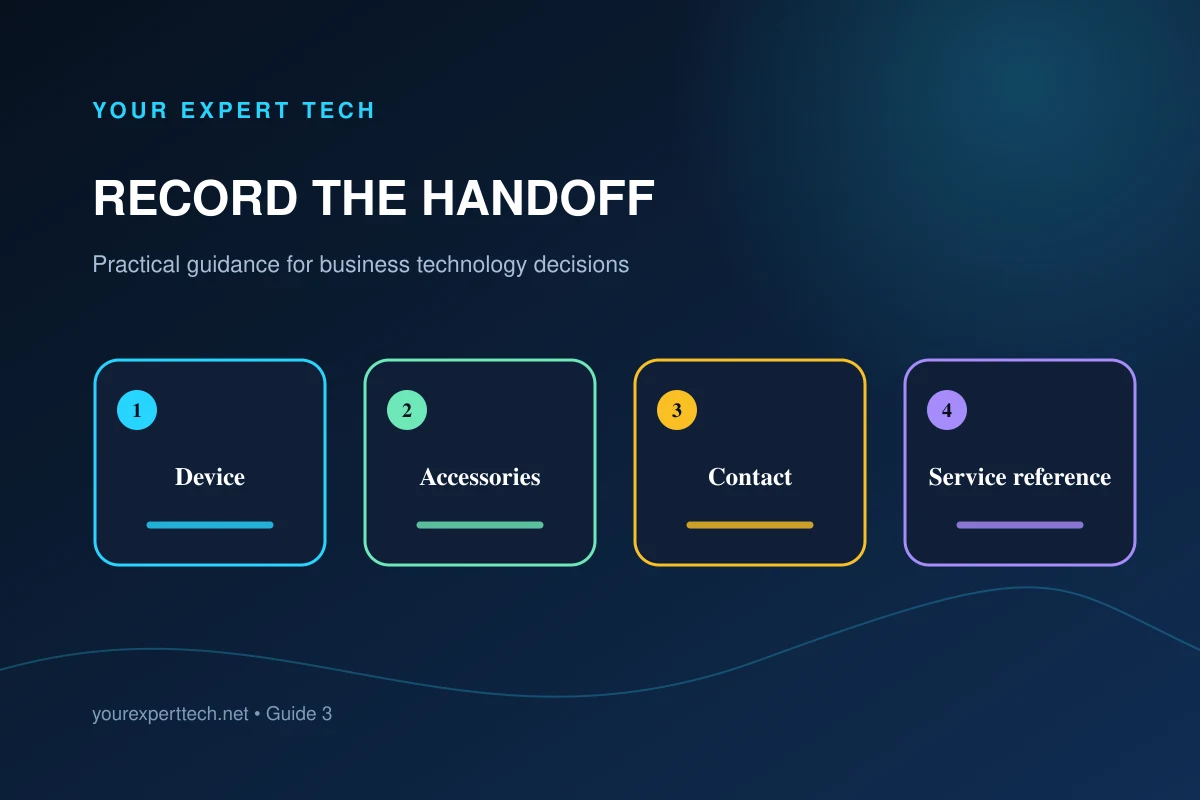
Clarify whether the device will leave the site, whether a third party may receive it, and how temporary copies or replaced storage are handled. Requirements should reflect the sensitivity of the information and the company's policies.
4. Control data-changing work
Before a reset, reinstall, storage replacement, or transfer, confirm the intended destination, the files in scope, encryption or recovery requirements, application licensing, and the acceptance test.
The FTC’s personal-information protection guide provides background for handling retained records and disposing of information that is no longer needed. Apply the business’s approved requirements to temporary copies and replaced storage.
Ask what will happen to the original storage and any temporary copy after the repair. Record retention, return, or disposal decisions with an authorized owner.
5. Verify files, applications, and cleanup
Have the authorized user check important files, recent documents, application access, and the original work task. Confirm that backup and synchronization resume correctly after repair.
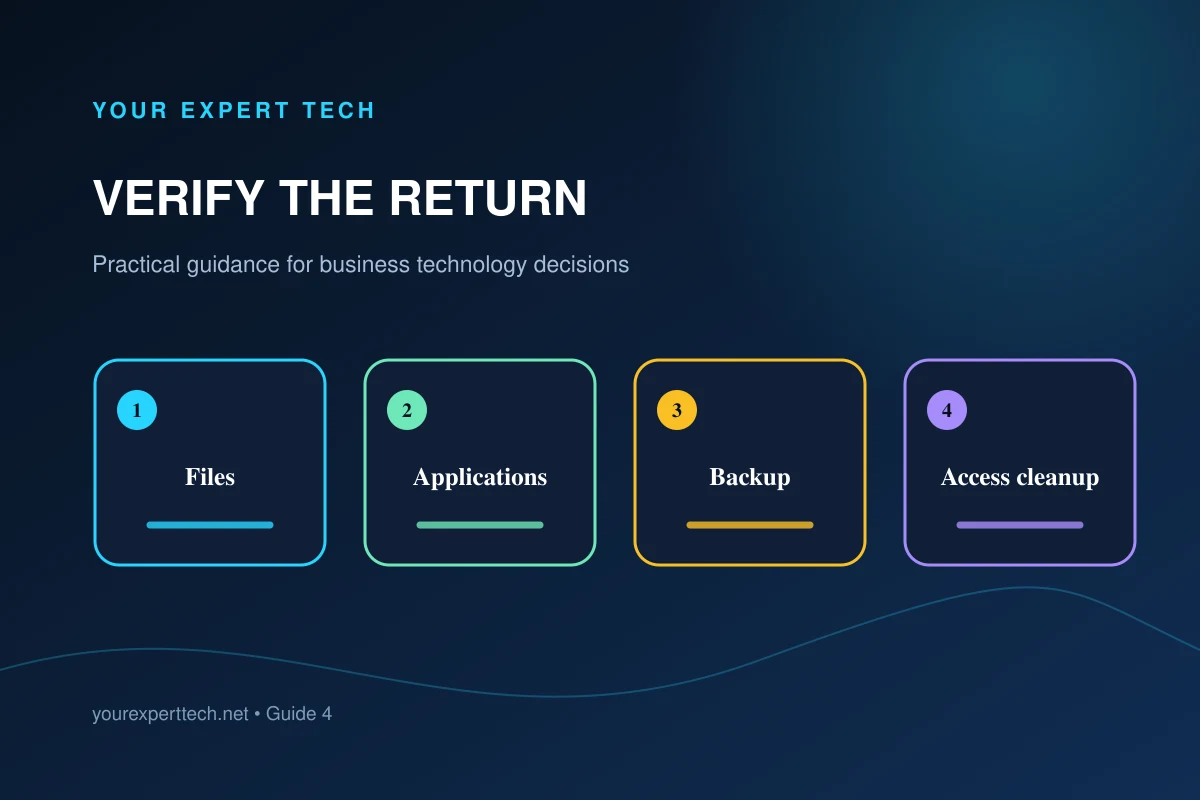
Remove temporary permissions and reconcile work created on a loaner. Keep unresolved questions open in the service record with an owner and next step.
Read the small-business backup planning guide, use the return-to-work checklist, or request repair support with the device symptoms and data concerns.