

A failed computer creates two jobs: diagnose the device and keep the employee's essential work moving. Those jobs need different decisions. A useful temporary-work plan names the task, the approved equipment, and the person responsible for restoring normal service.
1. Decide which tasks need a workaround
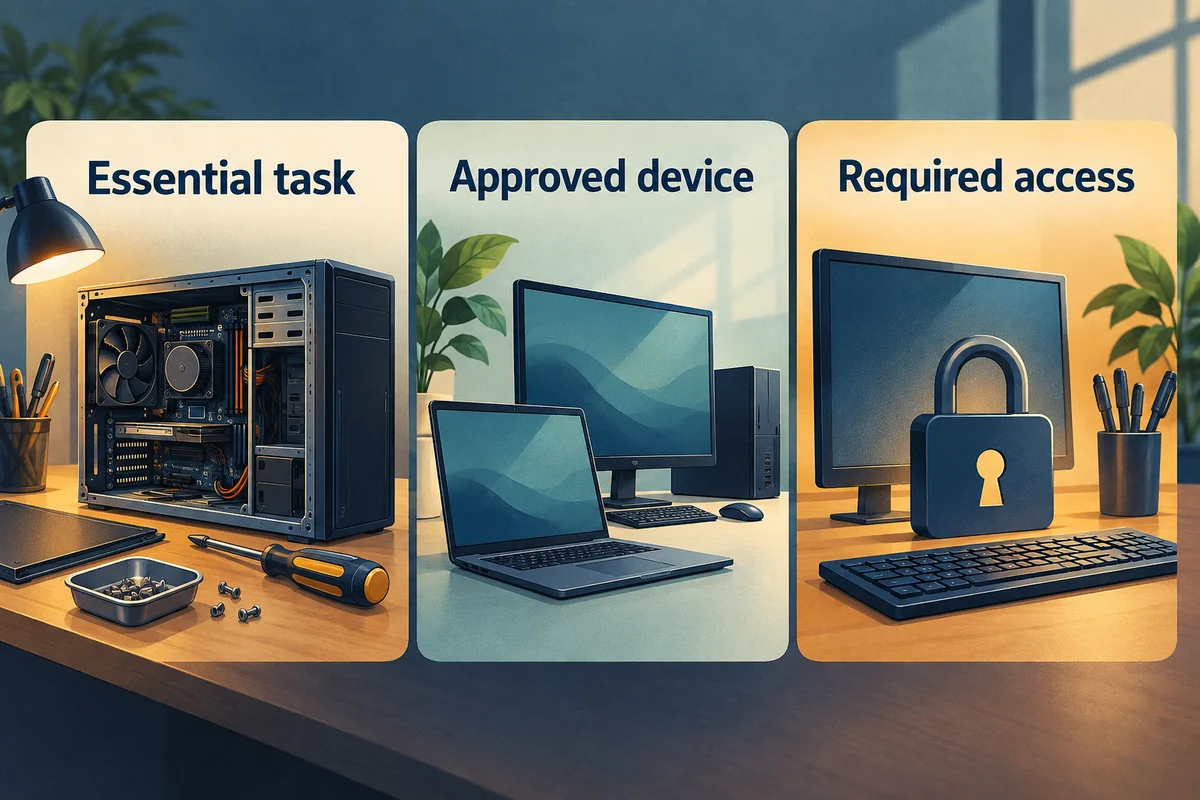
Ask what the employee must complete today and what can wait. Email, a customer call, and a specialist desktop application may have very different requirements. Record the deadline and the consequence of a delay without treating every task as equally urgent.
| Task requirement | Check before assigning a spare |
|---|---|
| Business application | Is the application available and approved for this device? |
| Current files | Can the employee reach the correct working copy? |
| Meetings or calls | Do the headset, camera, and connection work? |
| Specialist equipment | Does the alternative support the required peripheral? |
For example, an employee might be able to answer customer messages on an approved spare while a task requiring a local application is reassigned. This is a planning example, not a promise that any spare computer will fit the role.
2. Choose an approved temporary setup
Check the business's available managed devices and established remote-work options. Ask the administrator to confirm that the employee's own authorized account can access what is needed. Using a colleague's sign-in can mix records and obscure who performed an action.
NIST’s account-protection guidance provides a useful reference when reviewing the temporary user’s permissions and supported sign-in controls with the administrator.
If a personal computer is proposed, get a decision from the responsible business owner before placing business files on it. The support team should explain any limitations, including unavailable software, restricted access, or files that exist only on the failed device.
Keep the scope realistic. A workaround might restore only the highest-priority tasks while repair continues. Record the remaining limitation so the employee and manager share the same expectations.

3. Test the task and keep temporary work organized
Have the employee open the required application, reach the agreed file location, and complete a representative task. Check the relevant dock, display, headset, or printer when that equipment is part of the job.
Record where new work will be saved and who can resolve synchronization or access problems. A temporary device can otherwise leave the business with several copies of the same document and no clear current version.
Agree on an update schedule for the repair and revisit the workaround if its limitations become disruptive. A working spare does not close the original fault.
4. Plan the return before collecting the spare
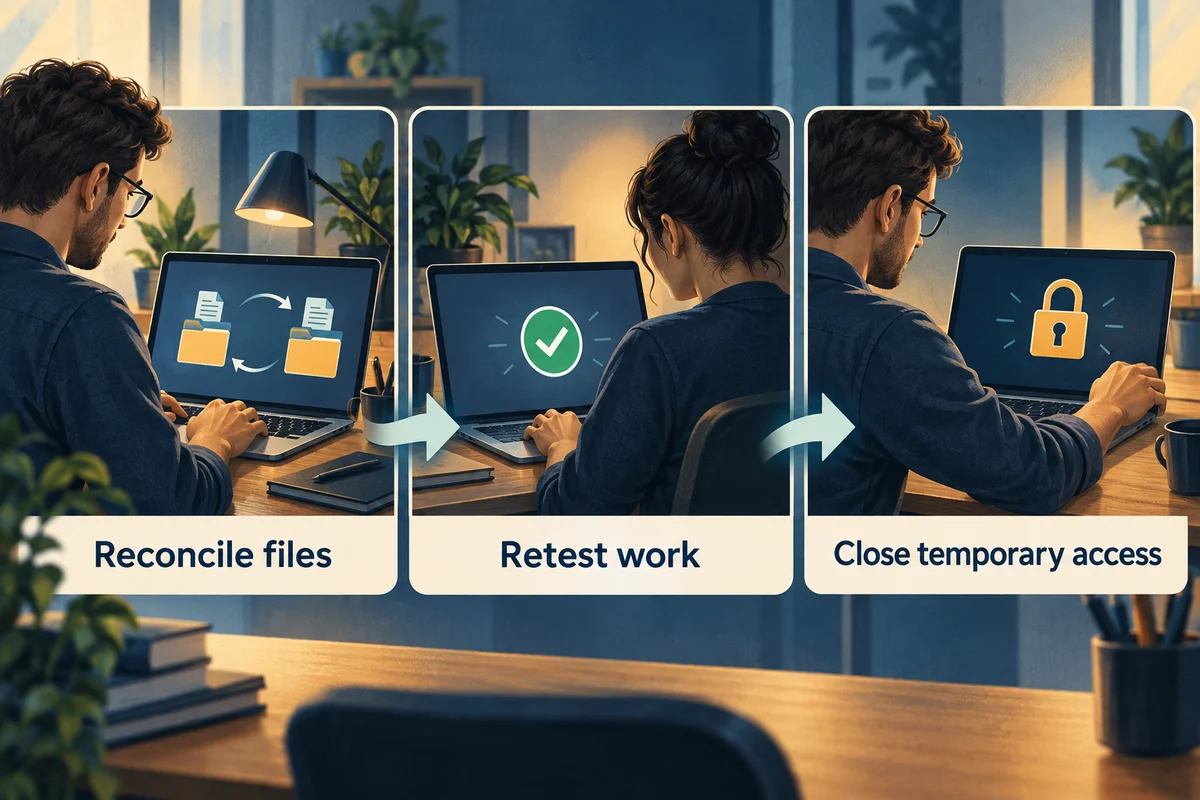
After repair, repeat the original task on the repaired computer. Reconcile files created or edited during the interruption through the approved storage or migration process. Ask the employee to confirm the current versions before removing temporary copies.
The FTC’s personal-information guide offers background for handling temporary copies that contain customer or employee information. Follow the business’s approved retention and disposal decisions during cleanup.
Have the administrator close temporary access and return the spare to the business's agreed ready state. Keep a record of unresolved limitations and the support contact for a returning fault.
Use the business laptop support guide to organize ongoing care, or contact us with the device problem and the tasks that cannot wait.