
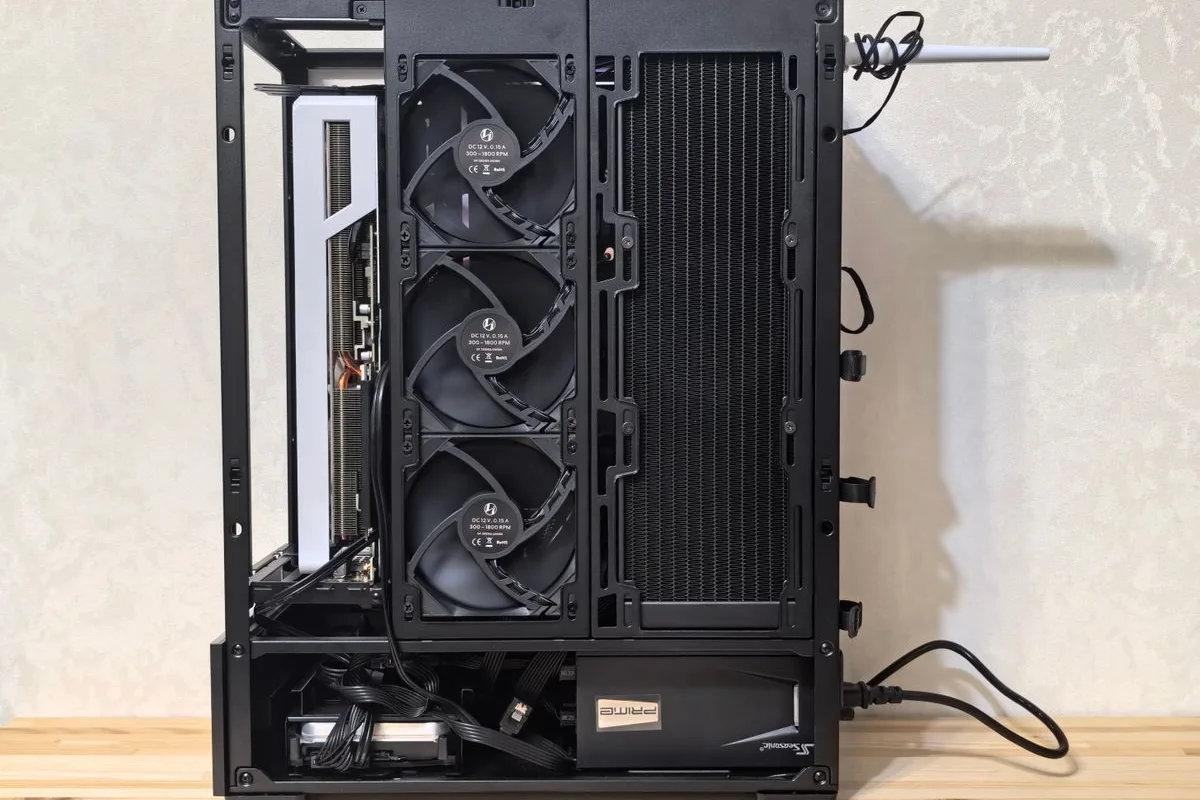
A custom computer should solve a defined workload requirement. Your Expert Tech can help discuss the applications, peripherals, and practical constraints before recommending a build. A list of expensive components is not a substitute for understanding the work.
Define the requirements
List the applications, typical projects, displays, storage needs, and peripherals. Explain what limits the current computer: processing time, memory, capacity, connectivity, or reliability. Include physical space, noise preferences, and business support requirements.
Describe normal work as well as the most demanding day. Include typical file sizes, simultaneous applications, and any specialist equipment that must connect. Note where the machine will sit and whether noise or physical access matters. These details help turn a vague request for a powerful computer into requirements a proposal can address.
Review the complete configuration
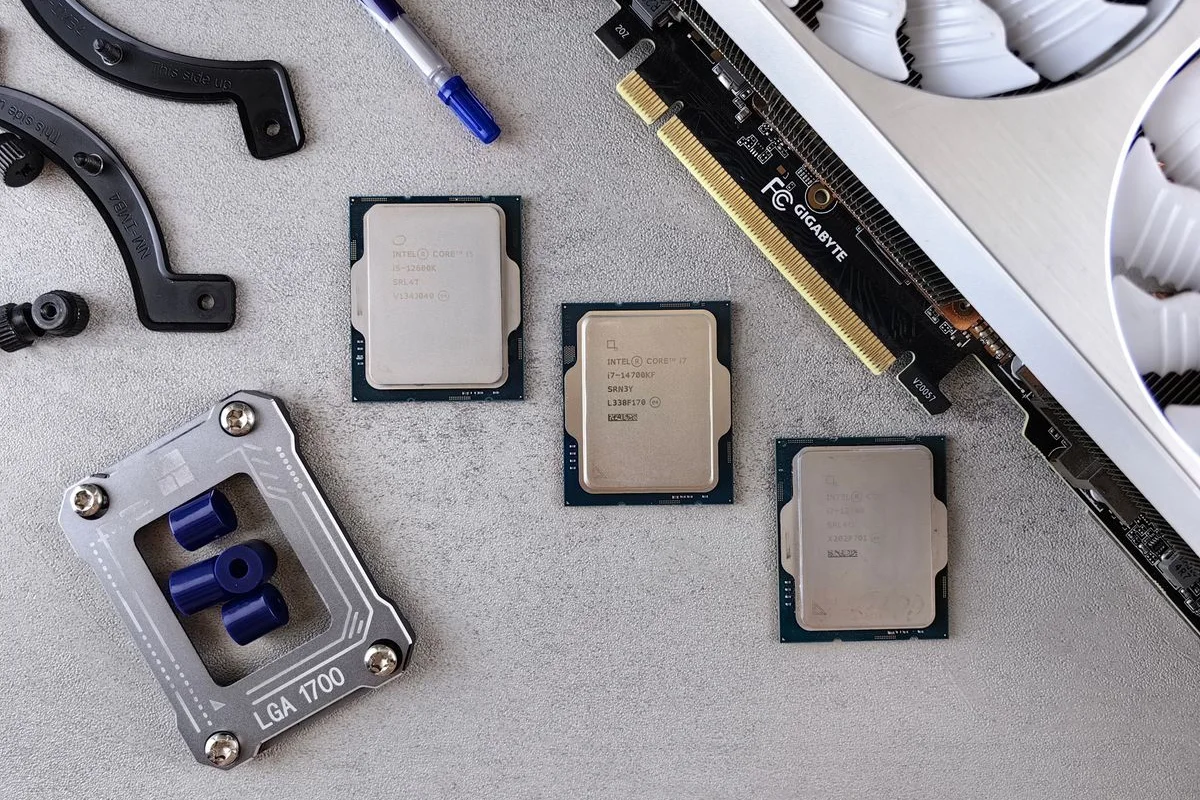
Compatibility includes the case, board, power supply, cooling, storage, ports, and software requirements. Discuss upgrade plans and serviceability. Confirm exact components and availability when approving the proposal; specifications and prices need current verification.
| Requirement | Question for the proposal |
|---|---|
| Applications | Which workload is the configuration intended to support? |
| Displays and peripherals | Are the necessary ports and connections included? |
| Future changes | Which upgrades are practical within this configuration? |
| Support | Who handles a component fault or replacement? |
Plan setup and transfer
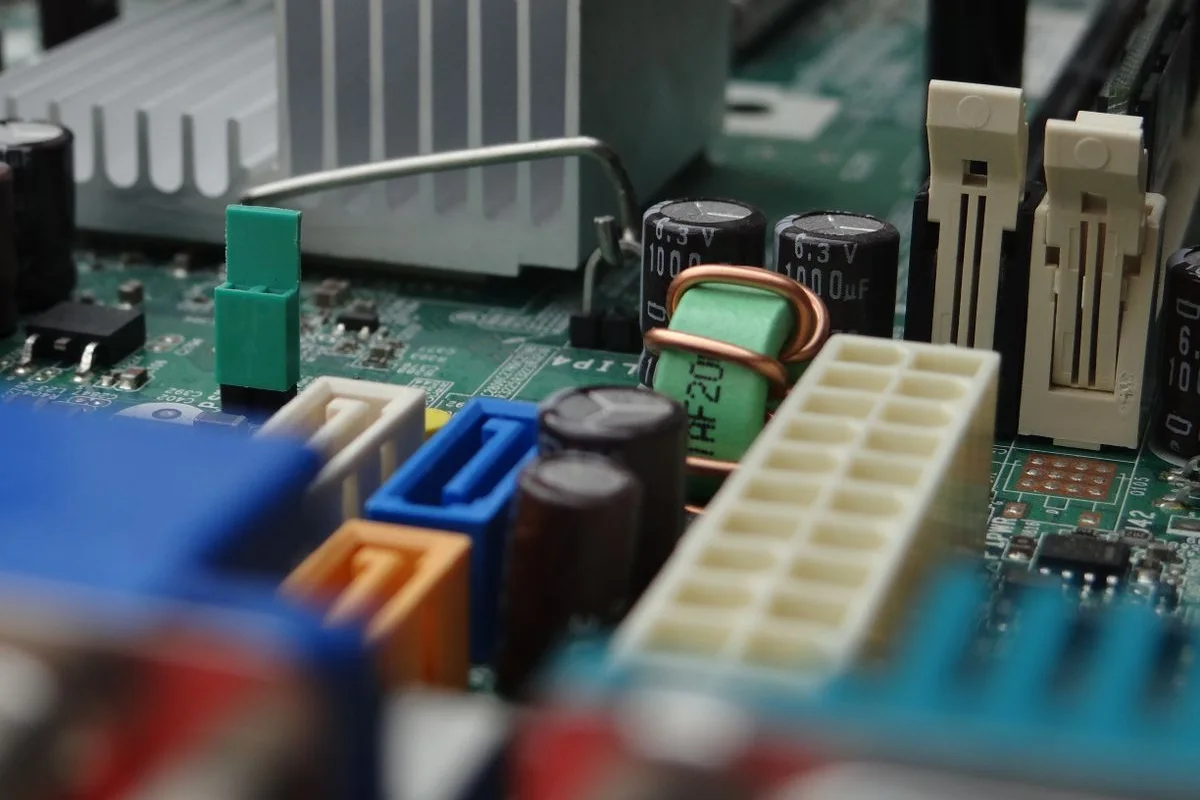
Identify operating-system and application licensing, account setup, data transfer, and backup arrangements. A finished assembly is not automatically ready for business use. Agree which configuration tasks are included and who supplies required access.
Keep a separate list of work that happens after assembly. That can include installing approved applications, transferring files, configuring printers, and restoring access to business resources. Discuss how the old computer will remain available during the transition. Do not assume a storage transfer also completes every account, application, or licensing task.
Test representative work
Use an appropriate sample workload and the intended peripherals. Record what was checked and any limitations. Keep component and service documentation so future upgrades or faults can be handled efficiently.
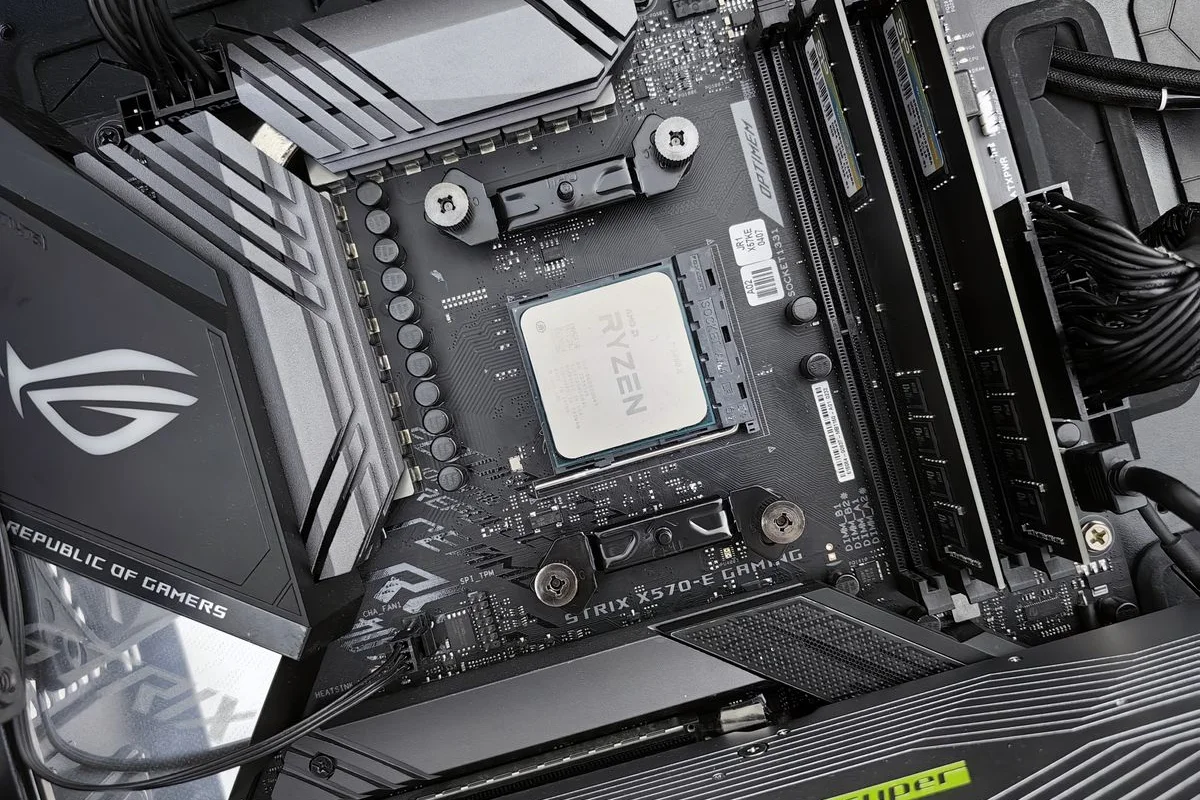
Use a non-sensitive sample of the normal work where possible. Test the intended displays, input devices, and network connection alongside the application task. Document any agreed performance target in the proposal rather than inferring it from component names. Keep the final configuration and service records for future troubleshooting; pictured hardware is illustrative and does not specify the supplied build.
Discuss a custom build with the applications and current constraints. The business hardware planning guide can help compare a custom configuration with a standardized business device.