

A consultation is easier to use when the discussion begins with the work your business needs to accomplish. A pile of invoices or screenshots can provide context, but it does not explain which decision matters most.
Use this checklist to prepare a short briefing pack. Record what you know, label estimates, and leave unknowns visible so the consultant can explain how to investigate them.
1. Define the decision you need help making
Write a few sentences explaining the current problem, the people affected, and the desired result. Distinguish an active interruption from a planned improvement so the provider can understand the timing.
Include an upcoming office move, hiring plan, vendor renewal, or other deadline that affects your options. Describe the practical consequence of doing nothing, without guessing at a technical cause.
A brief you can adapt
Use these prompts to make the brief specific:
- What happens today? Describe the task or decision.
- Who is affected? Name the teams or roles, not sensitive personal details.
- What should change? State an outcome you could recognize.
- When does it matter? Include the deadline and its reason.
- What is already fixed? Identify commitments, contracts, or constraints the plan must respect.
2. Gather a simple technology overview
Start with a summary rather than trying to document every setting. Estimates are useful if they are clearly marked, and an honest “not yet known” is better than an invented answer.
For security-related preparation, NIST’s small-business Cybersecurity Framework resources offer a starting point for organizing the questions you want the consultant to address.
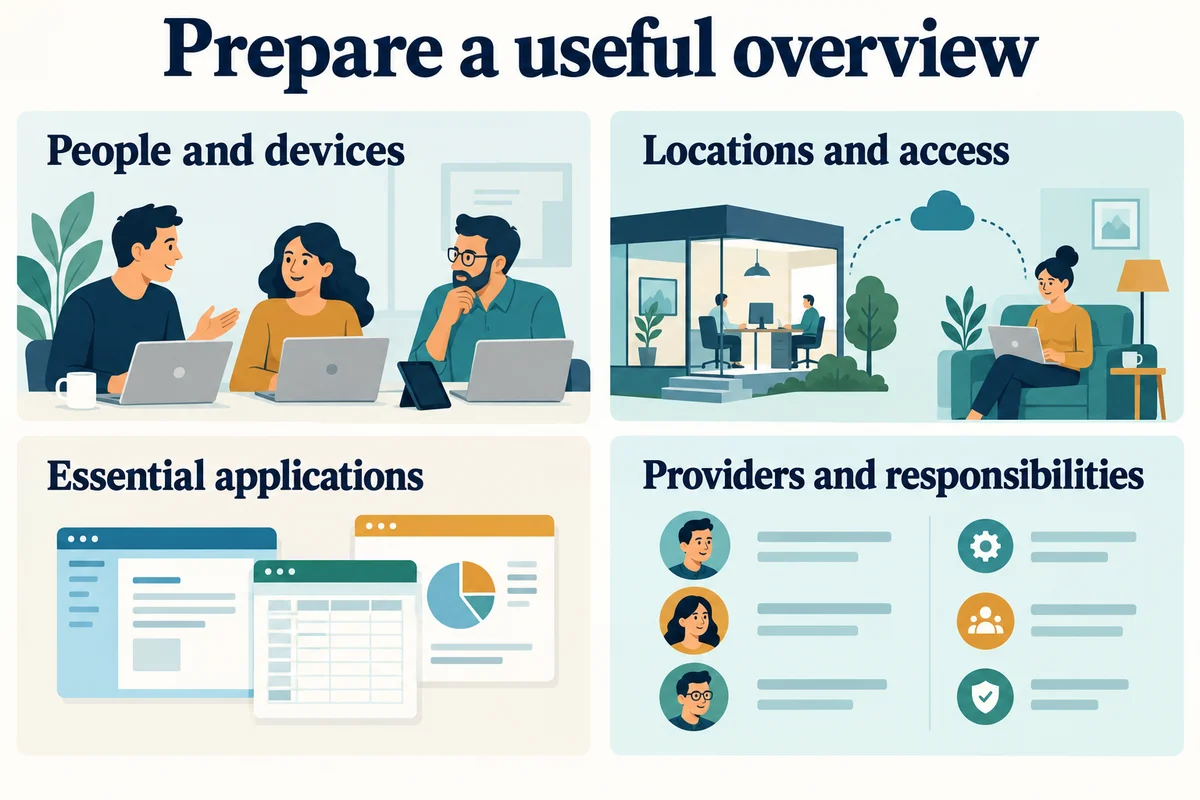
| Area | Bring to the conversation | Mark as unknown if needed |
|---|---|---|
| People and devices | Approximate staff, laptop, and desktop counts | Which devices are company-owned |
| Locations | Offices, remote work, and visit requirements | Building access arrangements |
| Applications | Tools needed for everyday work | Who administers each service |
| Providers | Existing IT, internet, and specialist vendors | Who can authorize vendor requests |
| Support | Recurring issues and the current request process | Gaps in responsibility |
Keep the overview readable enough to discuss during the call. If a detailed inventory already exists, identify its owner and when it was last updated.
3. Bring evidence that explains the problem
For a recurring issue, a short timeline can be more useful than a general statement that the technology is unreliable. Record when it happened, where, what the user was doing, and whether the problem repeated.
The FTC’s personal-information guide provides useful background when deciding which records to share and how to protect information about customers and staff.
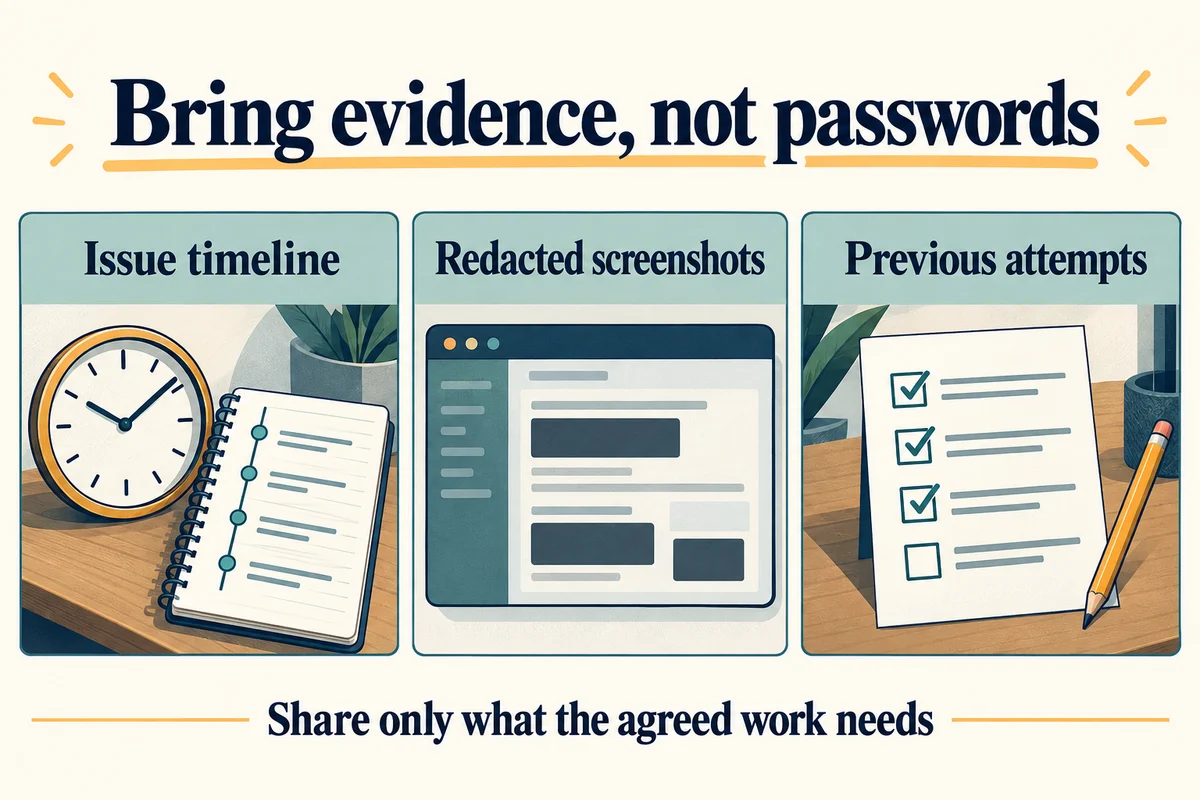
- Write down the symptom. Include the exact error when available.
- Describe the impact. State which task could not be completed.
- Note the scope. One person, one office, or several teams?
- List previous attempts. Record what changed and whether it helped.
- Identify the evidence. Name a relevant ticket, screenshot, or internal record.
Example evidence note
“On Tuesday afternoon, two staff members could not open the shared application from the second office. Email still worked. The application became available later; no cause has been confirmed.”
This describes an observation without prematurely assigning blame to the network, application, or provider.
Keep original records in the business's approved location. For a first conversation, a summary or redacted example may be sufficient; ask which additional evidence is needed before collecting more.
4. Identify who can make decisions
Name the person who owns the business problem and the person who can approve spending. They may be the same person, but the consultant should not have to guess.
Also identify who can approve access, downtime, and changes involving an outside vendor. If building access or a specialist system is involved, note the relevant contact and any scheduling constraints.
Bring the people needed to answer questions about daily work. You can invite a technical contact for system details while keeping a business owner responsible for priorities.
Clarify the role you expect the consultant to play: assess options, write a plan, implement changes, coordinate vendors, or provide continuing support. These are separate responsibilities and should be reflected in the proposed scope.
5. Leave with a concrete next step
At the end of the conversation, restate the problem in plain language and confirm what remains unknown. The next step might be an assessment, a site visit, a proposal, or a request for a small set of additional information.
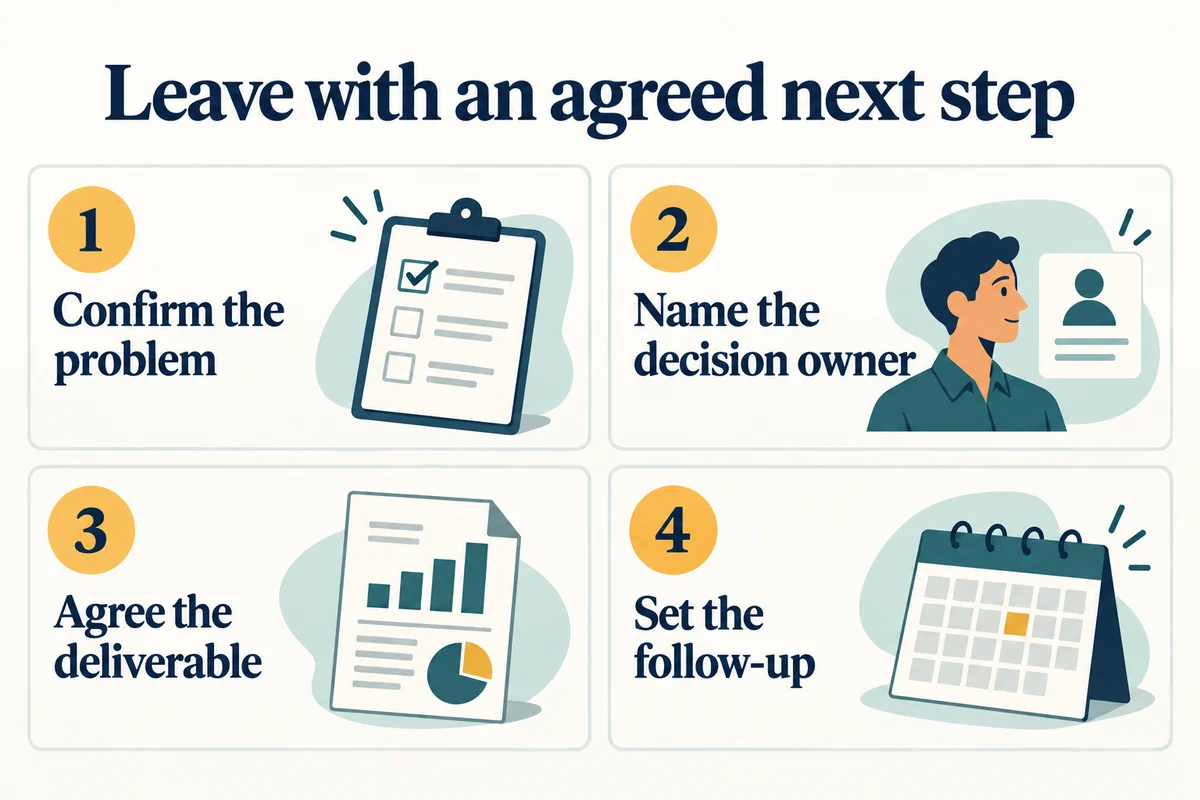
Your final preparation check
Keep the brief, technology overview, evidence summary, and contact list together in an approved location. Review them for unnecessary sensitive information before sharing.
Read finding an IT consultant for questions about service fit, or send a consultation request with your business problem, location, and the decision you need help making.
Use this checklist to prepare for a discussion about IT consulting with Your Expert Tech.