

An office move, a recurring connection problem, and a support transition call for different work. Start by naming the outcome you need. Then identify which parts can be assessed remotely and which require someone to visit the office.
For a Midtown location, confirm the arrangements for your particular building. Entry procedures, equipment access, and contractor requirements vary; do not assume a nearby technician can simply arrive and begin.
1. Define the office problem
Describe who is affected, what work must continue, and the deadline. Explain what has already been tried and which decisions remain open. Keep an active service interruption separate from a longer planning project so urgent needs are visible.
Ask whether the engagement includes an assessment, design, implementation, vendor coordination, or ongoing support. A planning report does not automatically include carrying out its recommendations.
2. Identify the dependencies before scheduling
The project's timing may depend on more than the consultant's availability. Building management, the internet provider, staff, and specialist vendors can each control a required part of the work.
The GOV.UK technology selection guide includes planning around existing systems and their dependencies. Use it as general project guidance alongside your building-specific arrangements.
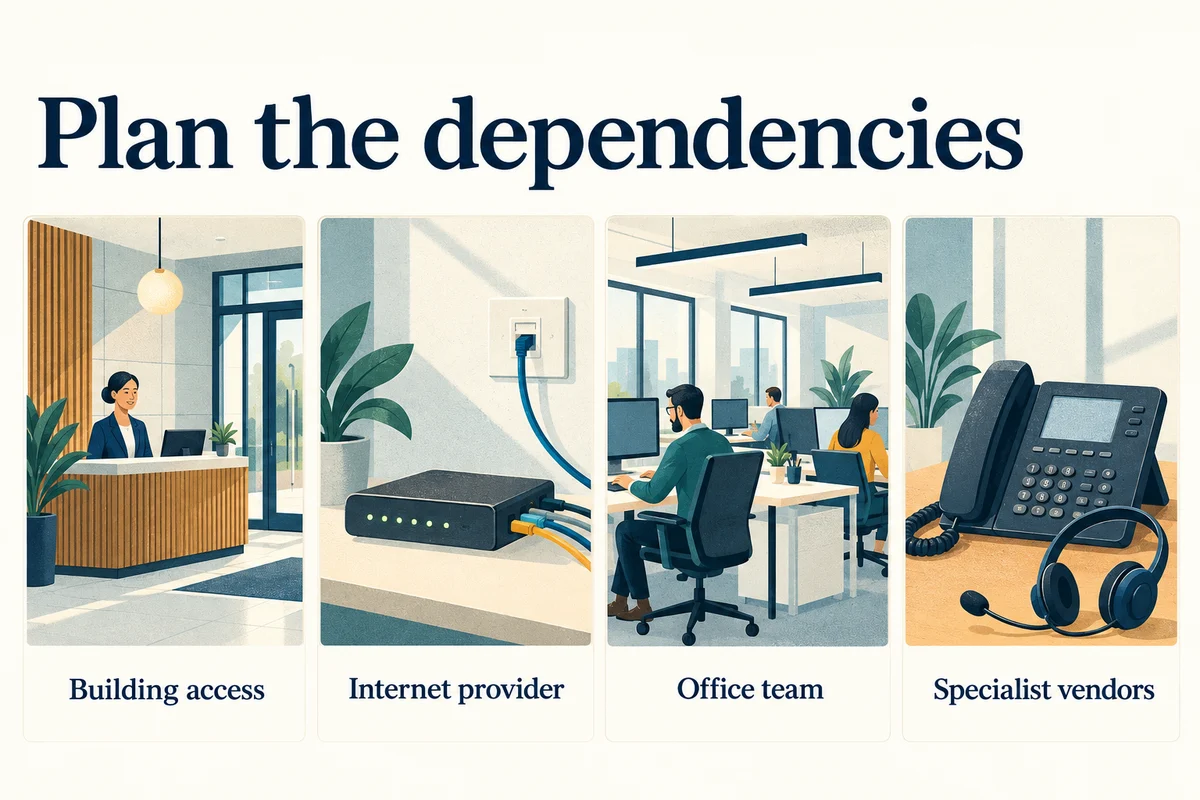
| Dependency | Confirm before setting the work date | Named contact |
|---|---|---|
| Building entry | Address, floor, visitor procedure, required documents | Office or building coordinator |
| Equipment access | Permission and access to the relevant room or cabinet | Authorized site contact |
| Connectivity | Provider responsibilities and any scheduled work | Account holder or provider contact |
| Specialist systems | Whether phones or other systems need vendor involvement | System owner |
| Office team | Affected tasks and availability for testing | Business decision owner |
Do not infer permission from the fact that equipment is physically accessible. Identify which systems belong to the business and which are managed by the building or another provider.
3. Choose a controlled work window
Agree on the sequence before technical changes begin. Include preparation, the expected interruption, a decision point for pausing, and the tasks that must pass afterward.
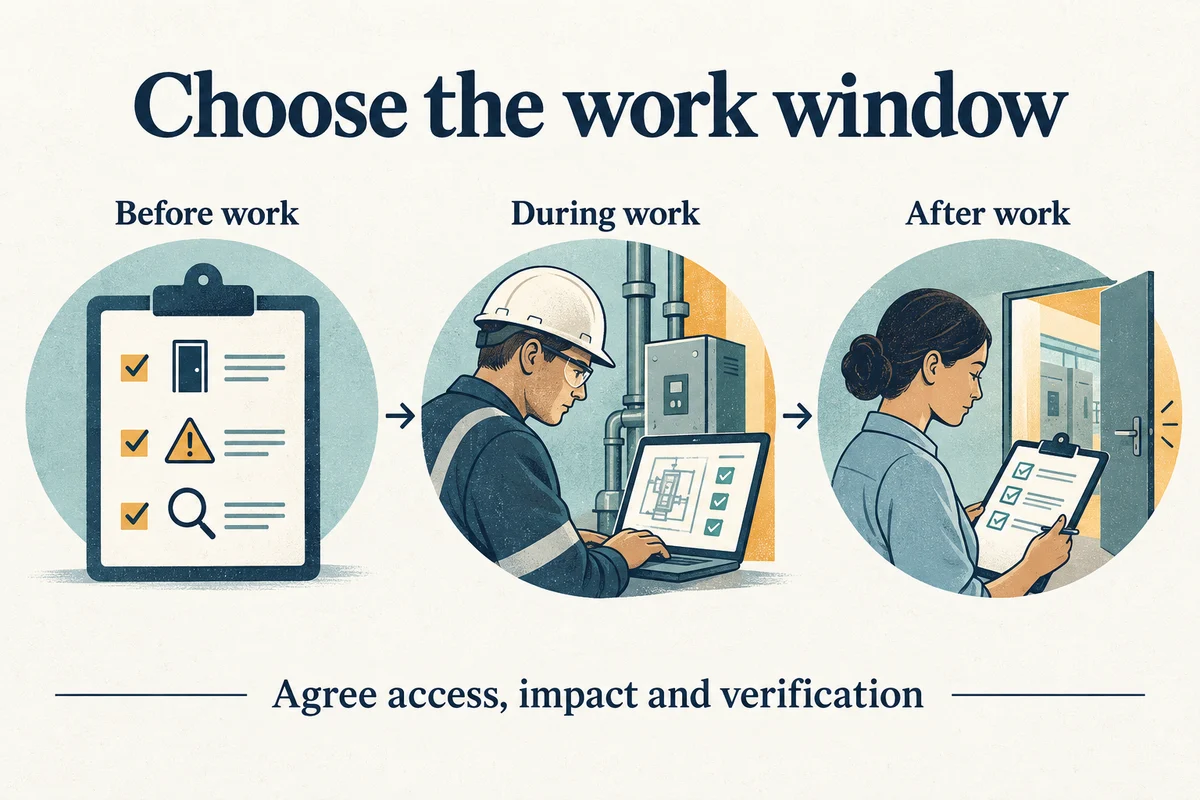
- Before work: Confirm access, the current configuration, and recovery information where relevant.
- During work: Keep the authorized approver available and record material changes.
- If a dependency fails: Use the agreed pause or rollback decision instead of improvising unrelated changes.
- After work: Test the applications and office tasks that motivated the project.
Tell affected staff what may be interrupted and where to get updates. If the scope changes, document the effect on timing and approval rather than silently expanding the work.
4. Require a handover the office can use
A project should leave the business with a clear record of the result. Ask for plain-language notes as well as the technical detail needed by whoever supports the environment next.
For the account-access portion of handover, NIST’s MFA guidance also discusses limiting access and removing it when responsibilities change.

Keep business accounts under business control and agree how consultant access will be reviewed after completion. For intermittent issues, distinguish a successful test from evidence that the fault has stopped recurring.
Use the Midtown consultation checklist to prepare the details. Contact Your Expert Tech with the location, project type, and access requirements to discuss fit and scheduling.
For assessment, planning, and project guidance, explore our IT consulting service and confirm the appropriate arrangement for your office.