

An office technology project can stall because a required person, account, or access approval is missing. This checklist helps an office coordinator prepare for a site visit and keep the technical work tied to a clear result.
Use it alongside your provider's specific plan. Mark each item confirmed, pending, or not applicable; record the owner of anything pending.
1. Check readiness before booking the work
Start with the practical conditions that allow the project to happen. Confirm the exact address and floor, the business contact, and the entry procedure for the specific building.
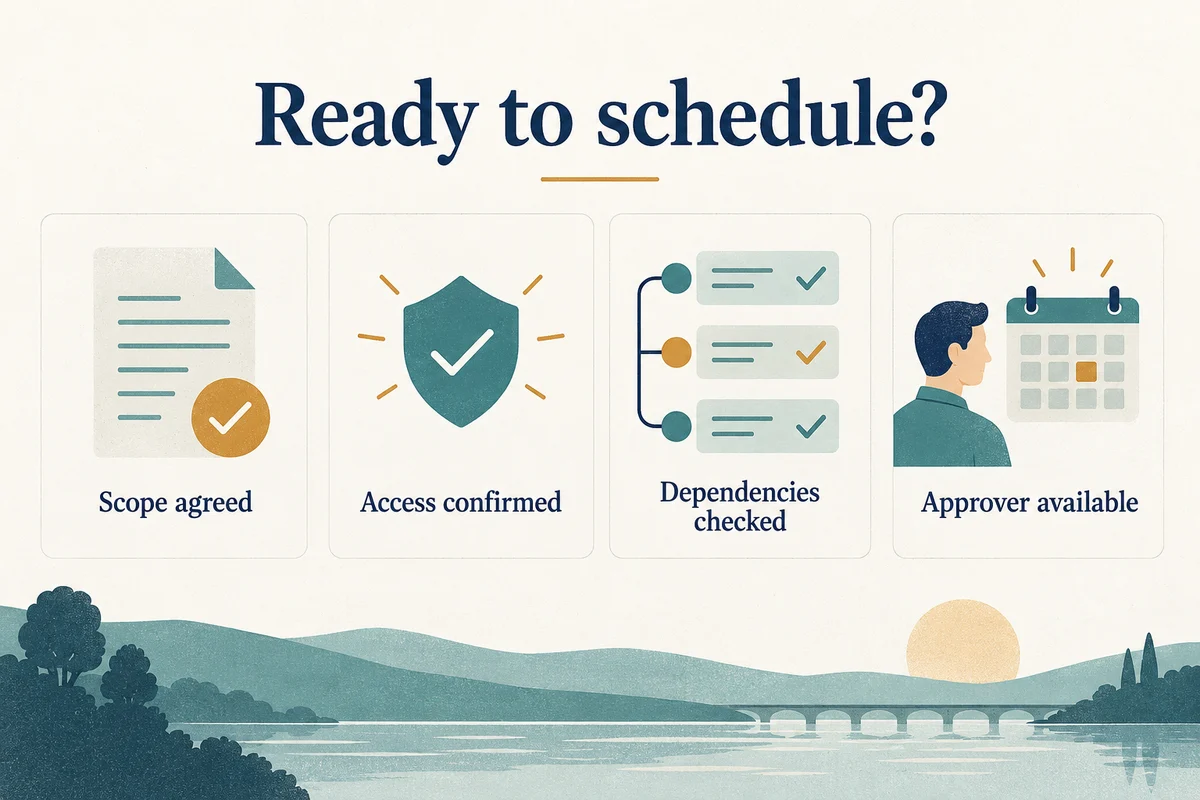
| Readiness item | Evidence to record | If it is still pending |
|---|---|---|
| Scope | Agreed systems and intended result | Ask the project lead to clarify |
| Building access | Entry instructions and required permissions | Assign a site coordinator |
| Vendors | Required attendance or confirmed responsibilities | Record who will chase confirmation |
| Approval | Name and availability of the decision maker | Arrange an authorized backup |
| User communication | Affected teams and update channel | Draft the notice before work begins |
Ask building management about equipment-room access and any contractor documentation needed. Requirements are site-specific; confirm them rather than assuming a general rule applies.
2. Prepare the technical change plan
List the systems involved and their owners. Have the authorized administrator confirm that the required access works through approved channels. Identify relevant recovery information without copying credentials into a general project document.
For network-related work, NIST’s network-connections resources give the technical owner additional security background to consider within the approved scope.
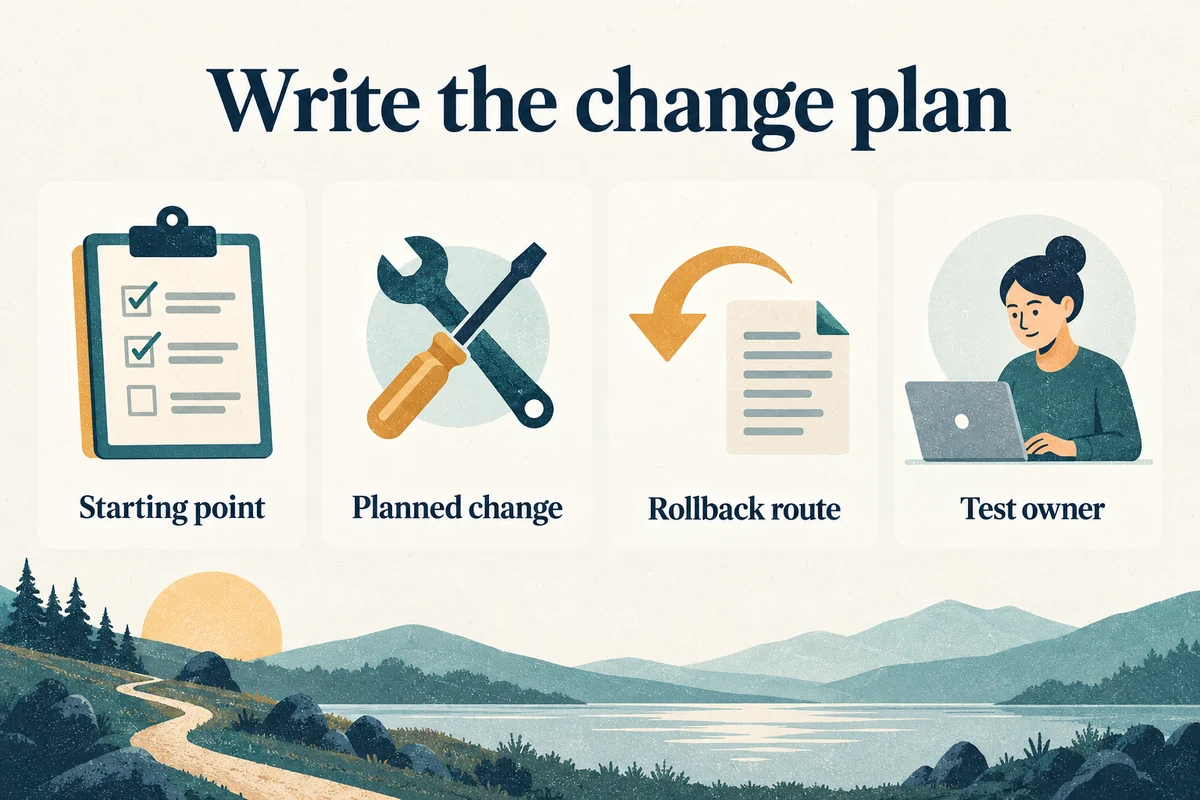
- Starting point: What is currently working, and what problem is being addressed?
- Planned change: Which device, application, or setting is in scope?
- Dependencies: What must another person or vendor complete first?
- Recovery: What information or backup would be needed to reverse the change?
- Verification: Who can test the result and recognize a problem?
Not every task needs the same level of planning. Match the record to the impact, while keeping authorization and an acceptance test clear.
3. Keep the work window controlled
Agree who gives updates and who can approve unexpected work. Record the point at which the team will pause or reverse the change if a dependency is unavailable or the tests fail.
Avoid adding unrelated requests simply because a technician is onsite. Put new work into a separate decision so it does not consume the time reserved for validation.
A useful work log
Record the time, action, person responsible, observed result, and next decision. “Changed setting; test failed; reverted” is more useful than “worked on network.” Keep sensitive configuration details in the appropriate restricted record.
4. Test the actual office workflows
Select representative tests before the visit. Include the locations, users, and systems affected by the change, rather than checking only from the technician's device.
The GOV.UK user-story guide explains acceptance criteria in terms of outcomes. Use that approach to describe what an office user must be able to complete after the change.
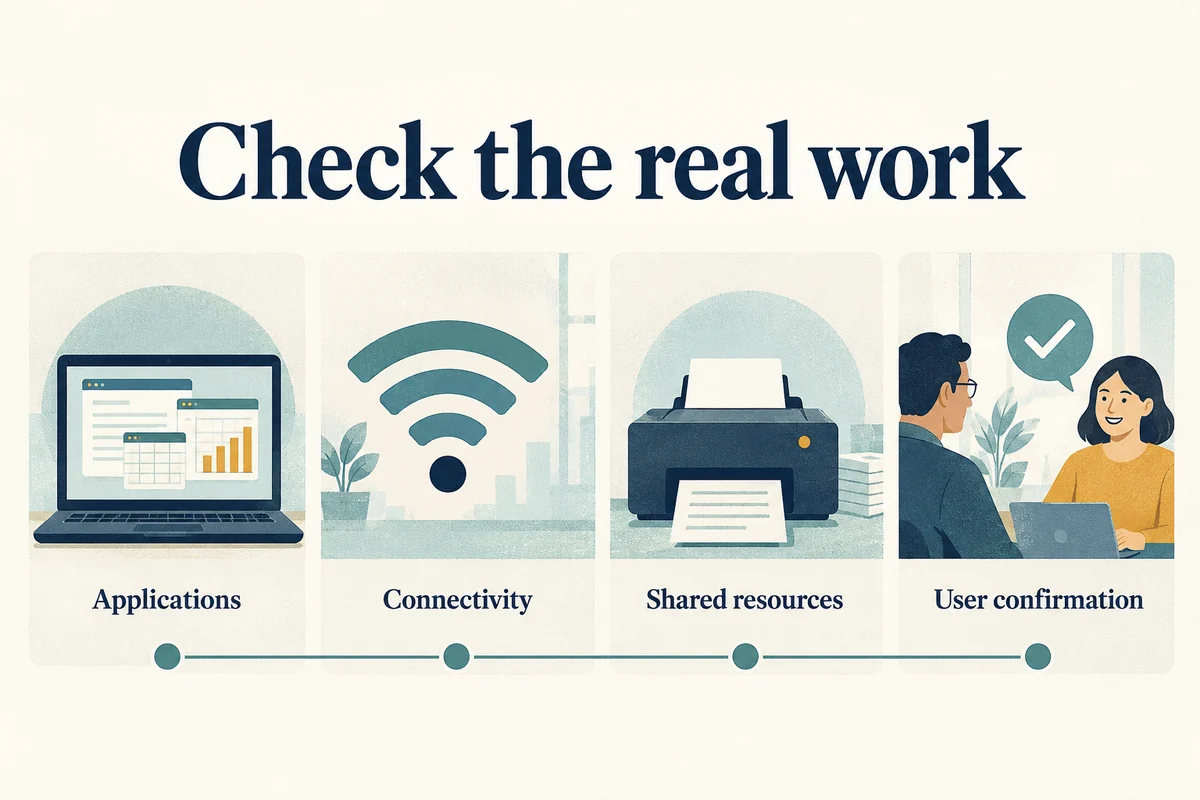
Examples include signing into a business application, accessing a shared resource, or completing a call when the phone system was in scope. State what counts as a pass and who confirms it.
A passed test shows what worked at that time. For intermittent faults, agree on follow-up observation and how staff should report recurrence.
Use the Midtown consulting overview to define the engagement. For provider selection, read how to choose a Midtown consultant before comparing proposals.
Our IT consulting service can help clarify the scope and responsibilities behind your office project.