
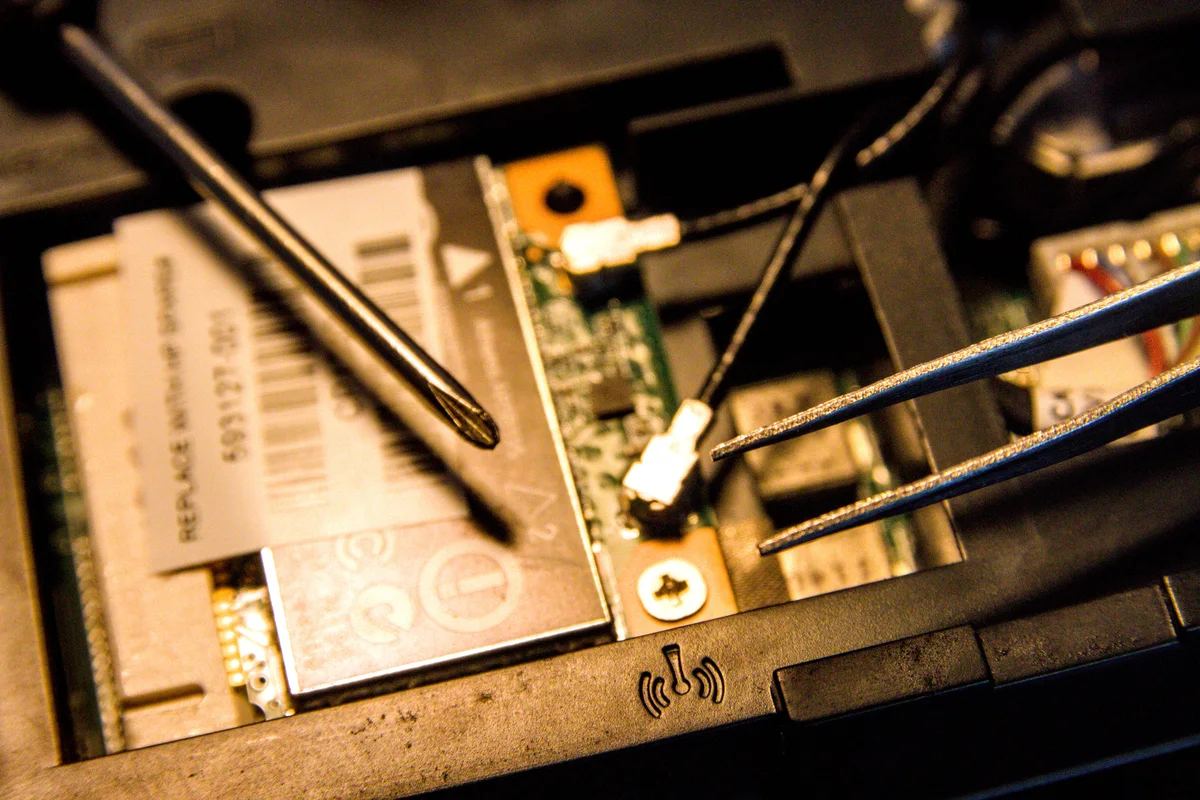
An urgent hardware repair may depend on a part that is not immediately available. Once diagnosis identifies the requirement, the business needs a clear decision about the component, timing, and work that must continue meanwhile.
Confirm the diagnosis and part
Ask which component is believed to have failed and what supports that conclusion. Confirm compatibility with the exact model, the proposed part condition, and the service terms. A similar product name does not establish that a component will fit.
A component recommendation should connect to the observed fault. Ask what has been established and what remains uncertain before purchasing. If a substitute is offered, request an explanation of its suitability and any difference in terms. Do not approve solely because a product name resembles the original component.
Understand the timing
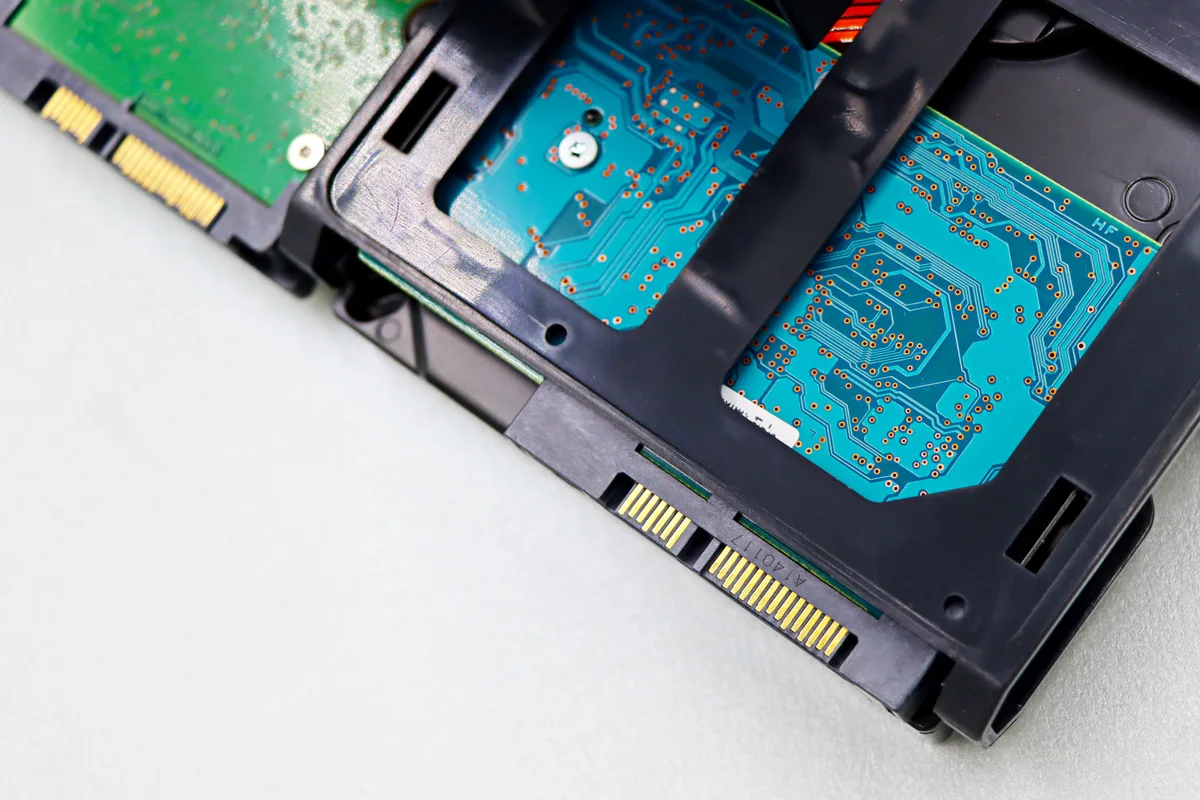
Separate sourcing, delivery, installation, and testing. Ask which dates are confirmed and which remain estimates. Decide who approves a substitution or a revised cost. Keep the employee informed about the next meaningful update rather than promising a completion time that depends on an unconfirmed delivery.
| Milestone | What to confirm |
|---|---|
| Sourcing | Exact proposed item and availability |
| Delivery | Confirmed information versus estimate |
| Installation | Appointment and access requirements |
| Testing | Original task and relevant accessories |
Arrange a temporary workflow
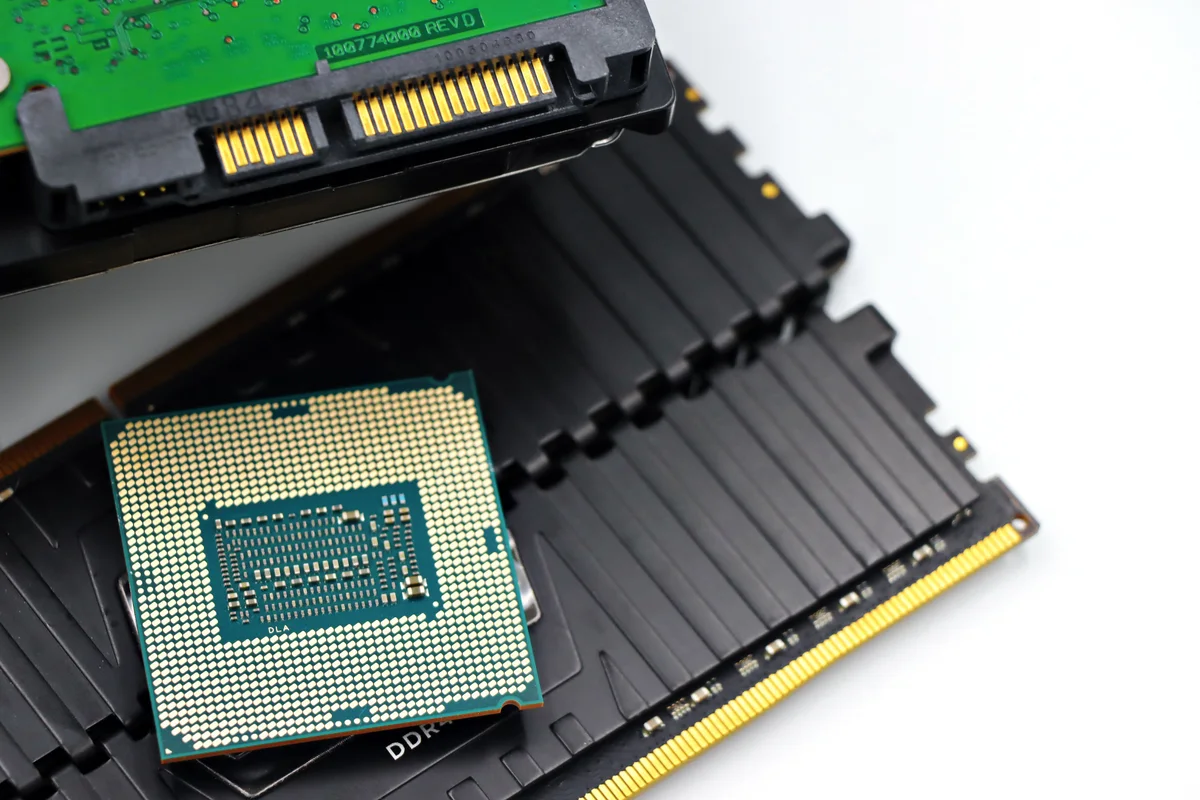
Consider an approved spare or alternate device for essential tasks. Verify access to business applications and current files. Keep any temporary setup documented so work can be transferred back without losing changes or leaving unnecessary access behind.
NIST’s multifactor-authentication guidance provides account-protection background when arranging access from a temporary work device.
Check that the temporary device can use the necessary applications and access the right files through approved accounts. Identify work that cannot move and explain its business impact to the decision maker. Keep the arrangement time-limited and documented, including who will reconcile files and remove temporary access after the repair.

Reconsider the whole decision
If the device has multiple faults or no longer meets the workload, compare repair with a complete replacement plan. Include setup and migration rather than comparing only purchase prices.
If the replacement involves a Mac, review Apple’s backup and restoration resources with the person responsible for migration so the plan accounts for existing files.
The decision may change if diagnosis reveals another fault or a substantial compatibility constraint. Ask for an updated scope instead of treating the first estimate as automatic permission for every additional step. Keep both options tied to the workload the business needs. A replacement computer also needs setup and verification before it can be considered a complete alternative.
Use the repair estimate guide and the repair-or-replace comparison. Contact us with the device model and diagnosis to discuss options.