
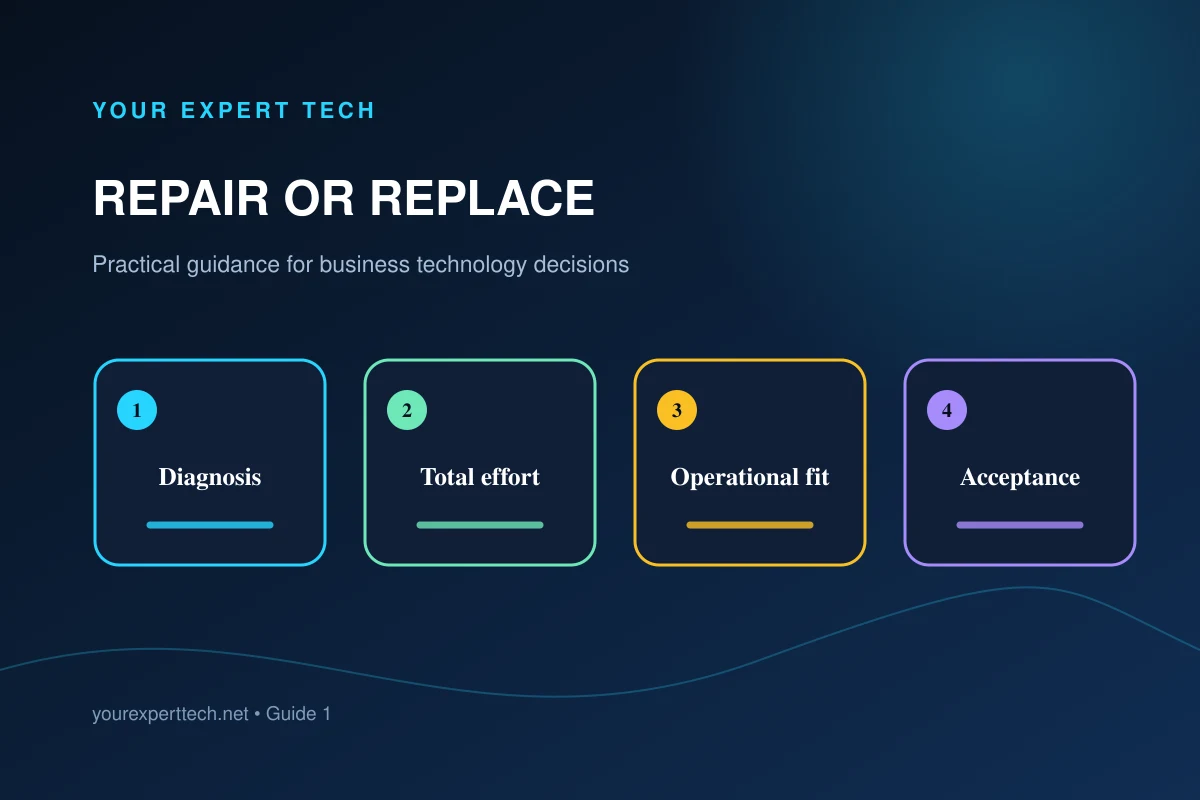
A low repair price may leave an unreliable or unsupported device in service. A low replacement price may omit configuration, migration, compatible accessories, and employee downtime. Begin with evidence about the current computer and the work it must perform.
1. Describe the current condition accurately
Record the diagnosed fault, proposed repair, device age, warranty position, recurring symptoms, physical condition, and whether the computer supports required software and security controls.
Ask what the proposed repair is expected to fix and what it will not change. Separate confirmed facts from estimates and unknowns.
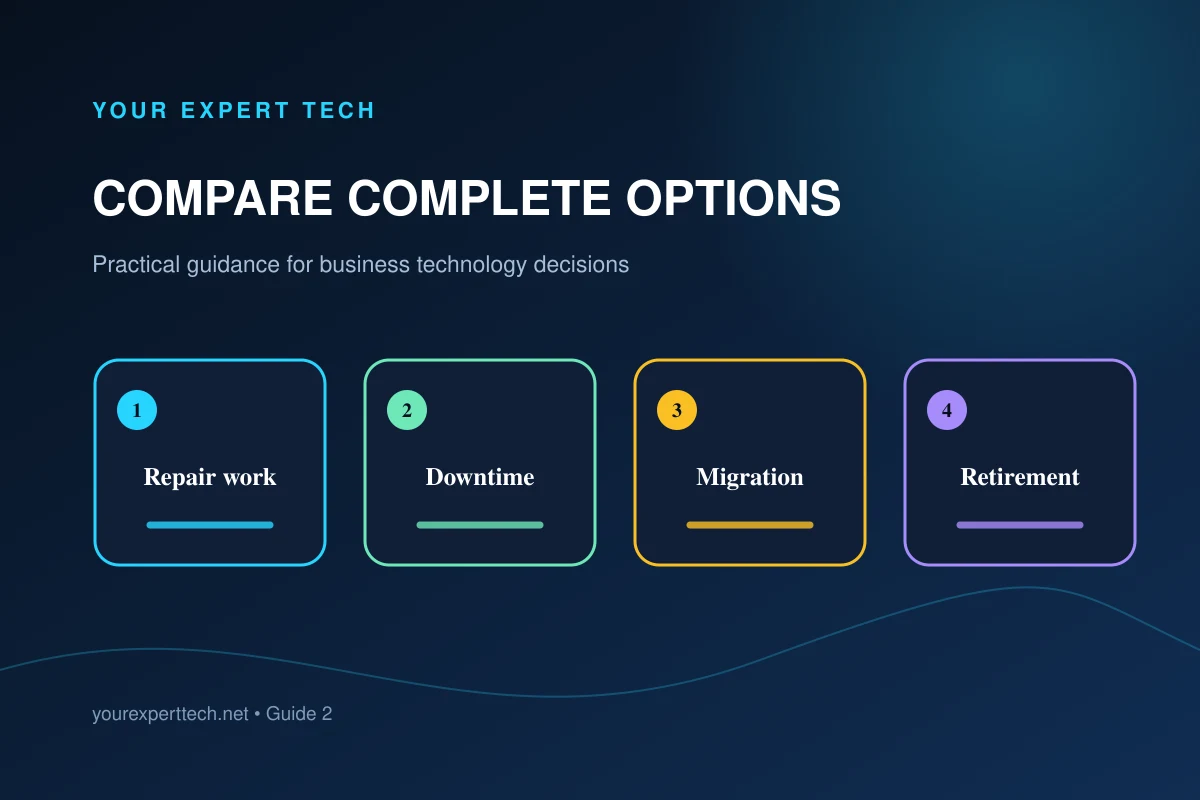
2. Compare two complete options
For repair, include diagnosis, parts, labor, shipping or travel, interruption, temporary equipment, data work, and remaining limitations. For replacement, include the computer, accessories, setup, licensing, migration, testing, employee adjustment, and secure retirement of the old device.
GOV.UK’s purchasing strategy guide provides broader planning questions about the full cost of buying technology. Use the relevant questions when reviewing the transition work behind a replacement quote.
3. Check operational fit and remaining life
Confirm that either option can run the employee's actual workload, connect to required accessories, meet management and security requirements, and fit the support environment.
For a slow Windows computer, Microsoft’s performance guidance is a useful diagnostic reference before treating age or a single symptom as proof that replacement is necessary.

Consider whether the repaired device would still have other aging components, limited capacity, incompatible software, or repeated faults. For replacement, confirm availability and compatibility rather than assuming a current model is a drop-in substitute.
4. Account for continuity and timing
Determine whether the employee is blocked now and whether an approved spare or loaner is available. Compare the realistic time for parts and repair with the time required to obtain, configure, migrate, and test a replacement.
Avoid rushing data transfer or granting uncontrolled temporary access to make either option appear faster. Include the cleanup of the temporary arrangement in the plan.
5. Define acceptance before approving the option
Whichever option is selected, identify how the business will verify important files, application access, security management, peripherals, performance, and the original work task.

Keep the old device until the authorized owner accepts the transfer, subject to the company's data retention and handling requirements.
Use the repair-or-replace overview, review business laptop repair services, or request an assessment with the diagnosis and work requirements.