

A small business can start with a simple ownership register. It should help an authorized person find the right contact without depending on one employee's memory.
Work through the four areas below. Mark uncertain answers as gaps to resolve rather than treating assumptions as confirmed coverage.
1. Confirm account ownership and recovery contacts
Start with the domain, website, email service, internet connection, and essential applications. Identify who owns each business relationship and who is authorized to administer it.
Use NIST’s account-protection guidance as a reference when reviewing sign-in controls and which roles need administrative access.

| Record | Question to answer | Useful evidence |
|---|---|---|
| Business owner | Who can approve changes to this service? | Named role or authorized contact |
| Administrator | Who can perform approved changes? | Current access responsibility |
| Recovery contact | Who receives recovery or renewal notices? | Contact confirmed by the administrator |
| Support route | Who investigates a problem? | Maintained provider or internal contact |
Ask the authorized administrator to verify recovery contacts and ownership details through the service's approved process. Store credentials and recovery information in the business's secure system, not in a general checklist.
2. Connect devices to the people using them
Record laptops, desktops, shared equipment, and remote-work devices in scope. The register should explain which device is assigned to whom and where support information is held.
NIST’s data and device security resources provide additional background for the person responsible for equipment protection and maintenance.
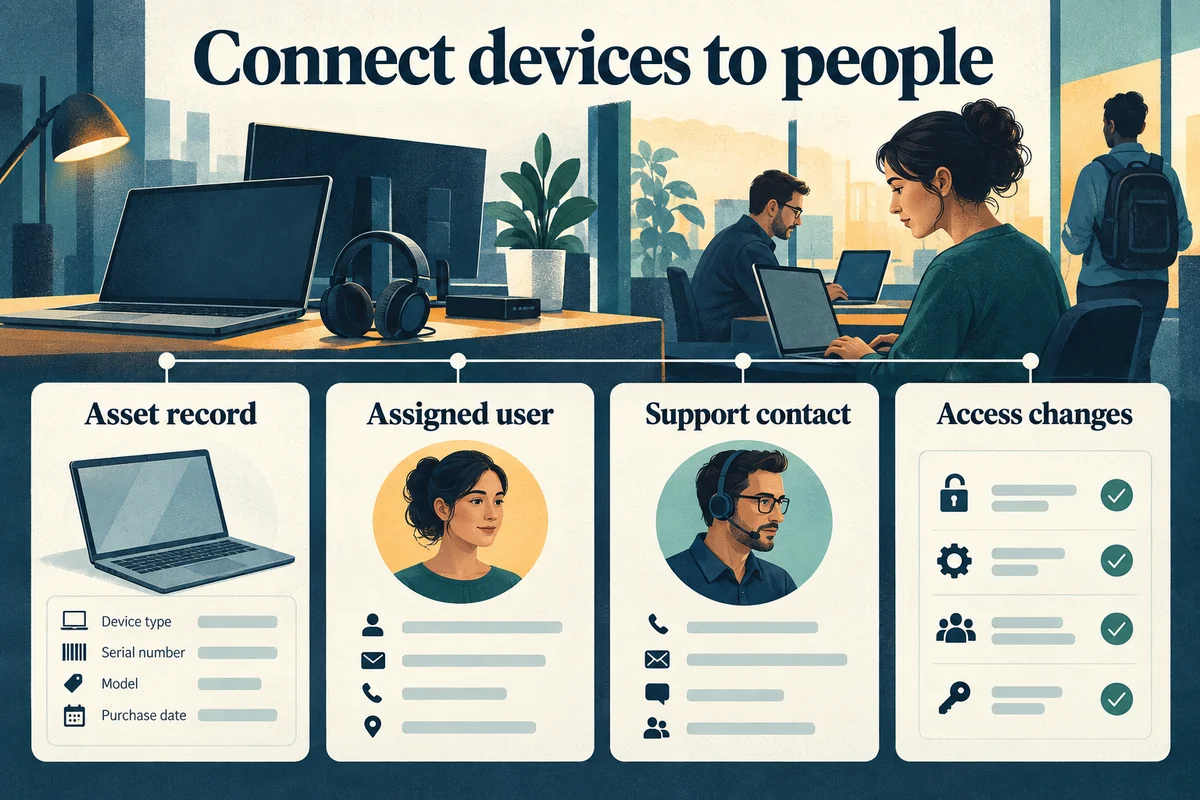
- Asset: Label or serial reference, model, and current status.
- Assignment: Employee, team, or shared-use location.
- Support: Internal owner, provider, and warranty reference where available.
- Transitions: Who handles setup, role changes, and departure.
- Exceptions: Unmanaged or unfamiliar equipment needing review.
Review the record when devices change hands. A purchase record alone does not establish who currently uses or maintains the equipment.
3. Make support and continuity responsibilities explicit
Give staff an agreed reporting channel and explain what information to include: the affected task, device or location, symptoms, and business impact. Identify who can approve spending and work that interrupts others.
List the business tasks that cannot wait during an outage. Discuss approved alternatives and identify who decides when to use them.
Keep backup scope, recovery priorities, and test records with the authorized owner. If responsibilities are split across providers, name who coordinates the handoff.
4. Turn unresolved gaps into owned actions
Review vendor contacts, renewal information, recurring issues, and responsibilities that cross systems. Use a short action list so the review results in practical improvements.
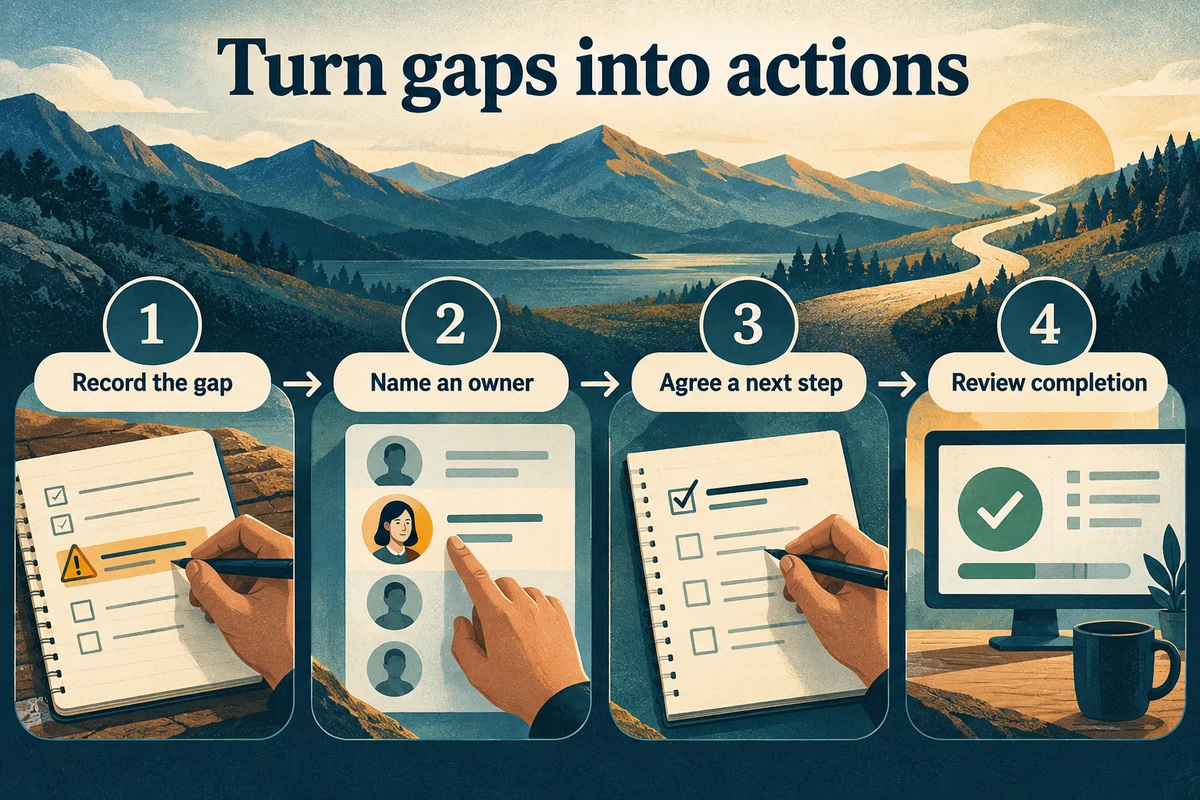
An action might be to confirm an account contact, update a device assignment, or arrange a recovery review. Record a sensible review date and any dependency on another person.
Use the outsourced support guide when selecting an external provider, or the managed IT overview to consider ongoing service. Contact us with the gaps you want to resolve first.