
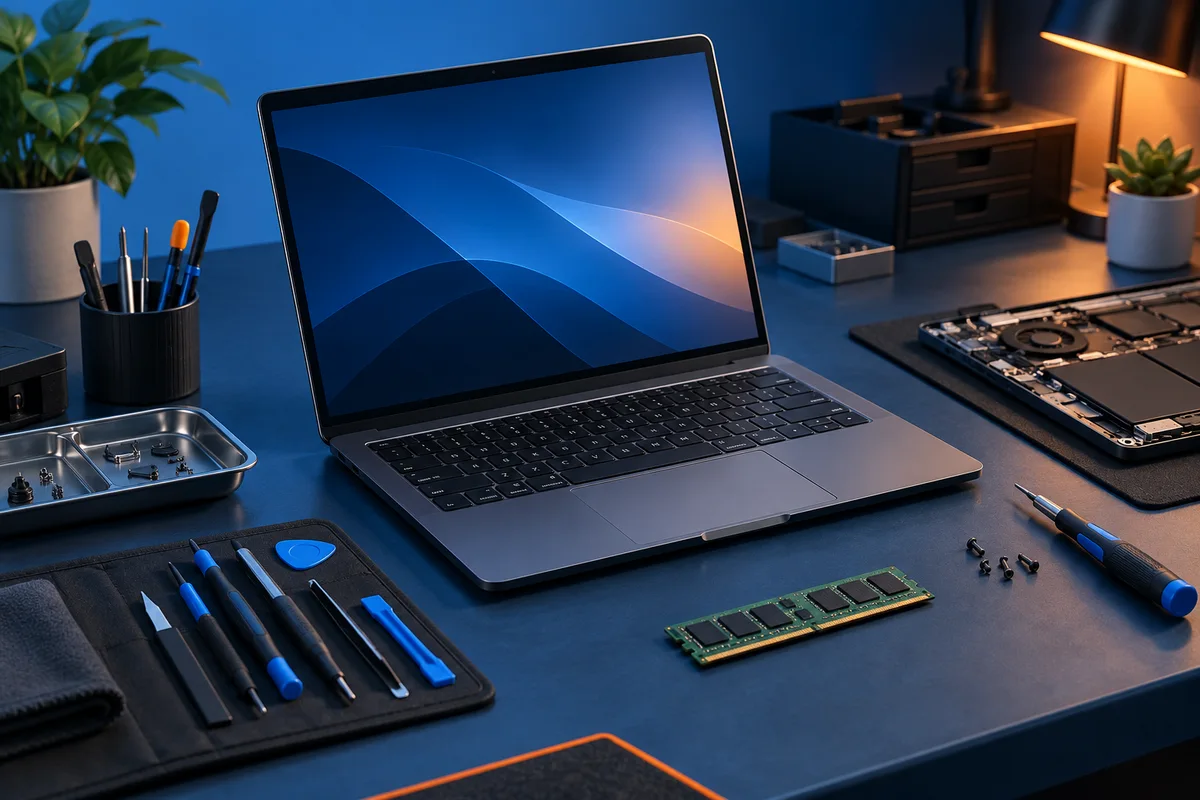
Devices and connectivity
Computers, phones, and shared equipment are the tools employees use directly. Networks and internet connections let them reach services and each other. Plan the desk or field setup as a whole, including accessories and the places where people work.
Use a hardware inventory and a simple network diagram to make these dependencies visible. Record who maintains each part.
Applications and information
Business applications organize work such as customer requests, accounting, scheduling, and collaboration. Decide which system is the authoritative home for each important record. Unclear ownership leads to conflicting copies and manual reconciliation.
The FTC’s personal-information guide offers questions for mapping where sensitive records are stored and who can access them.
Plan access, backup, retention, and export with the data owner. A service being available does not answer every question about recovering an accidentally changed or deleted record.
Automation and decision support
Automation connects steps that people otherwise repeat. Define the trigger, required information, approval, and result. Include exceptions: duplicate submissions, missing fields, and outside services that fail.
AI can assist with drafting or organizing information, but the workflow needs a clear review point wherever uncertain output could affect a business decision. See the custom-application planning guide.
Support and security
Assign maintenance and incident responsibilities across these categories. Review a proposed change by asking which users, accounts, data, and connections it affects. Managed IT planning helps turn the technology list into ongoing responsibilities.
Use NIST’s MFA guidance as a starting reference when reviewing account protection across the applications and devices in this plan.