

Workstation maintenance should help identify recurring problems and keep routine care organized. Before enrolling devices, confirm the current scope and terms with Your Expert Tech rather than assuming every repair, part, or security service is included.
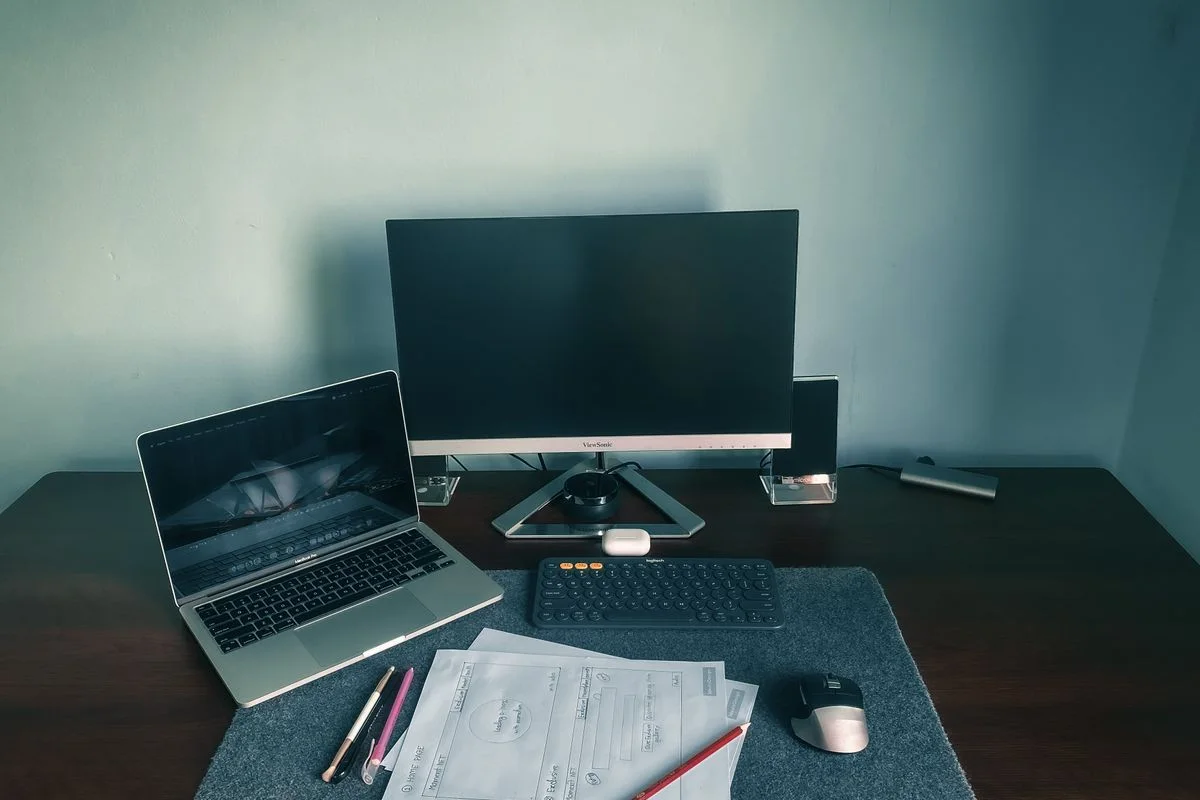
Inventory the covered devices
Record the users, models, locations, and essential applications. Identify devices already managed by another provider. Agree how new computers are added and how retired equipment is removed from the arrangement.
Start with the actual equipment in use, including spare and shared machines. Note where responsibility overlaps with another provider so the same change is not scheduled twice. Keep additions, moves, and retirements visible to the maintenance contact. An accurate inventory makes it easier to understand which devices were checked and which were outside the arrangement.
Define the routine work
Ask which checks are performed, how updates are coordinated, and how failed tasks are escalated. Clarify backup responsibilities, security-tool responsibilities, and whether these are included or separately arranged. Maintenance should not be treated as proof that every device can be recovered.
| Topic | What the agreement should explain |
|---|---|
| Routine checks | Tasks, cadence, and evidence of completion |
| Changes | Approval and an appropriate work window |
| Exceptions | Who reviews failures and authorizes follow-up |
| Recovery | Who owns backups and any restoration checks |
Make findings actionable
A useful report distinguishes completed work from exceptions that need approval. Assign owners for failing hardware, unsupported applications, capacity issues, or missing recovery arrangements. Keep a history so recurring faults are visible.
Distinguish completed work from work attempted and work awaiting approval. For example, a hypothetical office may have one machine that repeatedly misses an agreed maintenance window. The next step is to resolve the scheduling or availability problem and assign an owner, not simply count the attempted task as complete. Ask for reports that make these differences easy to see.

Review the agreement
Confirm support channels, hours, included labor, exclusions, parts charges, and how urgent incidents are handled. Review whether the plan still fits the business as devices and staff change. Test important recovery processes separately where required.
Use the review to confirm that the arrangement still reflects how the business works. A new application, location, or shared workstation can introduce responsibilities that were absent from the original scope. Confirm current terms directly before enrollment or renewal. Keep recovery testing, urgent support, and parts replacement explicit so routine maintenance is not mistaken for an all-inclusive guarantee.
Ask about the current maintenance program with your device count and locations. The small-business support checklist helps identify the responsibilities to include in that discussion.