
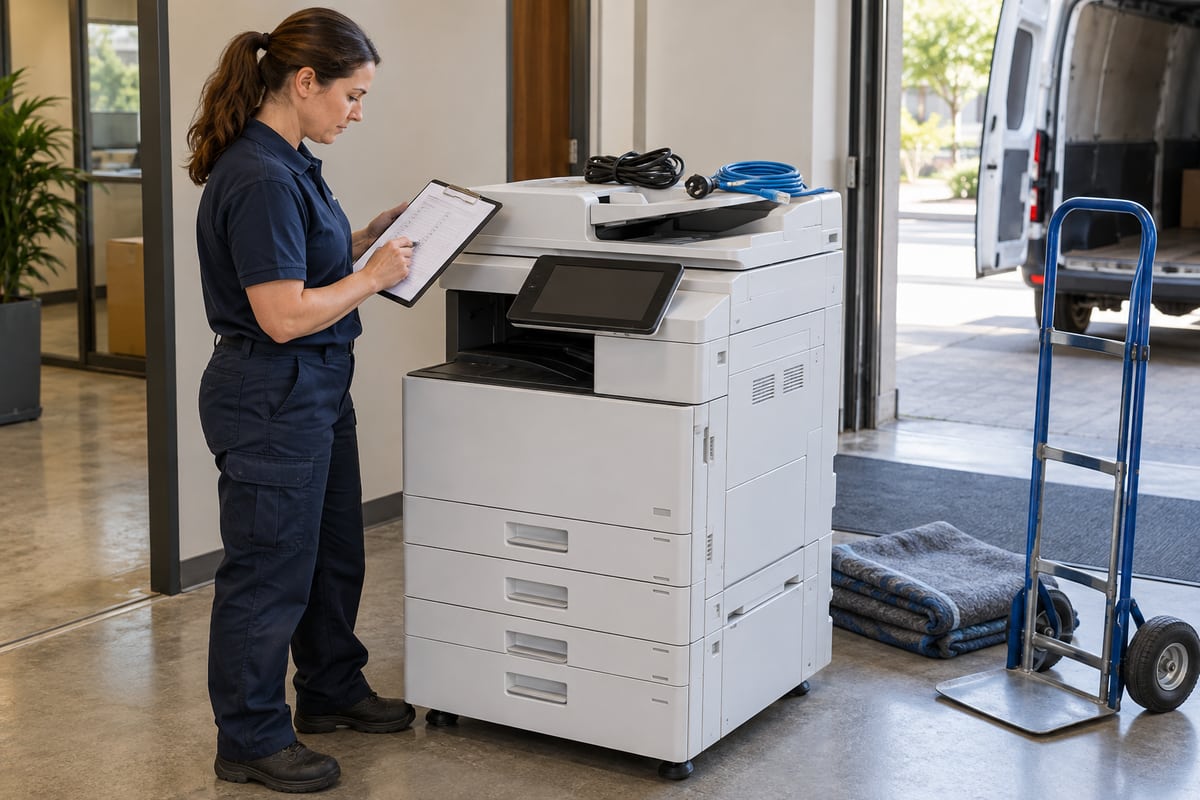
A leased copier's collection date should be the end of a documented retirement process. Plan both sides of the handoff: the information stored on the device and the access it used to send documents. Returning the physical machine does not, by itself, close its email dependencies.
This article completes the lifecycle in the Microsoft 365 scan-to-email guide. It is an operational planning checklist, not a legal determination or a model-specific erasure procedure.
Establish ownership before collection day
Identify the asset owner, leasing contact, device service provider, email administrator, and business workflow owner. Confirm the exact device and collection window. Ask who is authorized to perform sanitization and what evidence the vendor will provide.
Review the lease and applicable organizational requirements before removing storage or altering the device. Do not assume the business owns every component or that a generic factory reset fulfills its obligations. Resolve uncertainties with the responsible vendor and, where needed, the organization's legal or compliance adviser.

Ask specific questions about stored information
The FTC's Copier Data Security guide explains that digital copiers can store document information and recommends considering data protection throughout ownership and disposal. Use that concern to ask model-specific questions rather than assuming every machine stores the same data.
Ask the vendor which storage media and job histories are present, whether address books and credentials are stored separately, which approved sanitization procedure applies, and how completion is verified. Request the procedure name and the device models it covers. “We reset it” is not a sufficiently detailed handoff record.
Inventory access without exposing secrets
Use the original scanner inventory to identify the sending identity, saved destinations, management access, vendor connection, and any connector or certificate dependency. Record references to these items, not passwords or tokens.
Distinguish dedicated access from shared infrastructure. A mailbox used only by the departing copier may need different treatment from a relay connector serving six devices. Have the email administrator check dependencies before revoking or deleting anything. Removing shared configuration without that review can interrupt unrelated work.

Sequence the retirement deliberately
| Stage | Responsible party | Evidence |
|---|---|---|
| Approve replacement workflow | Business owner | Where staff will send future scans |
| Identify shared dependencies | Email administrator | Reviewed dependency record |
| Preserve required business records | Authorized records owner | Retention decision and destination |
| Remove or revoke obsolete access | Authorized administrator | Change record and scope |
| Sanitize device data | Authorized vendor or technician | Model-specific procedure and result |
| Release equipment | Asset owner | Collection and custody record |
The order may vary with the device and vendor process. For example, a supported sanitization tool may require temporary management connectivity. Agree on that sequence in advance instead of restoring access unexpectedly after it has been removed.
Verify the replacement before removing the fallback
If a new copier replaces the old one, run the dummy-document acceptance tests on the replacement. Do not assume that identical branding means identical firmware, authentication support, or scan output.
Tell staff which device and destinations to use from the changeover time. Update local instructions and support records. If both devices remain available during a transition, label their status clearly so scans do not continue flowing through a retired identity by accident.
Verify removal with evidence appropriate to the action
For access changes, retain the administrator's change record and confirmation of the intended scope. For data sanitization, retain the vendor's report, asset identifier, method, date, and outcome. If verification fails or the vendor cannot provide the agreed evidence, escalate before releasing the equipment.
Do not place personal documents or credential screenshots in the retirement report. Store reports in the organization's approved location with access appropriate to the operational details they contain. A tidy checklist is useful only when its evidence is reliable.

Close the asset record, not just the service ticket
Record who collected the device, when custody changed, and any unresolved exceptions. Confirm that the inventory no longer presents the retired machine as active. Remove obsolete staff instructions and identify who owns any remaining shared dependency.
If a later delivery problem appears, use the delivery trace procedure to distinguish an old queued job, an incorrectly selected destination, and a replacement-device issue. Do not reopen obsolete access reflexively.
The finished record should answer three plain questions: what happened to the documents and settings, what happened to the device's access, and who accepted the handoff. Those answers are more valuable than a checkbox labeled “printer returned.”

Editorial review: October 14, 2026. Workflow examples are illustrative. Verify current service guidance and device-specific documentation before configuration changes.