
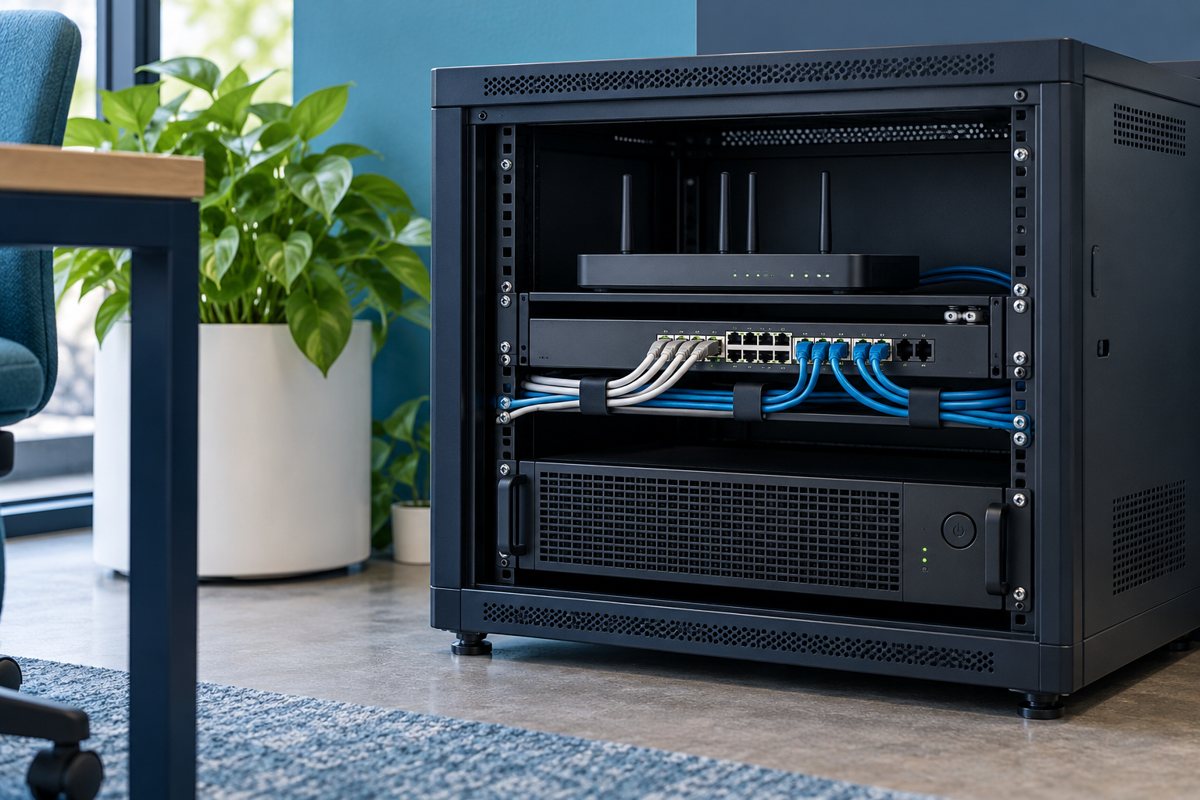
When a desk moves, its user and computer may change while the wall outlet stays in the same place. A port register becomes unreliable when it uses employee names as permanent location identifiers. Build the record around physical locations, then add the current connection and business use as separate information.
This article explains the inventory stage of the office network cabling documentation plan. It does not authorize probing unfamiliar equipment or disconnecting connections. Have an authorized technician verify paths that cannot be established from trustworthy records.
Decide what each row represents
Use one row per identified outlet or cable termination within the agreed scope. If a faceplate has two sockets, give each socket its own reference. Document a naming convention before collecting hundreds of rows so that a second person can interpret it consistently.
A useful register includes:
- Site, floor, room and outlet identifier
- Patch-panel identifier and position, if verified
- Current switch identifier and port, if verified
- Intended use and responsible team
- Evidence reference, verification method and date
- Status, unresolved question and next action owner
Keep optional technical fields only when someone is responsible for maintaining them. An extensive inventory with stale values can be less useful than a smaller one with clear evidence.

Use the floor plan as a locator
Place the outlet identifier on a simple authorized floor plan. Record a recognizable location such as the east wall beside the reception desk, rather than relying on a furniture position that may move. If room numbering changes, retain an alias history so older service records still make sense.
Do not assume that a drawn line represents the cable's actual concealed path. Unless the route has been surveyed, describe it as a logical relationship between endpoints. That distinction matters when a contractor later uses the drawing to plan building work.
Separate a wall connection from an active service
The physical outlet, the patch-panel position and the current switch port are separate items. A connection may be present at the wall but not patched to an active switch. A switch connection may exist without the required business service being available.
Cisco's network planning overview is helpful background for distinguishing network components. Your register should identify what was observed rather than converting a visible socket into a claim that internet access or a particular application will work.

Establish evidence without guessing
Start with existing as-built drawings and test reports, but record their age and source. Compare visible labels with those documents. Where they disagree, mark the row unresolved rather than quietly choosing whichever value looks more likely.
Fluke Networks explains cable identification approaches, including tools that help identify endpoints. Ask the technician to choose a method suitable for the live environment and record the result. An occupied switch port, matching cable color or an employee's recollection is not enough on its own to close a disputed route.
Handle a fictional mismatch
Suppose outlet R12-B is listed against panel P1-08, but the visible label says P1-18. Keep both observations in an exception note with the date and source. Do not relabel immediately. Arrange a check, record the confirmed endpoint and update the register and physical label together after approval.
This process preserves the evidence trail. It also avoids making the spreadsheet look complete while leaving the actual problem for the next technician. The labeling guide explains how to keep identifiers readable after the discrepancy is resolved.
Review the register at the right trigger
Update the affected rows after desk moves, new devices, switch replacements and patching changes. A calendar review can catch forgotten items, but it should not replace an update at the time the connection changes. Link each update to the patch change log.

Register acceptance questions
- Can a second person locate the correct outlet from the row?
- Are current patching and permanent location recorded separately?
- Does every confirmed endpoint have a dated evidence source?
- Are uncertain rows visible and assigned for follow-up?
- Can a change be traced without deleting the previous state?
A useful inventory is an operational reference, not a certification of cable performance. Send testing questions to the responsible provider and keep their results linked through the same outlet identifiers.
Editorial review: October 19, 2026. Confirm the requirements for the actual equipment and project with the responsible provider.