

A desk move can look simple while changing several dependencies: the outlet, switch port, telephone, printer access or wireless equipment nearby. The documentation problem is often not the move itself but the loss of the previous state. A short change record helps the support team understand what changed and which results were actually checked.
This is a coordination guide for authorized office IT work. It is not permission for general office staff to repatch switches or alter security settings. Start with the office network cabling records plan and involve the provider responsible for the affected systems.
Capture the before state
Record the device or business task, old location, outlet identifier and verified connection. Add a reference to the port register. If the old route is uncertain, resolve that uncertainty before promising a quick reversal.
Separate the physical move from related configuration changes. A patching record should not silently include a new network segment, access permission or switch setting. Identify these as additional changes with their own approval and technical owner.
Agree what must work after the move
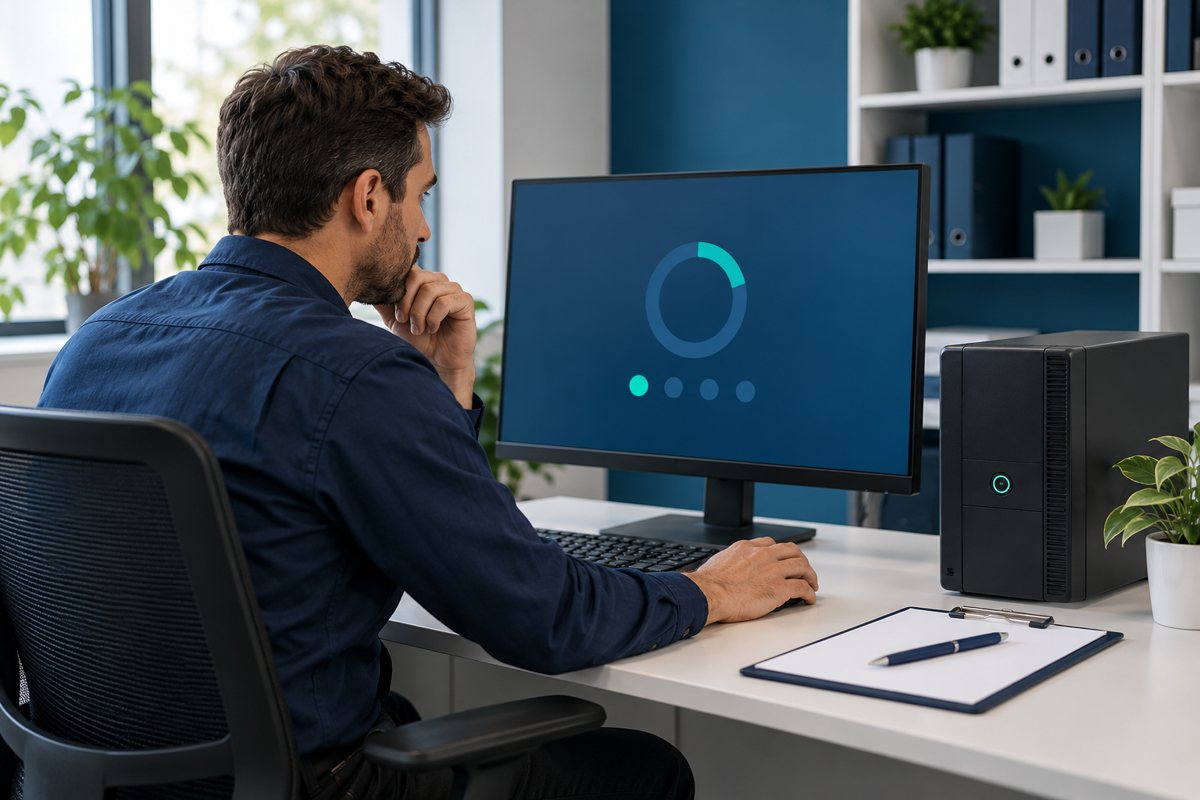
Define the business checks before anyone changes a cable. “Connected” is too vague. A user may need to sign into a business application, make an approved test call, reach a shared printer or use a specific peripheral. Choose harmless test data and the person who can confirm the task works.
Cisco's small-business network guide describes how devices and network components work together. Use that context to identify dependencies, but base acceptance on the actual equipment and workflow in the office.
Define the interruption window and stop point
Name the person performing the work, the approver and the staff contact. Record when interruption is permitted and what should happen if the work runs beyond the window. Include the conditions for stopping or reversing the change, with the responsible technical decision-maker.

Before the work, confirm that the rollback plan describes a known state rather than “put it back somehow.” If reversal also requires a configuration change, the appropriate administrator must own that step. Keep credentials out of the change record.
Record the actual change, not only the intention
Use a compact record with these fields:
- Change reference, date and approved window
- Old and new outlet and patching references
- Affected business task and technical owner
- Approved work and any deviations
- Test results, including failed or inconclusive checks
- Final state, unresolved issues and handover contact
A fictional example might say that workstation W17 moved from R02-A to R09-B, the agreed application test passed, and the shared-printer test remains pending. That is more useful than marking the entire move complete because the laptop reached a public website.

Update connected documents before closing
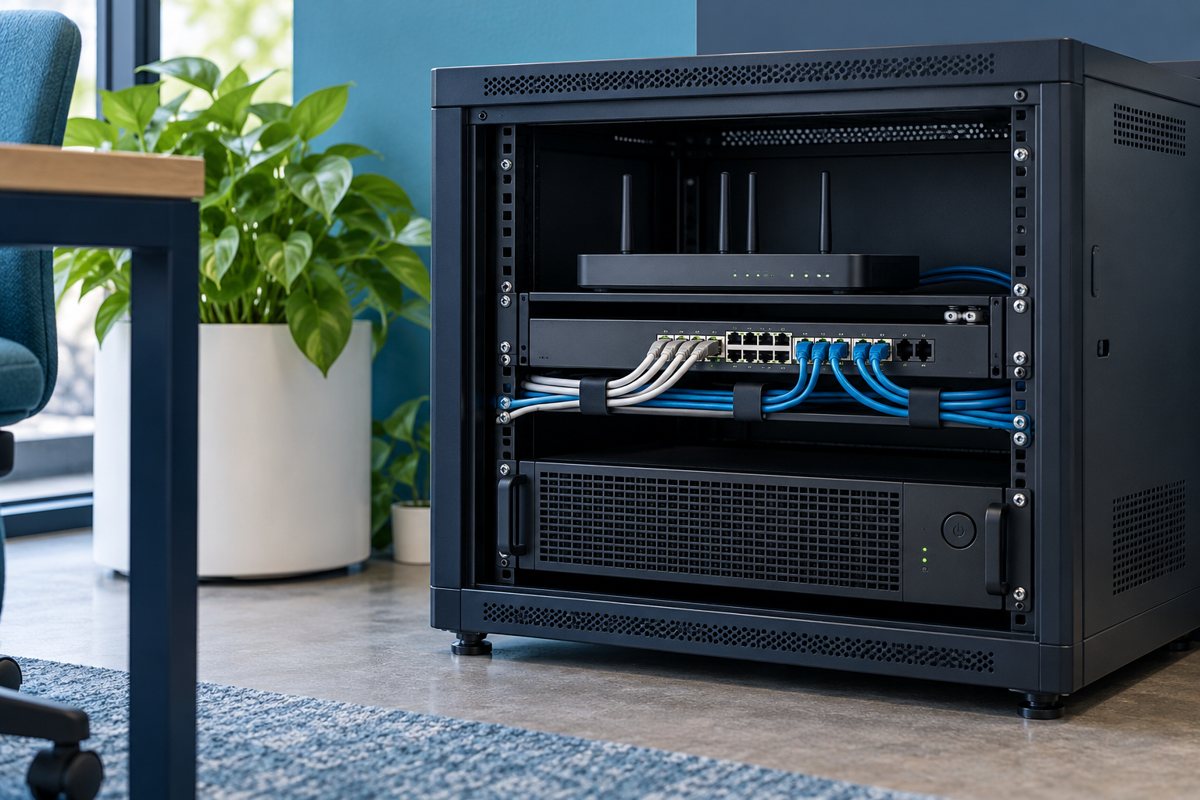
Revise the register, any affected floor-plan reference and the physical labels as appropriate. Retain the old state in the change history. If a technician performed new cable tests, link their report rather than copying a pass icon without its scope.
Fluke Networks' LinkWare documentation describes managing and reporting test results. Whatever reporting tool the provider uses, the cable ID must connect the evidence to the changed route.
Close the user handoff
Tell the affected team what was completed, what remains open and who to contact if the symptom returns. Do not leave a temporary workaround undocumented. Record whether it has an expiry or review date and who will decide on a permanent arrangement.
Closeout checklist
- The before and after routes are recorded with stable identifiers.
- The approved work and any deviation are clear.
- Business tests have separate results, not a single blanket pass.
- The register, labels and evidence references are current.
- Open issues and temporary arrangements have owners.
Use the documentation handover guide to keep these records usable after the project team leaves. A controlled change log supports troubleshooting; it does not guarantee that every future fault is related to the last move.
Editorial review: October 19, 2026. Confirm the requirements for the actual equipment and project with the responsible provider.