

A cable record should help a technician answer a practical question: which physical connection serves this desk, and what evidence supports that answer? A tidy cabinet alone does not answer it. Neither does an old spreadsheet whose labels no longer match the room.
This guide is for office managers and IT coordinators preparing documentation for ordinary business networks. It is a records workflow, not instructions to install cabling, open electrical equipment, or alter building systems. Ask the responsible technical provider to perform tracing, testing and changes within an agreed scope.
Start with one useful route
Choose a small, clearly bounded area such as reception or one office suite. Record the wall outlet, patch-panel position, current switch connection and device purpose where each is verified. Keep unknown fields visible. A guessed switch port can be more disruptive than a blank cell because someone may act on it later.
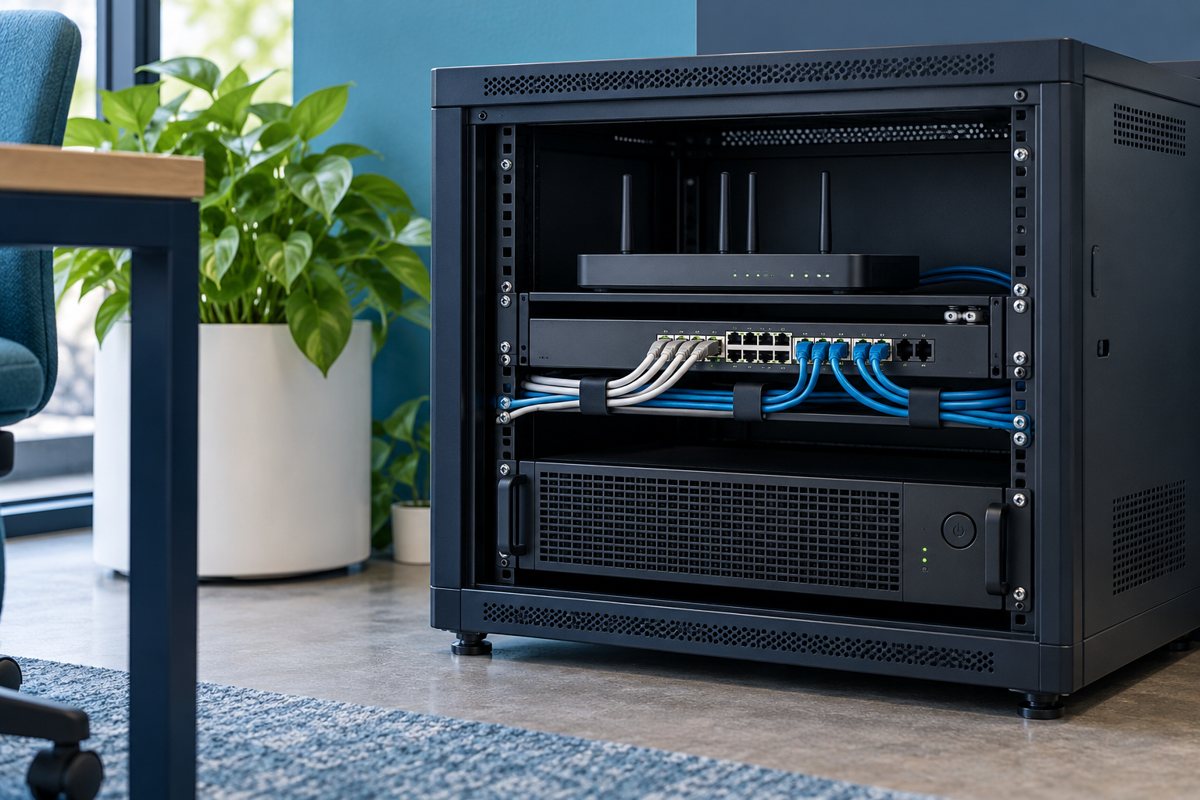
Cisco's small-business network overview explains the roles of switches, routers and access points. Use those distinctions when describing the route; a wall outlet is not itself evidence of which network or permissions it provides.
Build five connected records
The following guides divide the work by decision, rather than repeating one checklist:
- Create an outlet and port register to connect room locations with verified endpoints.
- Choose readable cable labels so physical identifiers match the register.
- Record desk-move patch changes before the old route is forgotten.
- Review cable-test evidence without treating every passing test as equivalent.
- Accept the network documentation handover with open exceptions and a named owner.
These records can be sheets and folders in tools the business already uses. Consistent identifiers and controlled updates matter more than choosing a complicated database on day one.
Separate identity, connection and service
Give a wall outlet a stable physical identifier. Record its current patching separately. Record the service or device using it in another field. If an employee moves, the outlet should not need to inherit the employee's name just to remain understandable.
A fictional example might read: outlet L2-R07-A, panel P1 port 18, current switch SW2 port 09, reception workstation, checked October 19. This is an example format, not a standard or a real client record. The important feature is that each part can change without silently changing the meaning of the others.

Record how confident you are
Use statuses such as observed, technically verified, supplied by vendor, historical and unresolved. Include the check date and evidence reference. A photograph can show a printed label; it cannot by itself prove that the concealed cable reaches the endpoint in the register.
Fluke Networks describes several cable tracing and identification methods. The appropriate method depends on the connection and equipment. Ask the technician to document the method used rather than assuming that matching cable colors establish a route.

Keep the record available without exposing secrets
Store the current register where authorized support staff can retrieve it during an outage. Keep passwords, recovery codes and administrative credentials out of it. If a diagram contains sensitive network details, use the organization's access controls rather than posting it on a public wall or website.
Maintain a clear current version and retain superseded records according to the business's policy. Make the change log the route for updating labels, diagrams and test references together. Otherwise three individually plausible documents can contradict each other.
Finish with a small acceptance exercise
Ask a second authorized person to choose one listed desk and locate its record without help from the original author. Can they identify the outlet, understand which fields were verified, find the latest change and locate the supporting test report? Record any gap as an action with an owner.
First-pass checklist
- Agree the rooms and connections included in the inventory.
- Use stable identifiers and distinguish current connections from physical locations.
- Mark uncertainty explicitly and commission technical checks where needed.
- Link labels, changes and test evidence through the same identifiers.
- Name the person who maintains the register after handover.
Your Expert Tech's network support services provide a relevant starting point for discussing the office's support scope. Agree the actual documentation and testing deliverables before work begins; this planning guide does not promise a particular certification or uninterrupted service.
Editorial review: October 19, 2026. Confirm the requirements for the actual equipment and project with the responsible provider.