
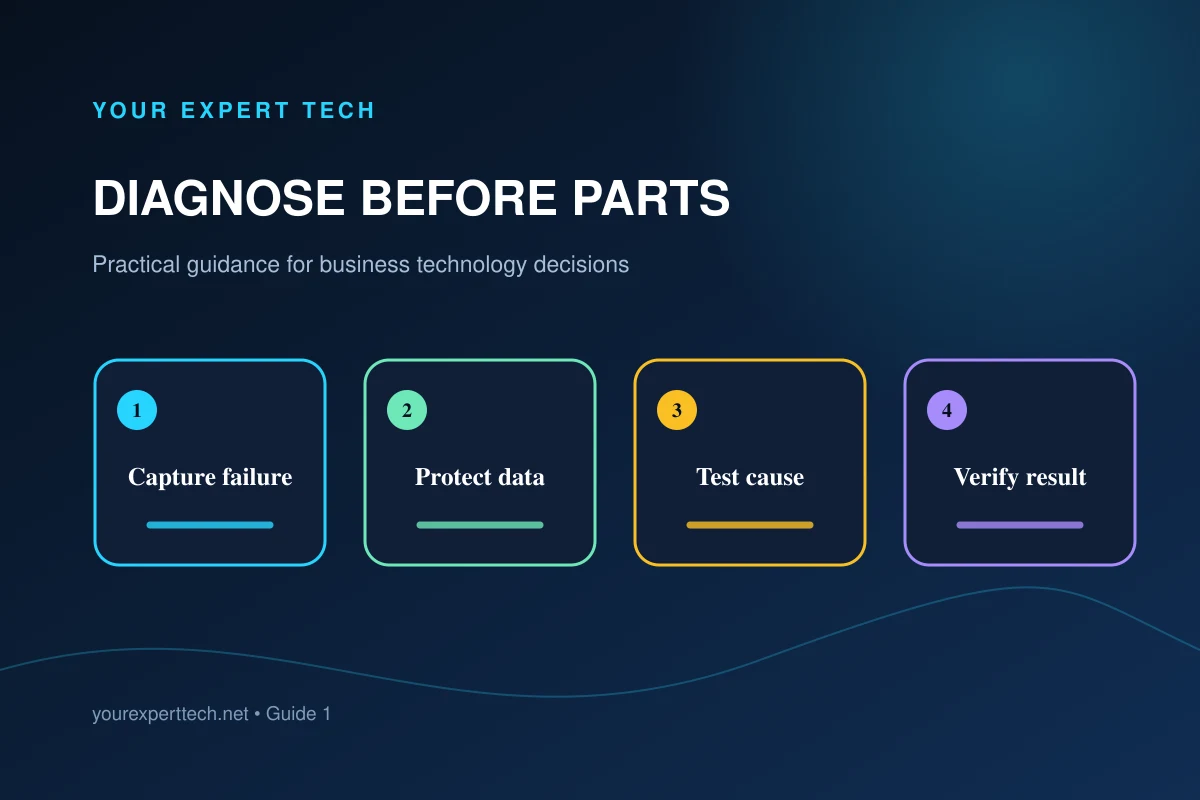
A computer that will not work properly does not automatically need a component. Similar symptoms can come from power, displays, docks, operating systems, user accounts, applications, networks, or shared services.
1. Capture the failure in useful terms
Record what the employee was doing, what happened instead, exact error wording, when it began, and whether it can be repeated. Note recent updates, moves, new accessories, drops, spills, or electrical events.
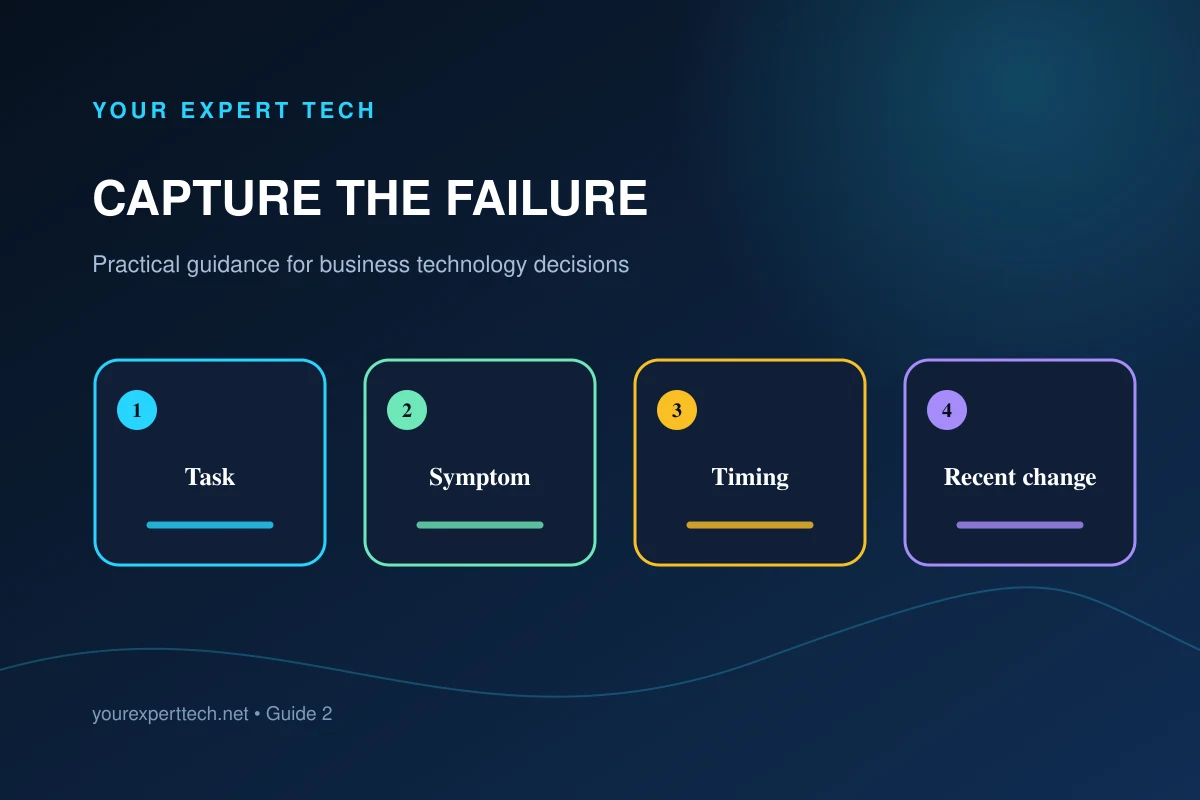
Record whether the computer powers on, whether the display works, and whether another device has the same problem in the same location or application.
2. Protect data and define authorization
Tell the technician which data and applications matter. Confirm the known backup or storage arrangement before disruptive work and identify who can approve resets, storage replacement, data recovery, parts, or expanded labor.
On Windows devices protected by BitLocker, refer the authorized administrator to Microsoft’s recovery-key backup guidance before work that may require recovery. Do not place the key in the ordinary service request.
Do not place passwords or recovery keys in an ordinary inquiry. Agree on an approved access method if testing requires the business environment.
3. Separate possible causes systematically
The technician should distinguish device hardware from software, account, network, power, and accessory causes. Controlled tests may include known-good accessories, another user or device, diagnostic tools, logs, or testing outside the normal environment.
When the complaint is Windows performance, Microsoft’s troubleshooting guidance offers product-specific areas to investigate. The technician should choose checks that fit the symptom and the business’s approved configuration.

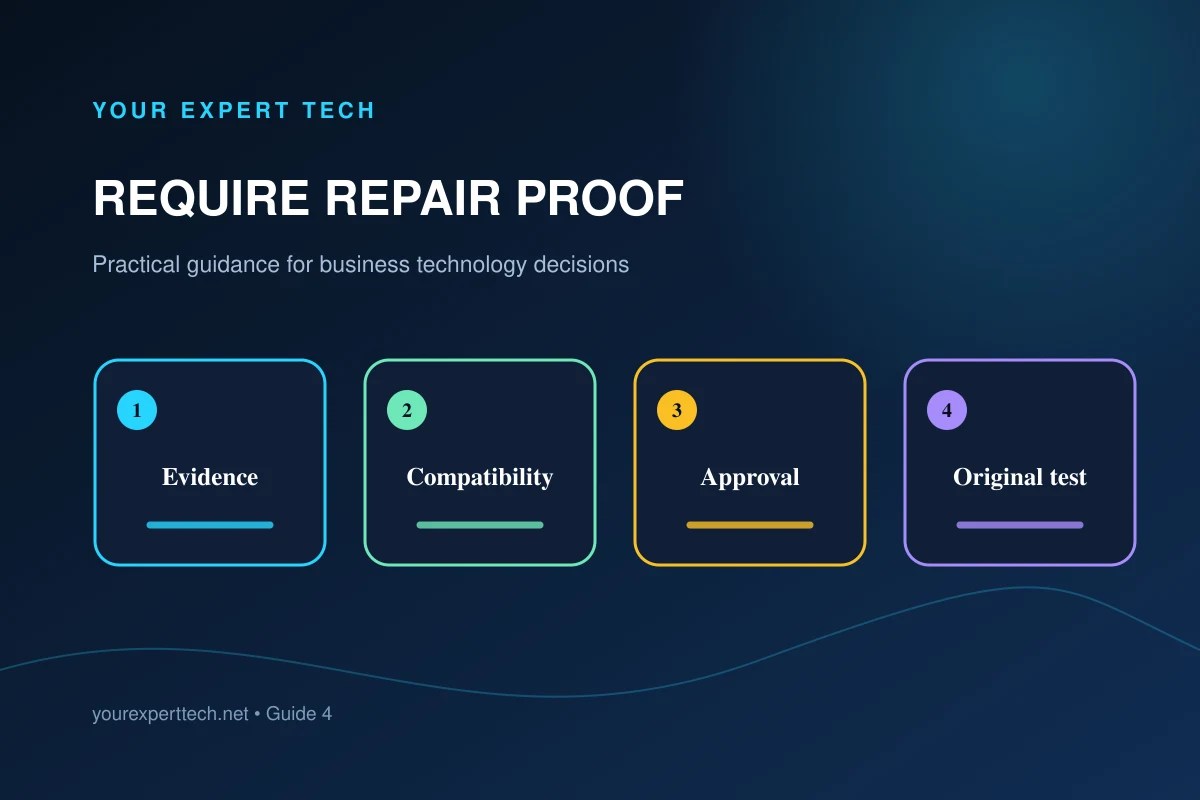
4. Review the repair proposal
Ask for the evidence supporting the recommendation, alternatives considered, remaining uncertainty, part compatibility, total approval amount, expected interruption, and what happens if the first repair does not resolve the complaint.
Separate diagnosis from parts and labor. Confirm whether the proposed part is new, refurbished, or customer-supplied and what terms apply.
5. Verify against the original complaint
Repeat the employee's failed task with the normal accessories, applications, network, and data source where practical.
Use the business laptop repair service guide, follow the return-to-work checklist, or contact Your Expert Tech with the device, symptoms, and business impact.