

The pressure to resume work can make the final handoff too brief. After urgent repair, confirm what is actually working and what remains temporary. A successful restart is a useful observation, but it is not a complete business acceptance test.
Reproduce the original task
Have the authorized user perform the work that failed. Use the normal accessories, network, and applications. If the fault was intermittent, agree how it will be observed and reported if it returns rather than claiming certainty from a short test.
Agree what a successful check looks like before the handover ends. Opening an application may be insufficient if the failure occurred while saving, printing, or connecting an accessory. Record the tested conditions. If a symptom is intermittent, keep a clear reporting route rather than treating a short observation as certainty.
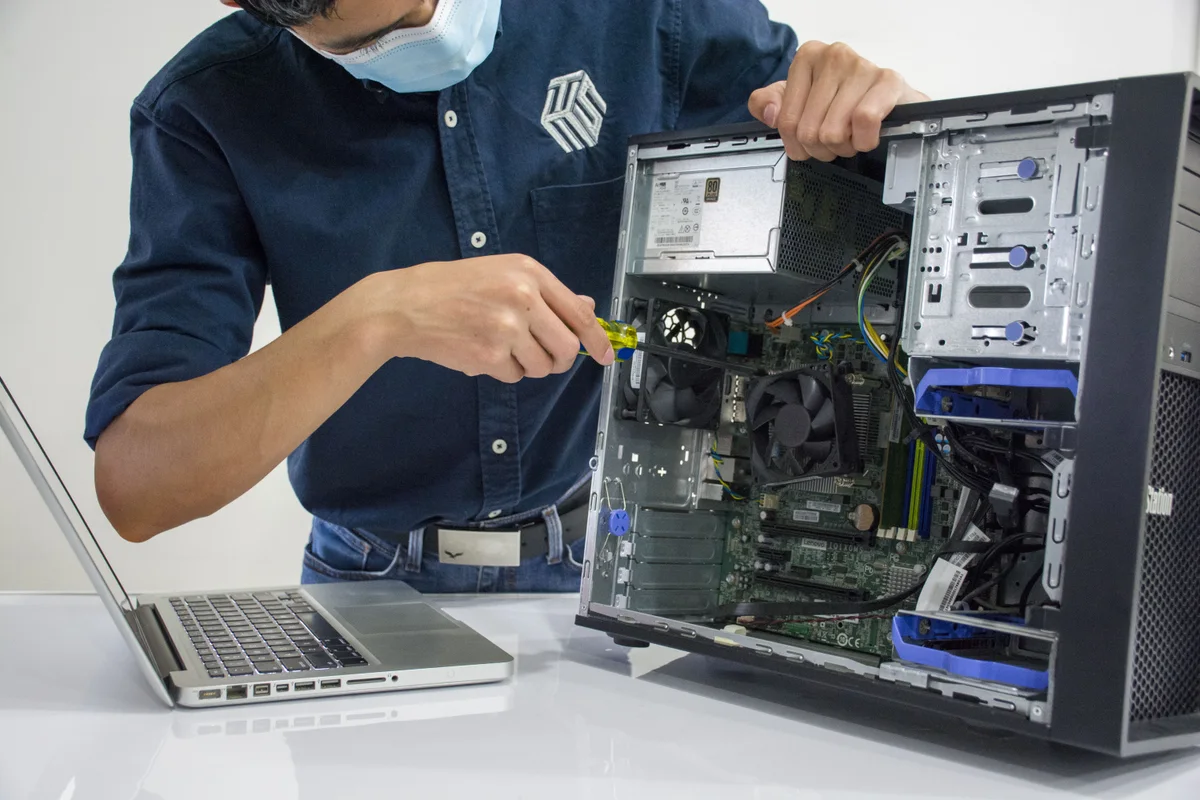
Reconcile temporary work
Check files created on a spare device or alternate location during downtime. Transfer them through the approved process and confirm the current version is retained. Remove temporary access when it is no longer needed.
The FTC’s information-protection guide is a useful reference when reviewing temporary copies of sensitive records and who still has access to them.
| Temporary arrangement | Check before closing |
|---|---|
| Spare computer | New or changed files reconciled |
| Alternate account access | Permissions reviewed by the administrator |
| Borrowed accessory | Return or continued use agreed |
| Workaround | Owner and expiry or review point recorded |
Review the service record
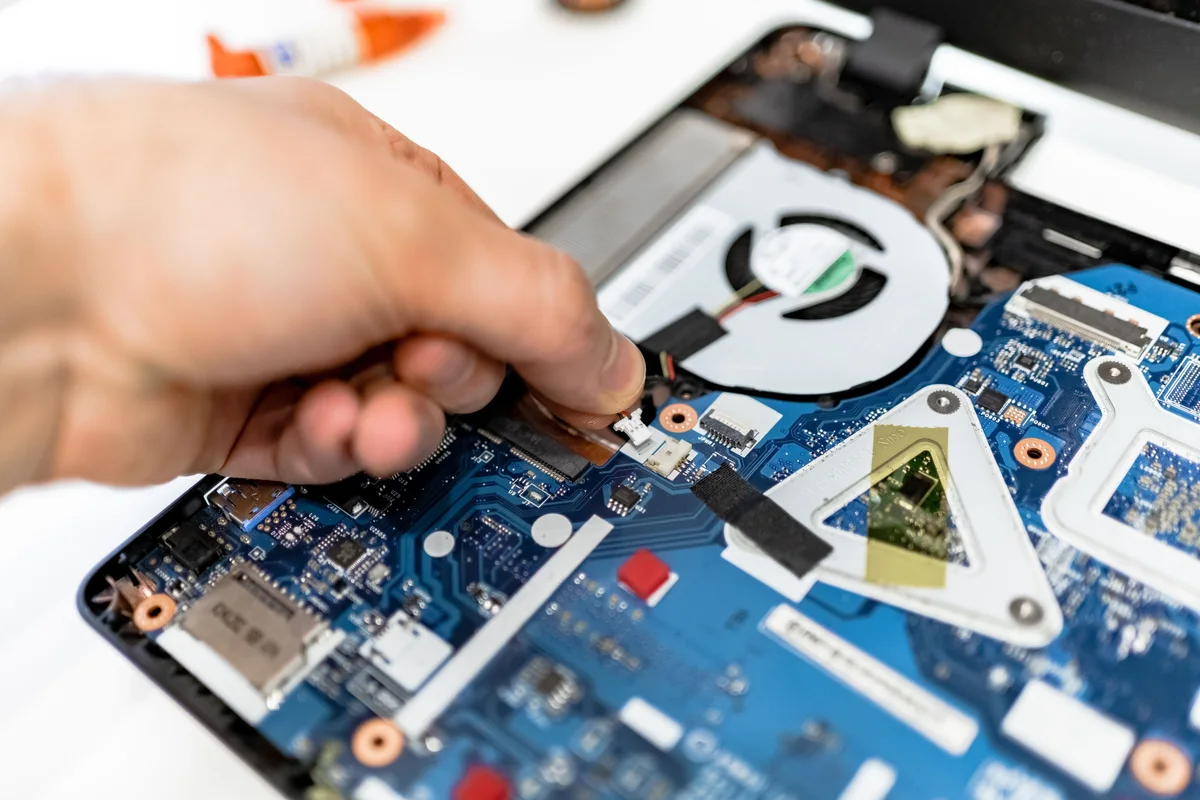
Ask for the diagnosis, work completed, configuration changes, and unresolved issues. Identify any parts, updates, or follow-up testing still required. Assign an owner and next step for each open item.
Request enough detail to make a recurrence understandable: original symptom, findings, changes, and checks completed. The record need not be lengthy, but it should distinguish a confirmed repair from a temporary workaround. Keep the service reference available to the employee and support contact.

Improve the next response
Record what delayed the repair: missing account ownership, uncertain backups, unavailable accessories, or building access. Address the preventable gaps while the incident is fresh. Update the device inventory and support contact information.
For the account-access portion of the next-response plan, NIST’s MFA guidance provides a practical starting point for reviewing authentication arrangements.
A short review can identify practical improvements without turning every incident into a larger project. Perhaps the normal charger was missing, the approver was unavailable, or the device record was out of date. Assign the specific correction and keep it with the support documentation so the same gap is less likely to delay the next request.
The return-to-work checklist provides a reusable handover, and the small-business support checklist helps turn incident lessons into ongoing preparation.