
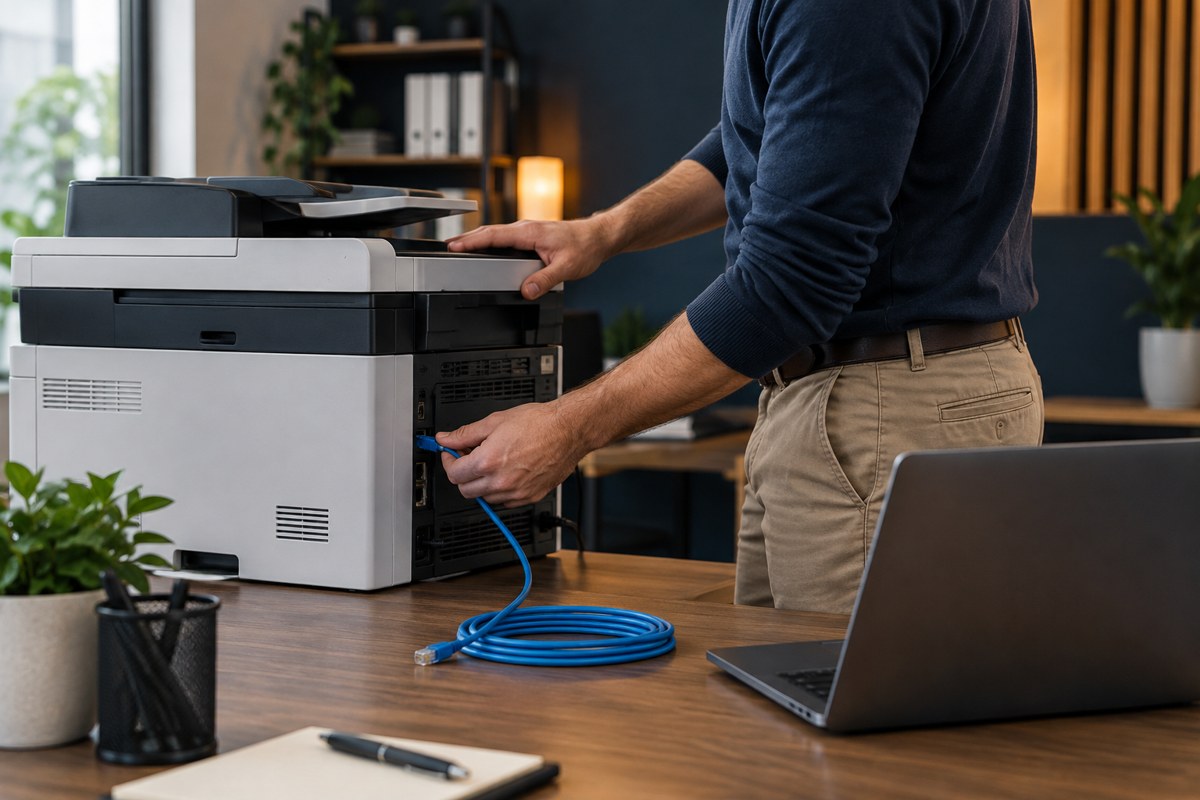
An office printer can receive confidential documents, store address-book entries, connect to business services, and expose an administrative interface. Security therefore belongs in the purchase discussion, while the business can still choose a different model or configuration.
This checklist turns broad security claims into questions a supplier can answer with documentation or a demonstration. Add the results to your printer-buying brief, alongside workload, compatibility, and support requirements. The right controls depend on the documents involved and the organization’s existing policies.
Start with the documents and their path
Describe which information will pass through the machine and where it travels. A public event flyer creates different handling needs from a payroll report. Map printing, copying, scanning, stored jobs, address books, and any cloud connection separately.
Ask the supplier:
- Where are submitted and completed jobs stored, if anywhere?
- Which connections protect document data in transit?
- What storage protection is available on this exact configuration?
- Can job history reveal document names or other sensitive details?
- What approved process removes stored information at retirement?
Record evidence and unresolved questions. A statement about encrypted storage does not answer a question about unattended paper in an output tray.
Verify administration and supplier access
Ask how administrative access is established, restricted, and recovered. Check whether normal printing can be separated from settings changes, whether administration can be limited to approved systems, and how support personnel connect when assistance is needed.
Require a documented way to replace manufacturer-default credentials before production use. CISA’s Cross-Sector Cybersecurity Performance Goals include changing default passwords as a baseline practice. Do not place administrative passwords in a procurement spreadsheet, email thread, or printed handover sheet.
For a management portal or optional cloud service, ask who owns the organization’s account and how access is removed when an employee or supplier changes. Avoid creating a new dependency on one person’s personal account.

Ask how updates and vulnerabilities are handled
Request the official firmware-download location, update process, release notes, support lifecycle information, and route for reporting a security issue. Ask who will review advisories and perform updates after installation. Establish how configuration is protected and how printing is verified after a change.
CISA’s Secure by Demand guide encourages buyers to examine product security during procurement and afterward. It is software-procurement guidance, not a printer certification. Its emphasis on specific supplier evidence is useful when evaluating a printer’s firmware and associated management software.
Questions worth putting in writing include:
- Is there a published security-advisory process?
- How will customers learn about important updates?
- Which useful audit events are available, and how are they retrieved?
- Are essential security capabilities included or separately licensed?
- What happens when manufacturer support ends?
Test confidential printing under actual policy
If confidential material must wait for its owner, ask the supplier to demonstrate the intended release method. PIN, badge, and cloud-based release are distinct arrangements; their availability and user experience depend on the product and configuration.
Microsoft’s Universal Print QR-code release guidance explains that release devices and browsers still need to satisfy organizational access policies. A demonstration on a salesperson’s phone does not prove staff can use the same route on approved devices.
Use dummy documents to test an authorized user, an unauthorized user, an abandoned job, and the agreed recovery method. Confirm that the fallback does not quietly turn confidential printing into immediate unattended output.
Fit the printer into the existing network
Ask the IT administrator to review the proposed network placement and required communication paths. Keep administration, employee printing, and guest access deliberate. If guests need printing, specify a controlled workflow rather than assuming that guests should reach internal equipment directly.
For Windows fleets, include the organization’s intended print-security configuration in the compatibility test. Microsoft documents that Windows protected print mode uses the modern print system; required printing and scanning functions still need validation on the candidate device.
Make security evidence part of handover
Before acceptance, retain the approved configuration summary, firmware version, account owner, support route, update responsibility, and outstanding exceptions. Reference the approved credential vault without copying its contents. Use the acceptance checklist to verify the agreed controls.
Retirement also needs an owner. Our leased-copier return guide addresses email access and stored-data checks when equipment leaves the business. If your team needs help coordinating the printer with its network, contact Your Expert Tech with the proposed model and requirements.
Sources and further reading
- CISA: Cross-Sector Cybersecurity Performance Goals
- CISA: Secure by Demand guide
- Microsoft: Universal Print secure release
- Microsoft: Windows protected print mode
Editorial review: October 16, 2026. Photographs are AI-generated illustrations, not client installations. Verify current documentation and the quoted configuration before purchasing.