

The installation is not finished simply because a technician prints a test page. A useful handover demonstrates that the delivered printer performs the office’s agreed jobs, respects access requirements, and has a support owner. Acceptance is the moment to turn a supplier’s proposal into a verified working arrangement.
Agree on the tests before ordering, as part of your office-printer buying brief. The checklist below is an operational guide; the purchase or service agreement determines any formal acceptance and return conditions.
Confirm the delivered configuration
Compare the equipment and accessories with the approved quote. Record model, serial number, installed trays, finishing accessories, and included supplies. Check delivery damage, available space, cable routing, and access for replenishment and maintenance.
Make sure the installation scope is complete. If additional networking, software, or user setup remains, name its owner and completion date rather than treating it as an invisible afterthought. Keep packaging as required by the supplier’s applicable return process until the relevant checks are complete.
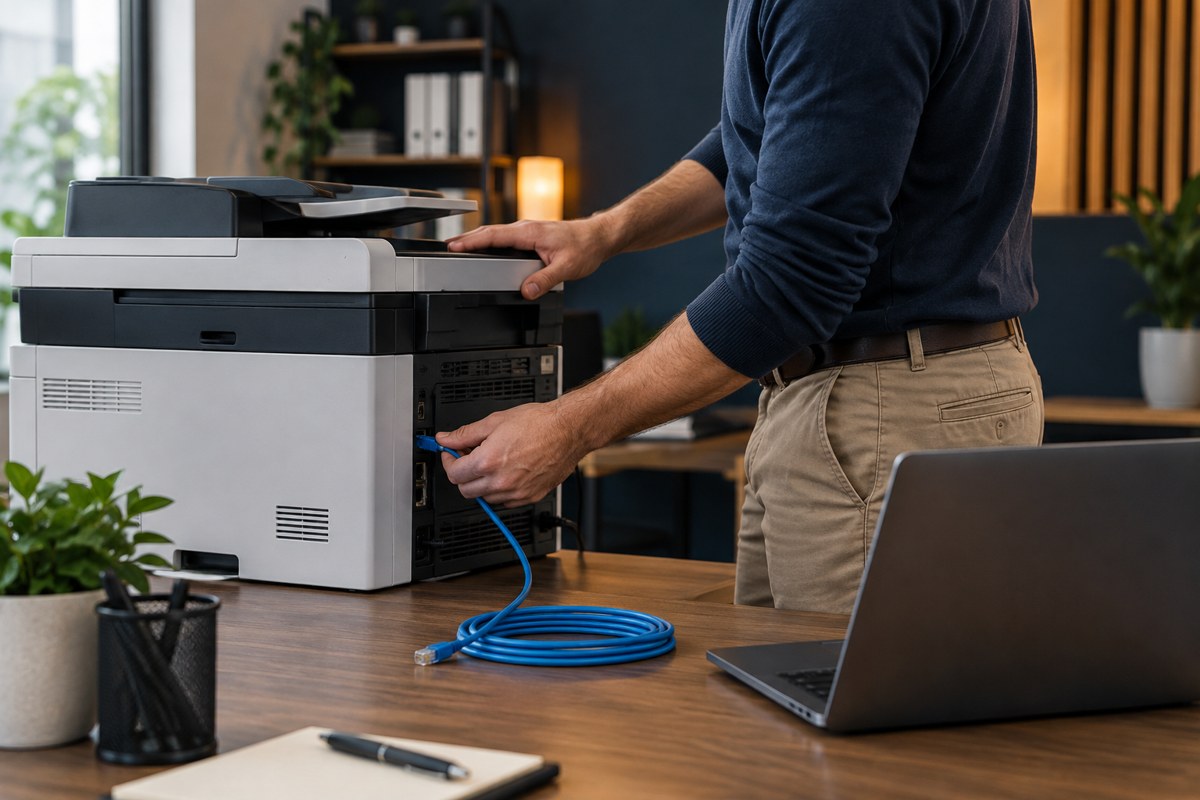
Ask the administrator to record the firmware version, intended network connection, device name, and approved settings summary. Keep credentials in the organization’s approved vault; the acceptance record needs the owner and reference, not the secret.
Repeat the purchase-stage workflow tests
Use the same dummy documents and expected outcomes from the compatibility pilot. Test from ordinary user accounts and the devices staff actually use. An administrator’s successful print does not demonstrate a normal employee’s access.
At minimum, verify:
- A routine document from each essential application and platform
- Correct margins, orientation, page order, and paper selection
- Duplex and required finishing
- Required envelopes, labels, or other approved media
- A representative scan, including both sides where needed
- The correct scan destination and usable final file

If scan-to-email is included, follow the dummy-document delivery test. Check receipt at the approved destination instead of relying only on the copier’s “sent” display. Keep the test data free of real business-sensitive information.
Verify access and document collection
Have the administrator confirm that authorized users can perform their intended tasks and that an appropriate unauthorized test account cannot perform restricted tasks. Check the agreed administrative-access arrangement and any guest-printing workflow.
For held printing, confirm that the job remains unavailable until the approved release action and reaches the correct device. Test cancellation and the handling of an unreleased job using the documented product behavior.
If Universal Print QR release is used, Microsoft’s release guidance requires suitable devices and browser profiles under the organization’s access policies. Test the actual supported combination. Use the security buying checklist to reconcile other promised controls with the delivered configuration.
Test peaks and ordinary recovery
Run the agreed busy-period job from the capacity plan. Observe tray refills, output collection, secure release, and any queue delays. Compare the complete task with the agreed target rather than checking engine speed alone.
Allow the printer to enter its normal sleep state, then submit a routine job. Test an approved restart and confirm that it returns to service without undocumented intervention. Where relevant, have the supplier demonstrate safe handling of an empty tray or canceled job. Do not deliberately create jams, corrupt firmware, or interrupt updates.
Ask what users should do during a fault and which alternative is available for urgent work. Record the escalation route and any service commitments exactly as agreed; do not infer same-day repair from a general support phone number.
Complete a usable handover record
For each test, retain the date, tester, device and application, expected result, observed result, and pass/fail status. Add a reference to the sample document or a non-sensitive photograph where helpful.
The final handover should also identify:
- The business owner and technical support contact
- Supply part numbers and the reorder process
- Firmware-update and security-advisory responsibility
- Configuration-document location
- Warranty or service-agreement reference
- Any unresolved issue, workaround, owner, and due date
Sign off on evidence, then review normal use
Separate defects that block essential work from minor issues the business can explicitly accept. Record who approved an exception and how it will be resolved. Do not mark an untested requirement as passed.
After a representative period of normal use, compare observed output and supply consumption with the cost assumptions. Check whether users have invented workarounds that reveal a missed requirement.
Only retire the previous equipment when the replacement and continuity plan are ready. If returning a copier, use the email-access and stored-data retirement guide. Your Expert Tech’s network and hardware services include installation, testing, documentation, and support for office environments.
Sources and further reading
- Microsoft: Universal Print secure-release requirements
- Microsoft: Windows protected print compatibility
Editorial review: October 16, 2026. Photographs are AI-generated illustrations, not client installations. Verify current documentation and the quoted configuration before purchasing.