

A UPS quote based on “three computers and a router” is missing the detail needed for a reliable selection. Computers vary, peripherals add demand, and network equipment can supply power to other devices. A load inventory turns that shorthand into a record a qualified supplier or technician can evaluate.
This page covers information gathering for ordinary office IT. It does not instruct staff to open equipment, inspect energized wiring, or alter circuits. Use existing asset records, approved management displays, documentation, and measurements gathered by someone competent to use the appropriate equipment safely.
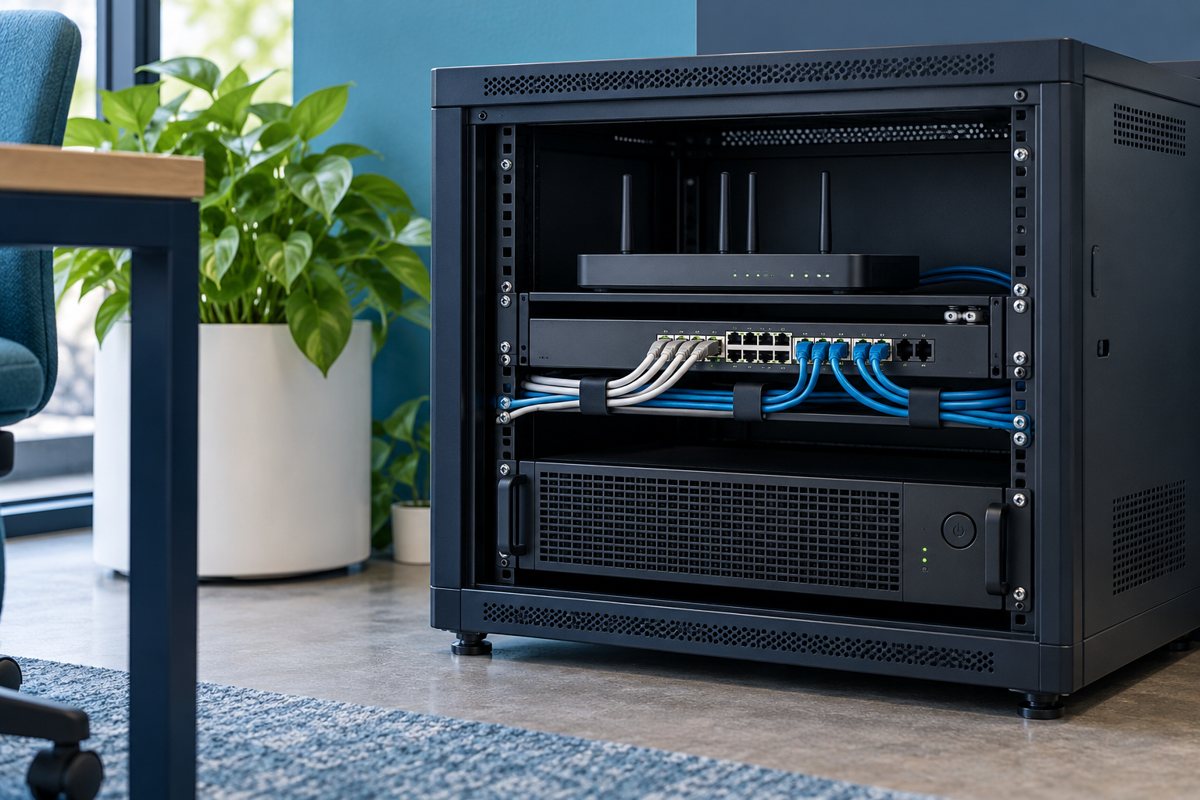
Give each connected device one row
Start with the equipment that actually plugs into the proposed UPS, including external power adapters. Record a stable asset identifier rather than relying on a description such as “the black box under reception.” If a device is shared, name the business owner who can approve an interruption.
Use these fields in a spreadsheet:
- Device and asset ID; location and owner
- Manufacturer and exact model
- Intended UPS and output connection
- Available watt or VA information and where it came from
- Normal workload and any known higher-demand activity
- Required action during an outage
- Open questions and the person responsible for answering them
Keep a photograph of the identification label where authorized and useful, but avoid copying credentials, network secrets, or personal information into a general purchasing document.
Label the evidence, not just the number
A power-supply rating, a manufacturer specification, a management-display reading, and an observed measurement are different kinds of evidence. Do not present them as interchangeable. State whether a number describes an input limit, an equipment output rating, or an observed operating condition.
Schneider Electric's UPS selection guide distinguishes watt and VA ratings. Supply the available information to the vendor rather than using a universal conversion factor that may not fit the devices. Ask the vendor to explain which limits determine the proposed selection.

Capture the workload that matters
Describe normal work and the tasks that change demand. A workstation used for documents is not necessarily representative of the same computer during intensive processing. An inventory should help the technical reviewer decide whether further measurement is needed; it should not claim that one brief reading proves a maximum.
For a shared device, ask when its busy period occurs and whether it is expected to operate during an outage. Record planned additions separately. The supplier should be able to see the current requirement and a proposed future configuration without guessing which equipment is already installed.
Avoid hidden and double-counted dependencies
Power over Ethernet can make a device appear absent from a wall-outlet list even though it draws power through a switch. Note connected powered devices and ask the network owner how the switch load information was obtained. Do not count the same downstream consumption twice in a total without understanding what the measurement includes.
Conversely, an externally powered modem or other upstream device can be overlooked because it sits outside the network cabinet. Walk through one business task using the runtime-priority worksheet and identify the powered components involved.

Keep the supplier's decision visible
Send the inventory with a short question set. Which equipment is included? What manufacturer compatibility limits apply? Which watt and VA limits have been checked? What runtime evidence supports the proposed configuration? What additional information is required before ordering?
Eaton's desktop UPS buying guide is a useful starting reference for selection factors. The final proposal should name a specific model and its documentation, rather than merely citing a general guide.
If the supplier excludes a device, record the exclusion and its operational consequence. Do not silently move it back into the protected group because an output socket is available.
Close the inventory after installation
Compare the installed connections with the approved list. Record substitutions and unresolved discrepancies before marking the record complete. Keep the final inventory with the installation handoff and use it as the baseline for future changes.
Load-record review
- Every intended connection is identified.
- Values are labeled with their source and limitations.
- Downstream powered devices and upstream dependencies are considered.
- Current and proposed future equipment are separated.
- The technical reviewer has resolved the information needed for selection.
Return to the office UPS continuity plan to connect the equipment record with the business task. A complete inventory supports a sizing decision; it does not itself guarantee runtime or certify an electrical installation.
Editorial review: October 18, 2026. Verify current model-specific documentation before purchasing, installing, testing, or servicing equipment. Illustrations are conceptual and do not show a verified product configuration.