
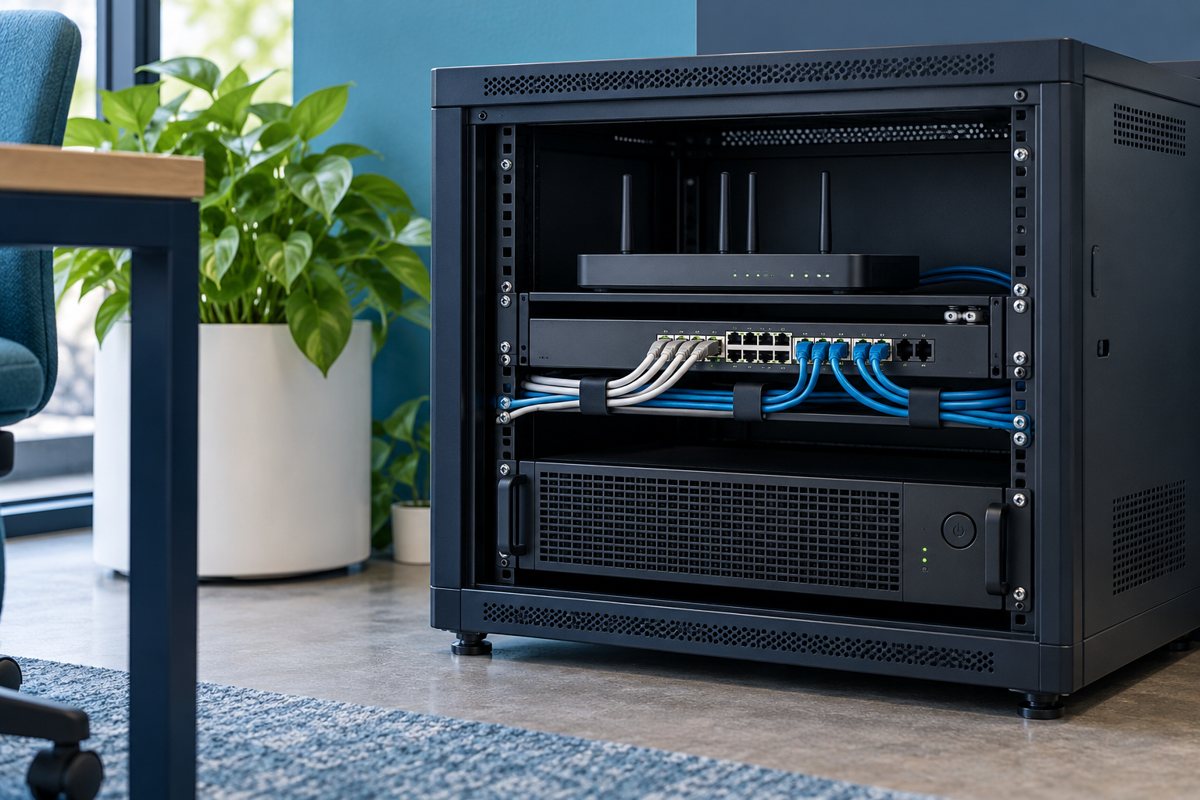
Battery backup should be allocated to a useful working path, not simply to the most visible equipment. A reception computer that remains powered may be unable to open a cloud application if its local network equipment stops. A network device may stay on while the upstream internet connection is unavailable. Map those distinctions before promising continued service.
This guide helps office managers decide priorities with their IT team. It does not establish emergency communications, life-safety power, or a guaranteed outage duration. Those requirements need their own specialist design and review.
Start with a task and a stopping point
Name one task in plain language: save the document currently being edited, finish closing an approved application, or keep a designated communication channel available while staff follow the office plan. Then define when that task must stop and who makes the decision.
“Keep working until the battery runs out” leaves the stopping point to chance. Instead, ask the technical owner what time the shutdown sequence needs and how the configured system indicates that it should begin. The answer must reflect the actual equipment and supported software, rather than a generic number of minutes.
Draw the working path
Write the task at the top of a page. Under it, list the local devices, network path, applications, and outside services required. Use a separate line for each dependency so the office can distinguish a protected component from an assumption.
For each line, mark:
- Whether it needs local power
- Which UPS, if any, supplies it
- Whether it is controlled by the office, building, or another provider
- What happens to the task if it becomes unavailable
- Who can confirm its behavior during a planned test
This is a planning diagram, not an electrical wiring diagram. Do not use it to change physical connections without the appropriate technical review.

Choose three priority groups
Separate equipment into “finish safely,” “continue temporarily,” and “may stop.” The business owner should decide which services matter; the technical reviewer should explain what equipment and configuration each choice requires. Resolve disagreements before equipment is purchased.
A workstation may belong in the first group while a selected network path belongs in the second. A peripheral unrelated to the agreed task may belong in the third. These are illustrative categories, not recommendations to disconnect a particular device. Check operational, accessibility, contractual, and safety needs before making exclusions.
Eaton's desktop UPS guide discusses runtime and connected equipment. Use the exact manufacturer's runtime information for the selected model and load; a general buying guide cannot establish the result for an installed office.
Make the estimate reviewable
Ask the supplier to state the equipment included in its runtime estimate and the conditions or limitations that apply. Keep this beside the load inventory. If the office changes the device list later, flag the estimate for review instead of continuing to quote the old figure.
For each proposed protected group, record the business objective, estimated runtime basis, shutdown arrangement, and planned verification method. Avoid advertising an untested duration to customers or staff as a guaranteed service level.
Plan communications while power is limited
Write a brief staff instruction that names the notification channel, the person coordinating the response, and the point at which new work should stop. Provide an accessible copy outside the systems that may be affected. Do not make the only instructions a document hosted on a server that is about to shut down.
Schneider Electric's UPS management software overview describes graceful shutdown options for compatible systems. The technician should confirm the supported configuration; an alarm by itself does not show that an application is receiving or acting on a shutdown instruction.
Rehearse the decision without disrupting service
First run a tabletop discussion. Ask what each person would do if a specified component became unavailable. Resolve conflicting assumptions, then arrange the technical verification through the controlled shutdown-test plan.

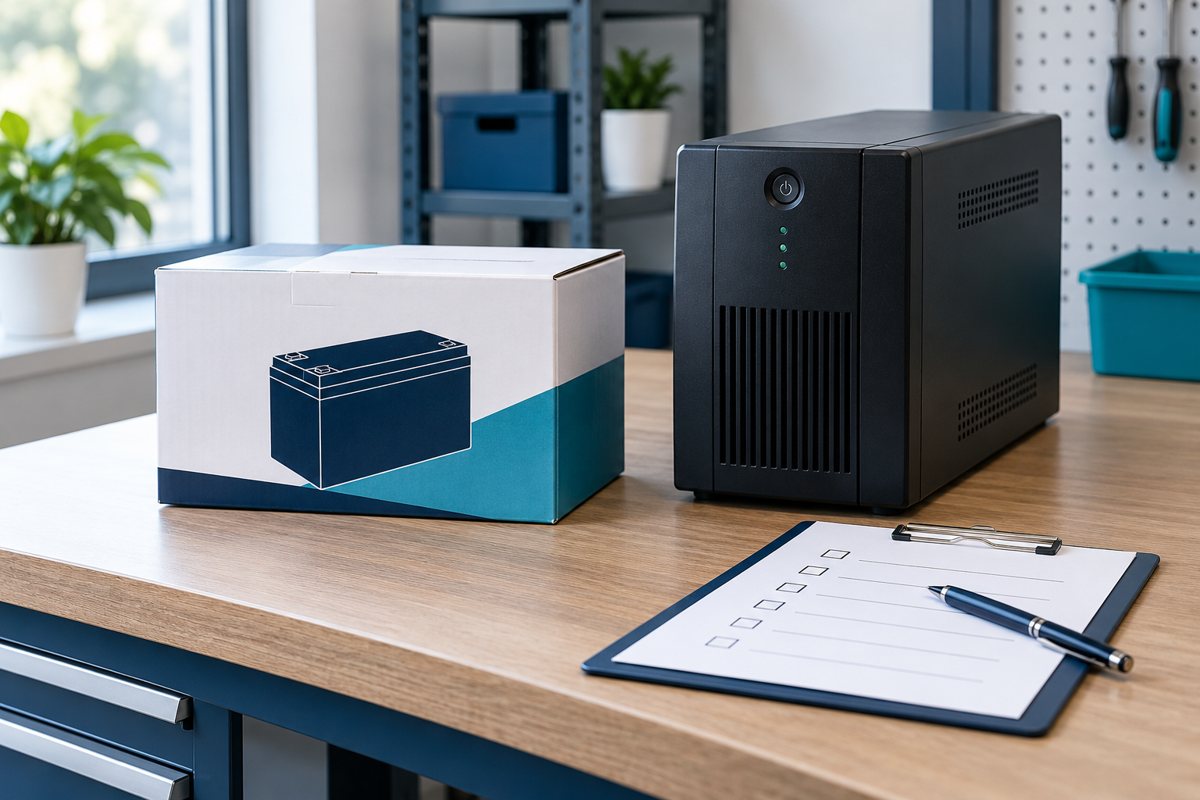
Priority worksheet sign-off
- One named task and a defined stopping point
- A complete local and external dependency list
- Approved equipment groups and an accountable owner
- A documented estimate with no unsupported uptime promise
- Staff instructions and a controlled verification plan
Use the main UPS planning guide to bring these choices together. The useful result is a shared decision about what can continue, what should close, and what remains outside the office's control.
Editorial review: October 18, 2026. Verify current model-specific documentation before purchasing, installing, testing, or servicing equipment. Illustrations are conceptual and do not show a verified product configuration.