

An office UPS is useful when the team knows what to do with the time it provides. A device that stays powered for several minutes can still leave a business unable to work if its network path has stopped, nobody sees the alarm, or an application is interrupted before it finishes saving. Start with the work that needs protection, then choose equipment and verify the response.
This guide is for ordinary office computers and networking equipment. It is not a design for emergency lighting, fire alarms, elevators, medical equipment, or other life-safety systems. Building electrical work and specialized power infrastructure need appropriately qualified professionals. A UPS also does not replace backups or an application recovery plan.

Write the outcome before the shopping list
Choose a limited, testable objective. Examples include allowing a workstation user to save work and close an application, keeping an approved communication path available during a brief interruption, or giving a supported server enough time for an orderly shutdown. These are planning examples, not promises about a particular product.
Record who benefits, which task must finish, who responds, and what evidence will show that the task completed. Avoid “keep the office running” unless you have actually defined the office services, equipment, duration, and outside dependencies involved. A smaller, explicit objective is easier to verify than a broad continuity claim.
Separate capacity, runtime, and compatibility
A UPS has output limits and a runtime characteristic. Watts and volt-amperes are different ratings; neither number alone states how long a connected system will run. Schneider Electric's UPS buying guide explains the importance of load and runtime when selecting equipment. Compare the exact proposed model with the equipment it will supply.
Build the load inventory before requesting a quote. Ask the supplier to identify unresolved inputs, supported equipment, and the runtime estimate at the proposed load. Do not turn a favorable example from a product page into a guaranteed result for your office.
Follow the dependencies of one task
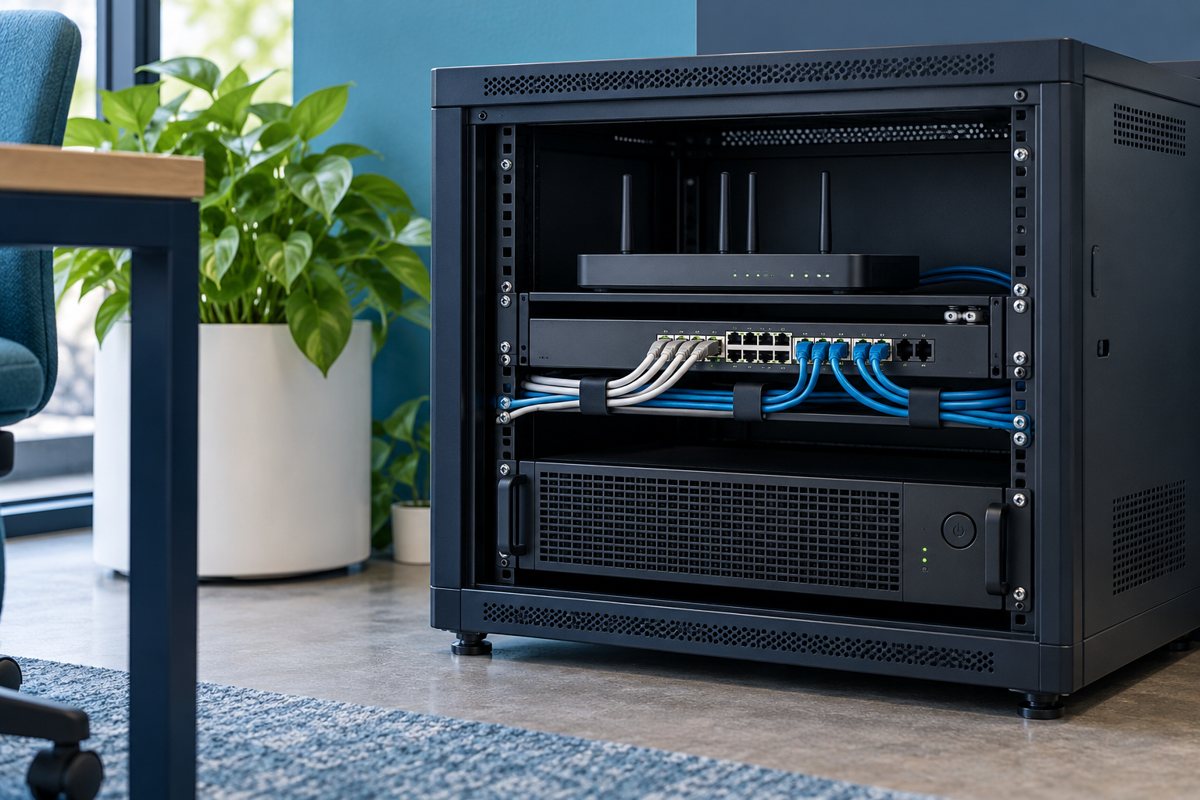
For a cloud application, a powered computer may depend on a local network device and internet equipment. A battery-backed switch may power other devices through Power over Ethernet. An external service or the internet provider can still be unavailable. The runtime-priority guide helps distinguish what the office controls from what it cannot guarantee.
Create three groups: must finish safely, may continue temporarily, and may stop. Have the business owner approve the groups. Staff should not add convenient devices to available outlets without reviewing the protected load and operating plan.
Give installation a clear handoff
The installation scope should identify the approved location, appropriate supply, ventilation requirements, equipment connections, monitoring arrangements, and named support contact. The installation handoff checklist keeps those decisions separate from electrical work that an office administrator should not improvise.
Ask for an outlet map and a simple equipment label. Distinguish battery-backed outputs from surge-only outputs where the model provides both. Store the model's manual with the inventory so a substitute technician can find the correct instructions later.
Test the response, not just the indicator light
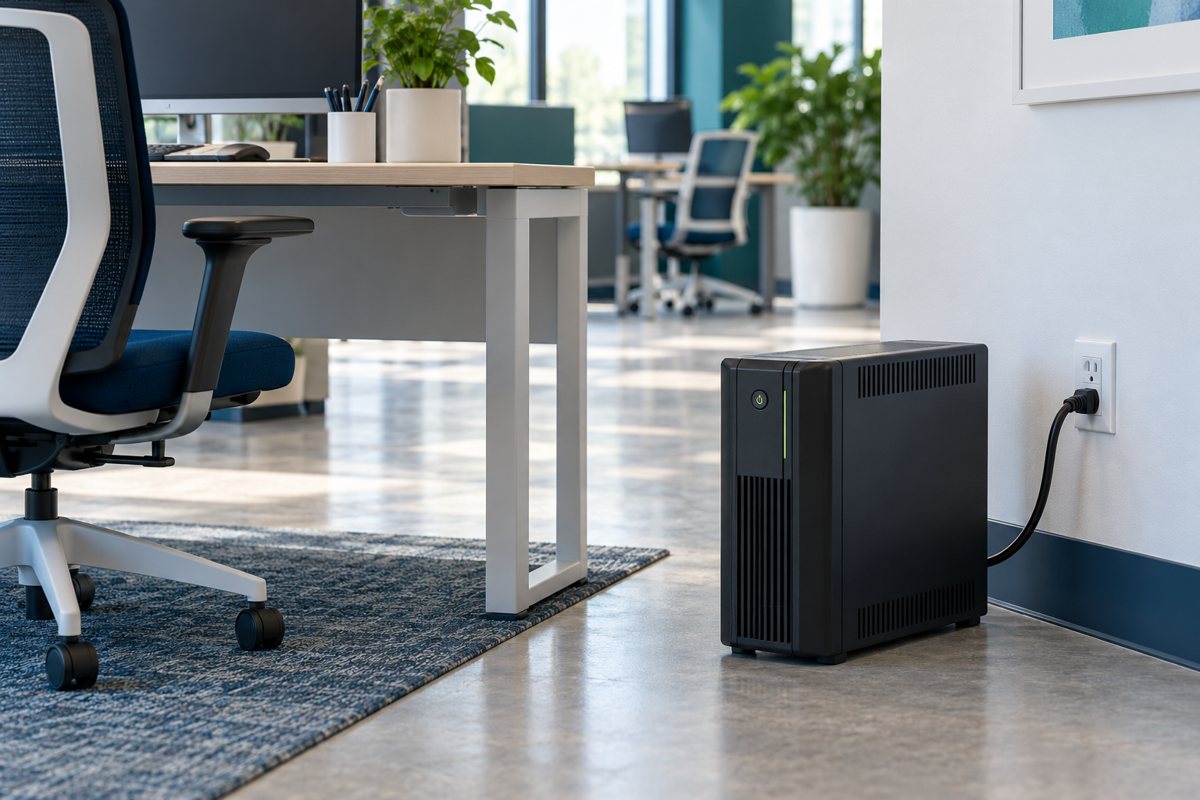
An acceptable handoff should show that the relevant alarm reaches someone, the planned application closure can complete, and the equipment returns to an agreed state afterward. Schneider Electric's UPS management software overview describes supported shutdown approaches; actual compatibility and configuration remain model- and system-specific.
Use the shutdown-test plan to organize a maintenance window, recovery arrangements, and recorded results. Do not unplug production equipment as an improvised demonstration. A basic self-test is not evidence that every business application will close and recover properly.
Keep the plan current after handover
Review the record when equipment is added, an office moves, a battery warning appears, or the software platform changes. Use the battery service record to track service and disposal without assuming a universal battery replacement date.

Approval checklist
- The protected business task and its owner are named.
- Equipment loads, dependencies, and unanswered questions are recorded.
- The supplier has confirmed the proposed configuration against its documentation.
- Installation and controlled testing have responsible owners.
- Recovery instructions and maintenance records are accessible to the support team.
Your Expert Tech's managed IT services include technology planning, vendor guidance, and recurring system reviews. Bring the work objective and current equipment list to the discussion so the scope can be evaluated before a purchase or change.
Editorial review: October 18, 2026. Verify current model-specific documentation before purchasing, installing, testing, or servicing equipment. Illustrations are conceptual and do not show a verified product configuration.