
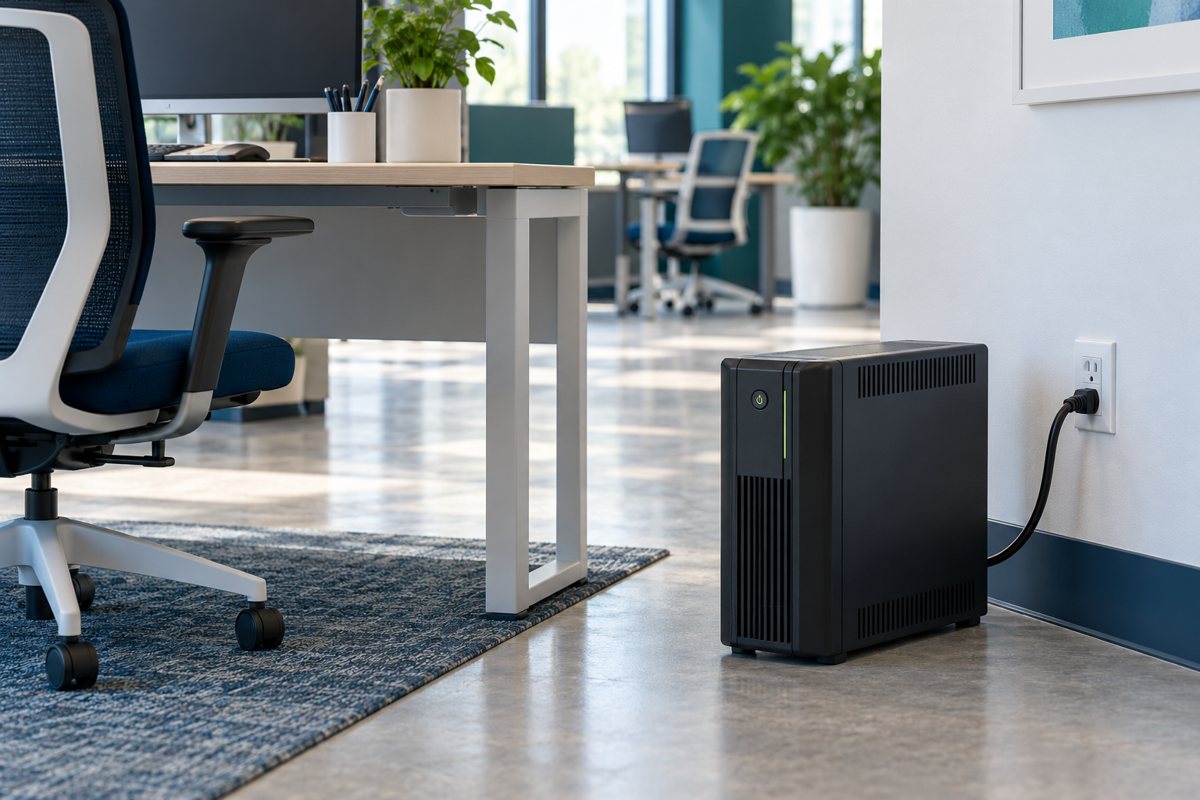
A UPS installation can look finished before the support handoff is complete. The equipment is in place, but nobody knows which outlets supply battery backup, who receives a warning, or where the correct manual is stored. An installation record should make those answers easy to find without asking staff to perform electrical work.
This checklist is intended for coordinating ordinary office IT installations. It is not permission to modify circuits, use adapters to defeat grounding, open a UPS, or work on energized equipment. Refer electrical suitability questions and installation work beyond your competence to qualified professionals.
Confirm the location before delivery
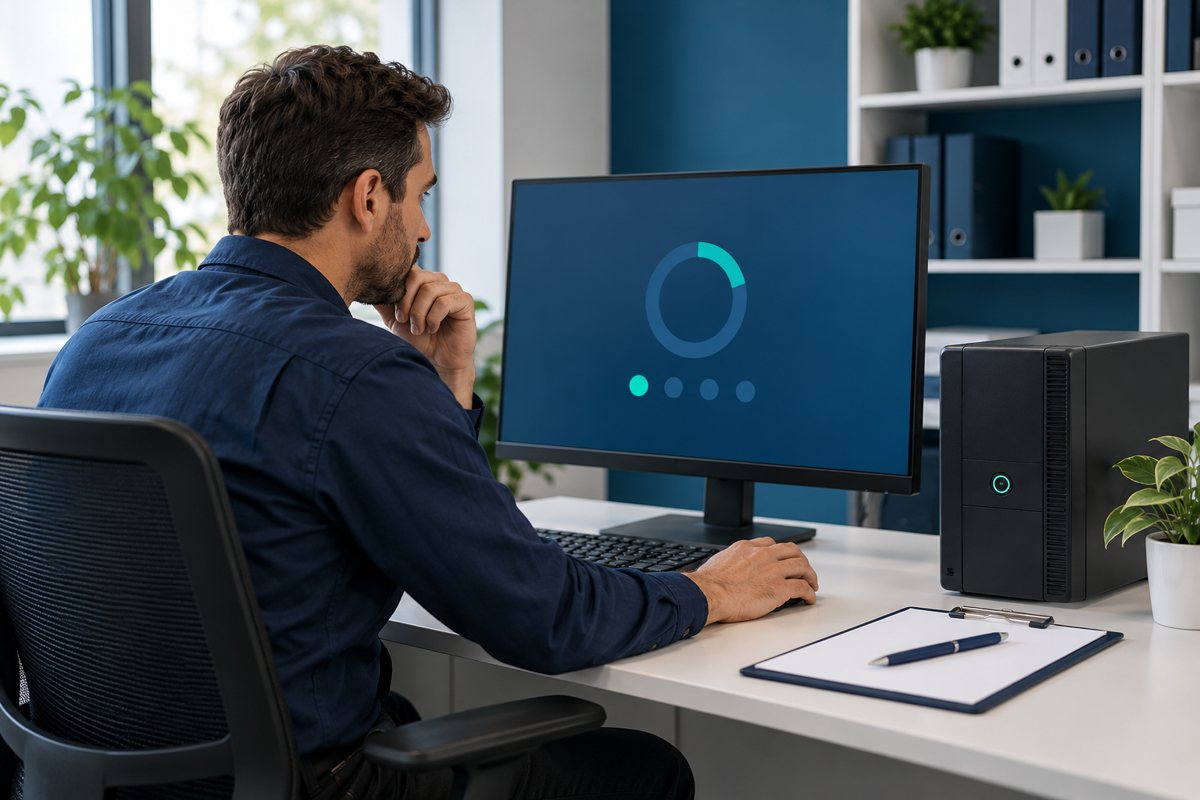
Record where the UPS will stand or mount and which equipment it is expected to supply. Ask the installer to verify the model's placement, ventilation, temperature, mounting, and access requirements against its manual. Keep the location clear of routine storage and cleaning obstacles.
Eaton's installation considerations emphasize reviewing installation requirements. A general checklist cannot replace the chosen product's instructions or an assessment of the building supply.
Consider everyday use as well as the installation moment. Can staff reach the desk without moving the unit? Can the service provider identify it without shifting heavy furniture? Will deliveries or stored boxes gradually cover the area? Give a named office contact responsibility for keeping the agreed location usable.
Give supply questions to the right person
The installer should confirm that the proposed input connection and electrical supply are suitable. If a building issue or wiring warning is discovered, record it and stop the affected work until a qualified person has assessed it. Do not label an installation complete while a safety-related question remains open.
Keep the building contact, installer, and IT contact distinct in the handoff. An IT help desk can coordinate a request without being the party authorized to alter the building's electrical installation.
Record what is connected
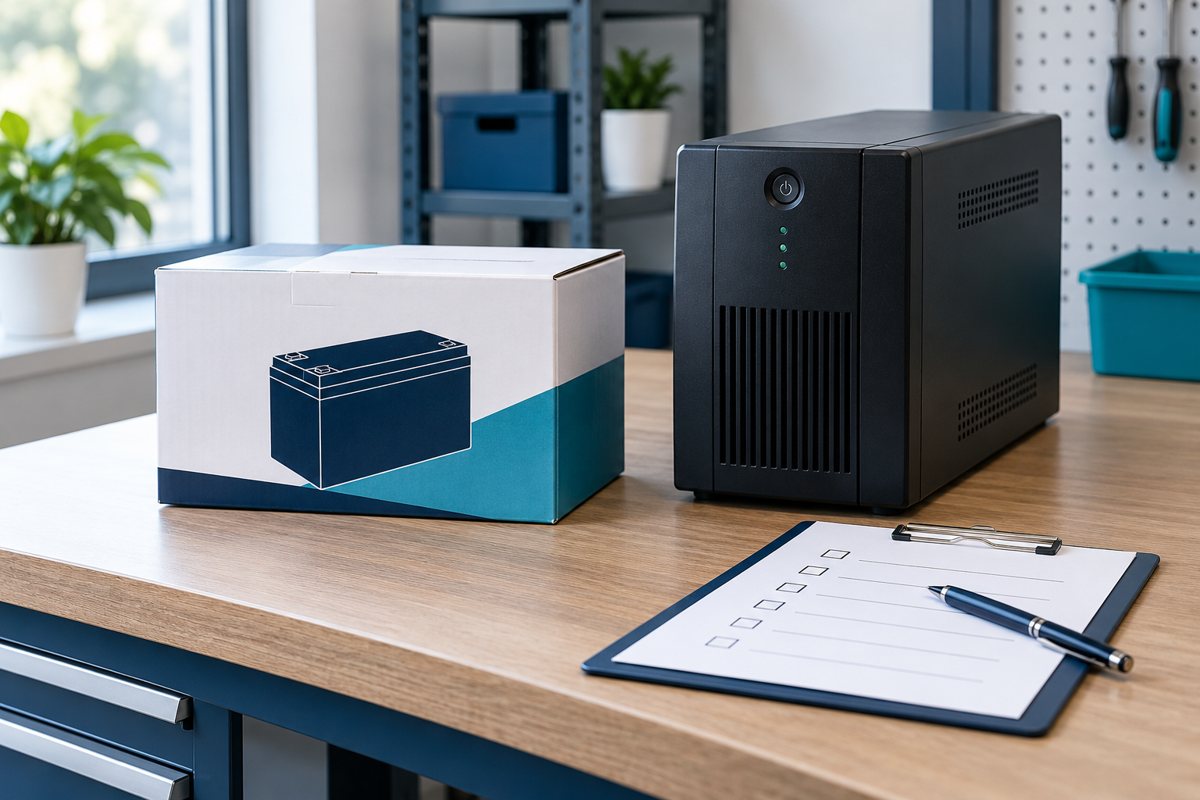
Create a simple output-to-device map. Where a UPS provides both battery-backed and surge-only outlets, identify the difference using the manufacturer's labeling and manual. Record which equipment is connected to each output rather than assuming all sockets behave the same way.
Compare the map with the approved load inventory. If an extra monitor, switch, or other device has appeared, resolve whether it belongs in the design. Spare sockets should not become an informal invitation to add equipment later.
Photographs may help document the layout, but keep them free of visible passwords and sensitive work material. Label cables and equipment in a way that remains understandable when a person unfamiliar with the office provides support.
Assign alarms and support ownership
Record who receives an alert, how they receive it, and what they should do next. Distinguish an equipment warning from a request for staff to shut down applications. Store the escalation contact and the approved operating instructions where the relevant staff can reach them.
Eaton's desktop guide notes ventilation and available management features as selection considerations. Confirm which features the installed model actually supports and which have been configured; do not assume that a feature described for a product range is active here.
Hand over evidence and open items
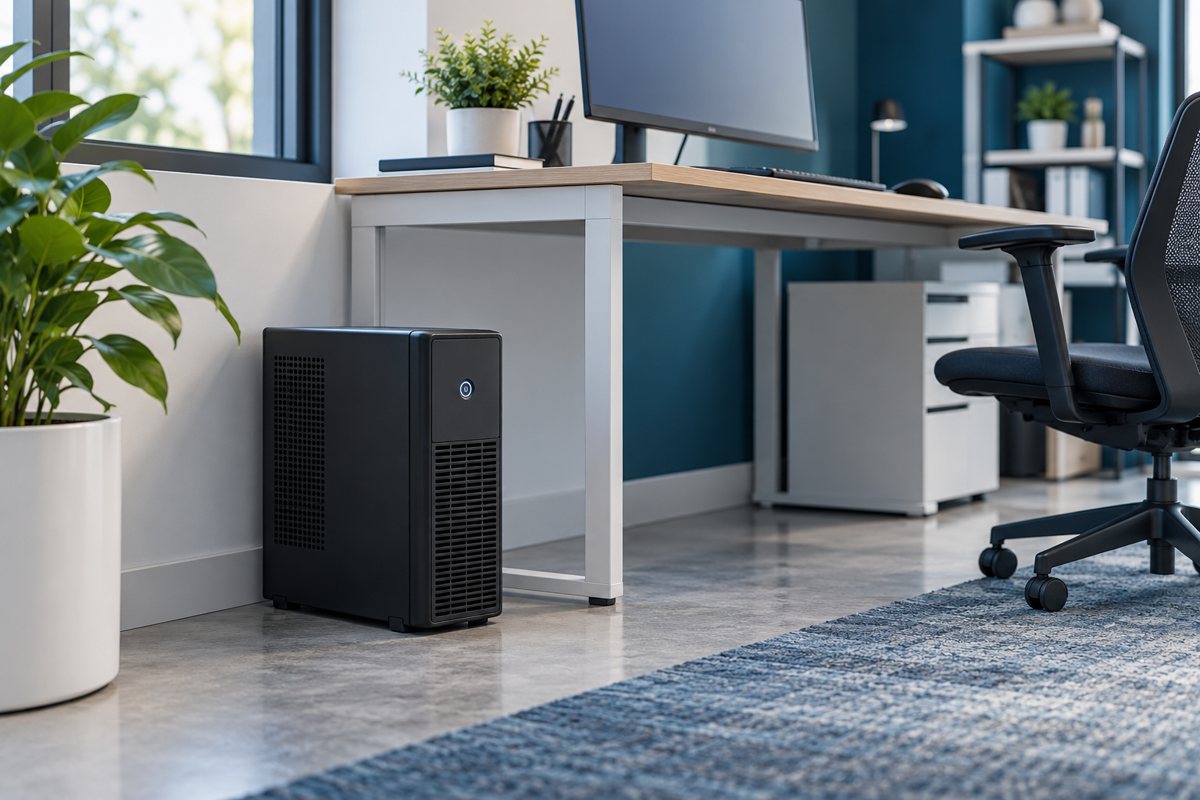
The handoff should include model and serial identification, purchase or service references, the manual, the connected-equipment map, and the planned maintenance contact. Record any unresolved items with an owner and a next step. A photograph of an illuminated display is not a complete acceptance record.
Arrange the shutdown and recovery test separately if it cannot safely happen during installation. Clearly mark the system “installed, operational verification pending” rather than implying that untested application behavior has been proven.

Installation handoff checklist
- Location and model-specific requirements reviewed by the appropriate person.
- Supply and connection questions resolved.
- Installed devices reconciled with the approved inventory.
- Alerts, instructions, and support contacts assigned.
- Acceptance tests completed or explicitly listed as pending.
- The battery service record opened for future maintenance.
Return to the office UPS continuity plan for the overall scope. Installation is one stage of that plan; a documented handoff makes later operation and maintenance less dependent on the memory of whoever first connected the equipment.
Editorial review: October 18, 2026. Verify current model-specific documentation before purchasing, installing, testing, or servicing equipment. Illustrations are conceptual and do not show a verified product configuration.