
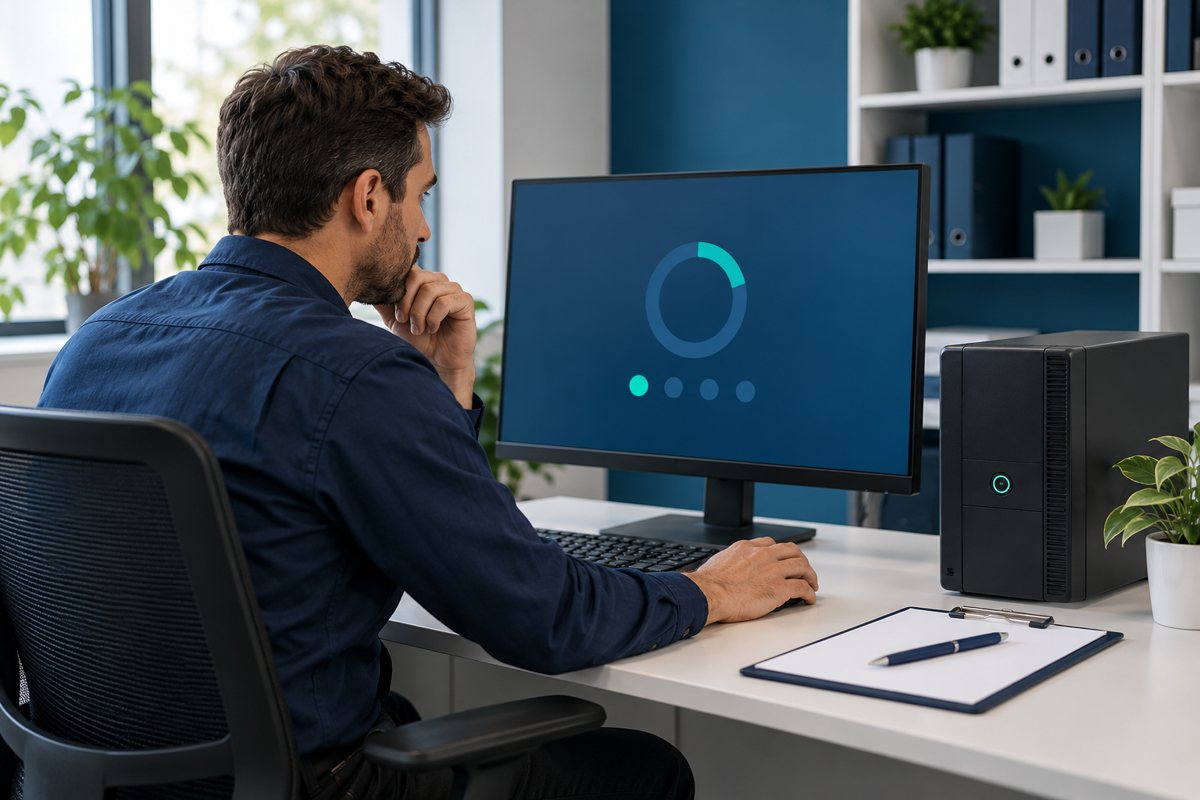
A UPS self-test and a successful business shutdown are different evidence. The first can report on an equipment diagnostic. The second must show that the intended notification, application closure, operating-system behavior, and recovery sequence work together. Test the result you need, using a controlled plan rather than an improvised power interruption.
This article is a planning framework for an authorized IT team. Follow the exact UPS and software documentation, and involve the application owner. Do not disconnect live production power, drain batteries for experimentation, or change electrical connections without a reviewed procedure and appropriate competence.
Define the acceptance evidence
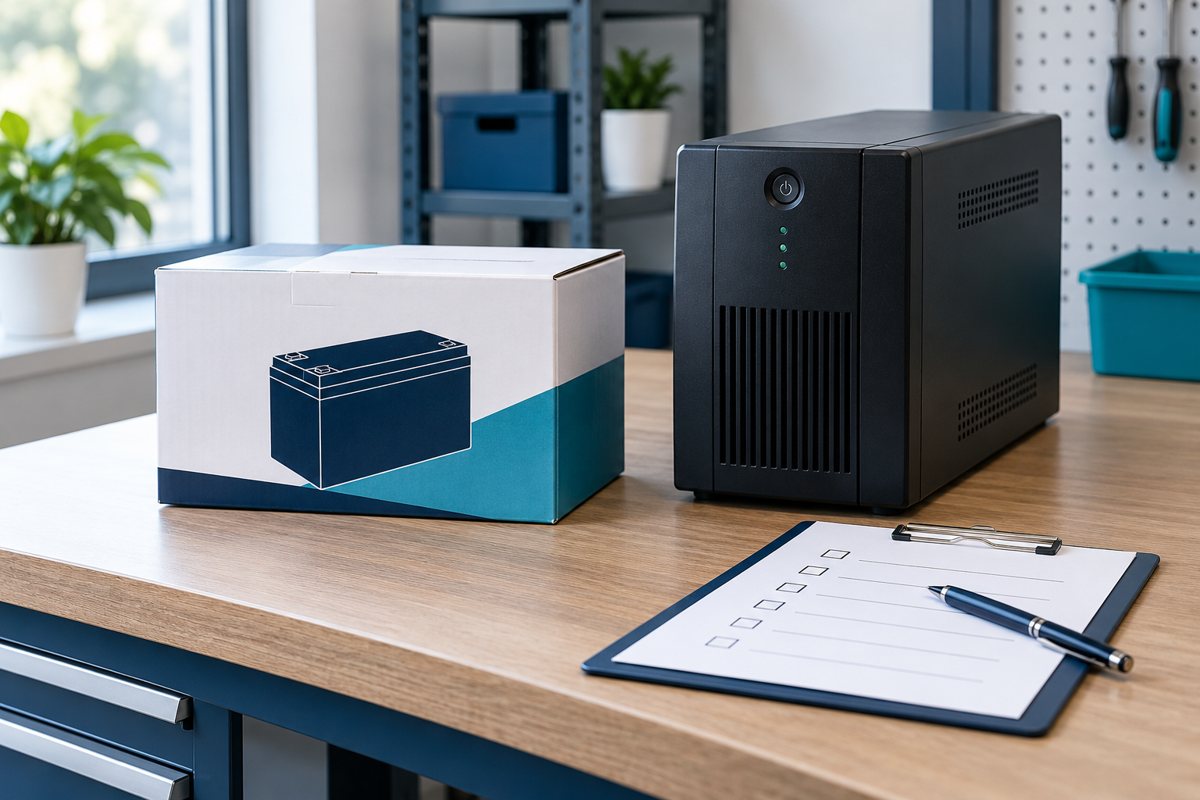
Write the expected result before testing. For a workstation, that might be an approved notification followed by an orderly closure of a test workload. For a more complex system, the application owner must identify the supported order and recovery checks. Avoid inventing a universal sequence for servers, storage, or virtual machines.
Capture the UPS model, operating system, management software version, connected devices, test scope, and responsible people. Use a non-sensitive test file or workload where possible. Keep the acceptance record clear about what was tested and what was excluded.
Distinguish diagnostics from an end-to-end test
Schneider Electric's Back-UPS self-test guidance explains that procedures vary by model and directs users to the applicable manual. Follow that documentation for equipment diagnostics; do not copy a button sequence from another model.
A passed diagnostic should be recorded as a passed diagnostic. It does not by itself prove a particular runtime, successful application saving, or safe recovery of every connected service. Keep these results in separate fields so a future reviewer cannot mistake one for another.
Verify supported communication before testing behavior
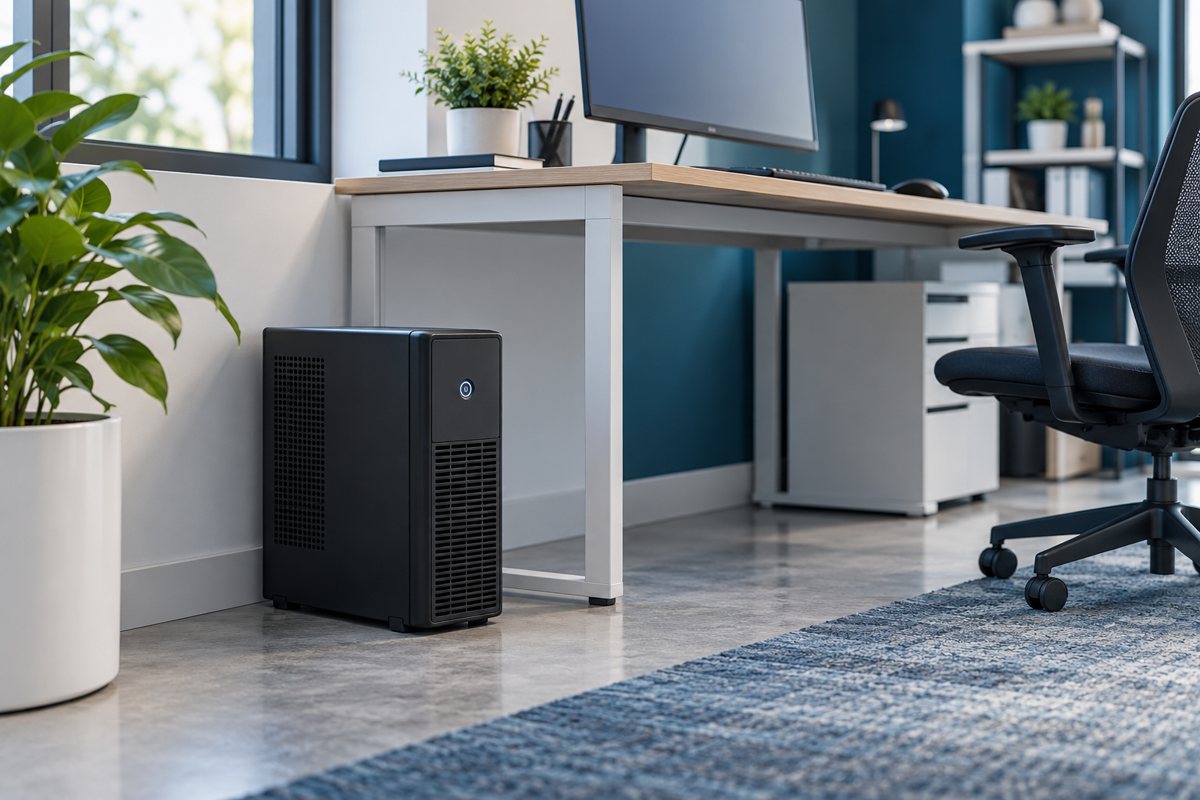
The UPS and shutdown software need a supported communication arrangement for the intended system. Schneider Electric's management software overview distinguishes serial or USB approaches from network-based options. Confirm model, operating-system, and licensing requirements in the current product documentation before installation.
Ask the technician to show that the correct UPS is recognized and that relevant events are visible. Do not assume a connected cable means the application is protected. Record who owns software updates and who reviews compatibility after an operating-system change.
Schedule a controlled maintenance window
Agree the interruption scope with the business owner. List affected users, services that must remain available, backups or recovery arrangements, and the person authorized to stop the test. Explain how the team will return to a known state if an unexpected warning or application problem appears.
A useful preparation checklist includes:
- Current equipment inventory and approved configuration
- Vendor-supported test method and application instructions
- A notified owner for each affected service
- Safe test data and a recovery plan
- Start criteria, stop criteria, and a record keeper
A tabletop rehearsal can expose missing ownership without interrupting service. Use it before a more consequential technical exercise.

Observe the complete chain
During the authorized test, record timestamps for the expected notification and each approved system action. Note deviations rather than rewriting the plan to match the result. If staff intervention is required, record exactly who intervened and why; do not describe the outcome as fully unattended.
Afterward, check application access, saved test data, relevant service status, and the monitoring connection. Confirm the UPS has returned to the expected condition according to its instructions. A successful restart of the computer does not demonstrate that every application or network dependency recovered.
Decide what the result allows you to claim
Use simple outcomes: passed within stated scope, failed with a recorded issue, or incomplete because a prerequisite was missing. Assign remediation and retesting rather than leaving an ambiguous “looks fine.” Keep the record with the installation handoff.
Final review questions
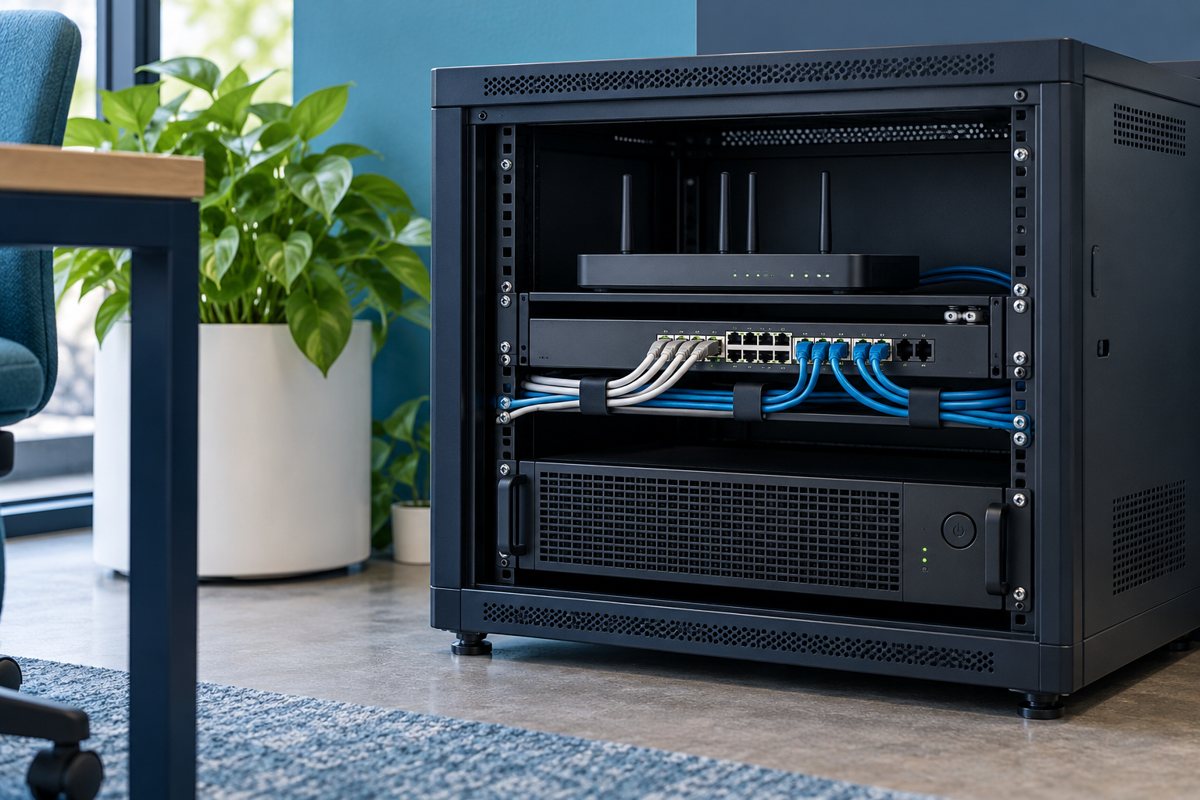
- Did the intended person or system receive the expected notification?
- Did the approved workload close as specified?
- Were unexpected dependencies or manual steps discovered?
- Did the agreed recovery checks pass?
- Are unresolved items assigned for correction and retest?
Use the office UPS continuity plan to update staff instructions and expectations. Test evidence should support a bounded operational statement, not a guarantee that every future outage will have the same duration or outcome.
Editorial review: October 18, 2026. Verify current model-specific documentation before purchasing, installing, testing, or servicing equipment. Illustrations are conceptual and do not show a verified product configuration.