
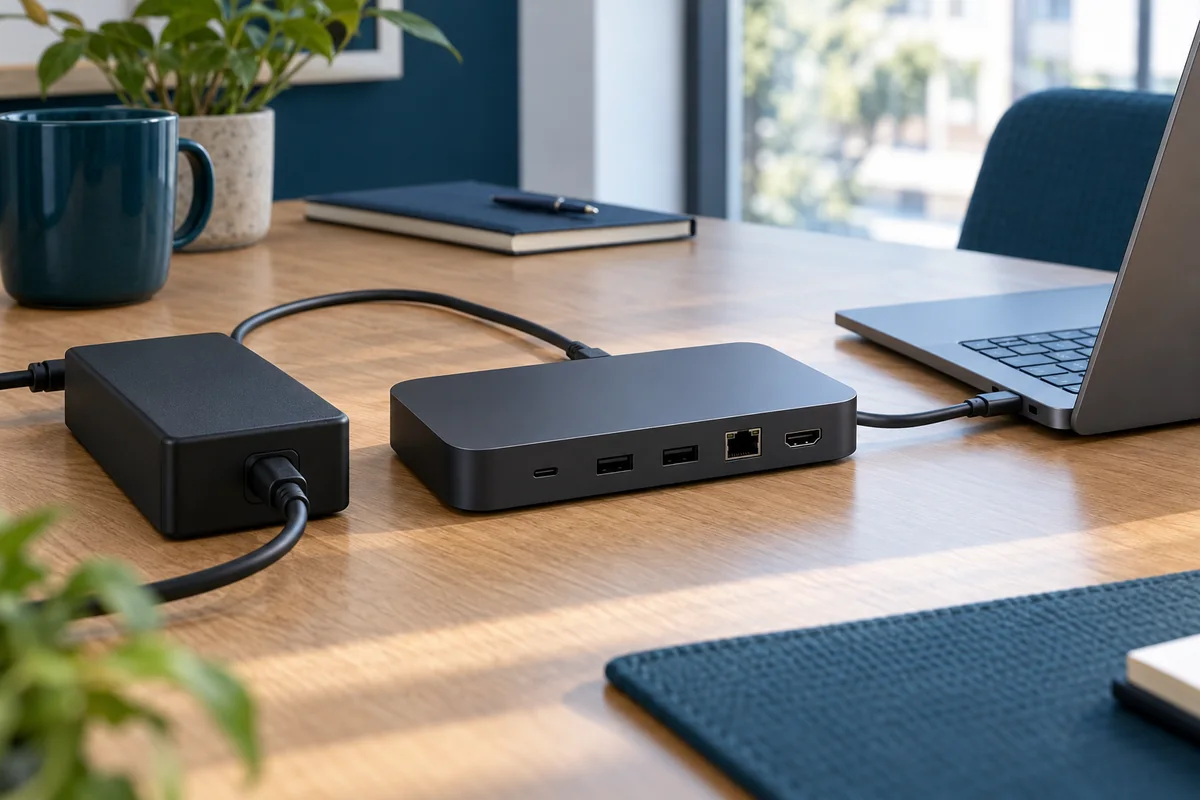
A laptop can show a charging symbol and still be unsuitable for a full working day on a particular dock. The office acceptance question is whether the approved combination supports the intended workload under the manufacturer's requirements, not whether a plug fits or a light comes on.
This power review is one part of the office docking-station plan. It does not size an office electrical circuit or authorize electrical repairs. Facilities and qualified specialists should handle damaged outlets, installation concerns or other building-power issues.
Record three different pieces of information
Start with the laptop's documented charging requirements, the dock's documented power delivery to a compatible host, and the exact adapter supplied with the dock. Do not substitute the adapter's headline rating for the amount the dock makes available to the laptop. Keep those fields separate in the record.
Also identify the host cable and intended charging-capable laptop port. If documentation is unclear, ask the manufacturer or supplier to confirm the proposed combination in writing. Avoid choosing a substitute adapter based only on connector shape or a larger number on its label.
Microsoft's charging guidance identifies compatibility, inadequate power, the selected port and cable requirements as possible causes of slow charging or discharge while connected. Treat a warning as evidence to investigate, not a message to hide for the rollout.
Define a realistic observation session
Use the approved business workload rather than an artificial stress test. Record the laptop model, battery level at the start, connected peripherals, normal applications and the duration chosen for the trial. Choose a session long enough to include the work the desk is expected to support; there is no universal pass duration in this checklist.
Ask the technician to interpret the result in context. Battery-management settings can affect when charging starts or stops. A flat battery percentage near a configured limit may mean something different from a battery falling steadily during normal work. Record observations without declaring a battery defective from one reading.
Useful observations
- Any slow-charger, unsupported-adapter or power notification
- Starting and ending battery state during the agreed task
- Whether the laptop behaves differently on its approved original charger
- Whether attached devices disconnect during the same session
- Whether the result repeats on the same documented configuration

Keep a safe stopping rule
Do not continue an acceptance test if equipment is damaged, emits an unusual smell or shows another concerning physical condition. Follow the manufacturer's safety instructions and the organization's reporting process. Do not open a power supply, modify a connector or improvise an electrical workaround.
If normal working power cannot be confirmed, preserve an approved fallback. That might be the laptop's normal charger alongside a tested data/display connection, if supported by the manufacturer. Clearly label the desk as requiring that arrangement instead of presenting it as a one-cable standard.
Separate a configuration limit from a faulty unit
A problem affecting one unit may need a different investigation from a problem affecting every laptop of a particular model. Have support compare only approved components, changing one variable at a time. Record the original configuration before substitutions so the test remains understandable.
For example, a fictional desk might pass its display test but show a charging warning on one supported laptop type. The result should say display passed and power unresolved for that type. Do not average the two outcomes into an overall pass. Revisit the display compatibility record only if the evidence suggests that part also changed.

Write the result as an operating condition
A useful result identifies the host model, dock, adapter, cable, tested workload and observed behavior. If the accepted arrangement requires a separate charger, include that requirement in both the support inventory and employee-facing desk instruction. Keep a reference to the manufacturer's answer for unresolved specifications.
Assign a review trigger for replacement hardware. A new laptop configuration, different power adapter or changed cable can invalidate an earlier result. The cable and spare-parts guide helps keep these changes visible instead of treating every accessory as interchangeable.
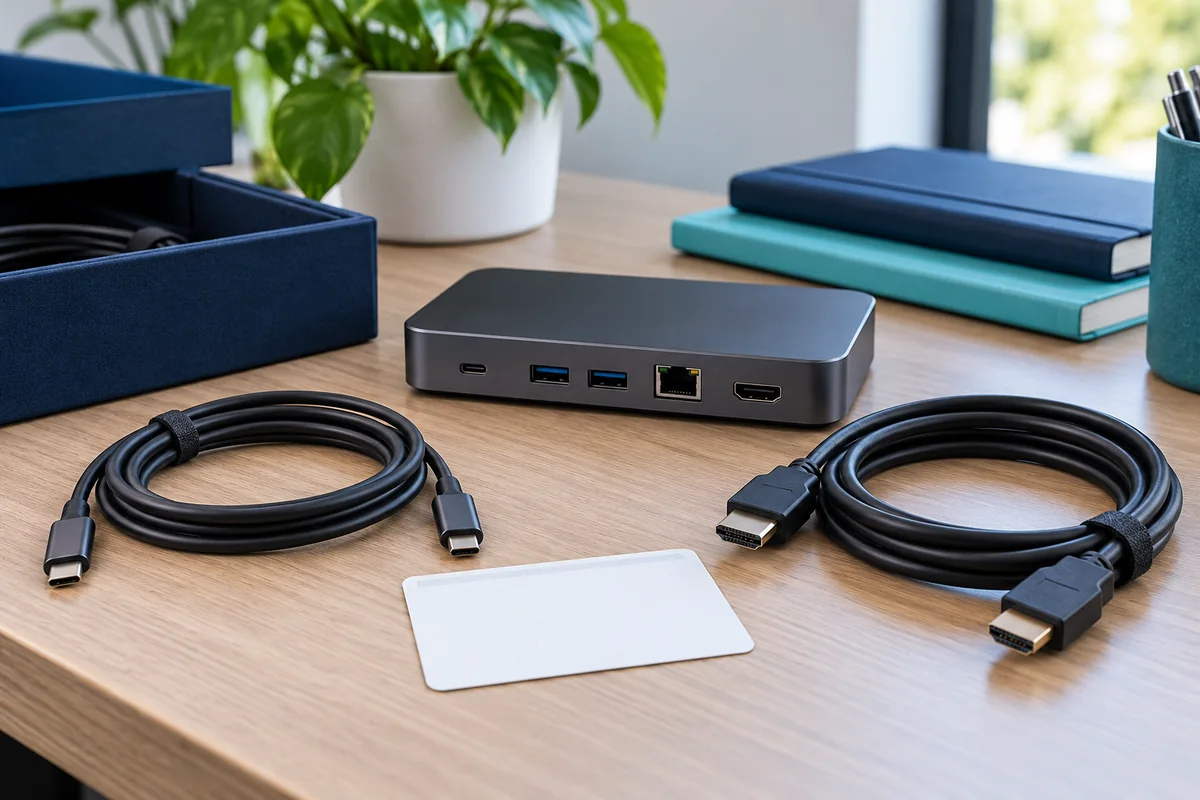
Power acceptance checklist
- The proposed equipment matches documented manufacturer requirements.
- Laptop delivery and adapter ratings are recorded separately.
- The intended work session has an observed, interpretable result.
- Warnings and unexplained behavior are resolved or remain explicit holds.
- The user instruction matches the actual approved charging arrangement.
Take that result into the office pilot. Power approval is one workstream; it does not establish that the monitors, network or audio devices also work as required.
Editorial review: October 21, 2026. Check current manufacturer documentation for your exact equipment. The operational checklists are proposed planning aids, not a certification or compatibility guarantee.